Hi @molly
I think I have a solution that works re: grouping shading objects. If you have a chance and would like to try it out, you can download the updated HBPH installer here: - - Link - - and then re-run the installer. Once you reboot Rhino, it should work now.
I added a group-by-display-name to the shade faces, so any shade face will get grouped together with any other face that has the same honeybee display_name. This means that by default, you should see Brep faces get grouped together (ie: on a tree or neighbor building or something like that):
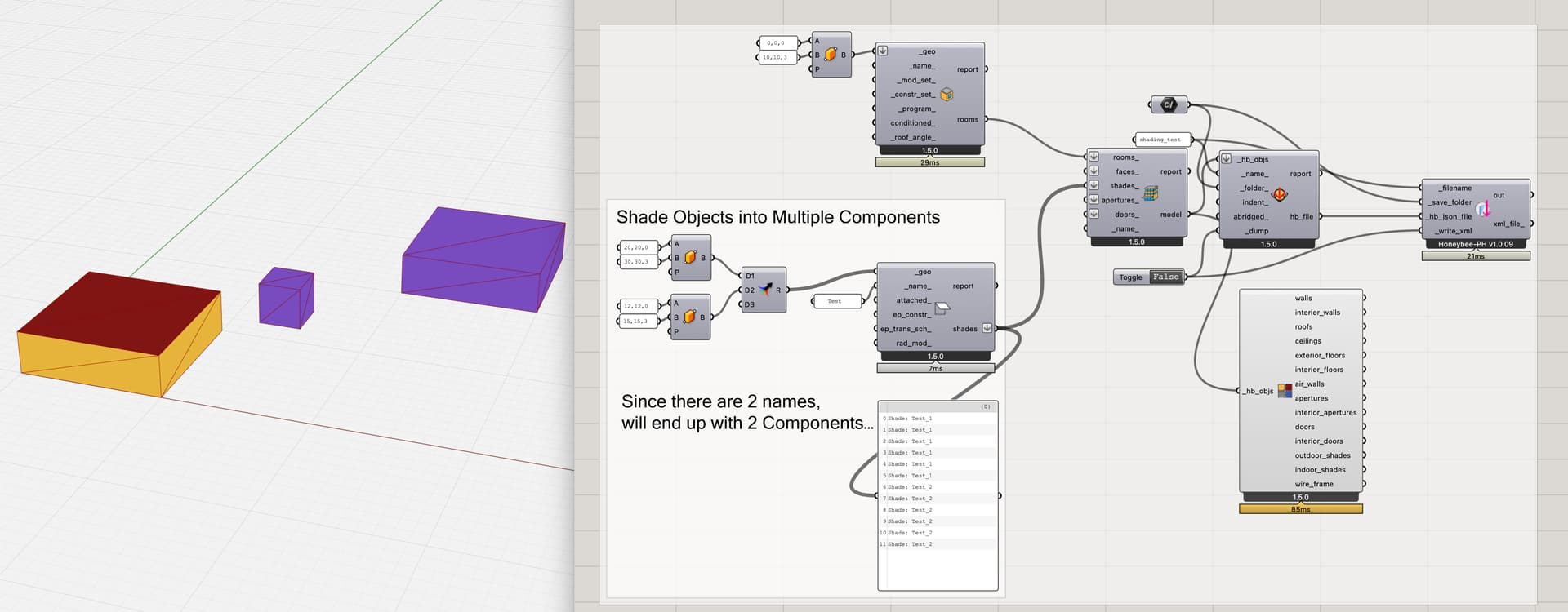
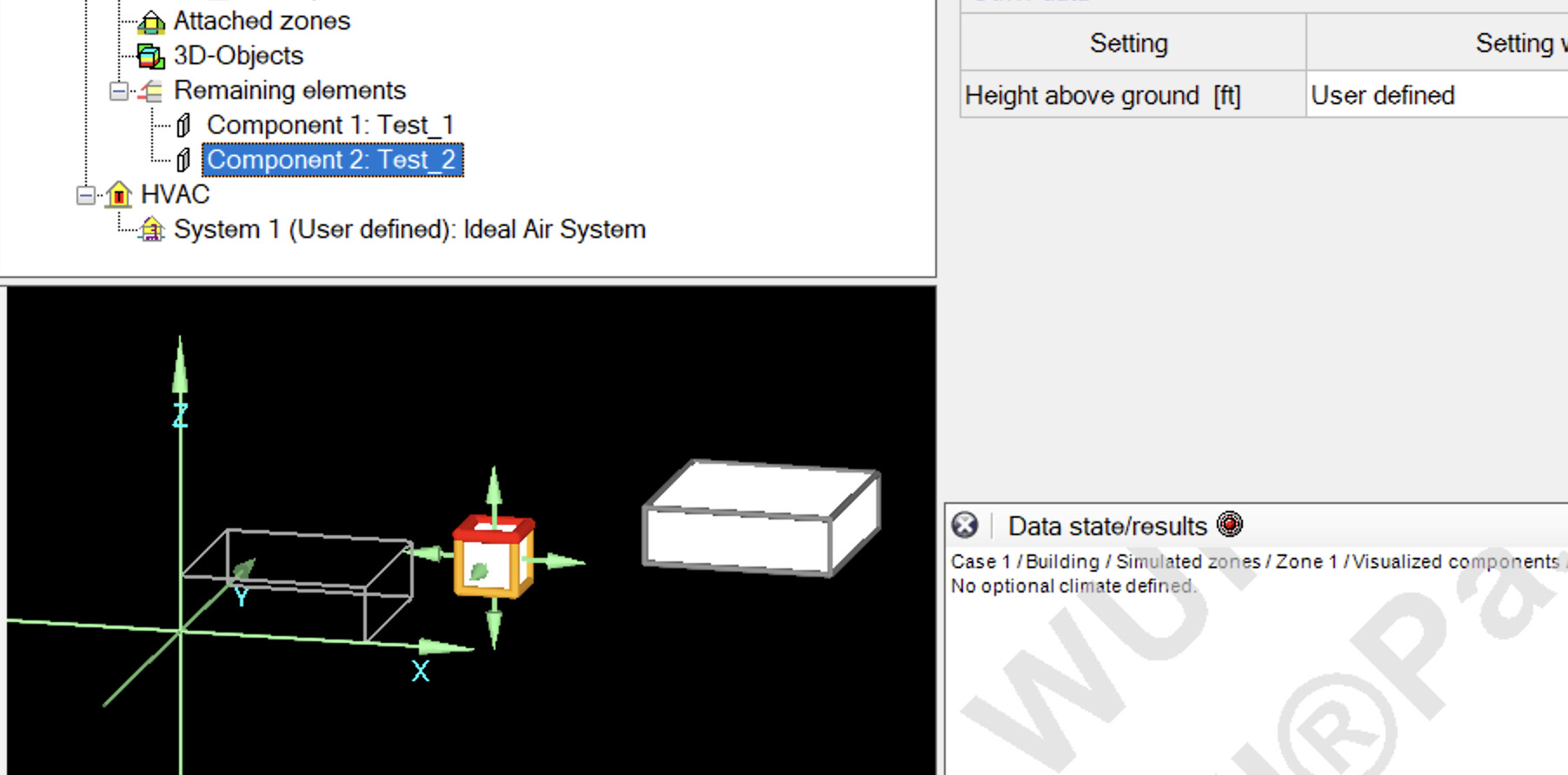
But: if you prefer to have all the shades lumped into a single WUFI-Passive component instead, you just need to do just a little funny-business in HB to make sure that all the shape faces have the same display-name. If you use a DeconstructBrep, flatten, graft, and then set the name on the HB-Shade component, that seems to work:
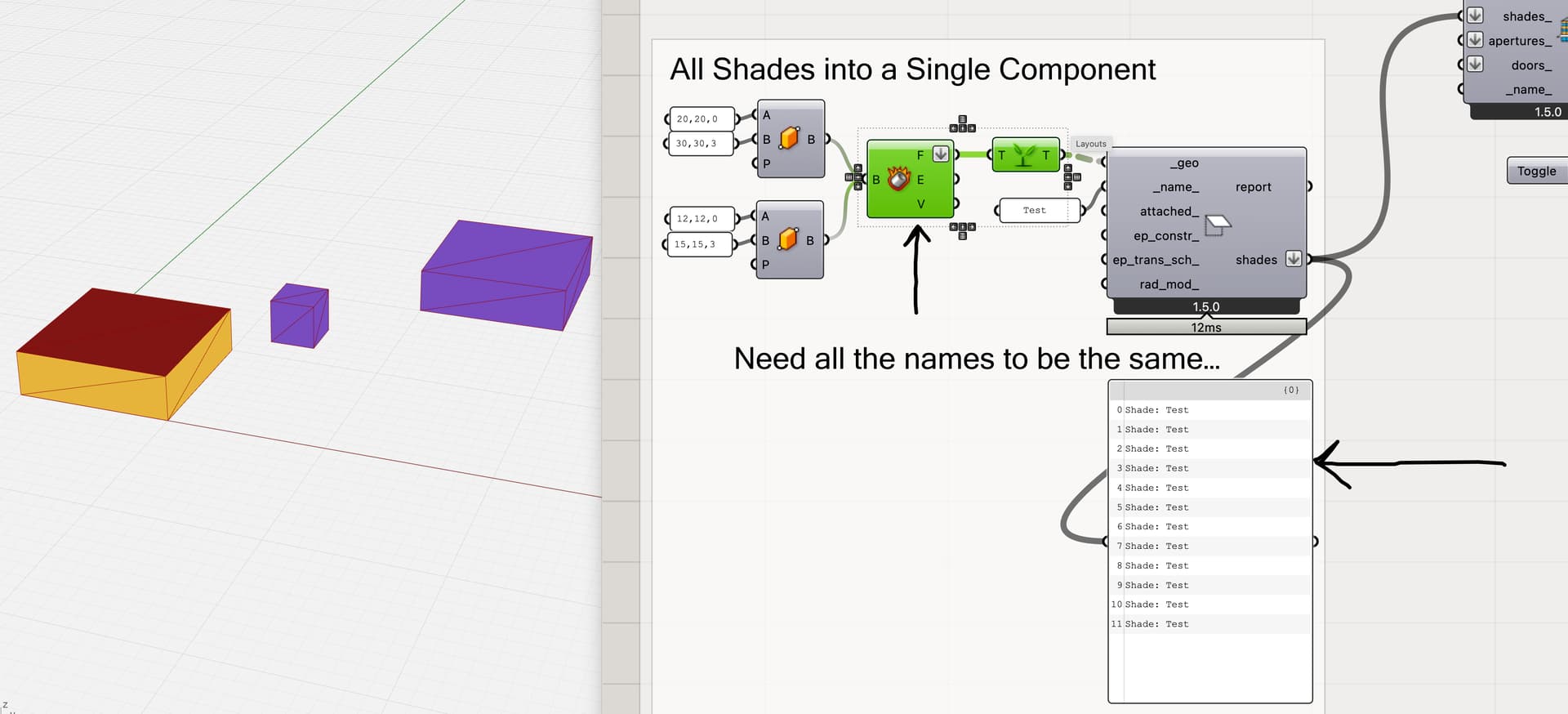
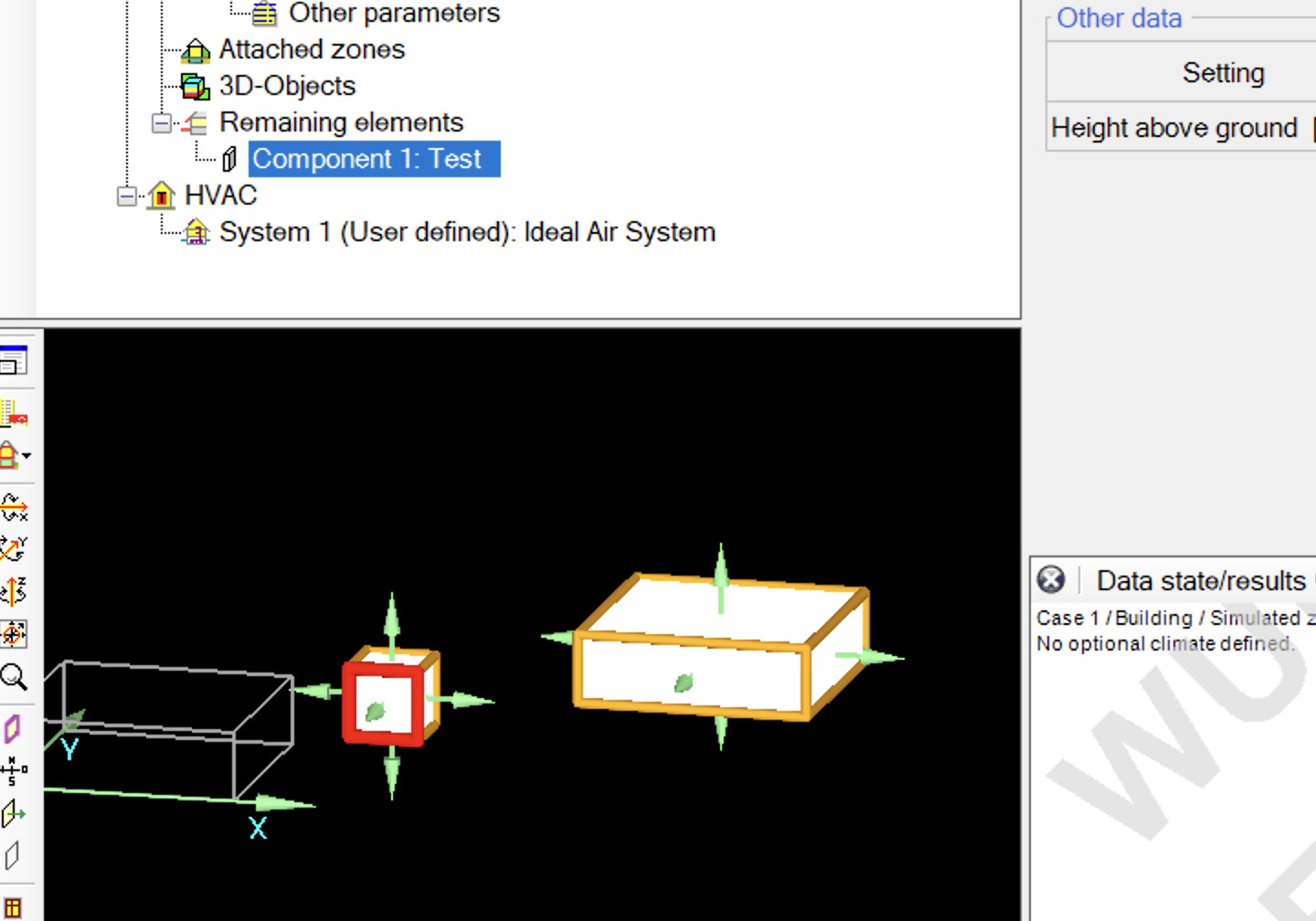
I’ve attached an example file here with the two scenarios. Let me know if this seems to solve your use-case though, or if you have any issues with the updated installer?
shading_test.gh (50.6 KB)
best
@edpmay