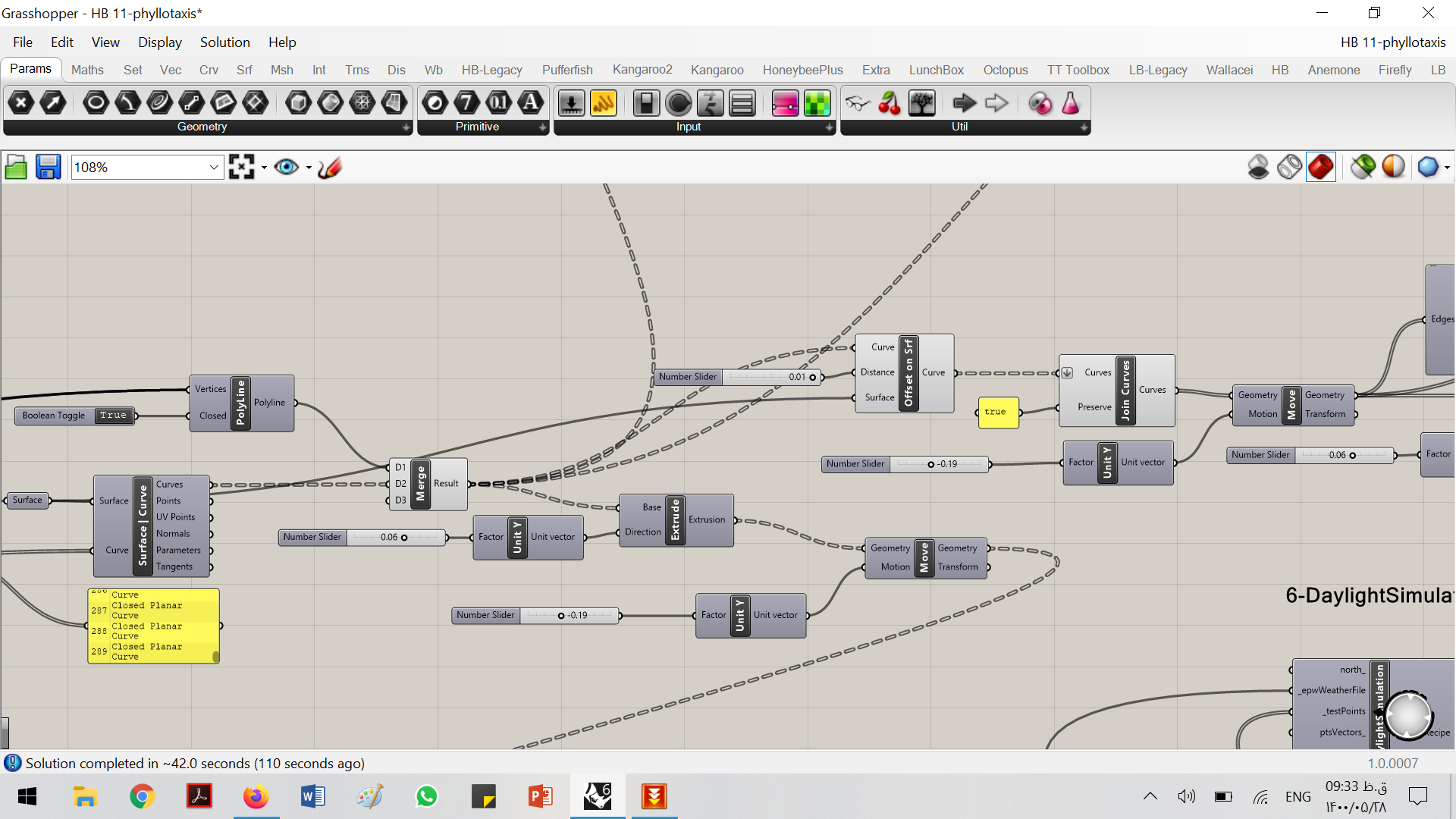
Hello. I have this error after running the simulation. I think it is because of my shading geometry. I will be thankful if anybody helps me
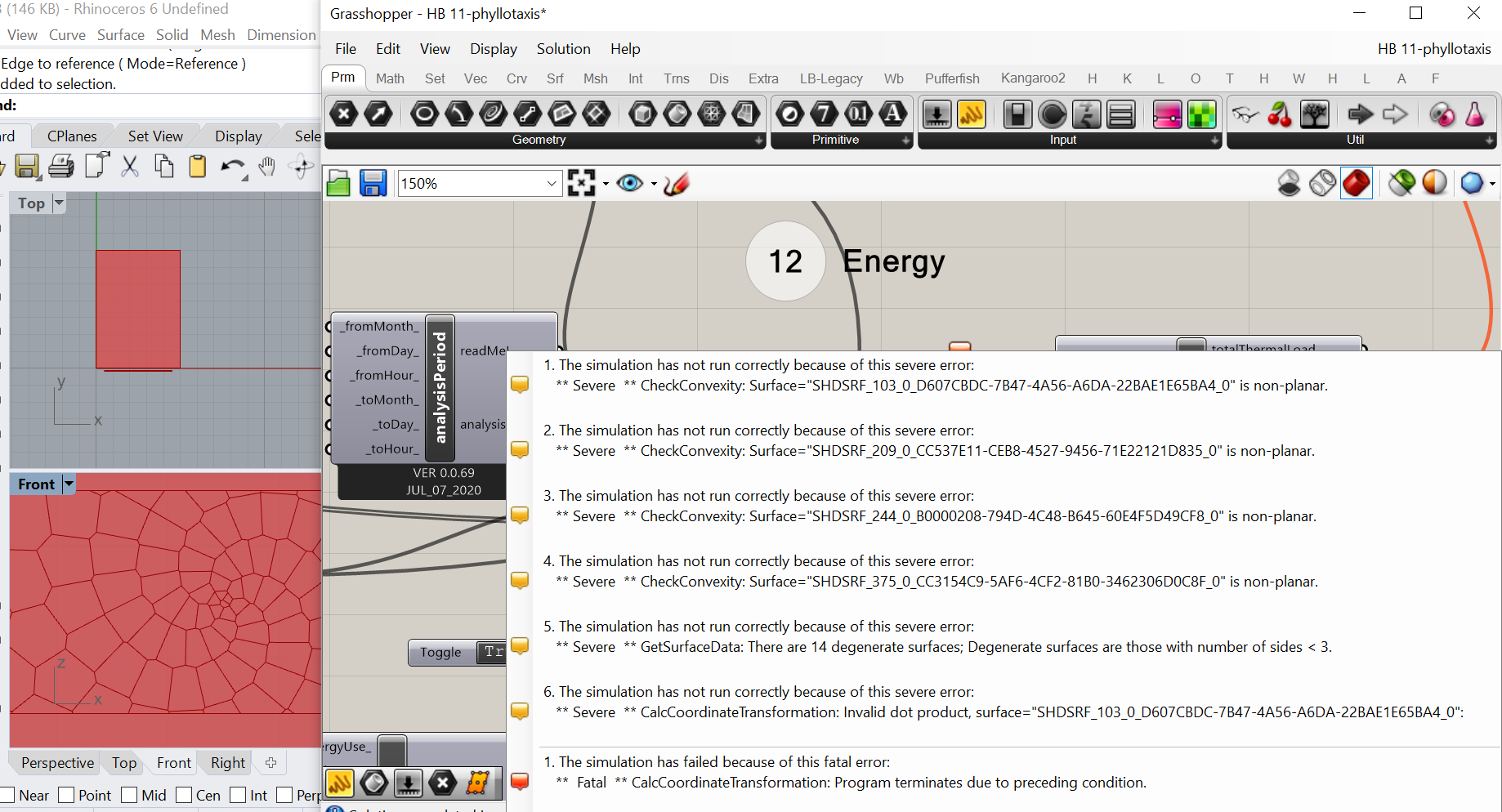
Is the problem for being the curve(shading)? I don’t know how to fix it.
You have a non-planar honeybee surface and EnergyPlus does not work with non-planar geometry. If you want to keep using the legacy plugin, I recommend planarizing your geometry before simulating. Or you could upgrade to the LBT plugin were the auto-planarization routines are a bit more robust and you can preview your simulation geometry as it exists within EnergyPlus.
thank you for your response. I think I have to work on its algorithm, I have a problem when I offset it to turn to srf correctly.
@simsim I faced a similar problem in my energy simulation today. “Move” instead of “offset” worked for me.
@MARKMARK I need to offset my pattern to make a srf for my pattern. how a move can help me?