Hi @chris hope your doing well
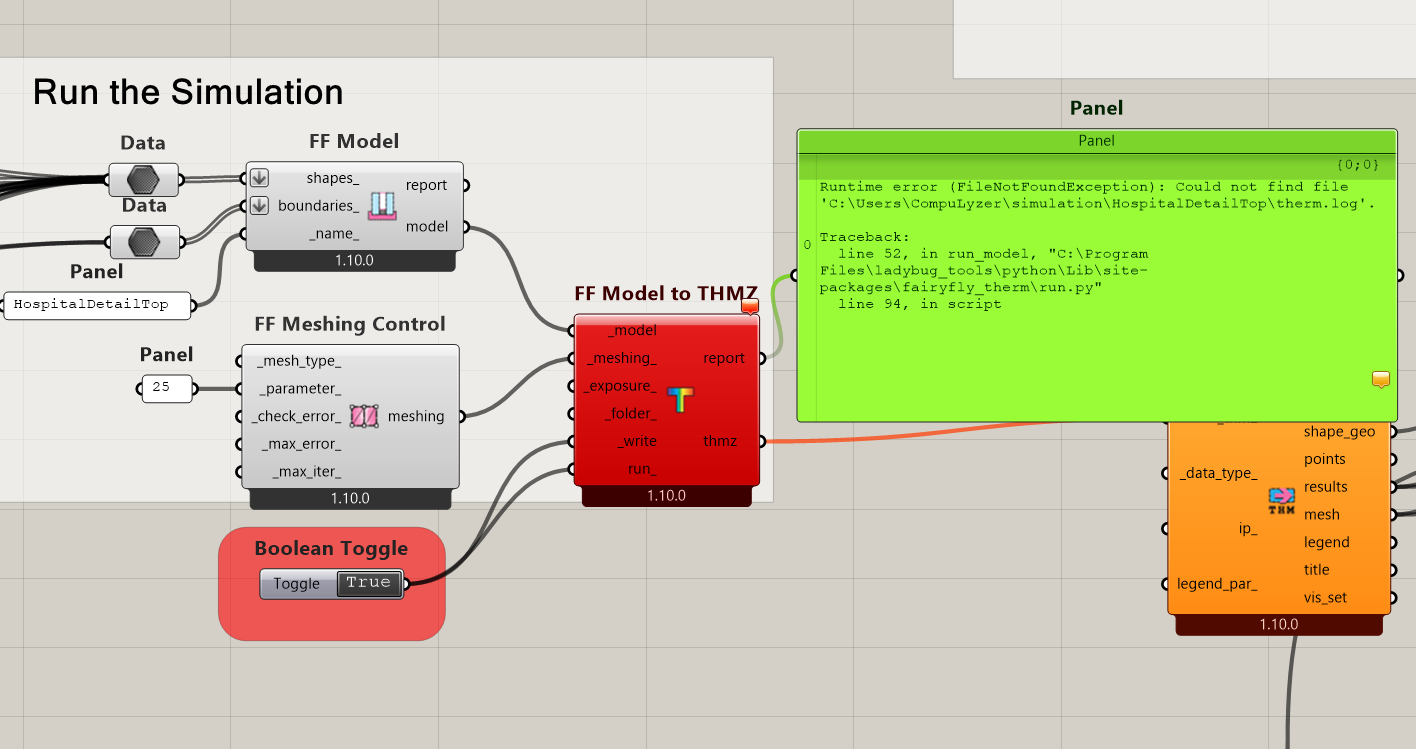
I have installed all the libraries to run THERM. Do you know what this error is for?
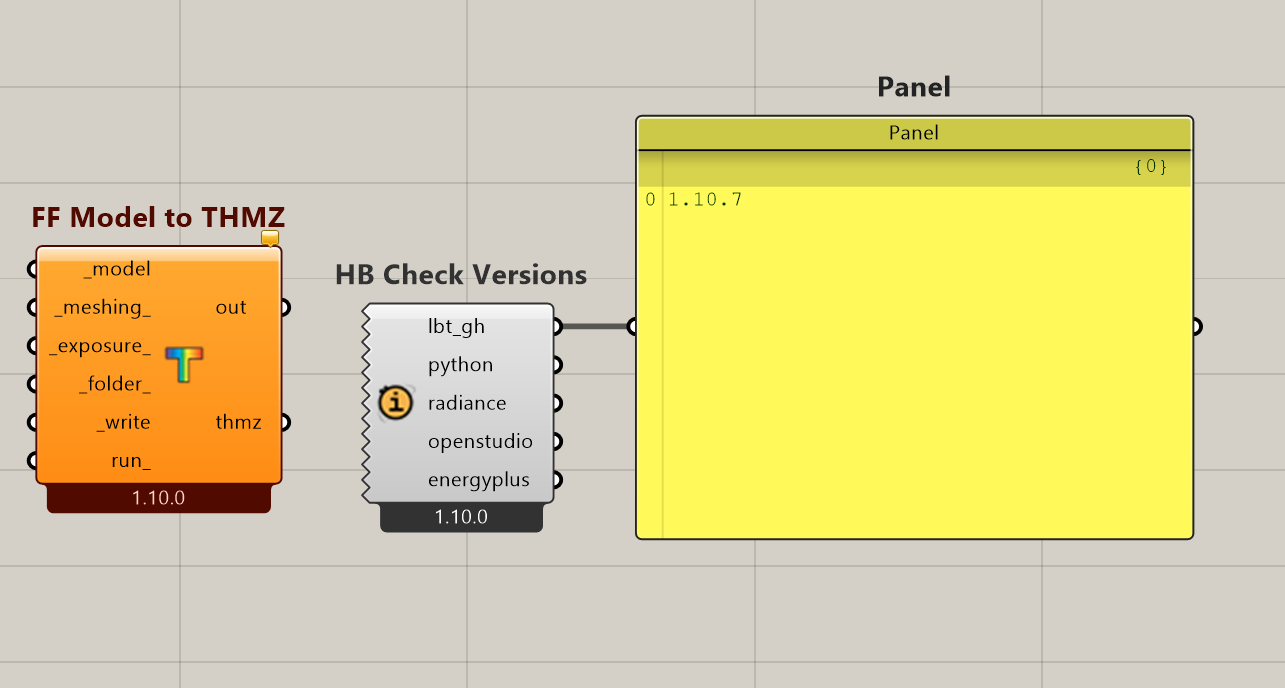
Solution exception:A valid THERM installation was found at “C:/Program Files (x86)/lbnl/THERM8.1”
but it does not have the required redistributable packages.
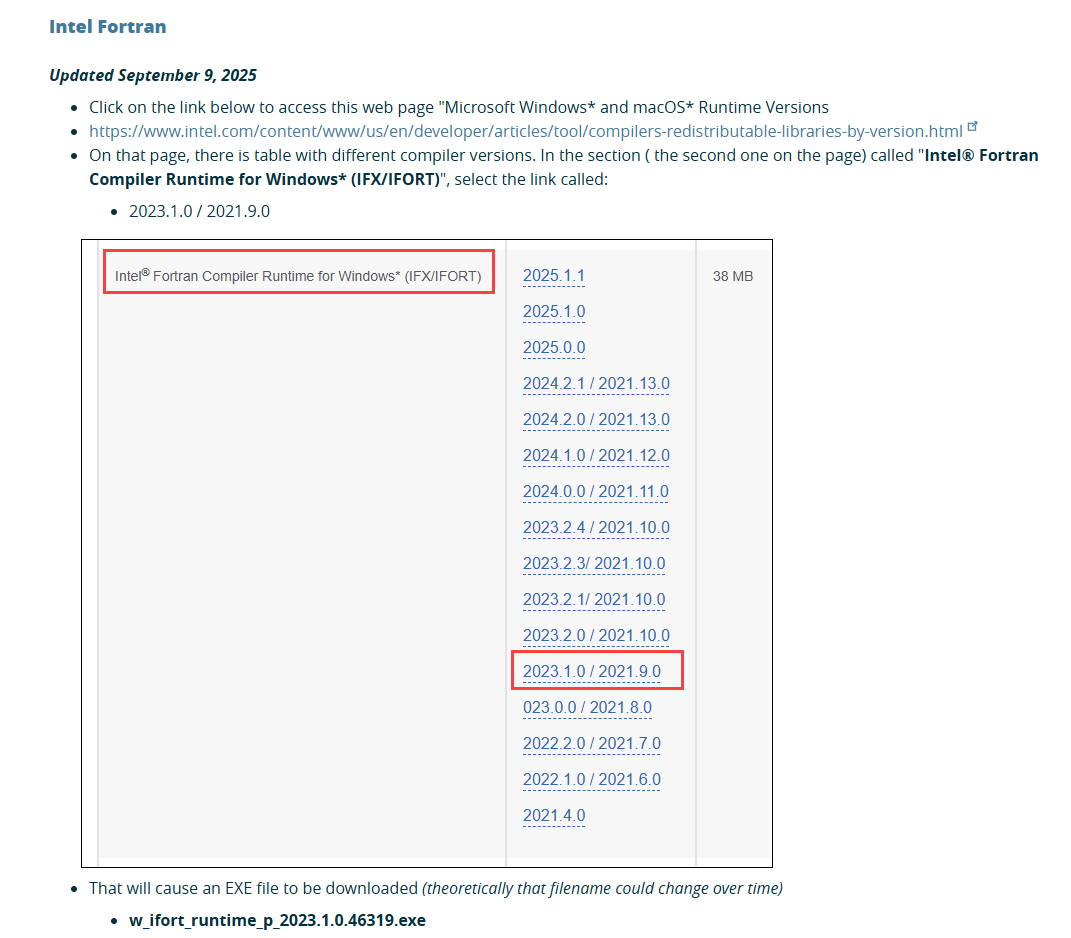
To install these packages, follow the instructions at: https://windows.lbl.gov/redistributable-packages
I am using the latest version 1.10 and I also updated it again with LB versioner to make sure. But the error still persists.
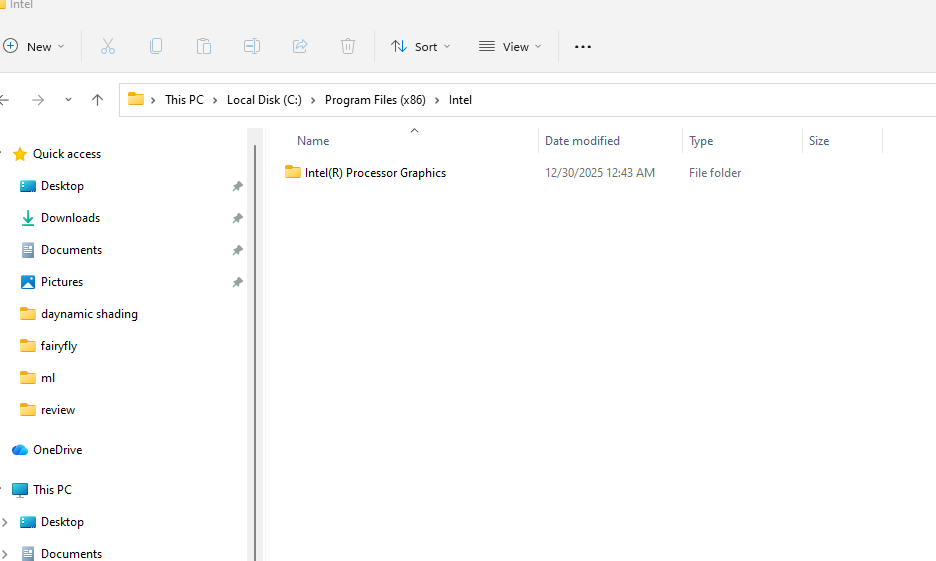
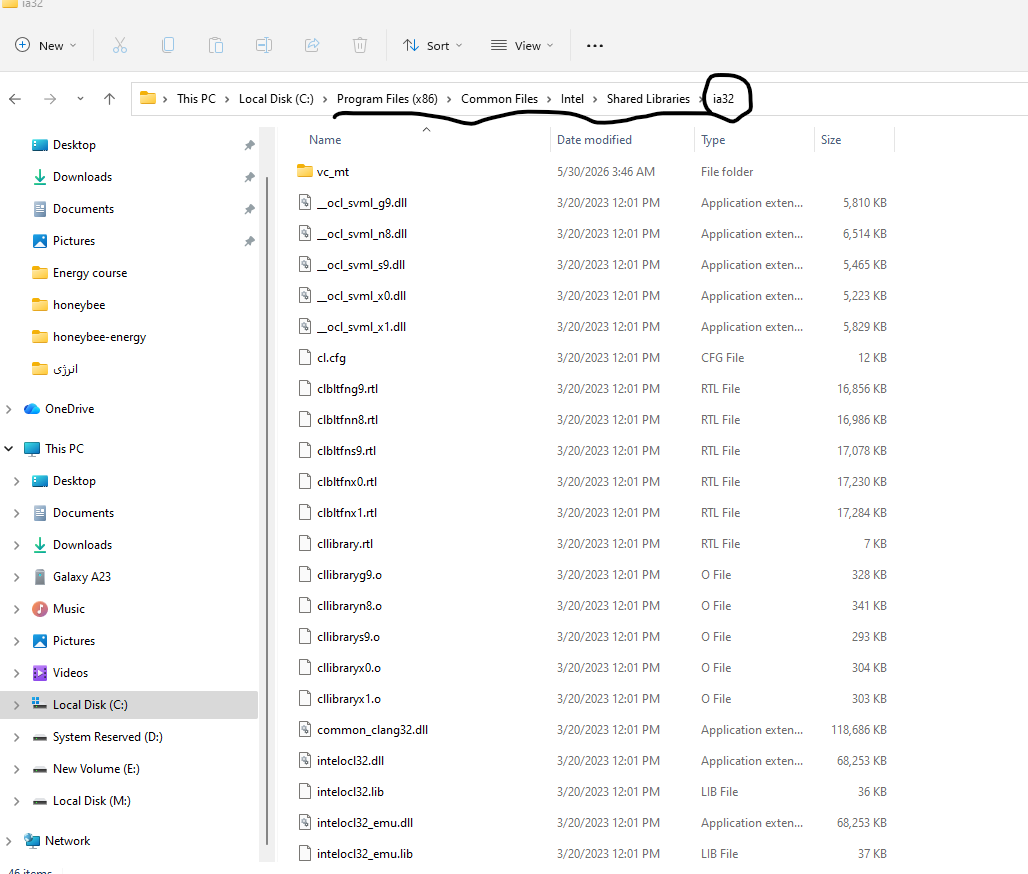
Well I checked the folder you mentioned and in fact the things that are missing i.e. Shared Libraries and ia32 were not there. Is the problem with the Therm installation files? Well I downloaded them exactly as instructed.
Thanks, @Aliarch. I would need to see the following folder to know if you have the redistributable libraries installed correctly:
C:/Program Files (x86)/Common Files/Intel
If there is no “Shared Libraries” folder in that location, then I’m not sure how to update the check for redistributable libraries.
However, we can probably figure it out if you are able to run the following .gh file where I disabled the check for the redistributable libraries by commenting out this line of code inside the component: run_therm_without_check.gh (94.1 KB)
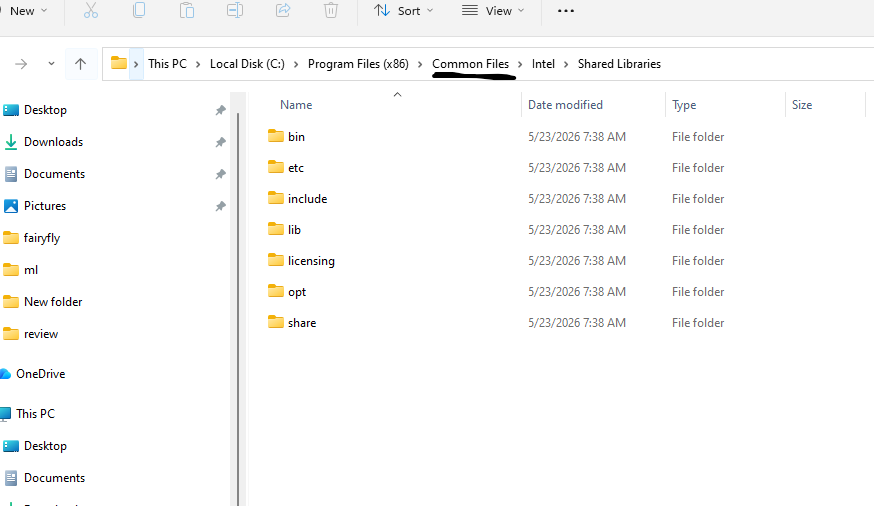
@chris i checked it out C:/Program Files (x86)/Common Files/Intel and there were not any the redistributable libraries. however i posted its figure on the previous post. probably you did not see it.
i tried to to run the Gh file and the comment is as follow :
If you are unable to get the component to run in the .gh file that I uploaded, then it seems likely that THERM is not able to find any of the redistributable libraries. If you are also unable to open the THERM application, then this is almost certainly the issue.
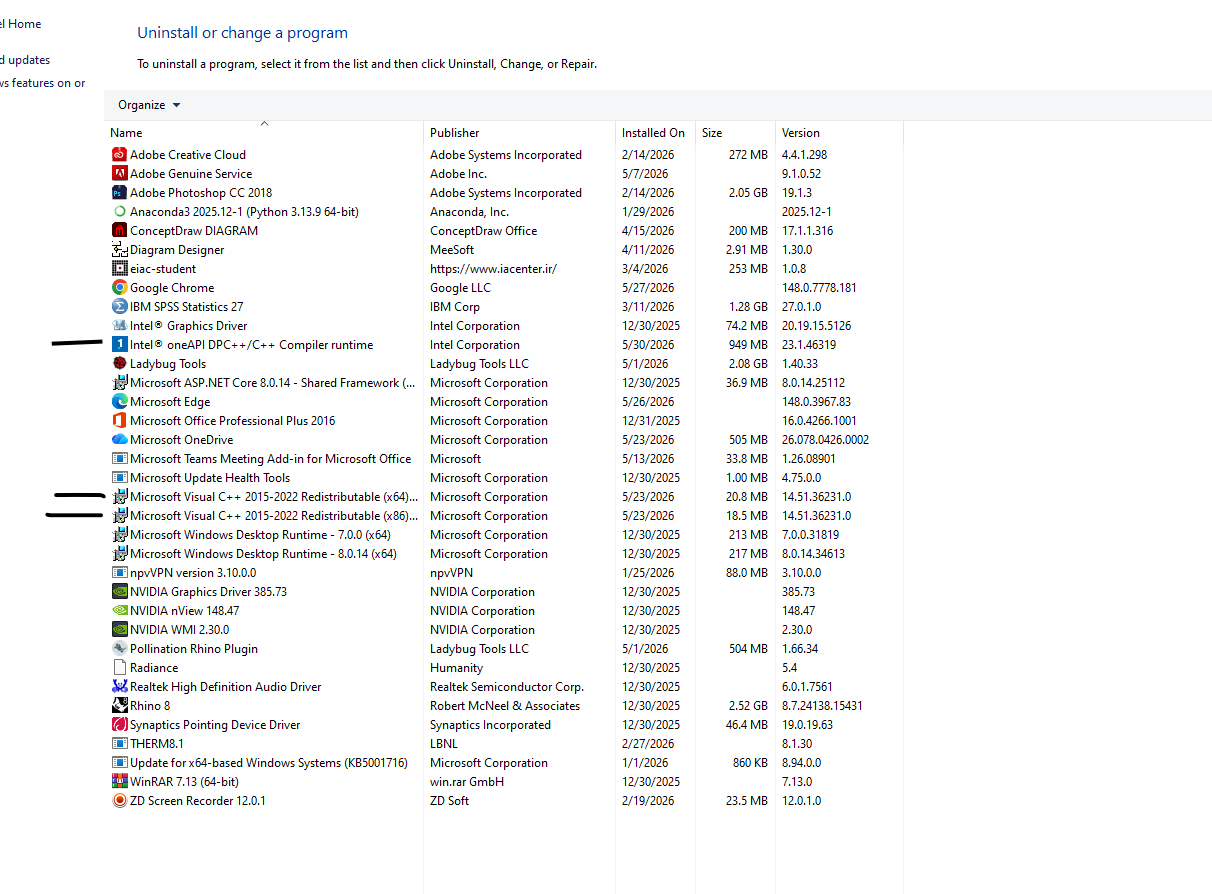
I know that you showed me the screenshot with the redistributable libraries installed at the top of this post so I know that you have tried to install them. Are you sure that you went through all of the steps on this page on the LBNL website?
For completeness, I should also ask - this is a PC with an Intel processor, correct? And you aren’t running Windows on a Mac through a virtual machine?
thanks @chris . my machine is a Laptop with an Intel processor CORE 7.
based on the troubleshooting comments, i realized the Shared libraries has different location causing Window 11. C:\Program Files (x86)\Common Files\Intel\Shared Libraries. but as you can see, ia32 file is not there.
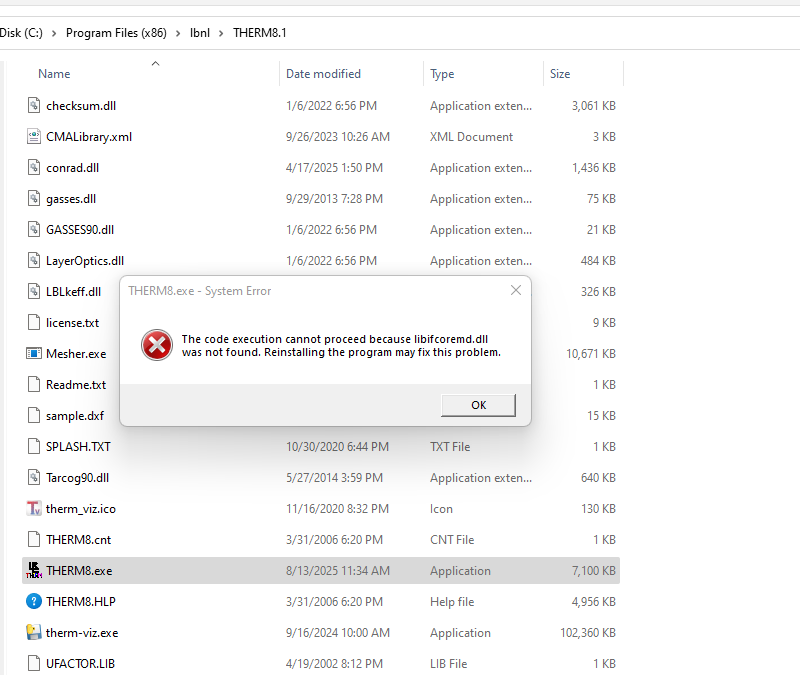
and i can not run THERM application and the error is as follow : and as you saw at my first post , i have installed Microsoft Visual C++ Redistributable libraries X86.
It’s pretty clear that you don’t have all of the redistributable packages installed. I know that you installed the C++ redistributable but did you also Intel Fortran per the instructions on the LBNL page that we have been linking to?
I reinstalled the libraries and also Fortran as instructed. But still there is an error. it seems this a different error since the cmd window is raised a moment and after that disappears
Alright, well that is progress. It’s clear that the original issue that you faced was because you only installed the C++ redistributable libraries and not the FORTRAN ones. Now the initial issue is resolved.
But it would seem that problem is that THERM is still not able to run on your system. If you try to open the THERM application on your computer, this may provide us with a more detailed message.
If you are able to open the THERM application without issues, I would try setting _write to True on the “Model to THMZ” component without having run_ set to True. That will give you a THMZ file that you can open in the application and then you can try running it from the app. In that process, we should find out why THERM is not running correctly on your system.
i reinstalled THERM 8.1 but error is existed. It seems that the THERM does not open on my machine. Although I asked the GPT chat, he said that you can download this file (libifcoremd.dll) manually and import it. Of course, I do not know where exactly?
thanks @chris , finally i figured out that redistributable libraries had been installed by tow versions i.e. X86 AND X64. i removed X64 and THERM is opened correctly. many thanks to your supports.