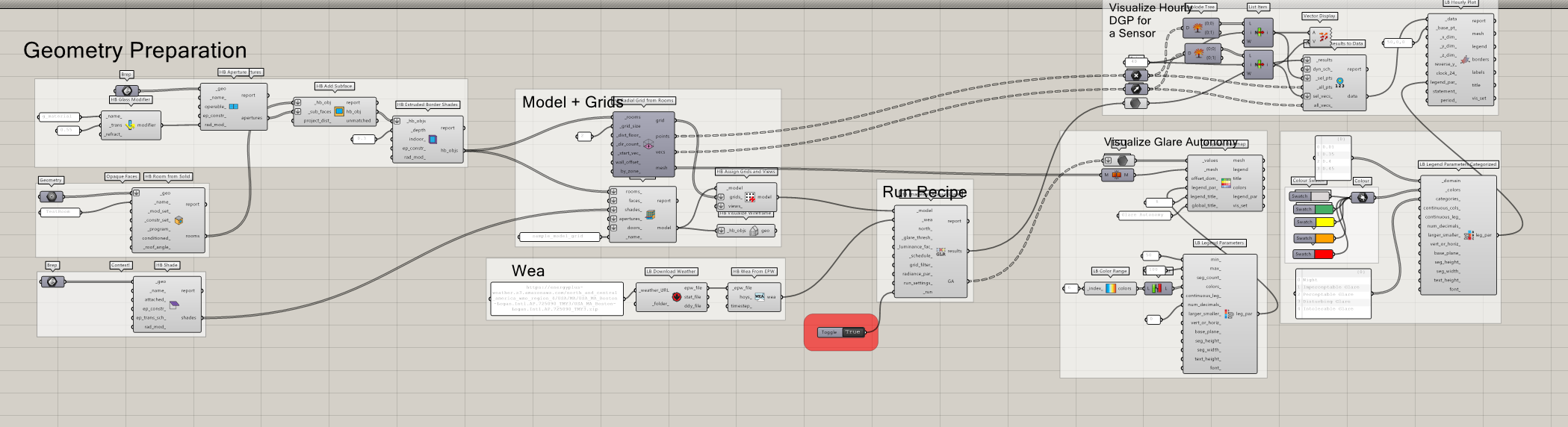
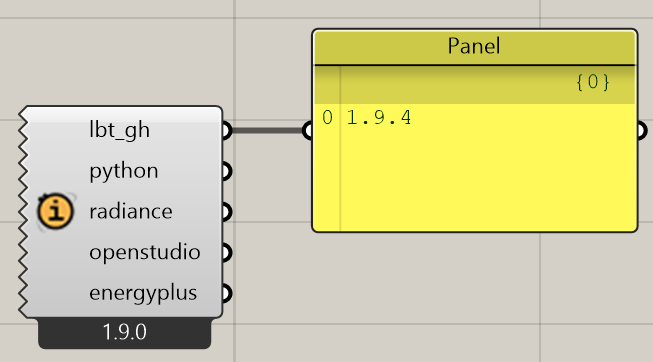
The annual glare file from the link below has errors when running (out the box):
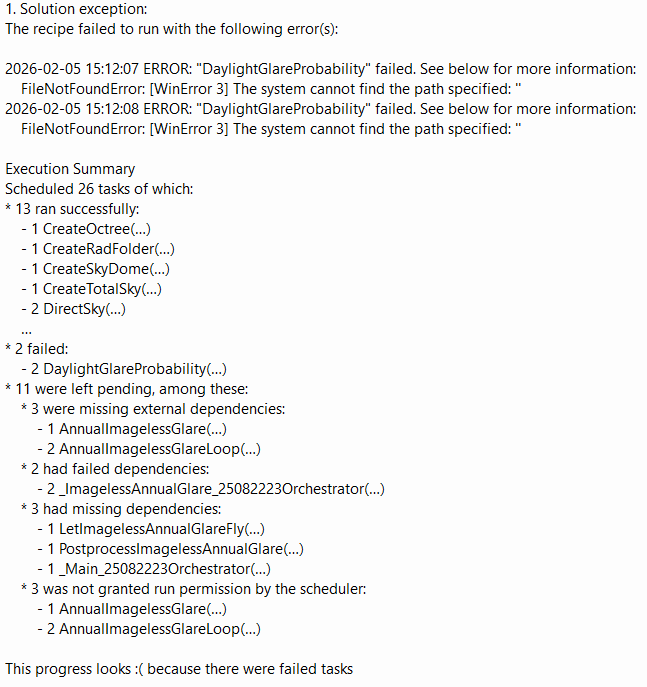
The error message reads:
Solution exception:
The recipe failed to run with the following error(s):
2026-02-05 15:12:07 ERROR: “DaylightGlareProbability” failed. See below for more information:
FileNotFoundError: [WinError 3] The system cannot find the path specified: ‘’
2026-02-05 15:12:08 ERROR: “DaylightGlareProbability” failed. See below for more information:
FileNotFoundError: [WinError 3] The system cannot find the path specified: ‘’
Execution Summary
Scheduled 26 tasks of which:
13 ran successfully:
1 CreateOctree(…)
1 CreateRadFolder(…)
1 CreateSkyDome(…)
1 CreateTotalSky(…)
2 DirectSky(…)
…
2 failed:
2 DaylightGlareProbability(…)
11 were left pending, among these:
3 were missing external dependencies:
1 AnnualImagelessGlare(…)
2 AnnualImagelessGlareLoop(…)
2 had failed dependencies:
2 _ImagelessAnnualGlare_25082223Orchestrator(…)
3 had missing dependencies:
1 LetImagelessAnnualGlareFly(…)
1 PostprocessImagelessAnnualGlare(…)
1 _Main_25082223Orchestrator(…)
3 was not granted run permission by the scheduler:
1 AnnualImagelessGlare(…)
2 AnnualImagelessGlareLoop(…)
This progress looks because there were failed tasks
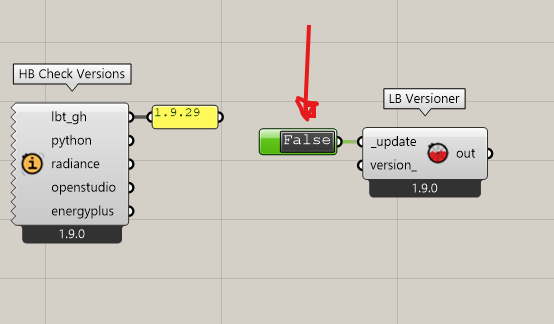
Unfortunately running versioner didn’t work. I had the latest versions of LB but ran the versioner anyway and restarted rhino, but the same error comes up.
Note, the refer yo made to the similar issue has a different warning message, so I don’t think it’s the same issue. Do you think it could be a clash between LBTs and windows where it says ‘WinError’ or is this a window in the example file model?
It’s really strange this files runs for you but not for me considering I can run all the other LBTs example files for daylight and energy. It’s the only LBT example file I couldn’t run out of about 15 other example files. I also didn’t change anything and just ran it as it was. If it was a version issue wouldn’t we expect there to be an issue with some of the other daylight and energy example files which work perfectly fine out the box?
I have Pollination too - could that be causing a clash with this specific example file (but again why is it just this one that doesn’t work?)
Could you take a look at the error message and identify what the issue is given it doesn’t seem to be a version issue?
It seems there’s a file path issue, but I’m not sure what it’s trying to find/locate. There doesn’t seem to be a file associated with any components in the gb file so i’m wondering if there’s a particular software file needed for this specific glare file, eg. the GLR, which explains why it’s the only example file I can’t run?
Didn’t work unfortunately but thanks for trying to help. See my reply to Mikkel.
It’s really odd it’s the only example files out of many I’ve tried for many LBT daylighting and energy files which doesn’t work. I haven’t changed anything in the file so it’s odd it works fine for you with the same version.
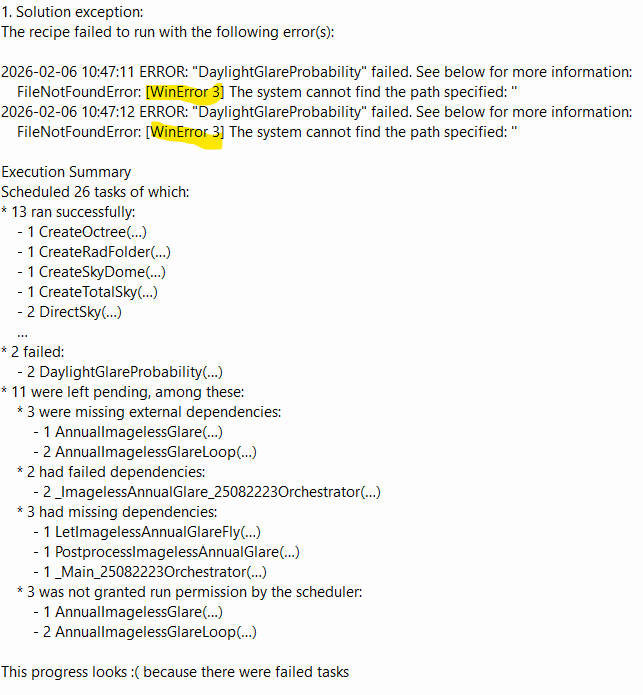
Does the error message mean anything to you - I assume it’s highlighting what the issue is but I don’t understand the coding language very well?
 because there were failed tasks