Hi @edpmay! Hope you are well.
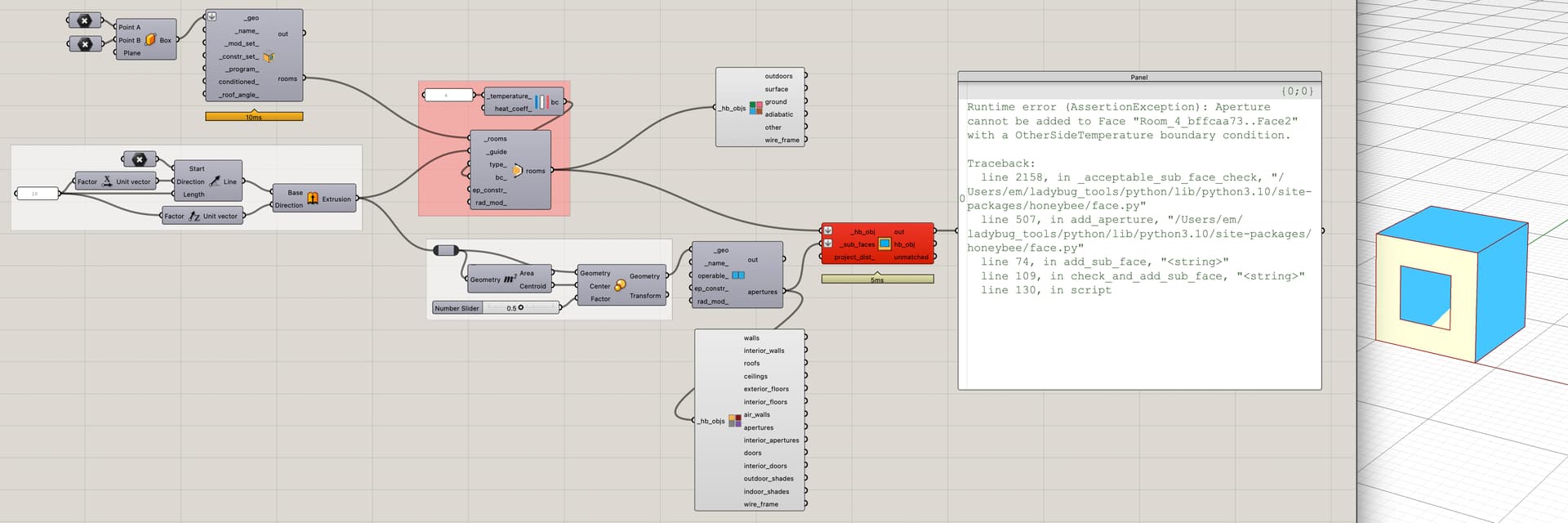
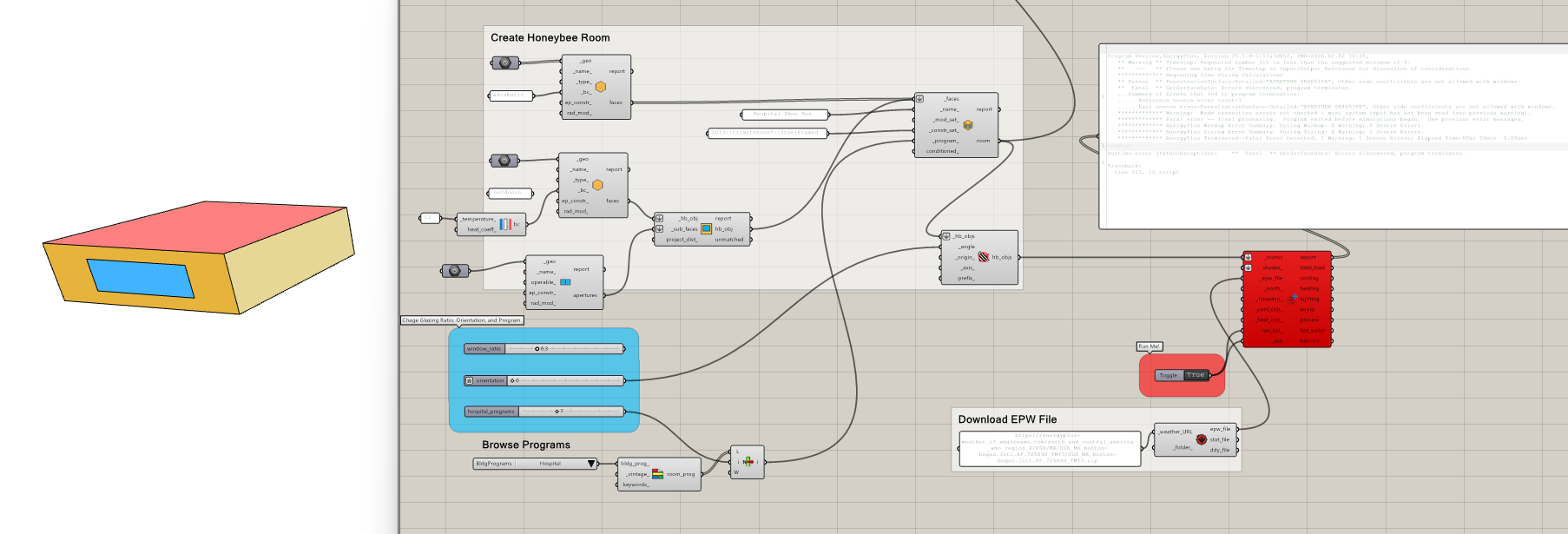
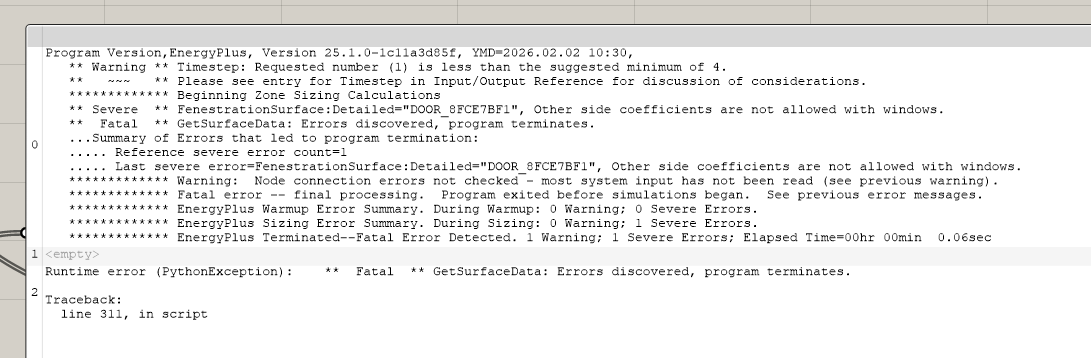
So from what ive been looking at (v24.2 docs specifically) it doesn’t look like a surface using OSC/OtherSideTemperature can host apertures as the parent face will refuse the aps because they themselves can not use OtherSideCoefficients or something?
This is what chat’s saying:
can energyplus 24.2 host apertures on a surface thats boundary condition is “OtherSideTemperature”?
Here’s the current answer based on the latest community and documentation interpretations for EnergyPlus 24.2:
 Official rule from the EnergyPlus documentation
In the EnergyPlus Input-Output Reference (for base surfaces and their subsurfaces), it states that:
“Windows and GlassDoors are not allowed to have Other Side Coefficients.”
(This is talking about the case where the base surface’s Outside Boundary Condition = OtherSideCoefficients.)
This is the same field used to implement an OtherSideTemperature condition — the prescribed temperature on the other side of an opaque surface.
So by the documented rule, a surface with Outside Boundary Condition = OtherSideCoefficients (i.e., using OtherSideTemperature) should not allow windows/doors attached to it. The logic is that the subsurface could also inherit the OtherSideCoefficients, and EnergyPlus does not support glazing with those coefficients.
 What the actual tools/community observe
However, users working with tools like Honeybee/OpenStudio often try to assign apertures to a surface whose boundary is set to OtherSideTemperature and find that the tool rejects it or the simulation errors out — which lines up with the documentation. One discussion specifically notes that if you assign an OtherSideTemperature boundary to a face, apertures are currently not allowed in practice in those tools.
 Bottom line (EnergyPlus behavior)
Officially documented: Windows/subsurfaces should not be placed on a surface whose Outside Boundary Condition is OtherSideCoefficients (i.e., OtherSideTemperature).
In practice/tools: Attempting to do so usually fails or is blocked by model editors (OpenStudio/Honeybee) because EnergyPlus doesn’t support it.
Workarounds
If you need a surface with a prescribed exterior temperature and you also want apertures:
Create a very thin “dummy” adjacent zone
Assign the wall as the boundary between your main zone and the dummy zone (so Outside Boundary Condition = Surface).
In the dummy zone, keep actual environmental conditions or a controlled schedule to approximate the desired temperature.
Model the wall as a normal exterior wall with Outdoors and use schedules to control window temperatures indirectly
Use constructions and thermal mass plus schedules if your goal is controlling heat transfer rather than strictly enforcing a single outside surface temperature.
Or am I misreading things?
best
-trevor