Hi to all,
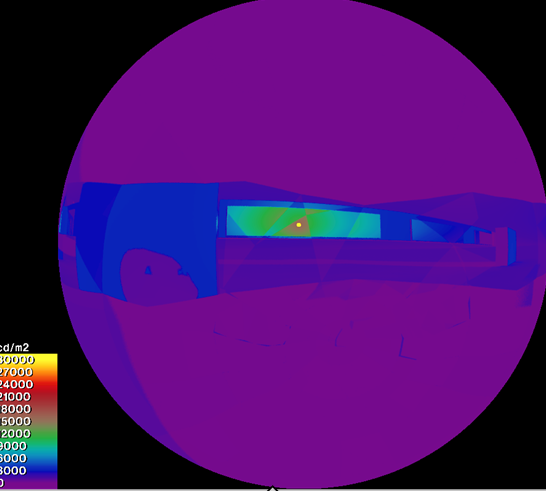
I’m attempting to execute a basic image-view PIT. However, the geometry appears to be misread and renders as corrupted. I have already rebuilt the geometry, but the issue persists with the same corrupted output.
Why is this happening? how can this be fixed?
Thanks
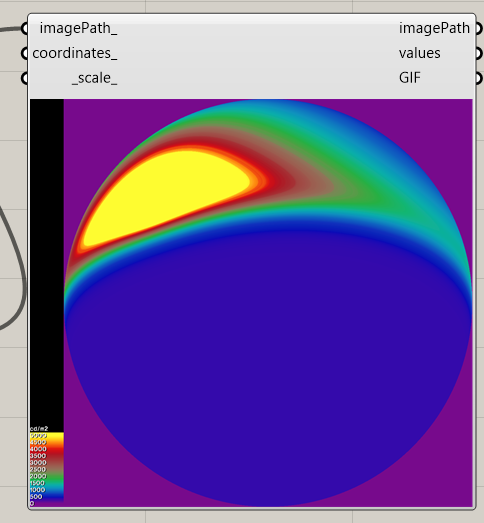
Hi @Julioamodia89 I don’t normally do radiance things but I ran your file and this was the resulting image (is this what it was supposed to look like):
Hi @TrevorFedyna,
Thanks for your response. I know what is happening, I have not internalised the view. You need to locate in the point looking in the direction of the vector to get a result similar to mine.
Sorry about that
when I find the geometry in view and try to ‘scroll to it’ it doesn’t really work.
Is there a better way to redirect the viewport to the geometry? as it is not centered in my rhino. I understand probably why but, I have some downfalls in rhino skills
I’m happy to do the adjustment and compare/troubleshoot results but my rhino skills are failing me
All the best
-trevor
Hi @TrevorFedyna
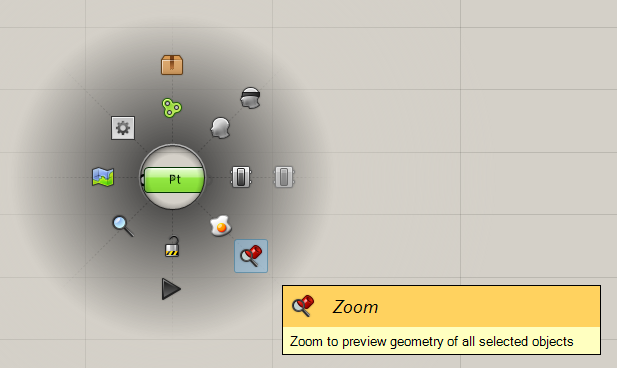
Yes, there is a very easy way to zoom the selected item in Grasshopper. You can press tab or just the center button of the mouse and select zoom in.
Hi @mikkel, sorry to disturb you with this.
I am having this issue where the PIT renders a corrupted geometry. I have tried remodel it in many different ways and is failing to render the geometry correctly every time. I wonder if it is a problem of the Radiance settings or it is the geometry or the way it is modeled? have you faced something like this before? could you fix it? if so, how did you do it?
Have you tried moving the model closer to origin? You can use HB Move to move the whole model after creation. Radiance doesn’t always work well if the geometry is far from origin.
You can also try to create a mesh of the breps or use HB Planarize Brep before passing the breps of the cockpit to the HB Face component.