Hi friends
It’s surprising that after all these years of working with Honeybee, I just came across this issue. Of course, the answer may be very simple, but I couldn’t solve it.
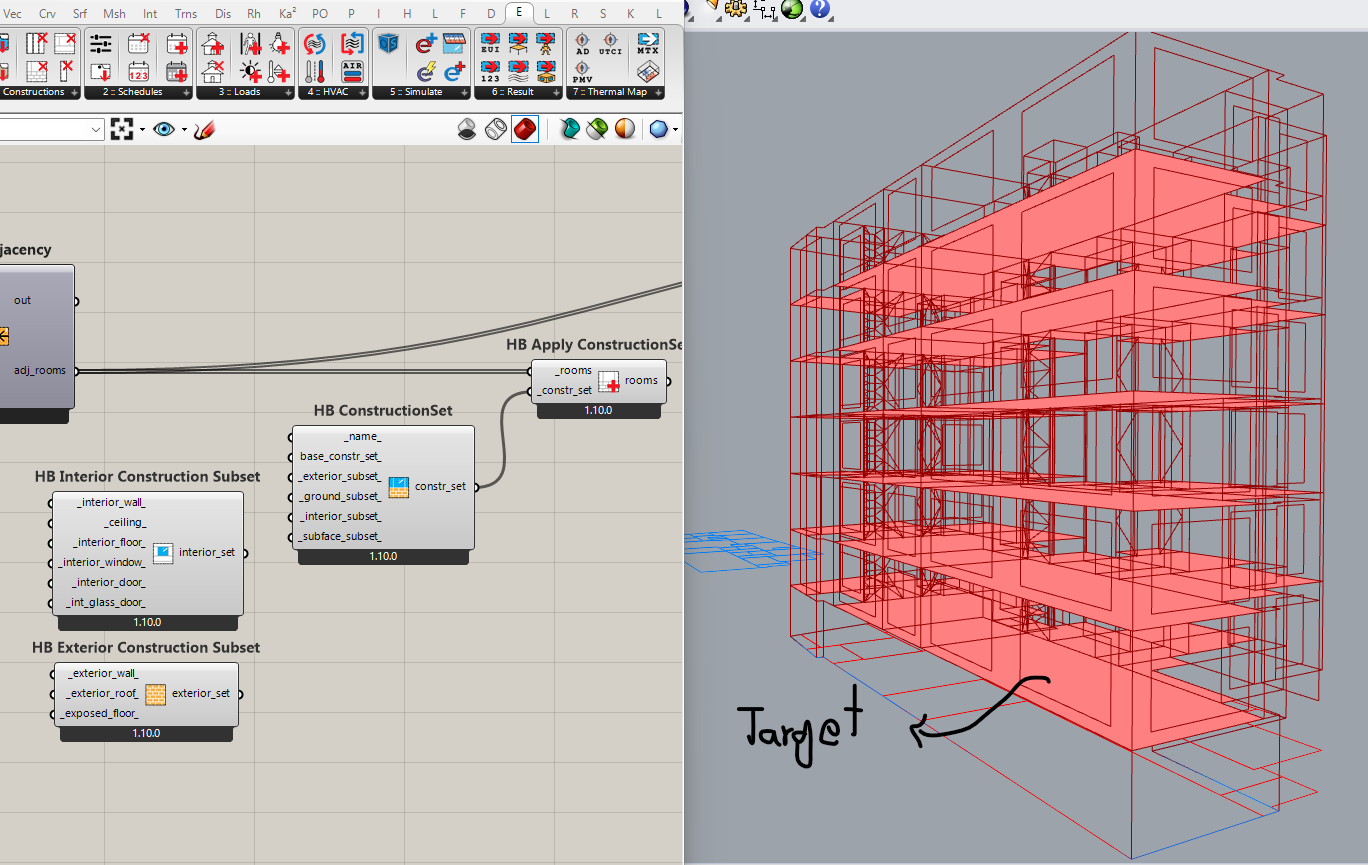
When the material of one of the ceiling/interior floors of a building is different from the rest (for example, parking), how can we manage it separately?
Hi Ali,
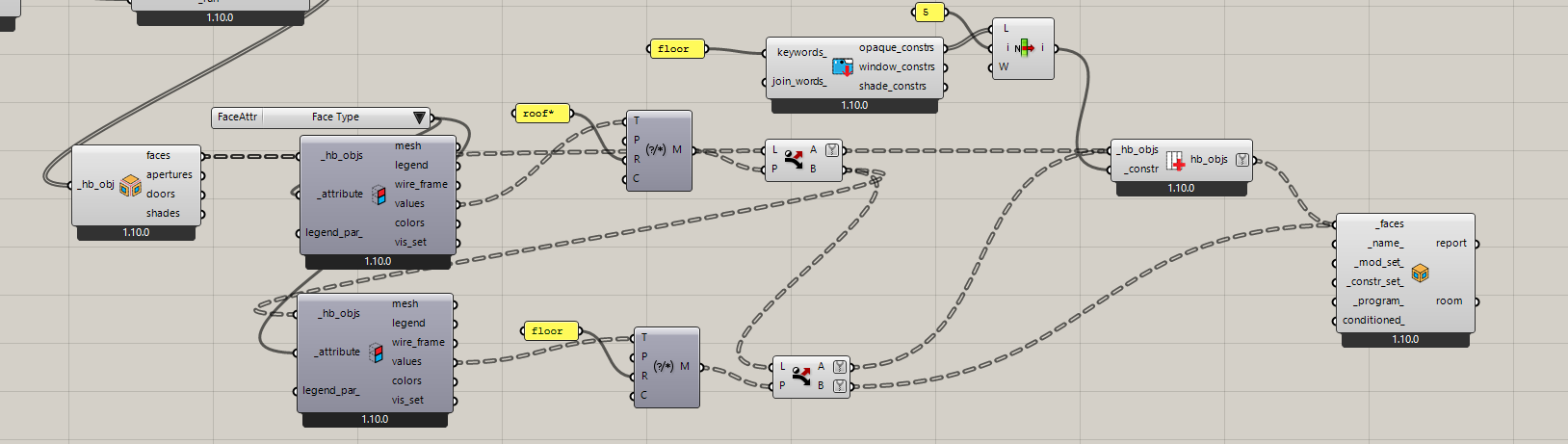
There may be other ways to approach this, but here’s a method I’ve used for similar problems before: filter those two floors, deconstruct, filter, assign, and rebuild. Just make sure not to flatten the branches, or it won’t work correctly.
many thanks @ehsan.anvary
however when the building is a little bit complex, this method may can not work easily. on the other hand i deal with HB room from solid not HB room. but your suggestion is a good idea and i will try it and i will let you know.
All best
Personally, I usually reach for the HB Properties by Guide Surface Component. Usually, if I’m being lazy, I’ll just draw the surface in Rhino, which often works fine. (You can also generate the surface in GH, which would be more flexible of course).
That component is very flexible and allows you to set whatever attribute you need. I find its a good solution when you just need to spot-edit a very small number of surfaces. If you have lots of complex surface assignments I don’t know I’d go that route, but for small edits it works great.
example.gh (22.7 KB)
best of luck with it.
@edpmay
I have used this component more than a thousand times, but I didn’t remember this time.
many thanks @edpmay