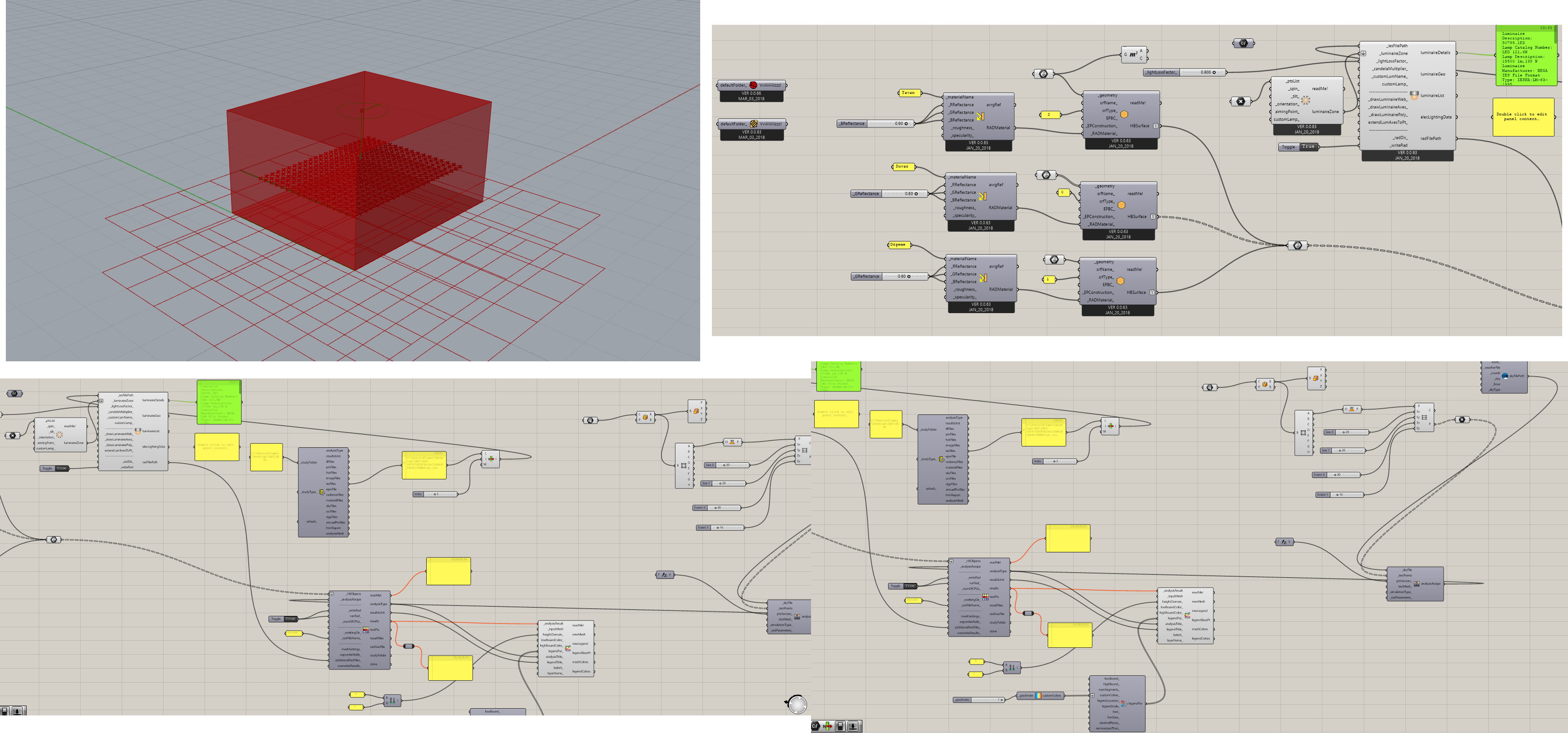
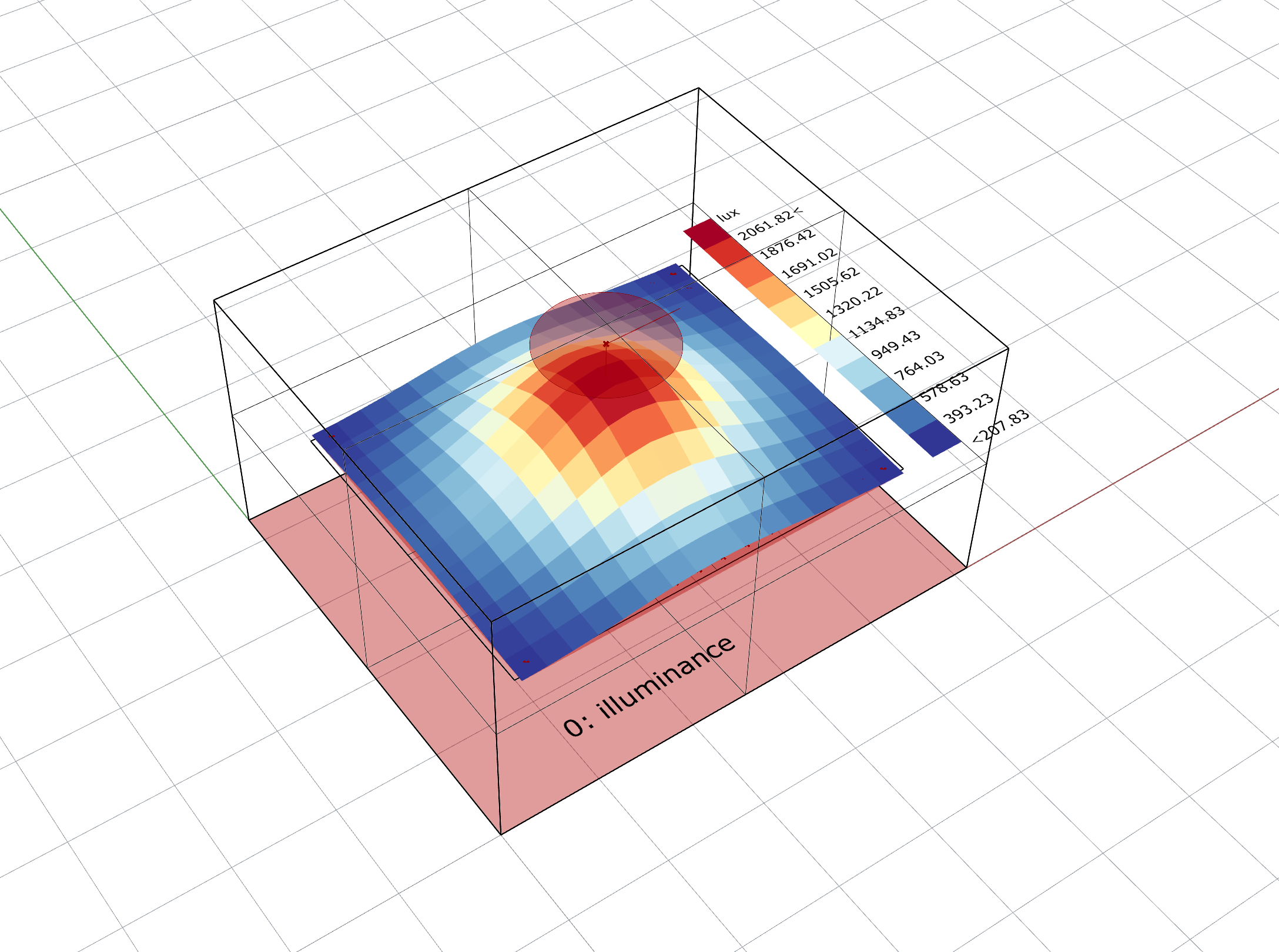
I am having an issue with a Illuminance simulation in Grasshopper using Honeybee Legacy.
Software Versions:
Rhino 6
Ladybug: Ver 0.0.66 (Mar 03, 2018)
Honeybee: Ver 0.0.63 (Mar 03, 2018)
I have set up a simple interior scene with no window to measure vertical illuminance at specific test points. However, when I run the simulation, the output wires turn orange (warning), and the results return as “Null.”
The simulation engine seems to be working correctly because I tested a pre-made sample scene with IES files, and it produced results without any issues.
The problem only occurs in my own custom-modeled volume.
I have defined the geometry and the sky/weather data, but I suspect there is a mistake in how I’m defining the test points or the vectors for the vertical calculation.
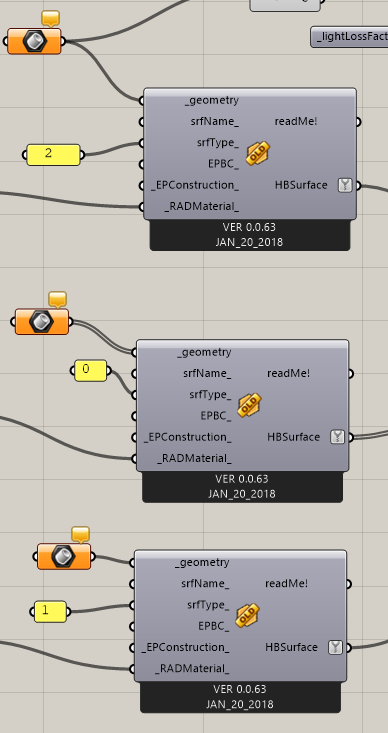
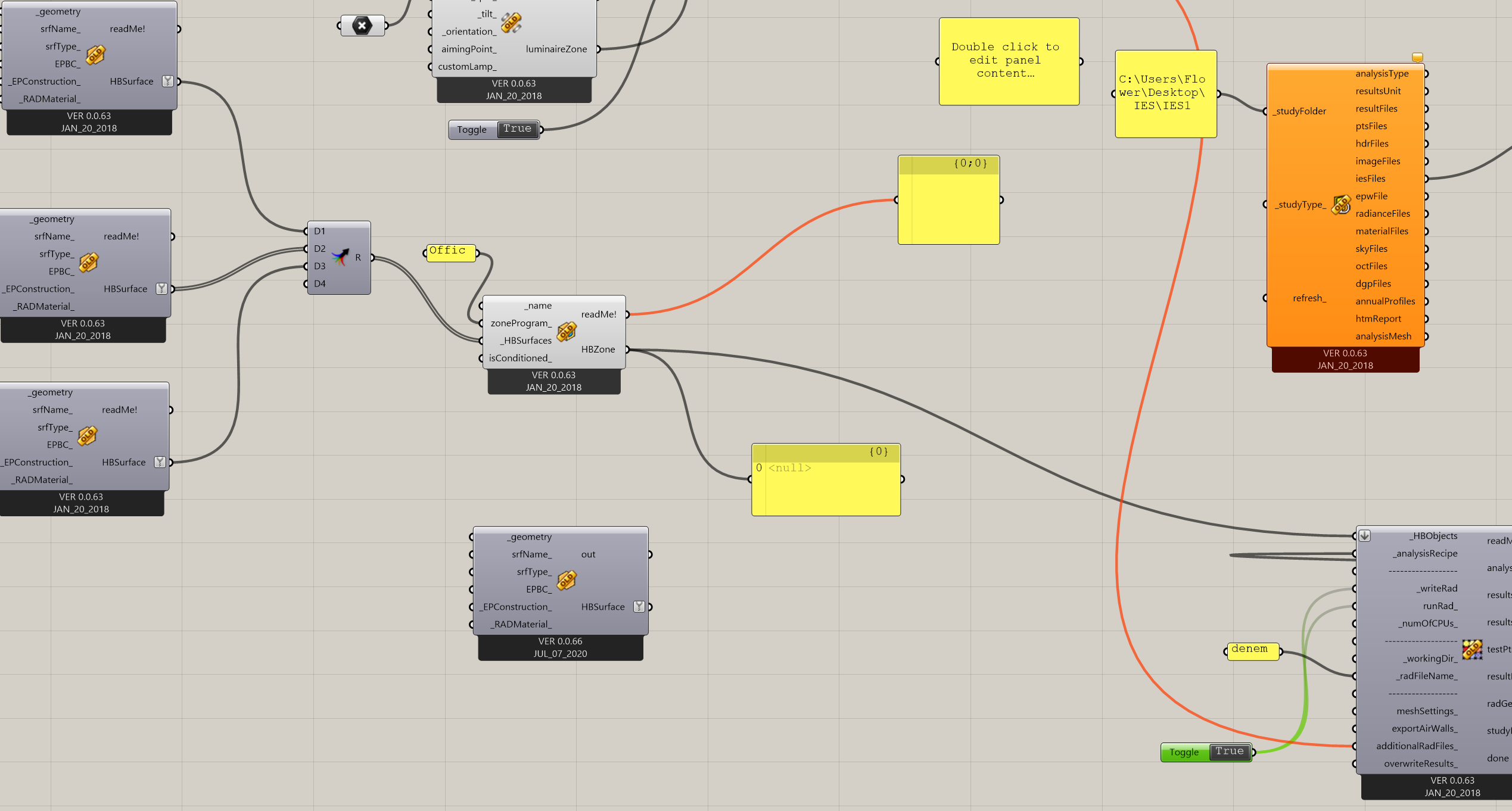
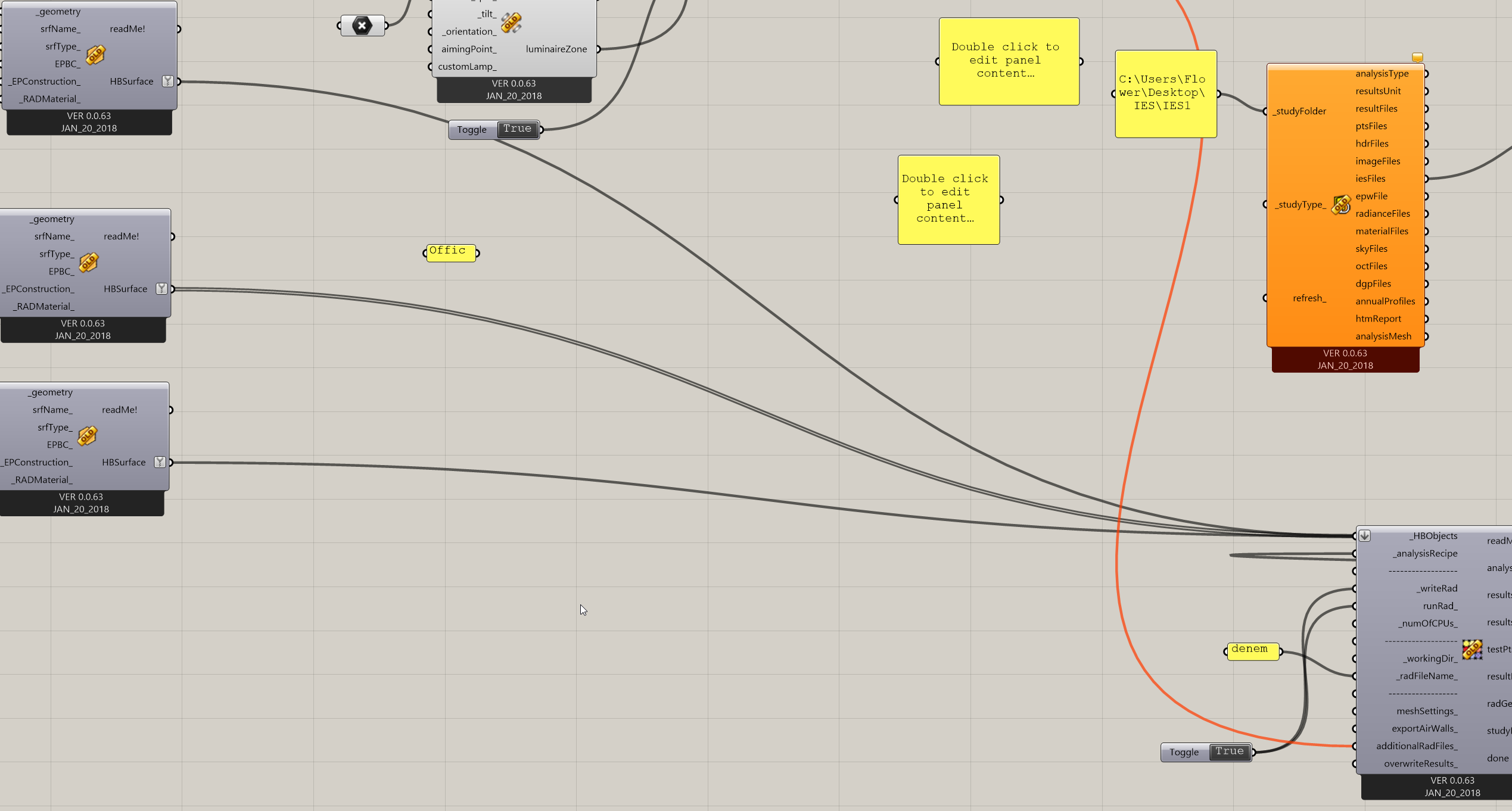
I have attached a file and screenshots of my Grasshopper definition. Any help or guidance would be greatly appreciated!
Hi @Babacan , I don’t see a Grasshopper file attached here. If you are not able to attach files due to your account being new, you can share the file through Google Drive or Dropbox etc.
This is still incomplete information as your geometry is not internalized inside Grasshopper (so I don’t see any of your geometry). I also don’t have access to your IES files. So, I cannot actually run your example.
Hi @Babacan , I got this to work after modifying several things in your file:
You need to assign a proper vectors as points for the receipe, and preferably generated through the points grid generator as I have done in my file. Your custom points were in the right place but had just one vector.
There needs to be a resultant mesh which can be used for visualizing the points (which was missing in your example). The grid points generator I used in my example creates this also.
The units of your 3dm file were in cm. That will not work. For working with luminaires, only SI units (meters) is supported.
Your recipe itself was incomplete because you had applied an incorrect sky definition. I have changed this to dark sky.
I also changed the luminaire position to a point inside the room (which I guess is more or less in the same relative location as your original point in cm was).
There were some other minor fixes in addition to above.
I am attaching my updated files also. I would suggest following and understanding the original examples (which hopefully are still available on Hydrashare) before you start making your own custom modifications.