Thank you @mostapha @chris and Team for the components which enabled us (me and my student Vidya Ramesh) to do the energy and CFD coupling.

Hi @Nariman.Rafati .Thanks for sharing. Is it possible for you to explain here how we can achieve this!
We can create EnergyPlus IDF and OpenFoam CFD input files with Honeybee and Butterfly respectively and then use EnergyPlus Python Plugin to couple it. The sensors and actuators of EnergyPlus are linked with inputs and outputs of OpenFOAM through Python script. We are working to develop a Grasshopper component that can do the EP Python plugin appending and CFD connecting work without the knowledge of programming. We hope it will be successful with God’s grace!!
Sounds great! Wish you all the best!
Sounds great.
I had a PhD student - Li Jing Urban Microclimate Analysis for High Performance Office Buildings - explore for tall buildings in complex urban environments the coupling of UHI analysis, CFD analysis, E+ modelling of the Temperature Lapse Rate in the atmosphere, and E+ modelling of the variation of wind with height when not obstructed by local buildings. She demonstrated all factors are important. She coupled Open Foam/Butterfly and E+/Legacy Honeybee by adding some simple script mods in GH. These produced a matrix of wind pressures for a range of wind directions that readily became inputs to the AirFlowNetwork component in HB.
What is the difference in this new workflow that requires the E+ Python cntribution?
Thanks for the update @MichaelDonn
Coupling means the exchange of data from one platform to another to proceed to the next steps. In our case, the surface temperature, wind speed, wind direction are going as input to the CFD where the ambient air temperature and micro-wind patterns are extracted from CFD simulation and goes as input to the EnergyPlus for simulation of next step. The overall coupling is transient but not a steady-state approach.
On the quick of your PhD thesis student work, I primarily understood that the chaining approach (Figure 12, Figure 14 and Section 3.3.2.4) has been adapted. Thank you for sharing us the resource which we couldn’t avail during our literature review.
Congratulations on your achievement ! when will the paper be published, can’t wait to see it! Please also provide the name and address of the paper.
Hope you can succeed, this will greatly simplify the coupling of e+ and cfd.
Hi @Naga -
Better late than never. Just reaching out to ask if you could please share the Python script or if there has been any progress with the Grasshopper plugin for the OpenFoam and EnergyPlus coupling. Also, if the paper has finally been published?
Thank you and looking forward to your reply.
Hi @ibitscholar
Yes, we were able to chain the openfoam with EnergyPlus by developing workflow using LB tools, EDDY3D and few custom components.
You can find the publication at Parametric Integration of CFD-based Wind Pressure Coefficients into Building Energy Models: A Novel Workflow - IOPscience
Due to computational intensity of OpenFoam, we couldn’t achieve coupling for now. If everything goes as planned, we are about to bring an alternative in a year or two.
For now, the chaining workflow published is ready for deployment. But there has been a recent update in LB tools to which we are resolving the bugs in workflow for now. We wish to launch it soon.
I hope the publication will be of a help for now.
Hi @Naga,
Thank you for your reply and for sharing the publication. I will have a look at it and be on the lookout for when the workflow is finally deployed on LB.
Cheers!
Good morning Naga,
Has there been any advances regarding this subject?
Thank you!
Please go through the below link for the workflow related to the above article. Currently its using old version of LB tools and Eddy3D components and have to be revised. Headsup!! waiting for completing my PhD to associate this part of my work with LB tools to overcome versioning issues in future.
Kia ora @Naga
I am hoping the PhD is concluding well. I have a question in relation to the github source. I have a Masters class who I referred to your github location on the basis of the success @hirda_khalid is having after your help (Thank you). However, I noted that missing from the github file is the nice feature that you suggested would solve the naming convention distortions created by the @chris and @mostapha Honeybee model object conventions. As I understand it, if the students were modelling the windows as a % of the facade, then the naming convention works. However, the students have modelled our school of architecture with its windows as they are. This has introduced the same aperture naming issues into their file as Hirda found. We are working through this issue with the Masters students which, given their course deadlines, is causing a measure of angst.
Is there a general solution in mind, and before I update your example to LadyBug 10 and the latest Eddy3D, should I incorporate the engancement that you made?
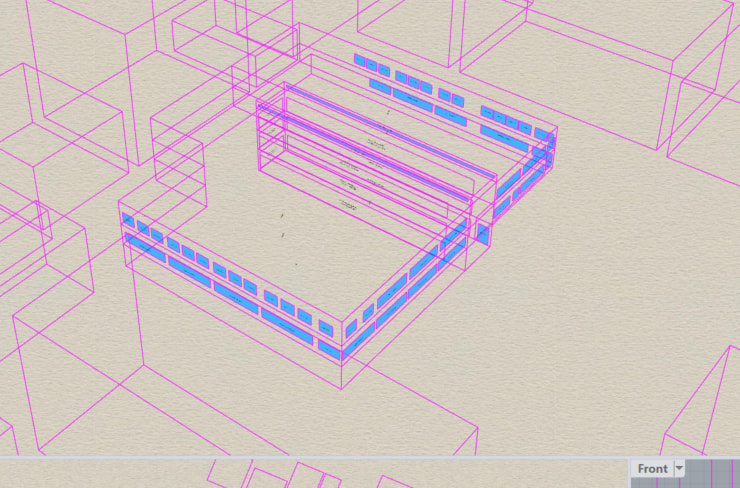
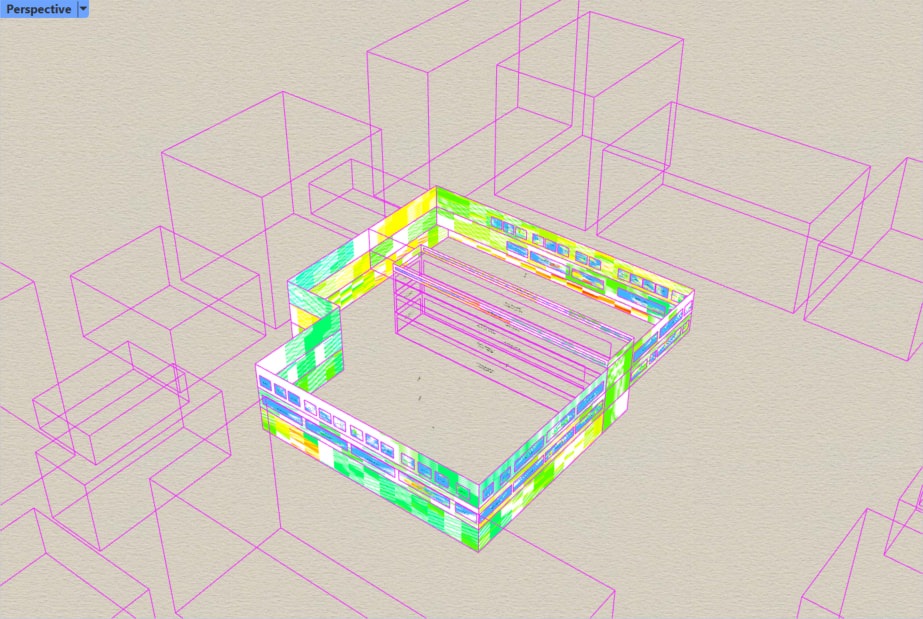
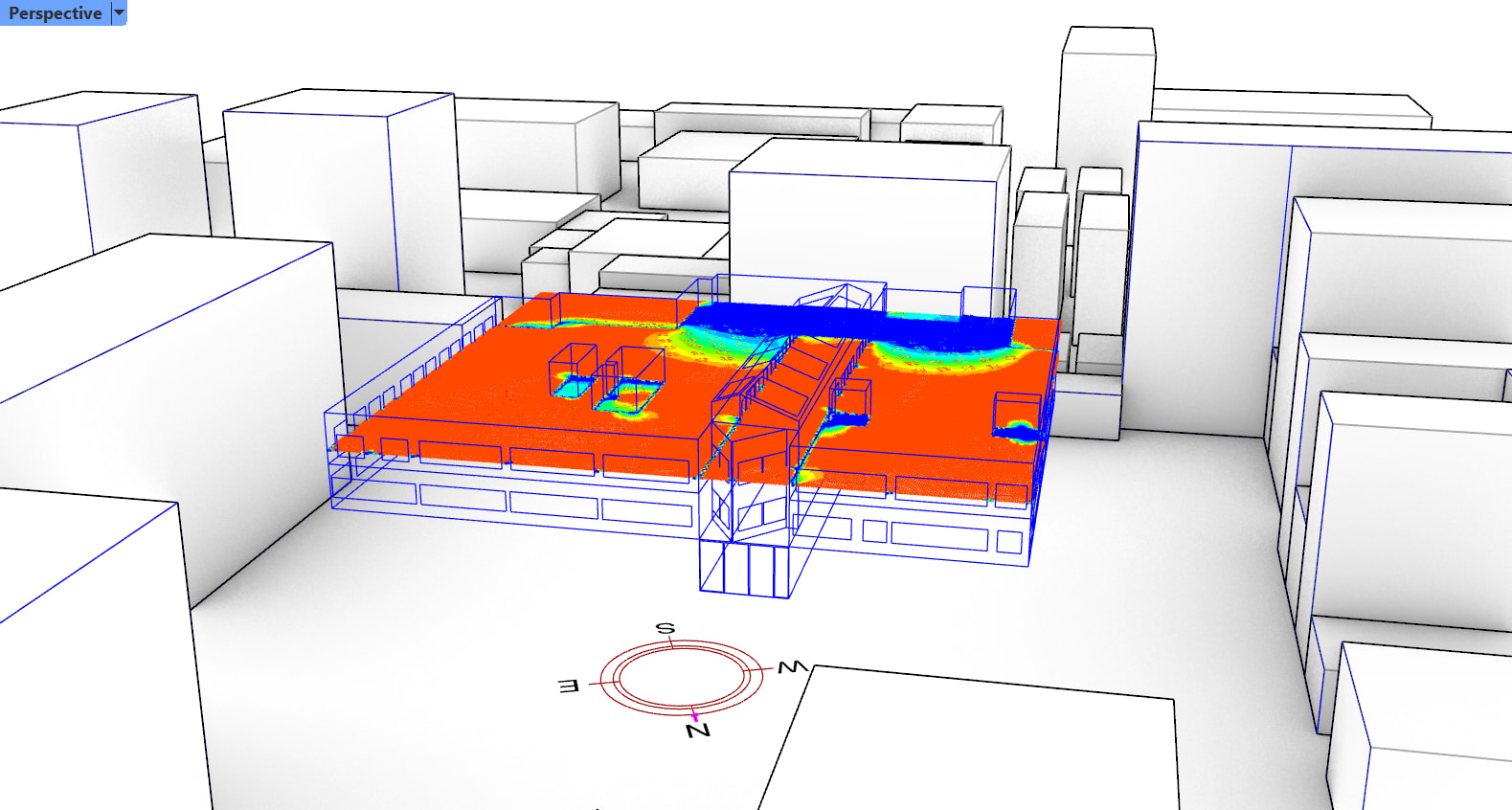
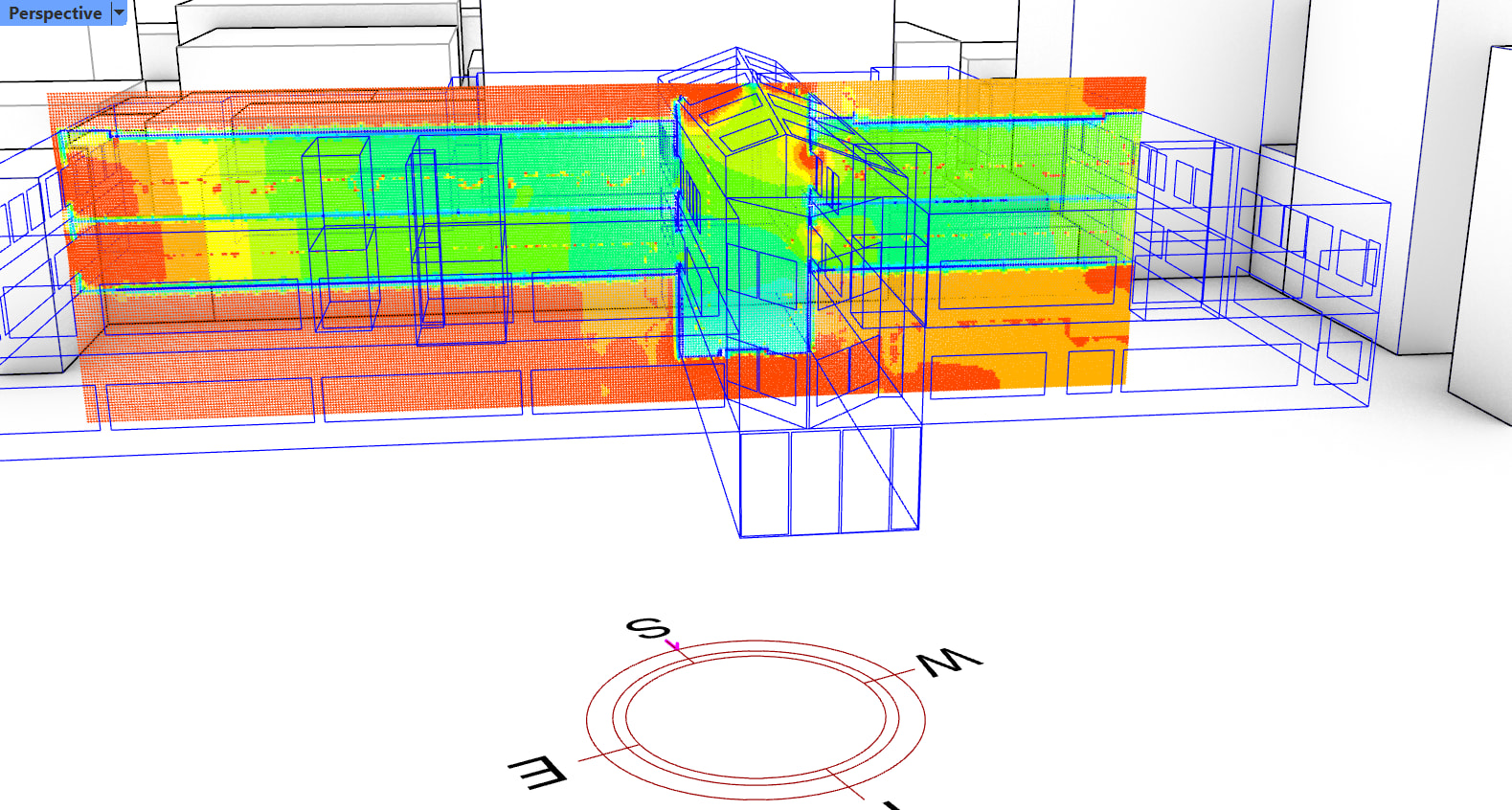
Illustrations of the model in place. First, their model showing the windows, and then - from your script - the pressures, and then our attempt at visualising air flows…
Hello @MichaelDonn
I remember generating a grasshopper component for @hirda_khalid which is reusable to overcome the limitation you have stated.
The component adds the surface type information to the surface name for the existing workflow to recognise it.
As I recently moved to Netherlands for Postdoc, I did not find time to launch that component for others.
If @hirda_khalid couldn’t find it, we can communicate directly to arrive at a solution for your Masters students.
Kia ora @Naga
Congratulations on the PostDoc! I am guessing this means also congratulations on the PhD.
I am also talking to @hirda_khalid because I recall that she and I added some work on the naming conventions for the added subfaces to make your excellent fix work.
My question to you was, because these Masters students are (of course!) working with the latest version of Eddy3D and the LadyBug suite, I can update your sample file to the RH8, Eddy3D 0.6.2.821 (February 11, 2026), and Ladybug 1.10. but if I do, is there a generic way in which I could / should add the enhancement of being able to deal with added subfaces, instead of Window to Wall ratio fenestration?
That also left me wanting a justification for the naming convention fix …that I could use in class to assist understanding of what is happening
Thank you for the wishes @MichaelDonn.
I surely remember doing a zoom call with @hirda_khalid and then emailing her the workflow with string addition component that resolved the issue. Later, I received email from @hirda_khalid that it worked.
Coming to upgrade, I am not sure. While you can replace all the existing Eddy3d components with new version, I am doubtful about the upgrade of the components in Locked Clusters with my custom scripted components.
I recommend using the versions stated in the GitHub for now. Previous versions of Eddy3d and LB tools are always available for installation.
I should start discussing with @chris and @mostapha about the possibility of integrating the coupling components into LB tools.
In case it helps, I have sorted out what was causing the issue for the Masters students’ model:
As @hirda_khalid reminded me:

Looking at the model of our existing school building, the students had constructed the atrium to be flexibly altered in proportions:
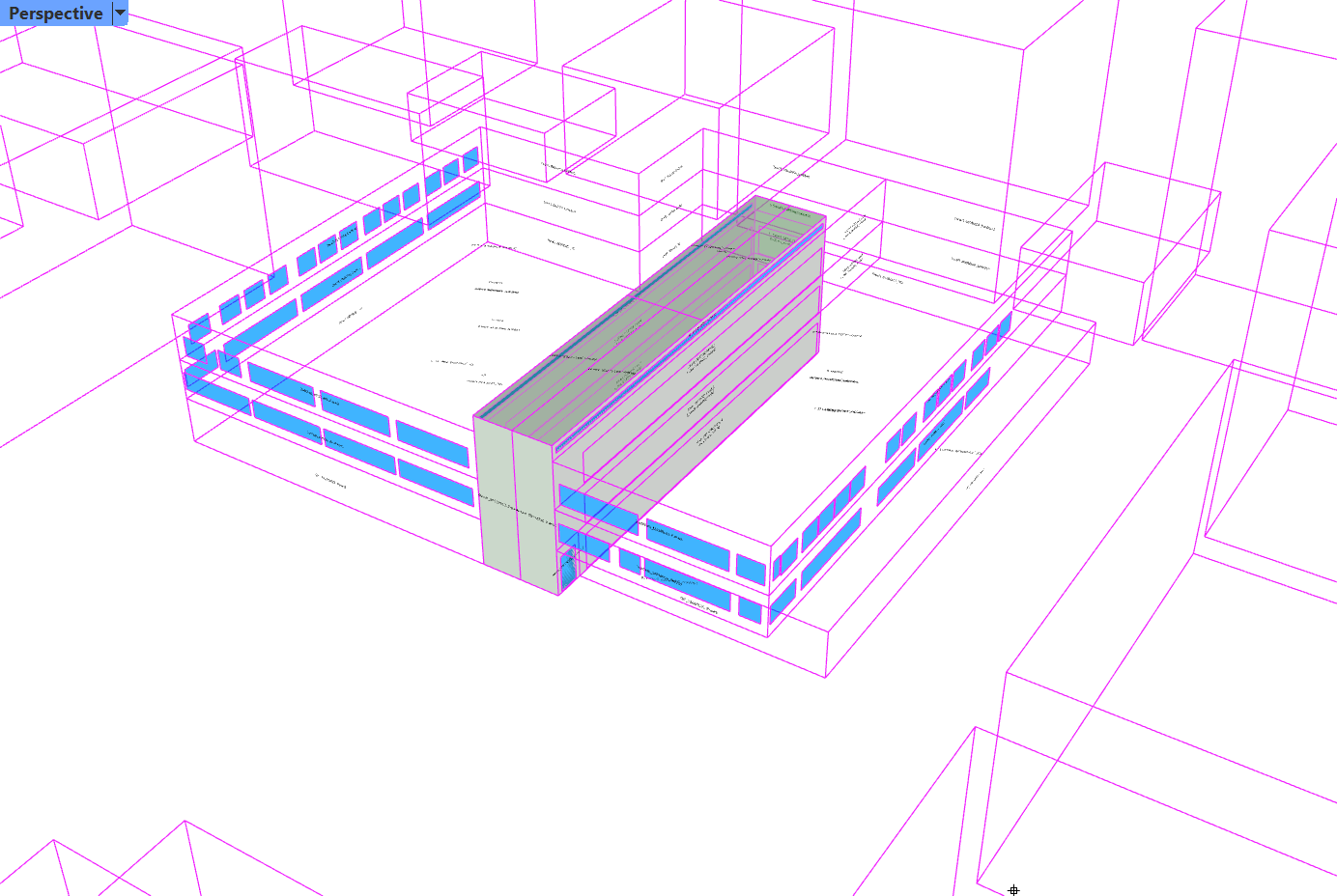
As you can see, whereas the rest of the spaces in the building were constructed as extruded solids, the atrium was constructed as a series faces. All the rooms constructed from a closed volume had the correct labelling system for your process to work. Only this room constructed from faces was different and just had the face names with no associated room name.
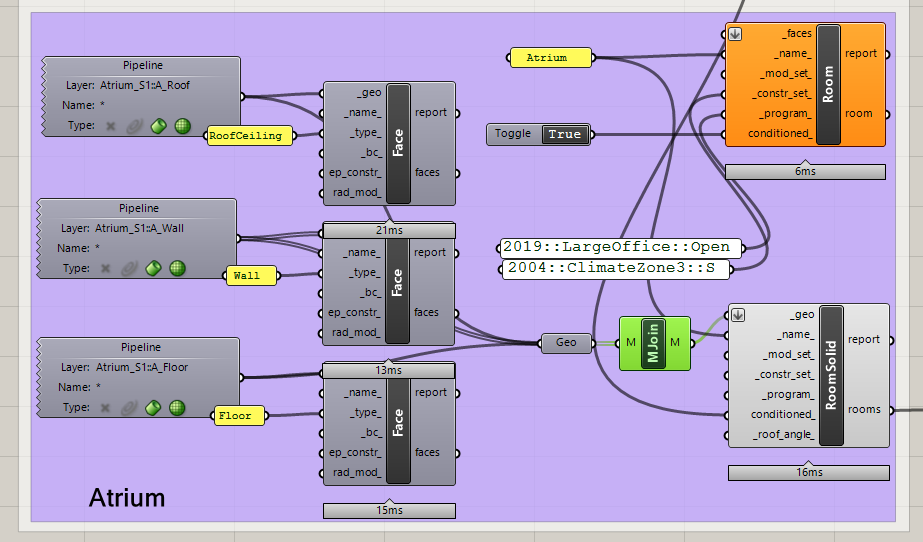
Even before integrating this process into the LB/HB environment, which IMHO should happen, this inconsistency in naming conventions probably should be sorted?
BTW: in looking at why this behaviour is occurring I did notice this error object inside the key cluster:
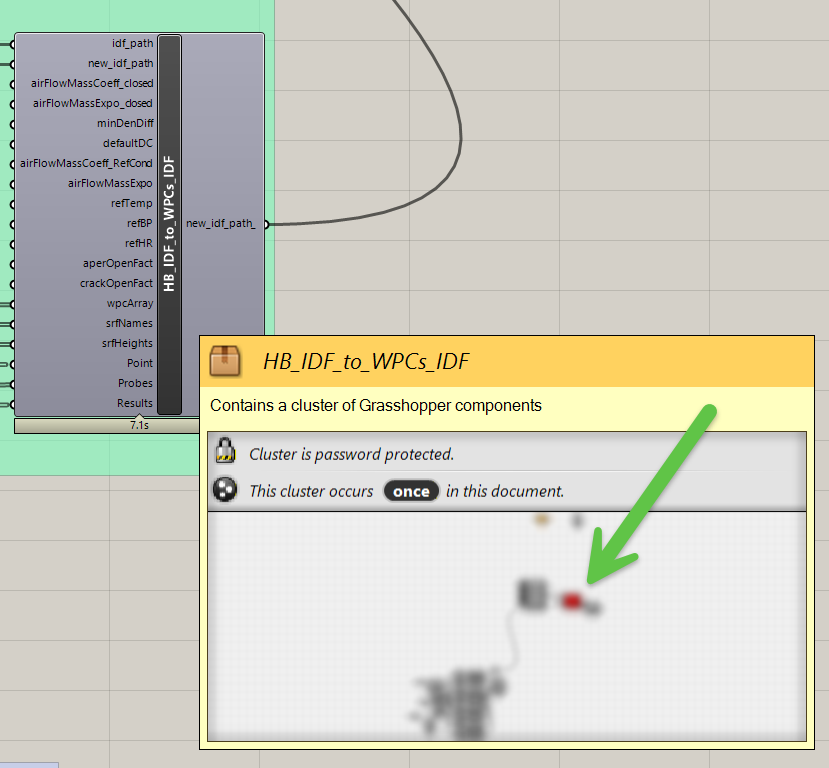
Should I be advising the students to downgrade their version of Eddy2D or LBT?
Almost there, thanks
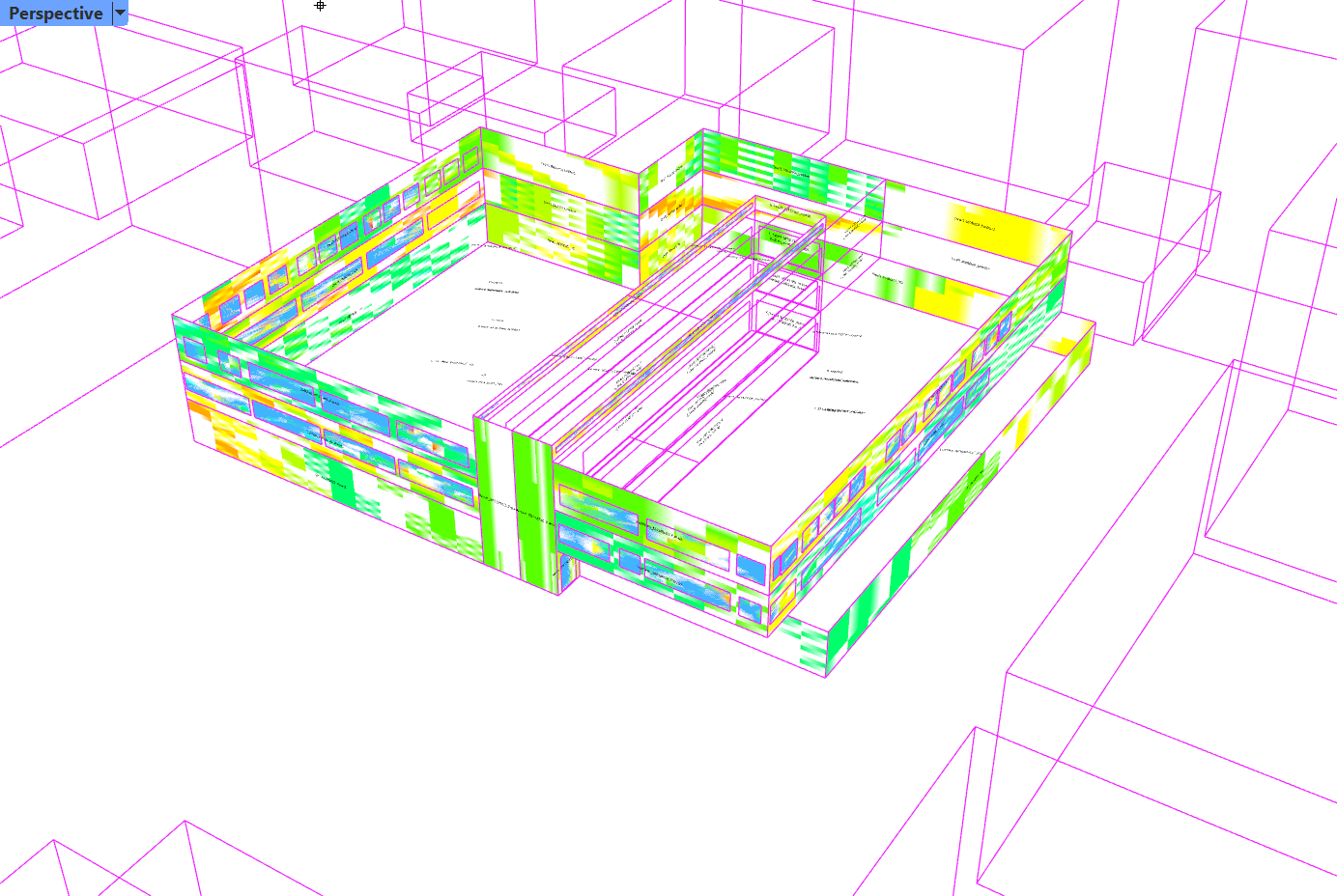
In past uses of your excellent formulation @Naga, I have presumed that running the excellent component has updated components inside your locked clusters (at least that is what it seems to have done).
Patrick Kastner and co’s cool Eddy3D interface has updateable templates and an option to install the underlying software, but no automated to match to the latest version installed on the local computer. So, I am guessing that I will have to challenge the students’ understanding of software installation to figure out how to go back in versions of Eddy3D? This is because I assume that this component in the cluster is an Eddy3D one?