Hi All - sorry if this is a super obvious THERM limitation that I am just catching up to
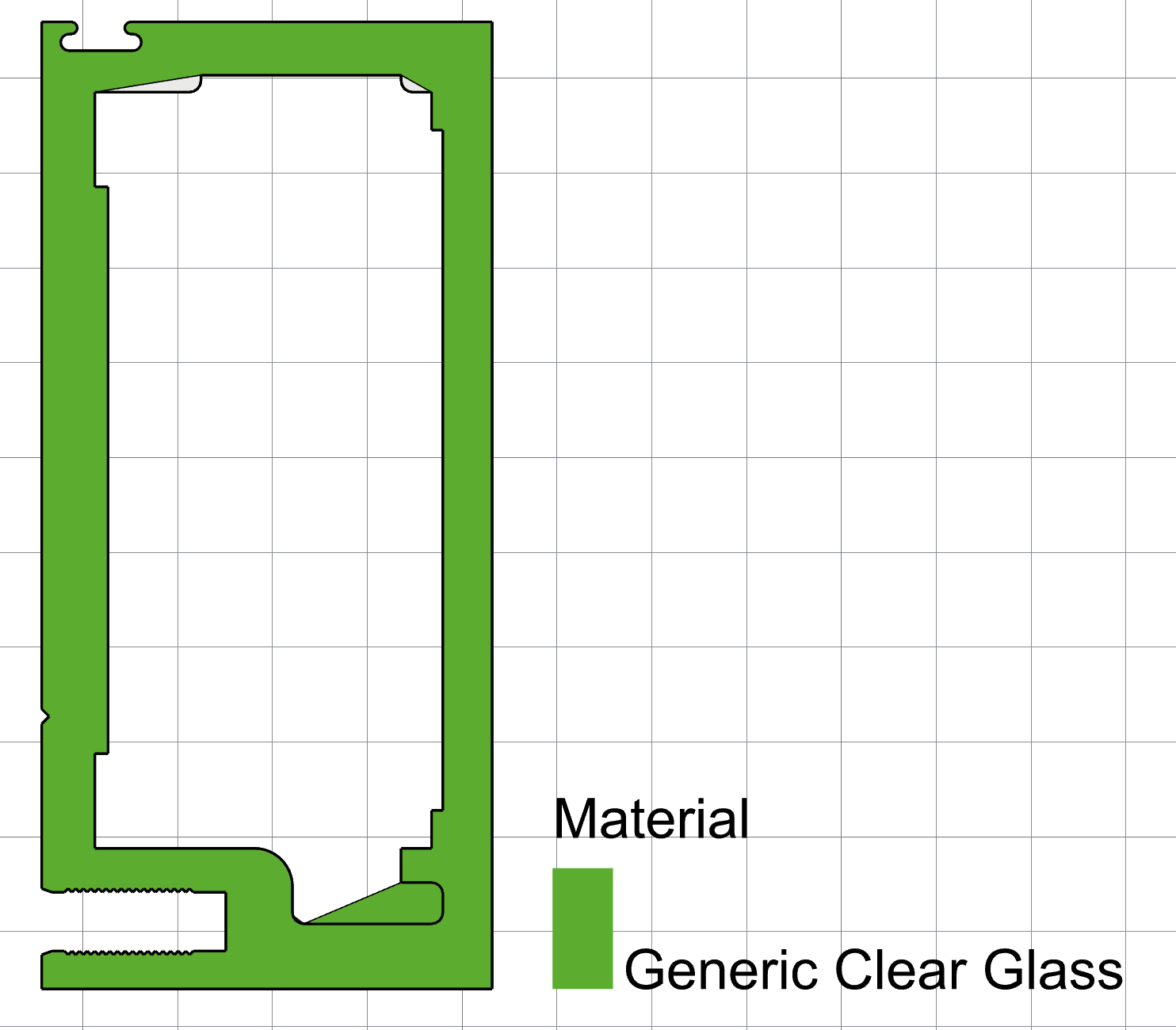
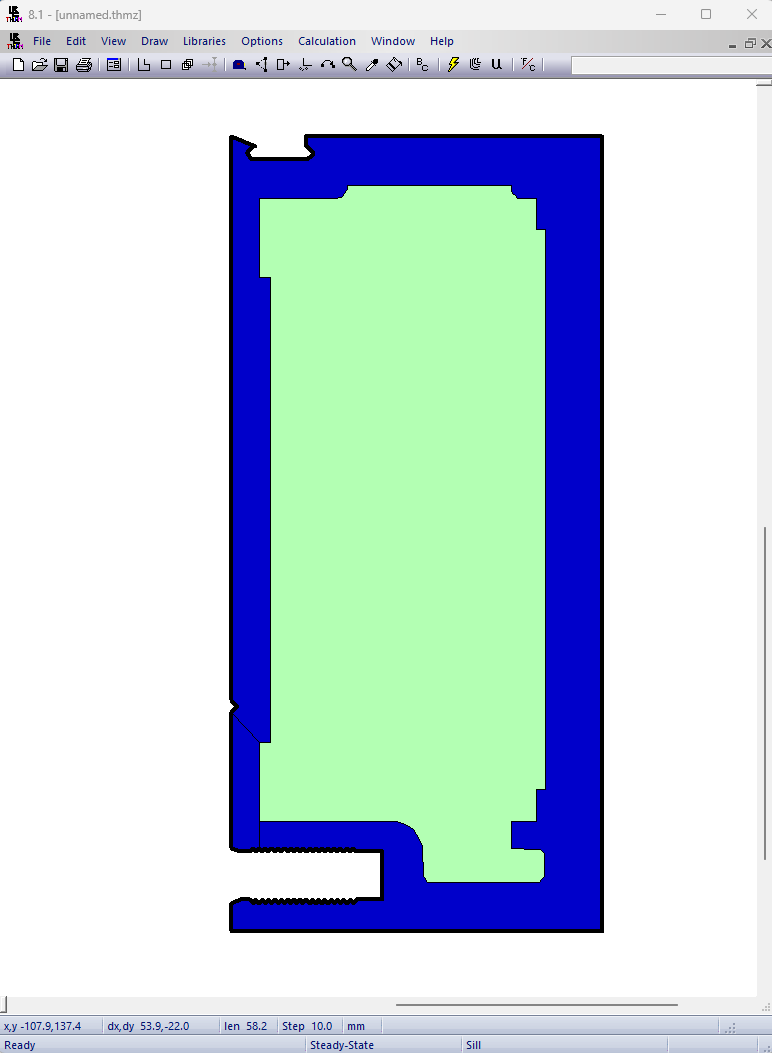
I am importing DWG objects and running into issues. The DWG shape has curved lines and it appears Fairfly is attempting to convert these to linear sections, is this expected behavior? It appears to have drawn the linear sections outside the edge of my original shape (you can see the original outline in the screenshot).
You are correct that THERM does not have any way to specify curved edges and they must be converted to polylines to be simulate-able with THERM.
Fairyfly has routines that try to convert curves to polylines automatically for you but they seem to be doing a less-than optimal job for your particular extrusion there. If you upload a file with the geometry there, I can take a look because maybe there is something I can do to improve it.
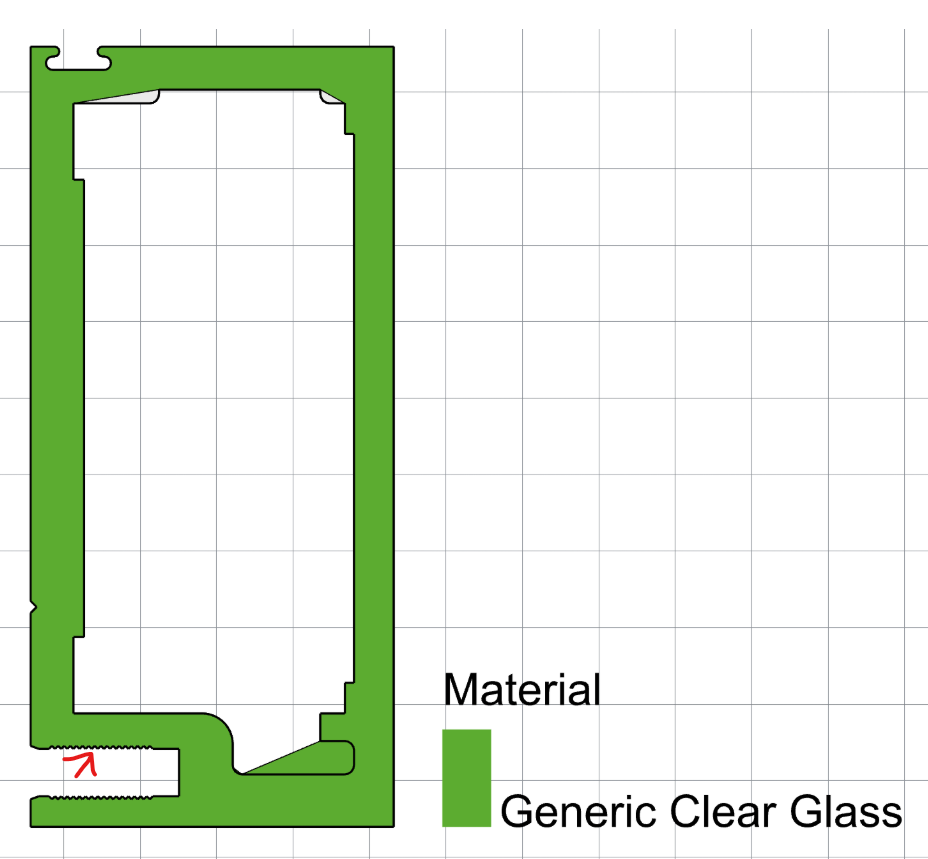
However, I still recommend simplifying your geometry more before trying to make a THERM model out of it. Certainly, details like this:
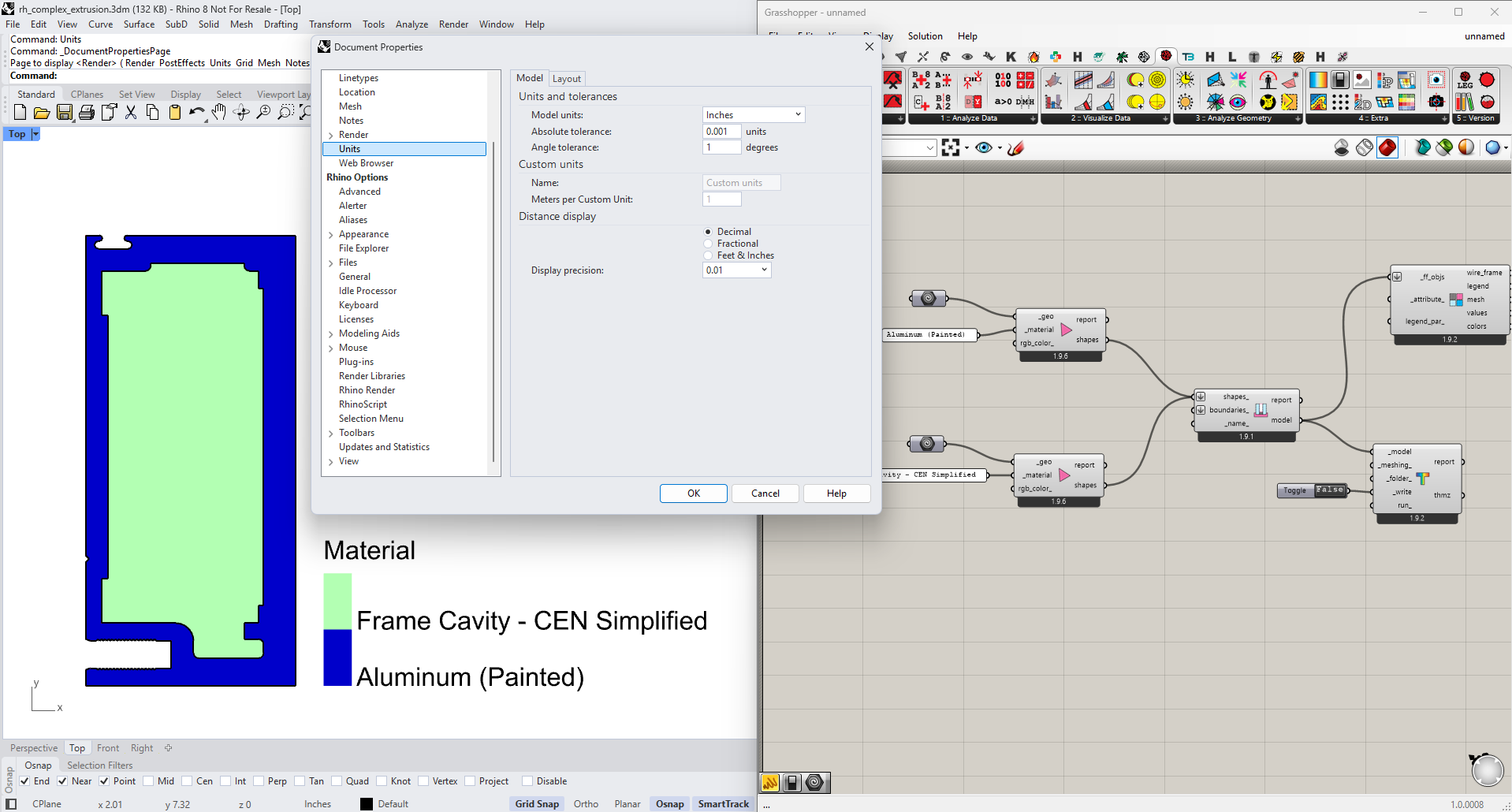
It helped me understand what was going on with your odd-looking image there. It seems that the Fairyfly automated routines to convert the curved edges to polylines were actually working as designed. It’s just that your Rhino model tolerance was a little too coarse to resolve the tight curves of this particular shape.
But, if I lower the tolerance to 0.001 inches, the model looks pretty OK:
Granted, the THERM modeler inside me still cringes at all of the extra details in this shape, which I know will just slow the meshing down. So, if it were me, I would do a little redrawing/cleanup on what you have here. But, if saves you time to keep some of the curves here, you can probably get it to work with them if you want. Just make sure that you are using a fine-enough Rhino model tolerance to accurately represent them (below a 1/10th of a millimeter).