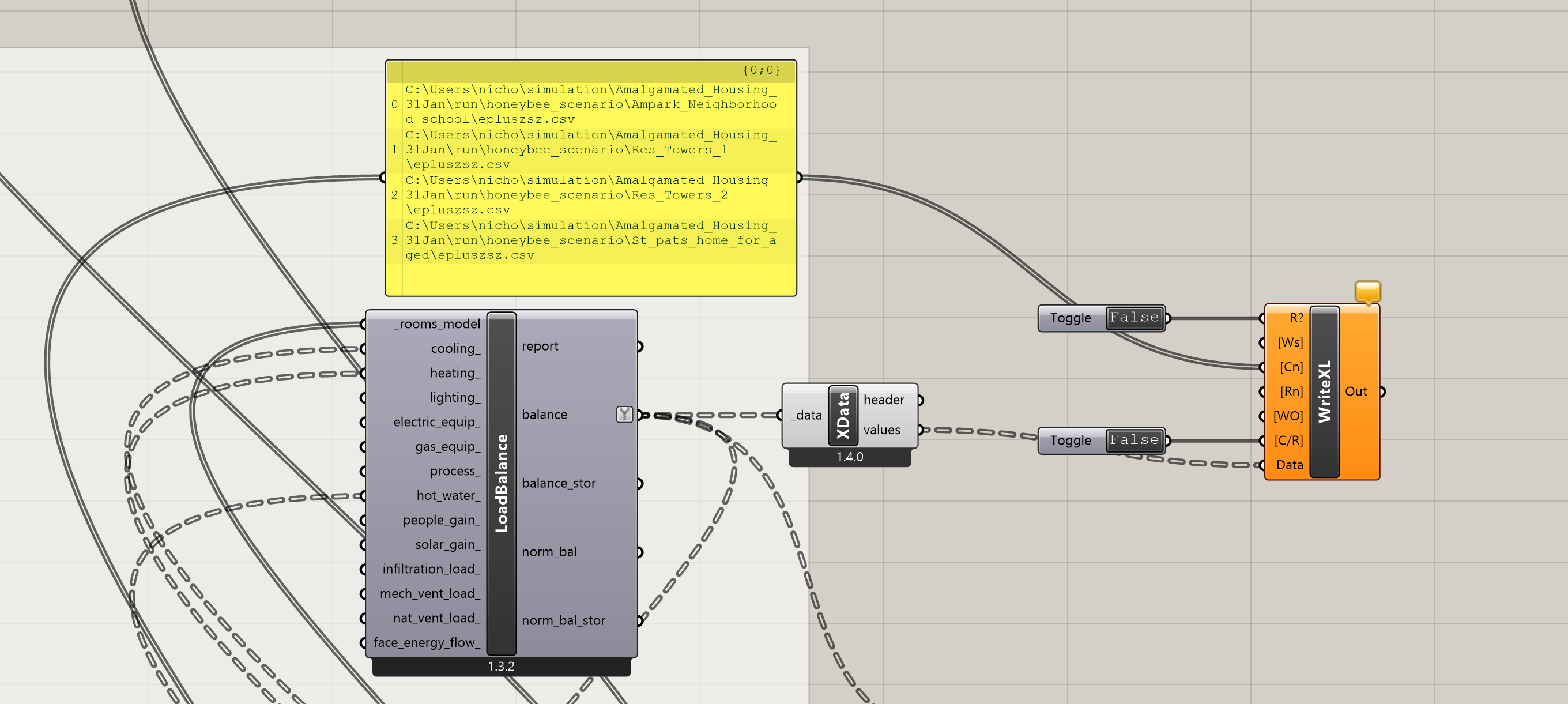
The best, worst approach to solving this is to stick the SQL path data into the Write to Excel component column name. That is the only way I have found to get the order correctly. Unfortunately deconstruct does not work on an SQL path so the entire path will serve as the spreadsheet headers. It is up to you to manually parse the headers or use pandas or something to rename the column headers that are otherwise wrong from the URBANOpt, RoomEnergyResults, LoadBalance, to Write to Excel pipeline. Do not use the HB model names as headers from LoadBalance as column names. They are certainly wrong.