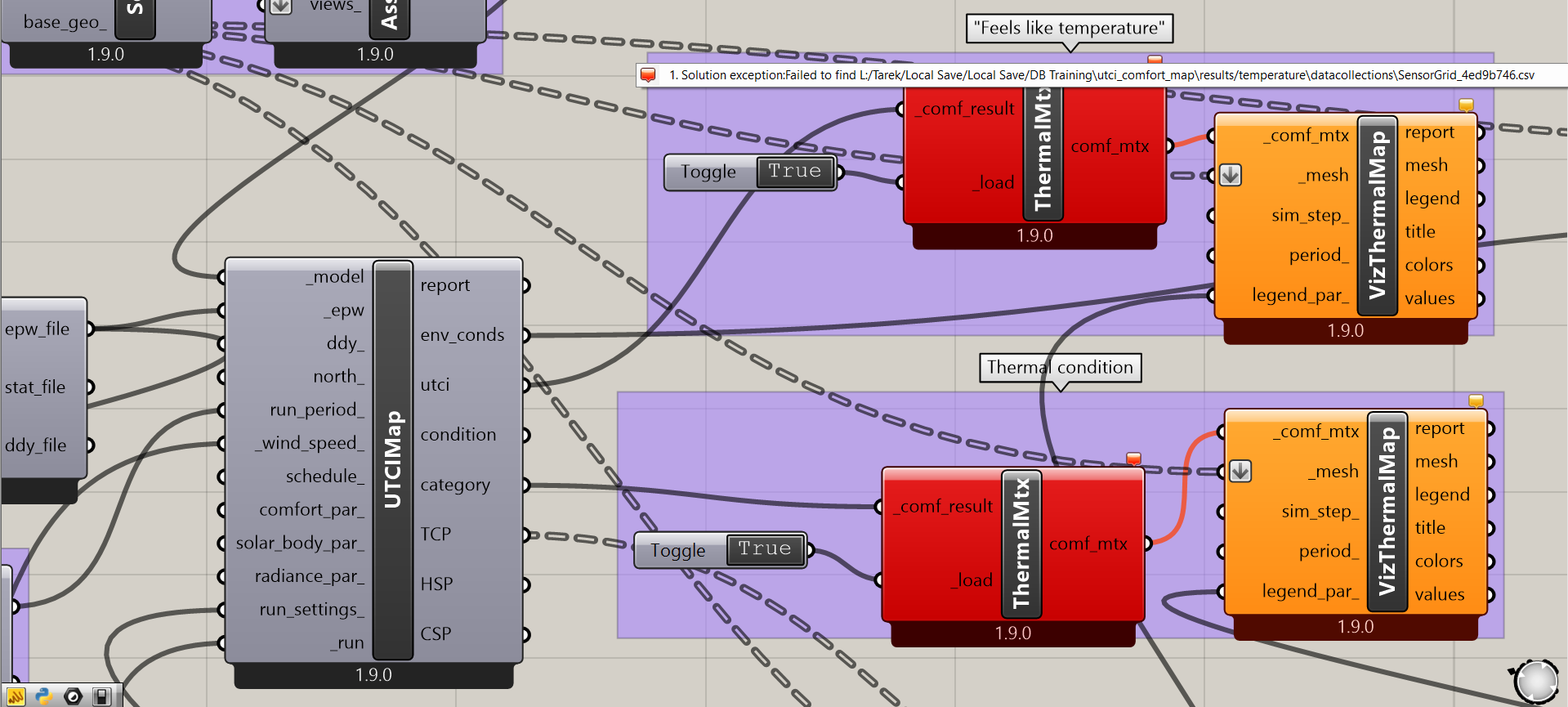
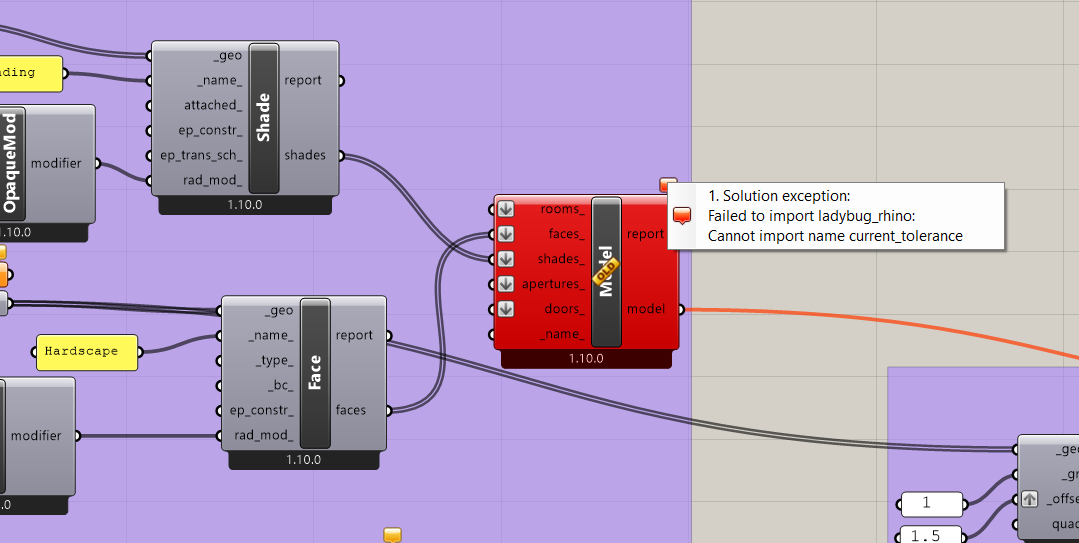
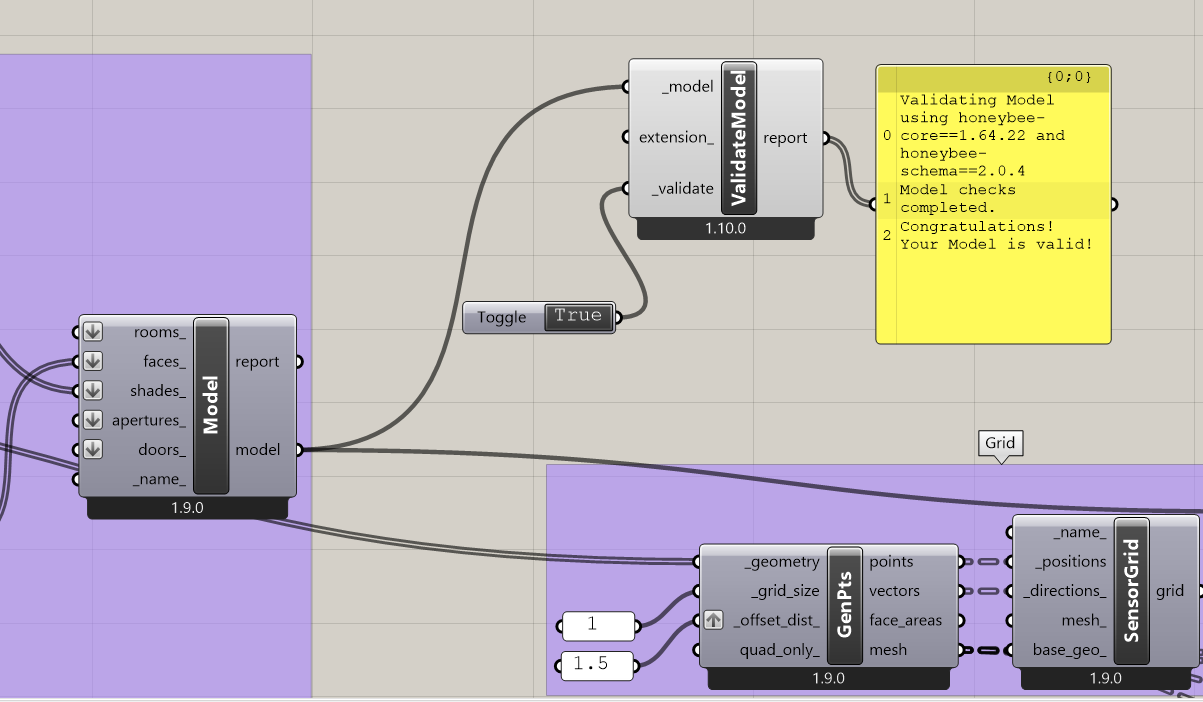
Your installed Python libraries are out of sync with the versions of the components on your canvas. Also your component versions are different versions in your screenshots (some are 1.10.0 while others are 1.9.0). I recommend reinstalling to make sure that your core libraries and the components in your toolbar are the latest version. Then run the LB Sync Grasshopper File component to ensure the versions of the components on the canvas match the versions in your toolbar.
Just to clarify, the screenshots I provided for the v1.9.0 and v1.10.0 components are from two separate scripts. I attached them to illustrate that the issue persists across both versions.
Based on our checks, the issue appears to be related to Grasshopper rather than the application setup. We have already verified that the versions of Rhino 8, Grasshopper, Python, and the updated libraries are all aligned.