I am performing the analysis as point-in-time study - using single day , single hour and 1 timestep since I only have 1 column of windspeed values for each sensor.
UPDATE:
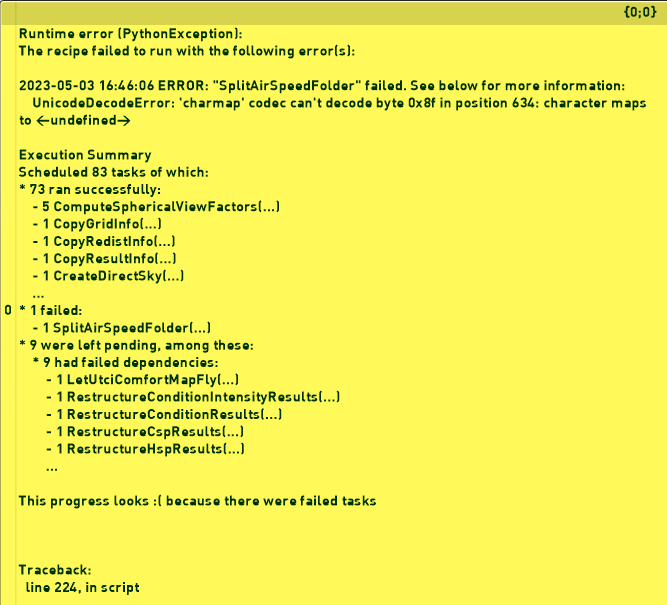
I saved the CSV file with UTF-8 encoding. It helped but still getting the following error
I know this is a bit late, but I just wanted to mention that we made some changes to the comfort map recipes during 2024. If you are still having issues with the latest version (update using LB Versioner) please share the error messages and files.
I was able to run the example provided by @srjn31. Though the file Ground.csv was UTF-8-BOM encoded – if I change it to UTF-8 the example runs without issues with the latest version.
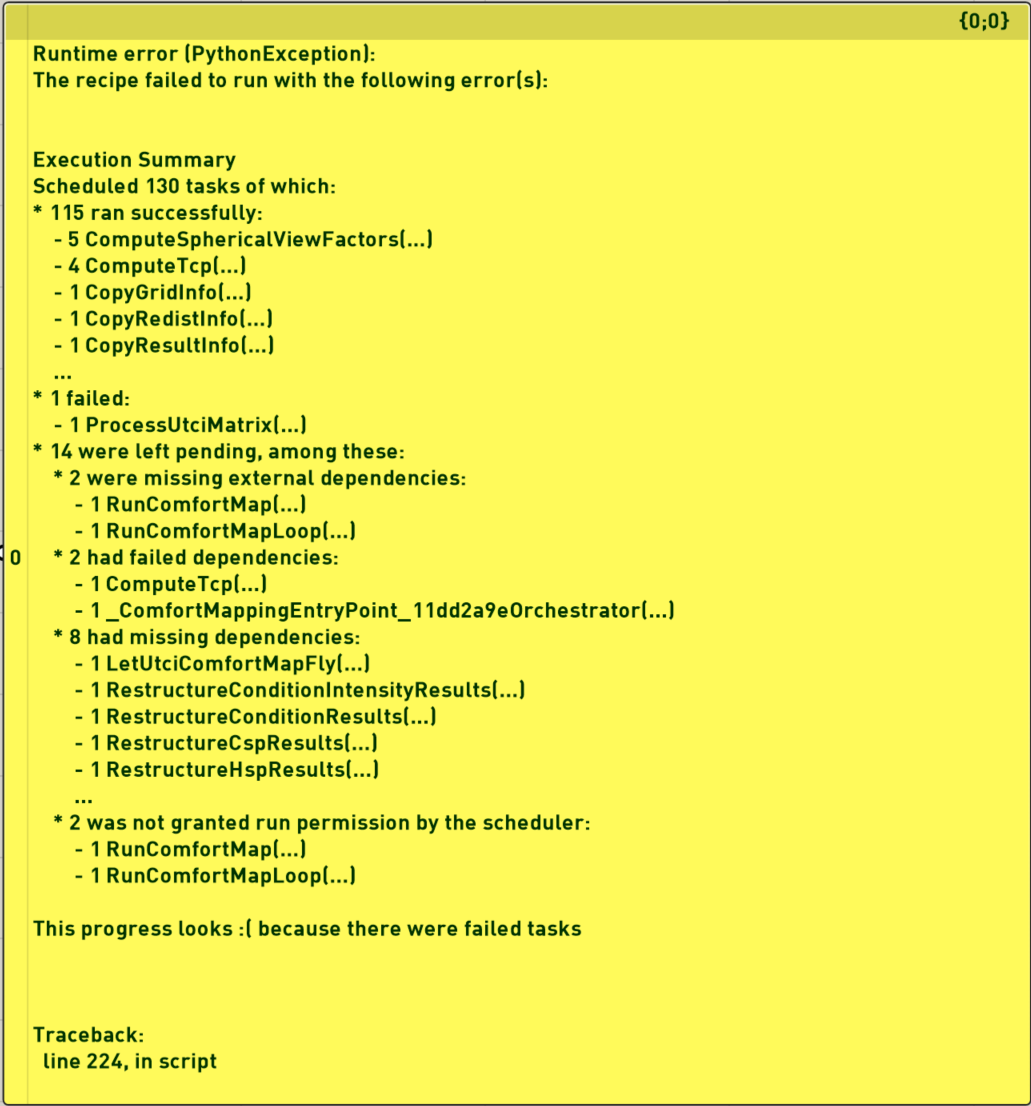
@mikkel I am having the same issue, my wind csv matches the naming of my sensor grid. The simulation runs perfectly fine with no wind input, but when I input the filepath to the folder containing the .csv I get this error:
Solution exception: The recipe failed to run with the following error(s): 2026-07-24 10:35:14 ERROR: “ProcessUtciMatrix” failed. See below for more information: ValueError: Cannot load file containing pickled data when allow_pickle=False Execution Summary Scheduled 208 tasks of which: * 193 ran successfully: - 5 CalculateSphericalViewFactors(…) - 5 CalculateSphericalViewFactorsLoop(…) - 5 ComputeSphericalViewFactors(…) - 4 ComputeTcp(…) - 1 CopyGridInfo(…) … * 1 failed: - 1 ProcessUtciMatrix(…) * 14 were left pending, among these: * 2 were missing external dependencies: - 1 RunComfortMap(…) - 1 RunComfortMapLoop(…) * 2 had failed dependencies: - 1 ComputeTcp(…) - 1 _ComfortMappingEntryPoint_1f915e33Orchestrator(…) * 8 had missing dependencies: - 1 LetUtciComfortMapFly(…) - 1 RestructureConditionIntensityResults(…) - 1 RestructureConditionResults(…) - 1 RestructureCspResults(…) - 1 RestructureHspResults(…) … * 2 was not granted run permission by the scheduler: - 1 RunComfortMap(…) - 1 RunComfortMapLoop(…) This progress looks because there were failed tasks
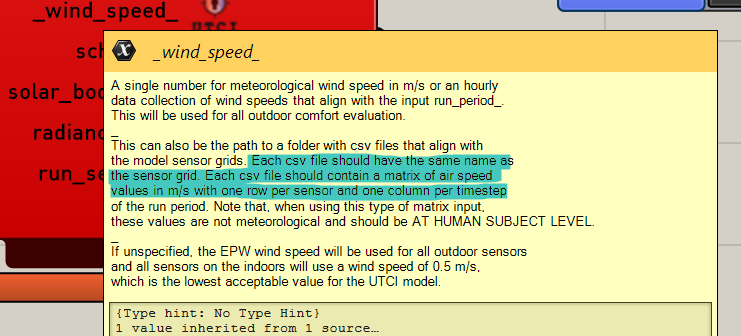
I’m really not sure what I am doing wrong here. I have run the versioner, latest LB. my .csv has the exact number of rows (sensors) as the grid, and has the same number of columns (120) as I have HOYs of simulation. I’ve tried running it with the filepath, the folder path, I put it locally instead of on the drive. Help would be appreciated.
Also, please share the log file which you should find in a similar path to this: C:\Users\[USERNAME]\simulation\[MODEL_NAME]\utci_comfort_map\__logs__\logs.log
If you change the encoding in the CSV file to UTF-8 it works fine.
I added a check so it will work with UTF-8-BOM encoded files as well. You can get the update in around 30 minutes by updating your core libraries with LB Versioner.
But I think I found the issue - when saving the CSV from excel no matter the version, there is a blank line at the end of the file. In addition, I made all of the excels into numbers rather than text. the script rejected the file when they were just text. Not sure how this changes the file itself, I do not understand, but that helped.
I had to go into Notepad, delete the blank line at the end, and save as .csv.
Then it worked.
Thanks for the update though, and the help. I think it would be really helpful if some of this was documented in the tooltip or somewhere.
 because there were failed tasks