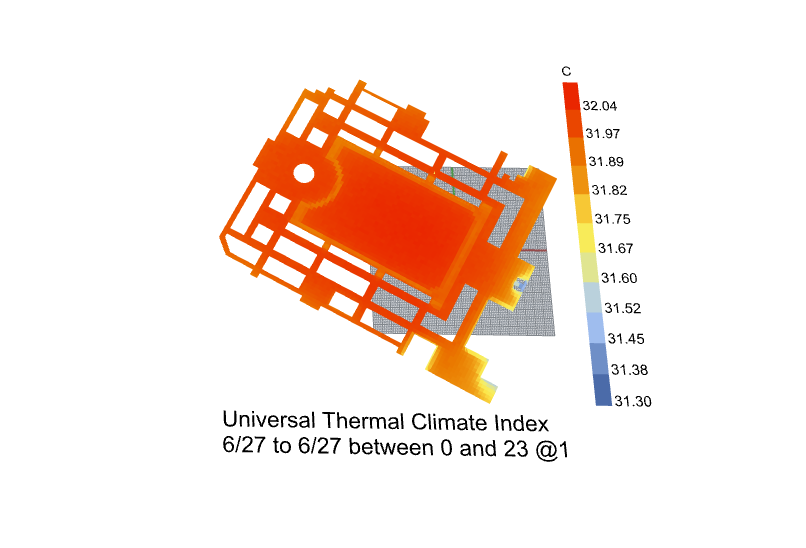
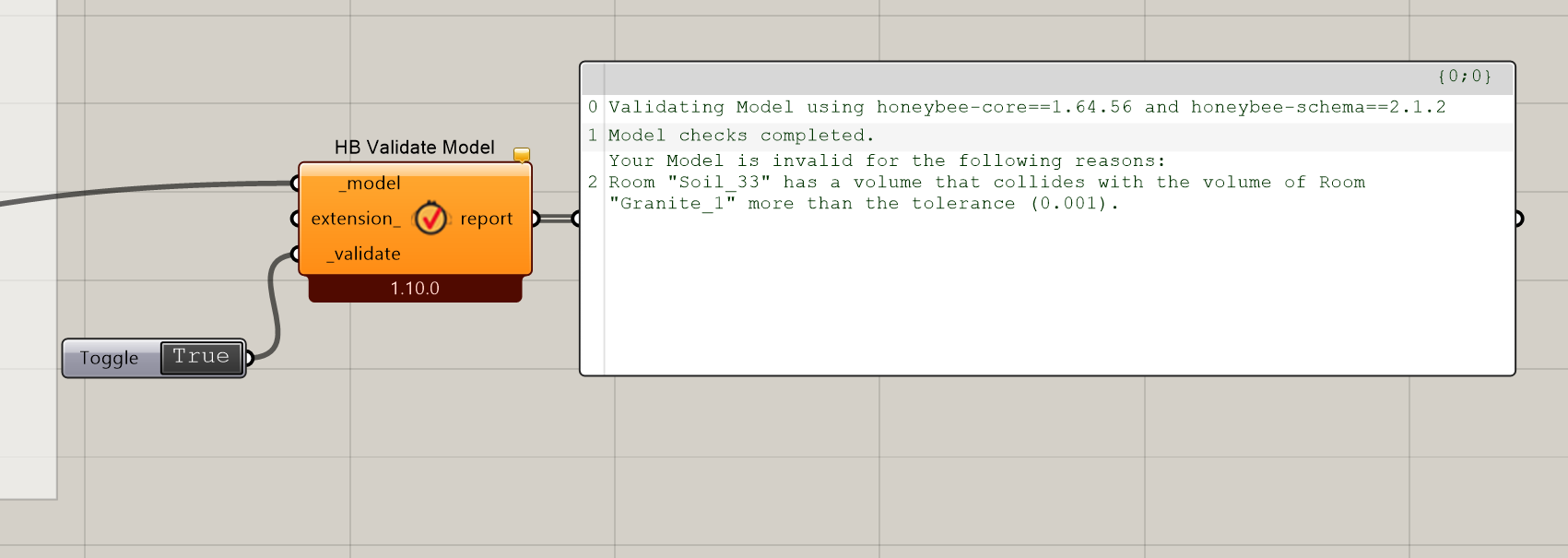
This is me trying to run this now, but I tried running the same recipe / model last night and left it running all night and it was still hung at this in the morning, not completing.
Attached is the recipe with everything baked if someone can check the file, it is entirely possible I am setting up something incorrectly.
Hi @remyweather I tried running the script as it is but it stuck for me too. I then unplugged the trees from the simulation, then it worked. I am not sure if trees are the issues or memory limit is the roadblock here. I also ran for a day rather then for a long period.@chris can clarify that.
It’s most likely that the energy simulation for surface temperatures is taking a really long time to complete with all of the detailed geometry of the trees. The EnergyPlus solar calculation is not like Radiance’s rendering capabilities and it does not scale for really complex geometry.
If you are ok with the assumption that the ground surface temperature is close to that of the air, you can just disconnect the ground rooms from the model you are simulating. Then the simulation will run without calling EnergyPlus and it will use only Radiance to compute view factors/ longwave MRT as well as the shortwave MRT delta.
If I do not call E+, do you mean ground temps (like soil) or the surface temp of the different types of surfaces (the different rooms)? If I do not call E+, and my ground sfc temps are the same as the air, or close, then doesn’t that remove the benefit of this workflow largely over the LB workflow? or is the fact that radiance is computing the VF for MRT in this already vastly better (besides faster) than the other workflow reason enough?
I will try with simplified trees and see if it runs faster, since I do very much want the different sfc temps.
@chris actually a question i did not think of before - i noticed the tree in the example file for honeybee comfort is faceted, not a sphere, but rectalinear sfcs to approximate a tree - does E+ not like spheres?
FYI, there was a bug that I introduced 3 months ago, which broke the capability to run the UTCI map without rooms. I just pushed a fix as you can see in this discussion:
So just make sure you run the LB Versioner if you want to try this and see how much faster your simulation is without the E+ part.
E+ does not have the ability to simulate curved geometry (everything must be planar). So, when you plug in a Rhino sphere for a shade, it gets converted to planar faces using Rhino’s default meshing before it goes off to E+. Planarizing the geometry in Rhino yourself will enable you to get much fewer faces and a much faster simulation compared to relying on Rhino’s default meshing. So this can be another way to get the E+ part of the simulation to run much faster.
It only took about 10 minutes to run the 120 hr sim 3x3 resolution 2836 point analysis srf on my laptop.
My question remains though, if no rooms, and no e+, and the ground sfc is just assumed to be the air temp, then how much different can you expect the results to be than just doing the LB simulation?
Other question - is there a way to expose an output for the surface temperatures? The MRT outputs are fantastic, but would be great to get sfc temp, unless I am missing it. thx Chris
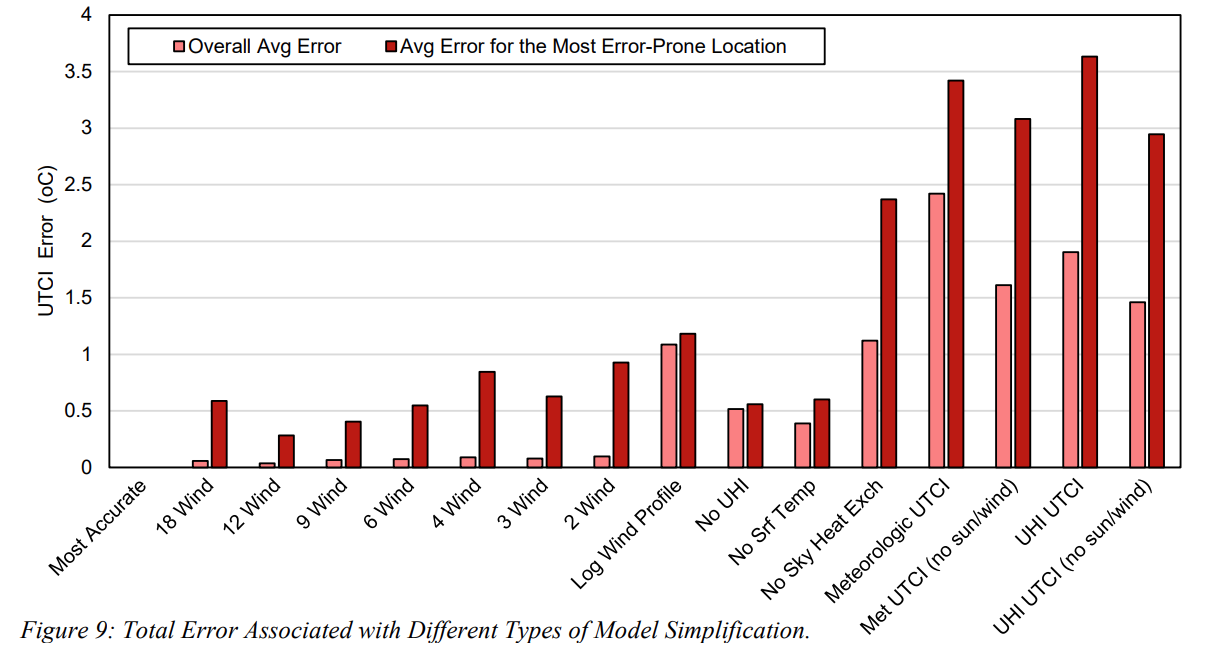
It’s going to be different for different climates and context geometry but I tried to answer this for at least one case in a paper published here:
On average, the results are ~0.4 degrees C different on average and, at the most extreme points, they are ~0.6 C different. This chart tries to summarize the expected error from simplifying different criteria:
They are in the SQL files that you’ll find within the UTCI mapping simulation folder. So you can bring all of them into Grasshopper if you just find the path to that file.