Following up (again… sorry for multiple posts in a row here). I tried editing the Honeybee_Honeybee core defs to take into account the Rhino Model tolerance (as appears to be done elsewhere in the core defs). This seems to handle the issue well in my case at least.
If we just change the isRectangle checks around line 6440 to something like:
tolerance_len = sc.doc.ModelAbsoluteTolerance
tolerance_deg = sc.doc.ModelAngleToleranceDegrees

check1 = abs(ptList[0].DistanceTo(ptList[2]) - ptList[1].DistanceTo(ptList[3]) )
check2 = abs(90 - math.degrees(rc.Geometry.Vector3d.VectorAngle(vector1, vector2)))
check3 = abs(90 - math.degrees(rc.Geometry.Vector3d.VectorAngle(vector3, vector4)))

if check1 > tolerance_len or check2 > tolerance_deg or check2 > tolerance_deg:
    return False
else:
    return True
then that seems to work well.
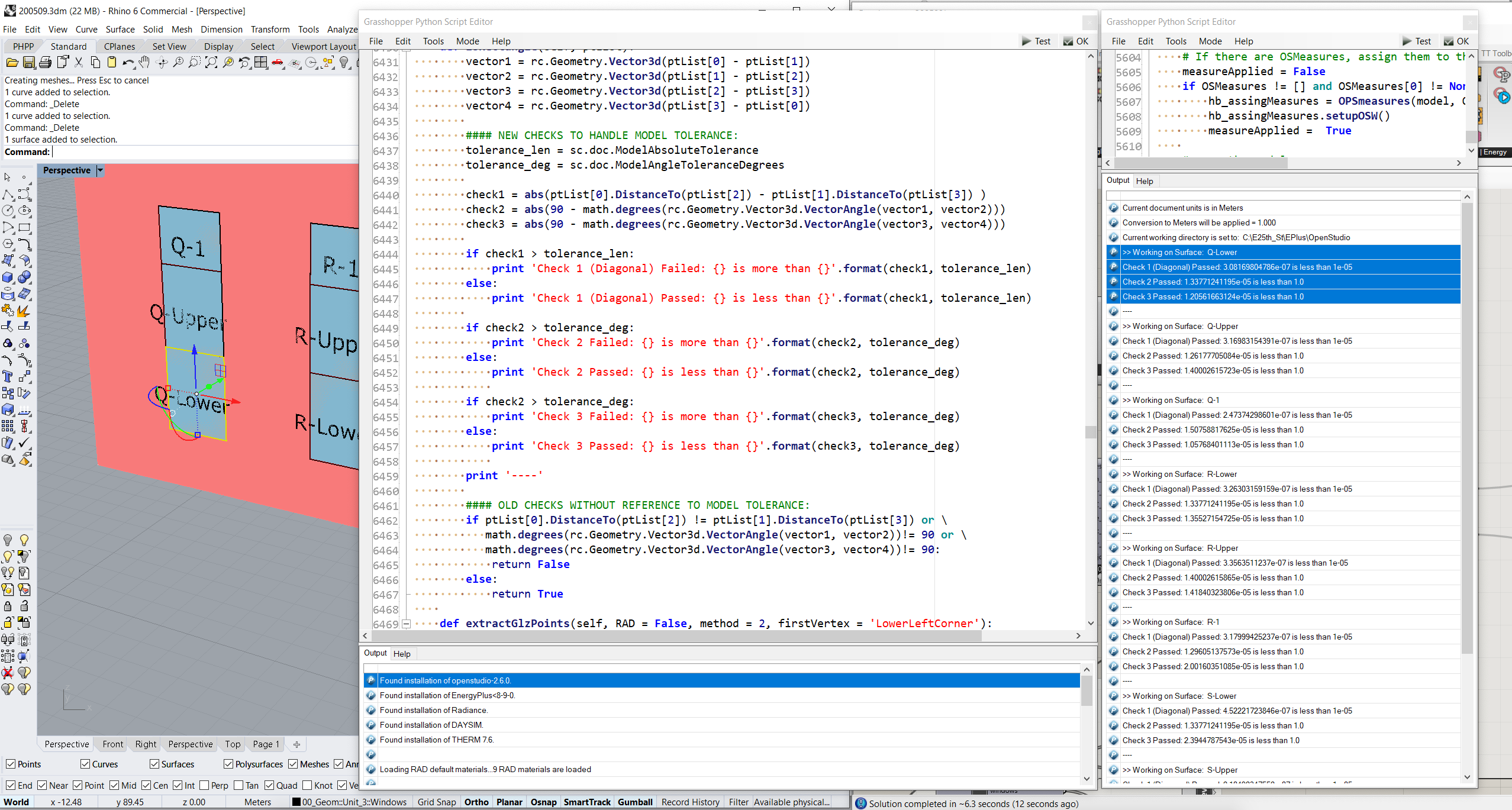
And if I make an intentional non-rectangular surface, it seems to find that correctly:
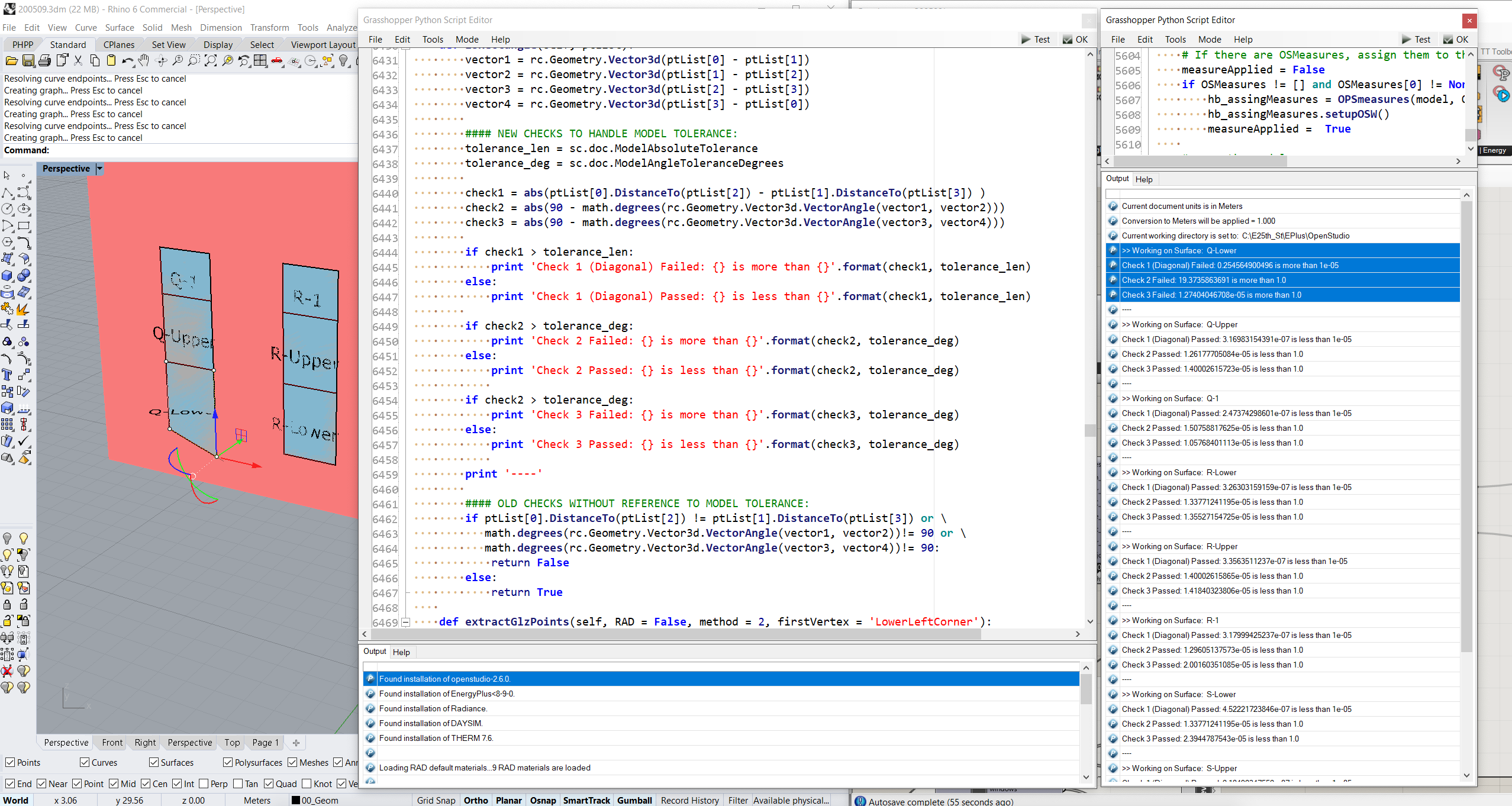
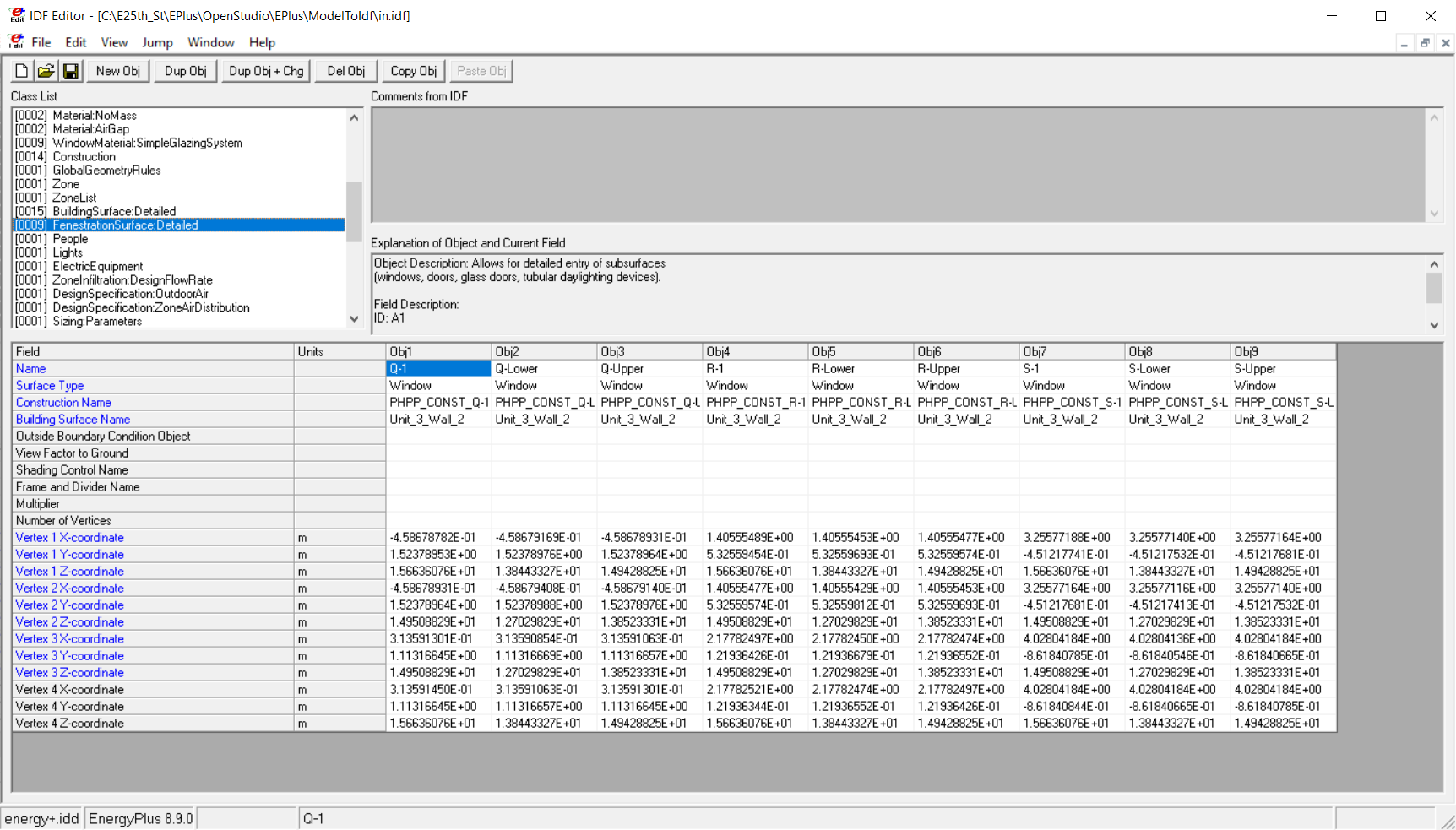
When I replace the old checks with these new ones, in my case here the triangulation resolves and I get good rectangular windows in the IDF now:
best,
@edpmay