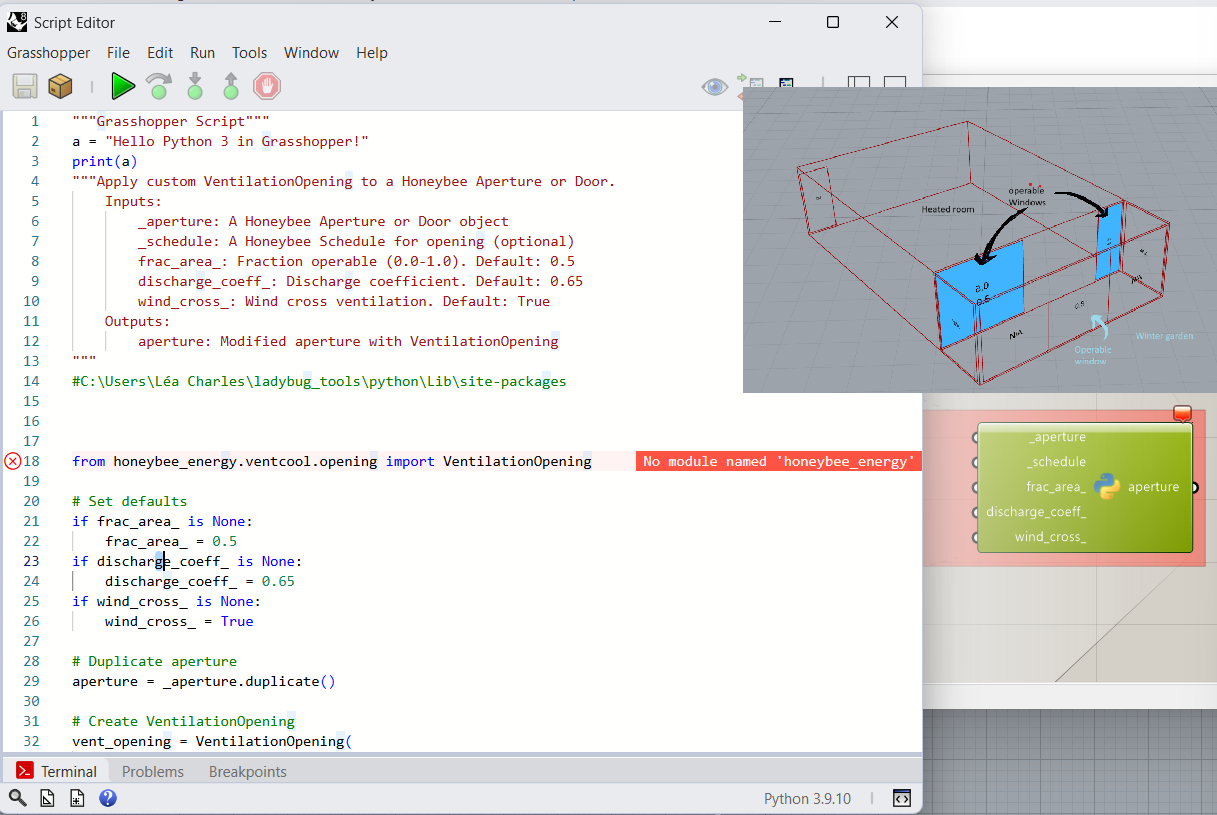
I am currently doing an energy simulation in Honeybee between two thermal zones: a dwelling with an attached winter garden.
My problem concerns the natural ventilation of the winter garden, for which I would like to assign two opening schedules:
One for opening to the outside
One for opening to the dwelling
This is not possible with the HB Window Opening component.
I tried to create a Python code with AI help for natural ventilation management. However, a “No module named honeybee_energy” error appears and I don’t know how to remove it. I have already reinstalled Ladybug Tools but the error persists.
I’m attaching a screenshot of my error and the context of my simulation.
So I’m wondering if anyone has already created a component for Honeybee Energy with a Python script for natural ventilation?
And if so, how could I fix this error?
Thank you for the quick response, I would not have found this solution on my own!
I just tried using the old Python component and retyped the first line to import honeybee_energy, and no error this time. I’m going to try creating my ventilation component and hope that it works.
I think that is correct, the room’s window_vent_control applies to all of the windows of that room. It is a room-property, not a window-property.
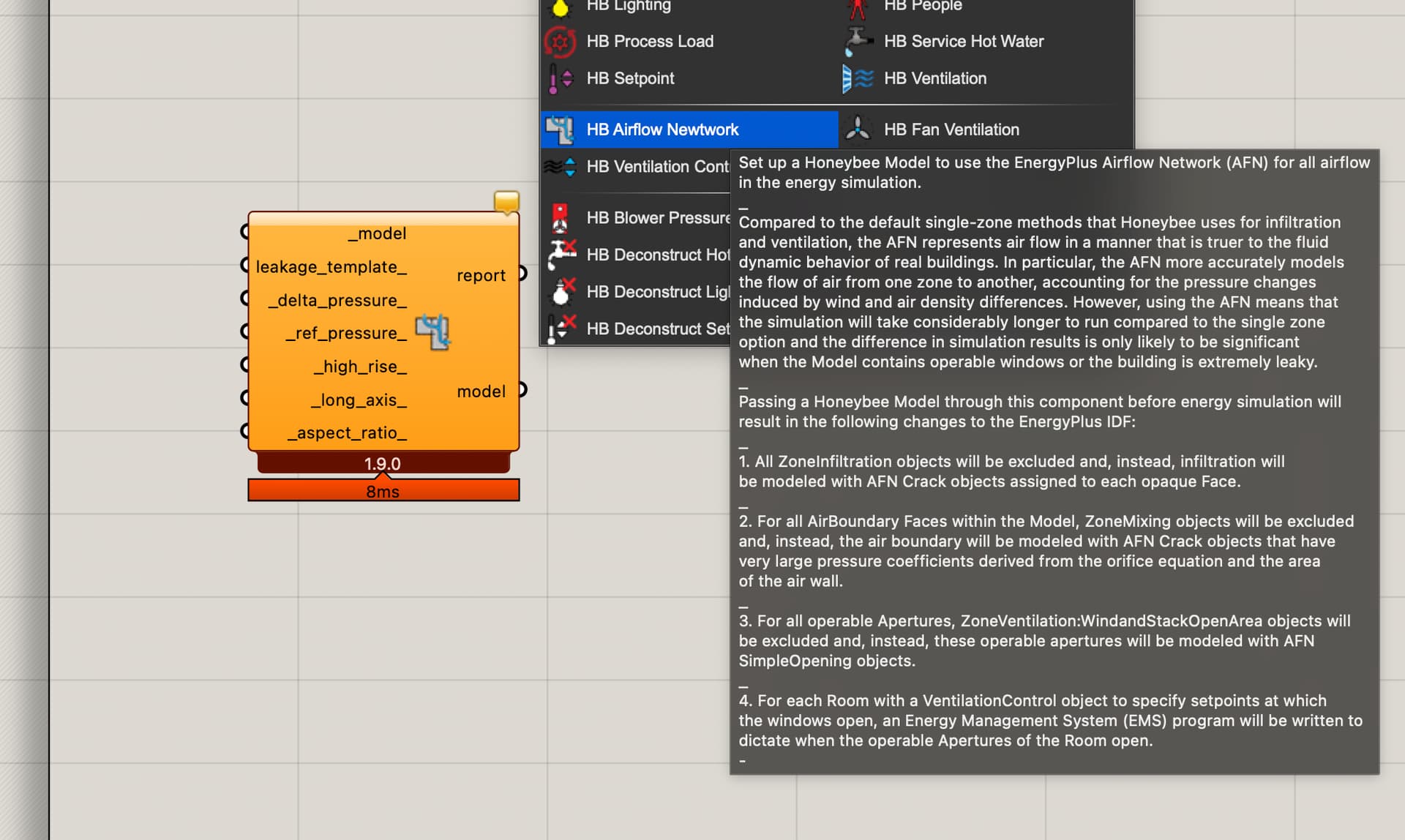
You might check out the Air Flow Network tools and see if they might help you setup your condition? I am not sure if they would, but might be worth taking a look:
Easy one but not sure if this works
Assign the schedule of the exterior apertures in the winter garden thermal zone, and the interior aperture schedule in the adjecent thermal zone. I am not sure if this will work, but it’s the easiest to try.
Complex but sure it works
This parameter is indeed defined in room-level in Honeybee, but is a window-level in EnergyPlus. So I would recommend to :
Let the interior and exterior apertures operable
Set the exterior apertures schedule in all zones
Write the IDF with the “HB Model to OSM” component
The next steps are the harder, which necessites to understand how the EMS work.
4. Open the IDF :
4.1 Create the interior schedule (you can copy paste and modify the existing schedule)
4.2 Modify the EnergyManagementSystem:Program corresponding to the interior apertures
This is a complex operation that requires to fully dive into how AFN (AirFlowNetwork) and EMS (EnergyManagementSystem) work in EnergyPlus. If you fully understand it, you can unlock the power of EnergyPlus