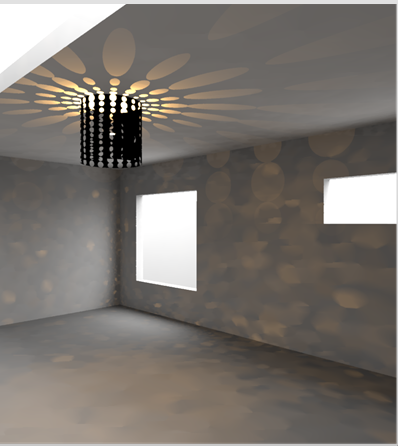
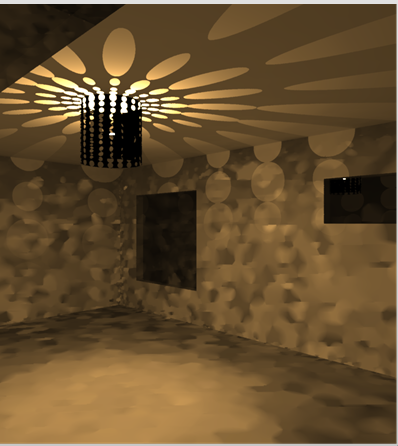
I am an absolute beginner with Ladybug Tools for Grasshopper and as my first exercise I wanted to simulate the effect a light-emitting bulb has on the surrounding walls/surfaces - in a closed interior space - and measure how the pattern I designed for my lamp (surrounding the bulb) affects the environmental perception of the room.
I saw some tutorials in which - at least the lighting setup - was achieved by using HB IES Luminaries (I am using the Version 1.9.15 and this component is not present anymore) but I can’t think of any Workaround (better said: I have no clue).
Any hints, examples, rough workflows would be extremely appreciated.
Thanks and have a good one!
It is doable with the new components also, but you are better off just working with the legacy ones if all that you intend to study is lighting from the luminaires.
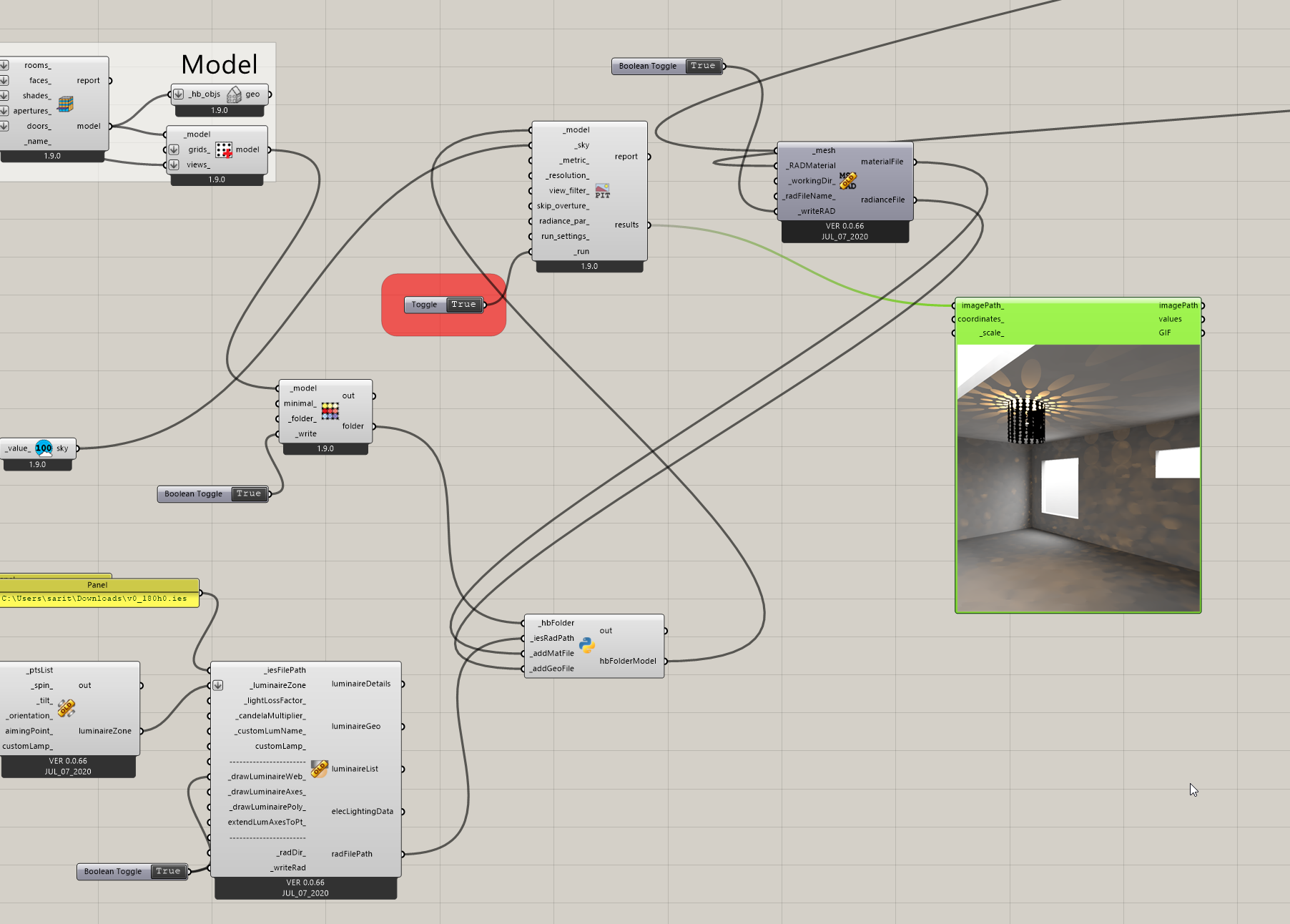
You can choose an illuminance based sky and set the value of illuminance to 0 to create darkness. Then you need to bring in the light fixture definition and any other shapes into the radiance folder. I wrote a script to do that (which is the Python component in the screenshot below: customLBToolsIAddIESComponent.py · GitHub).