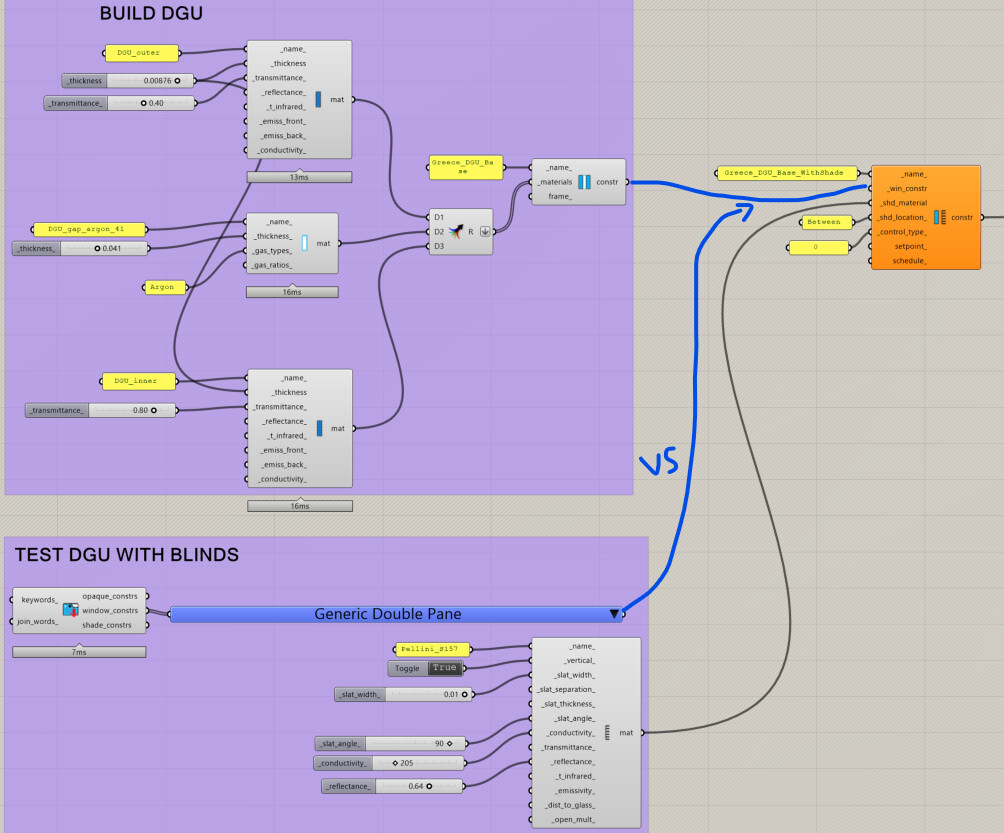
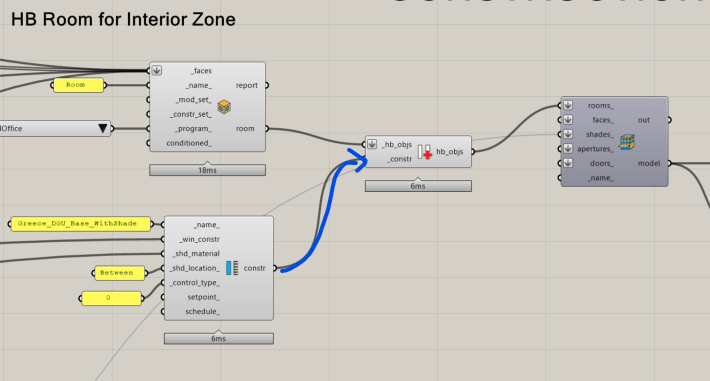
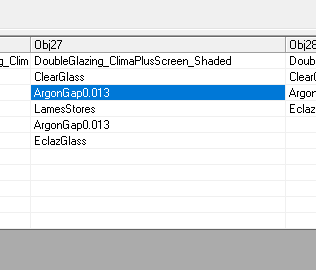
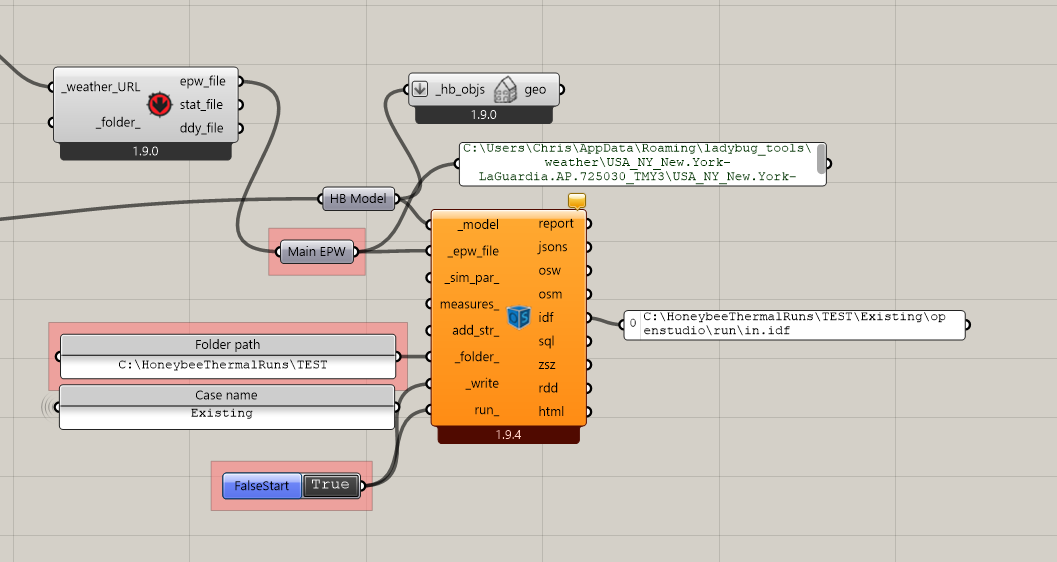
Running into a unique case - we have a DGU with interstitial blinds and I’m having trouble with the HB Window Construction Shade component.
Building a DGU in HB Window Construction runs OK, without the blinds
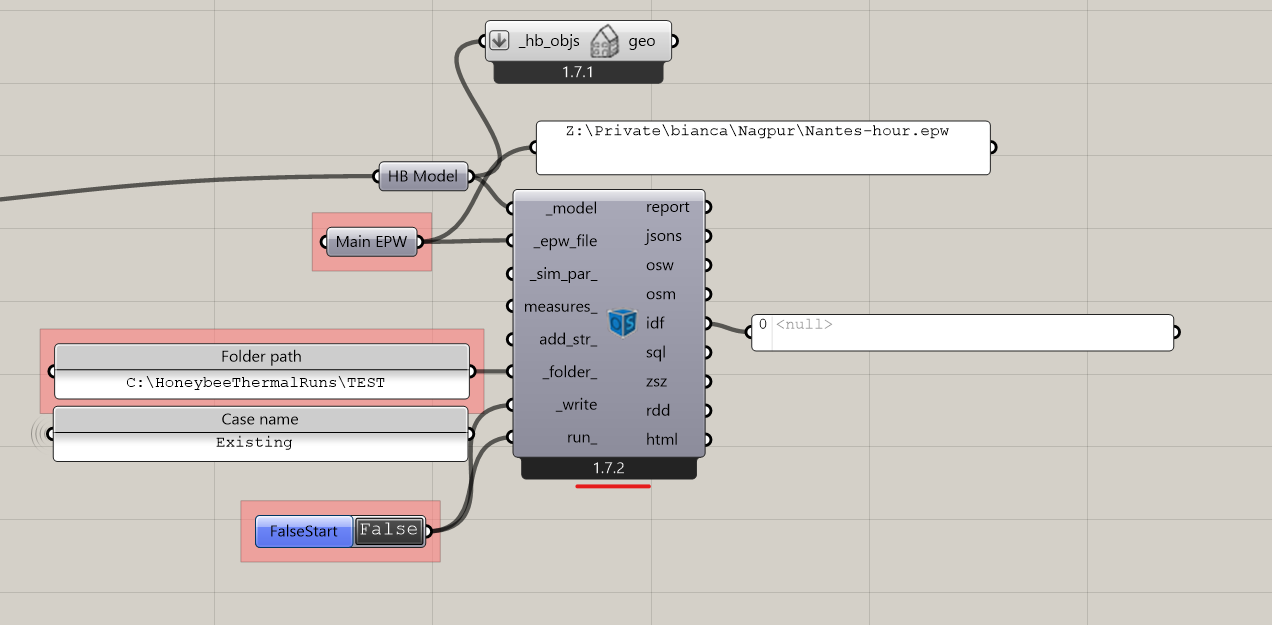
Using the DGU into the HB Window Construction Shade component stops working (the IDF file drops the gas layer and the aperture references the original DGU rather than the DGU with blinds)
Somehow using the generic double pane construction into the shade component works perfectly.
Hi @jac.lu
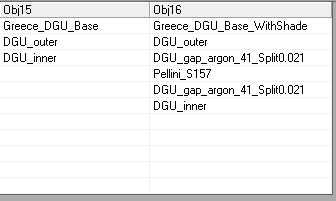
If this helps, I ran into a similar issue once when the gap thickness in the window construction was an odd number. Honeybee splits the original gap into two gaps to place the interstitial shading layer between them, and then rounds the thickness of each gap.
In my case, (with your values), EnergyPlus rounded each gap up to 0.021m, which no longer summed to the original 0.041m gap thickness. I had to manually edit the IDF and set each gap back to the intended value (0.0205 m) to resolve the issue.
Not sure this is the issue here, but it could be worth checking, for example by testing with a 0.042 m gap thickness.
I can see that, for some reason, the honeybee-openstudio library is writing the DGU_Base construction with two glass layers and no gap between them:
I’ll take a deeper look shortly but this seems like a bug and I probably will be able to push a fix for it quickly.
FYI, @bianca.fox , If you have a file that recreates your issue with window gaps, I can take a look and push a fix for it so that you are aware of the issue while making the construction in Grasshopper. I have a check in place for the thickness of gap layers as they relate to shading:
… but this must have missed the case that you put together. If I can make this check better, this should hopefully save you from having to manually edit the IDF in the future.
… and it is now available via the LB Versioner. After running that and restarting Rhino, you should be able to run the file that you uploaded here without issues, @jac.lu .
It seems this bug only affected cases where there was a custom gas gap layer in the shaded window construction with an in-between blind/shade. It has been in the software for a while now. Thank you for reporting the issue so that we could finally fix it!
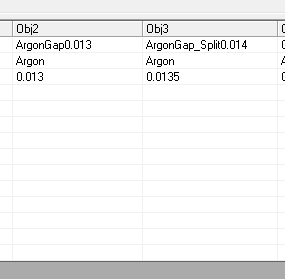
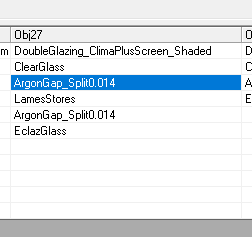
In the generated IDF, the shaded construction is assigned two gas gaps of 0.013m each. However, this does not match the original 0.047m gap defined in the unshaded construction.
To correct this, I have to manually edit the IDF and reset the gap thicknesses to the intended split value (0.0135 m each).
Otherwise I get this error :
Severe ** GetHTSubSurfaceData: The gap width(s) for the unshaded window construction DOUBLEGLAZING_CLIMAPLUSSCREEN
** ~~~ ** are inconsistent with the gap widths for shaded window construction DOUBLEGLAZING_CLIMAPLUSSCREEN_SHADED
** ~~~ ** for window DG_PINEL_FIXED_SHADED_26_7F441025, which has a between-glass blind.
** ~~~ ** …Material=ARGONGAP thickness=2.700E-002 -
** ~~~ ** …( Material=ARGONGAP0.013 thickness=1.300E-002 +
** ~~~ ** …Material=ARGONGAP0.013 thickness=1.300E-002 )=[1.000E-003] >.001
I see what you mean and I think it is (quite literally) a rounding error in our source code. I think you would only encounter the issue if you had a gap thickness with an odd number in its last digit (in which case the split gap thickness gets rounded down).
Give me a little time to investigate more and push a fix.
I ran the LB Sync Grasshopper File component on your .gh file and now it all simulates correctly (albeit with a minor warning about shadow combinations that you can either ignore or change the shadow calc to get rid of):