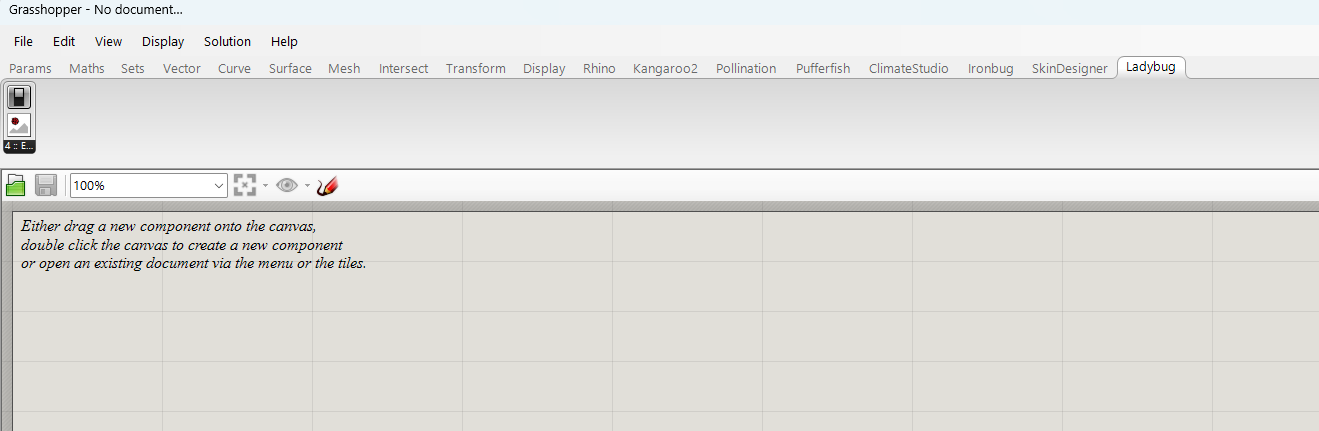
Hi @chris I hope you are going well. I am writing to ask for your help, please.
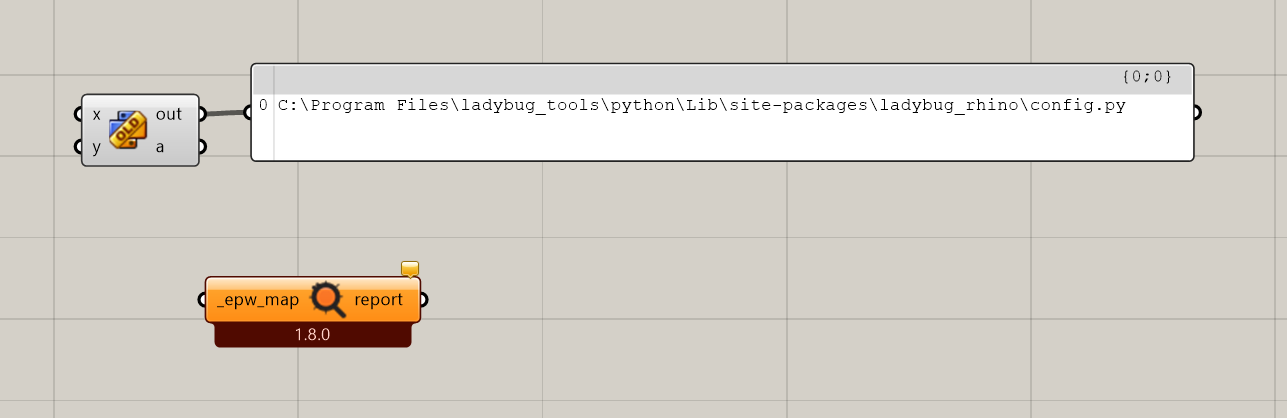
I have installed Ladybug version 1.10 through Pollination for Grasshopper (plugins_release_PollinationGHInstaller-1.71.1.exe). However, when I open any component from Ladybug, the 1.8.0 version is loaded (not the latest 1.10). I cannot fix this issue.
I have reinstalled Pollination but it still not working. I also deleted all the files in:
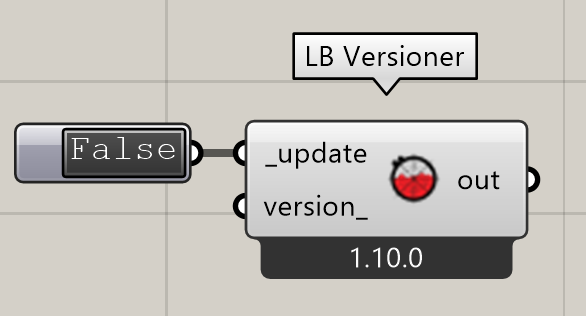
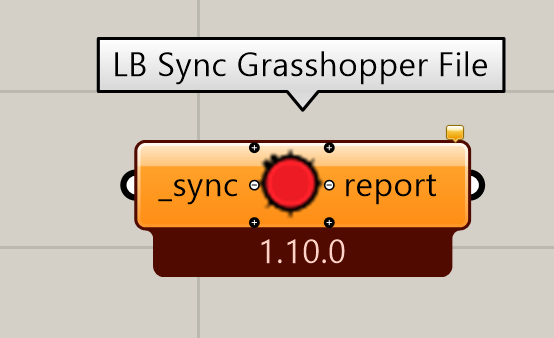
@Doris just incase: canvas of a file made with older components will need the “Sync Grasshopper File” to update a preexisting file with a lower version
Thanks, that helps a lot. That component (LB Sync Grasshopper File) successfully updated the old components in my working file. However, if I add any new component to my definition, it still appears as version 1.8. This makes it difficult to work efficiently and smoothly. How can I resolve this issue?
It’s clear that you have some older components installed, which are not compatible with your current installed core libraries. The easiest way to fix everything is to uninstall, make sure there are no folders named “ladybug”, “honeybee” etc. in:
Then reinstall the latest version. Using the Pollination single-click installer to do the reinstallation will be the most reliable and least error-prone. But the Food4Rhino 1.10 installer should also get the job done.
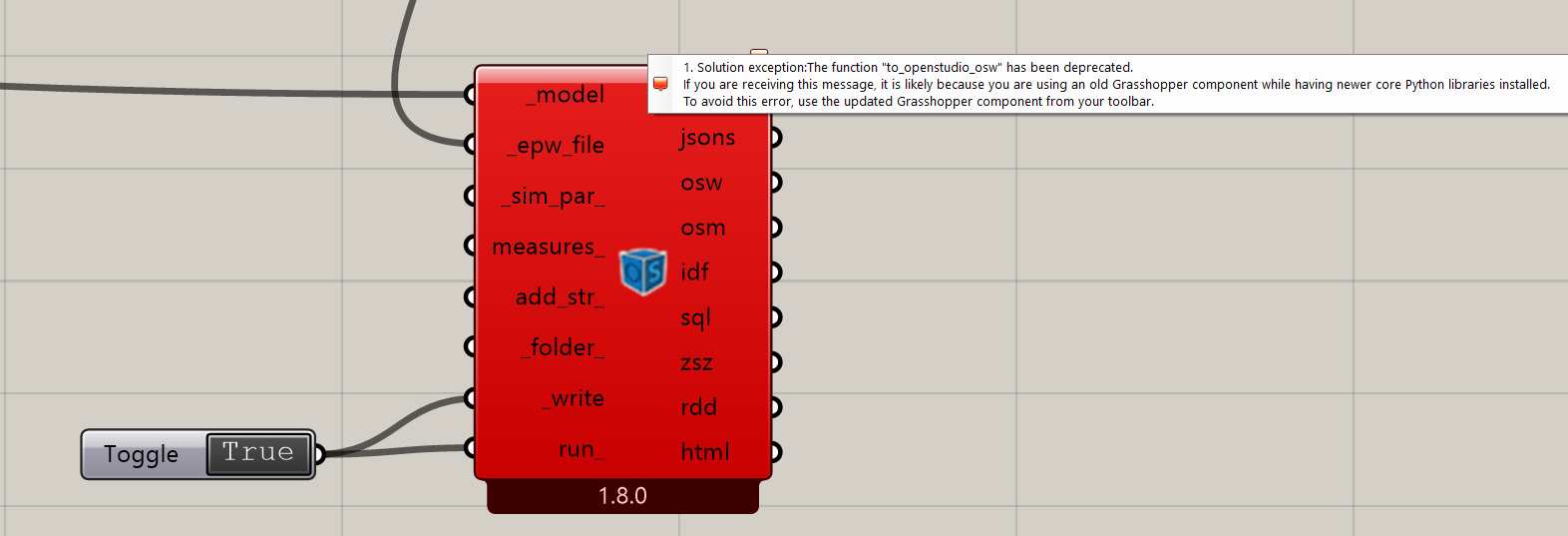
 This makes it difficult to work efficiently and smoothly. How can I resolve this issue?