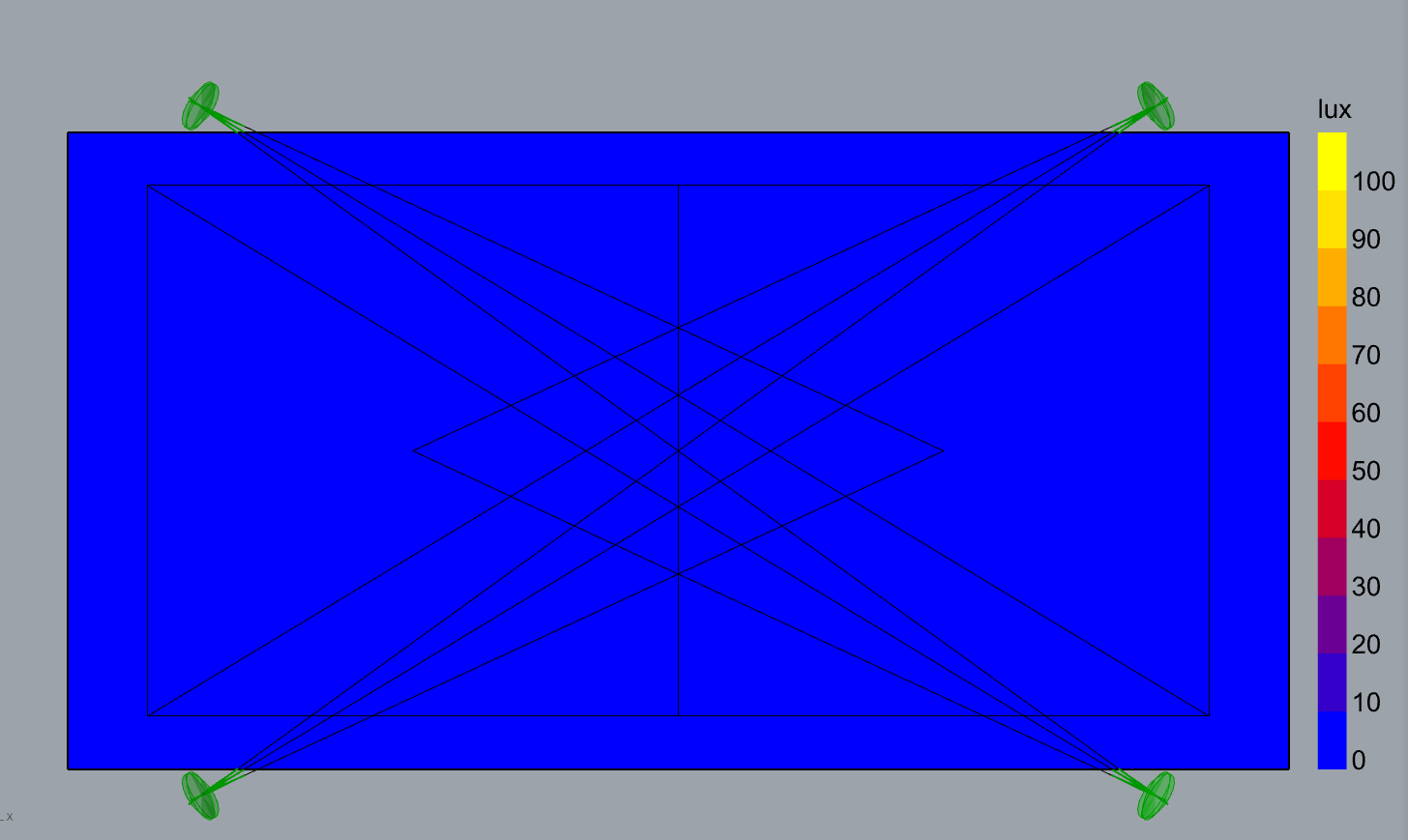
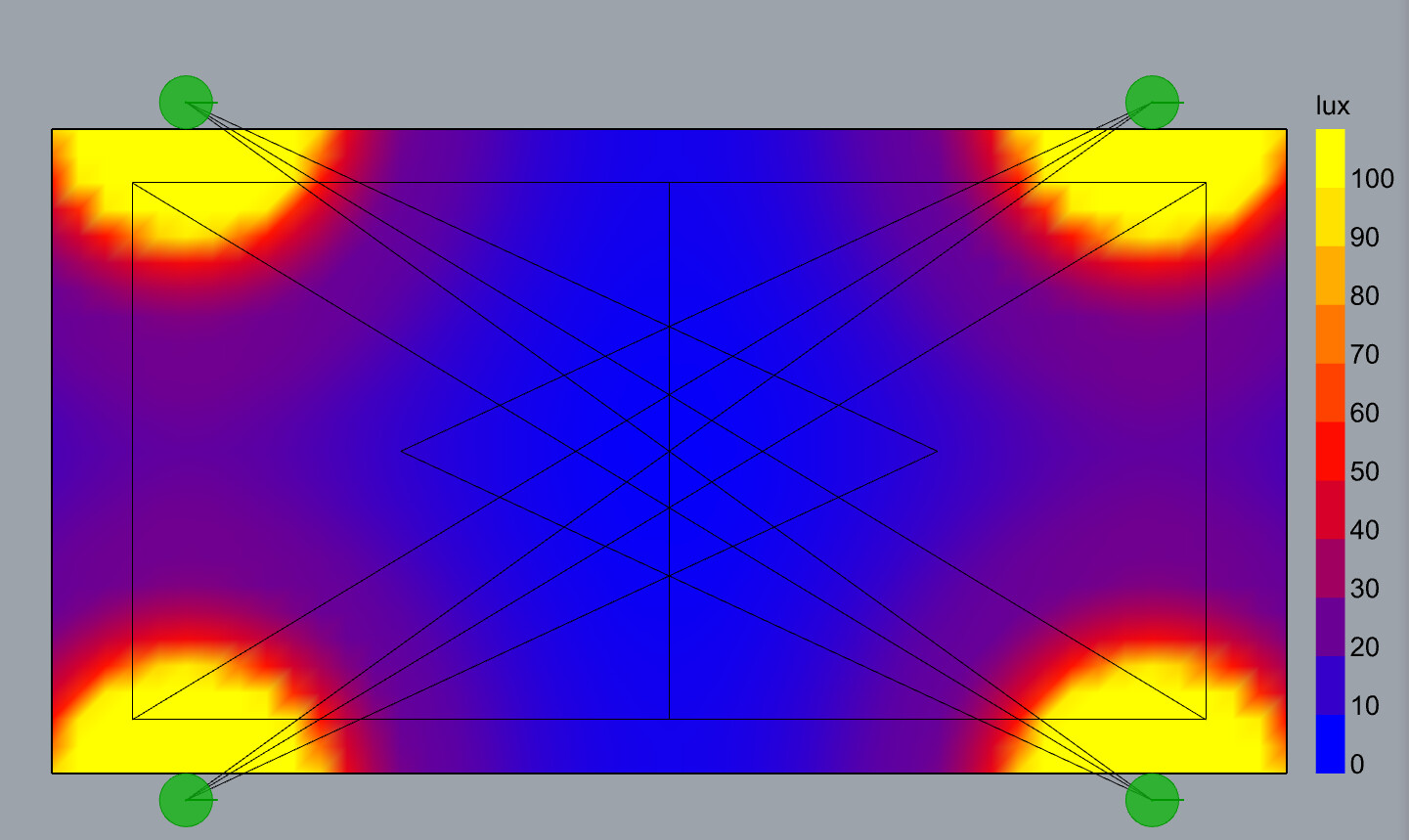
I am using ladybug GH plugin. When the lights are oriented custom via either orientation angles or aiming point the simulation produces nothing. When the lights are oriented in default it gives results. Component supposed to show placeholder orientation displays the orientation correctly but the simulation engine clearly cant digest it.
Thank you for the files, @ivan. I am not able to recreate the issue with the IES description from the sample file, although, when you have multiple luminaires in the same location they might block each other.
Can you also share the IES file or a link to download the file?
How come you are not able to recreate? try to plug in aiming points or leave only position plugged and you will see what i got. ies files does not matter you can use any. i am not sure blocking is a thing when they dont block each other when non rotated (there are 3 in the same point). i will do some test with only one luminarie to see if it works.
Blocking is (almost certainly) the issue. IES files/defintions define luminous openings, which are faithfully converted by Honeybee/Radiance. If you have multiple of them in vicinity, even if they are oriented in different directions, the bottom ones will likely block out the ones above them. You could probably get away with keeping the luminaire positions very close to each other by making the openings super small (which will require editing the IES file).