Hi there,
I’m trying to use ladybug visualise data components but they don’t work with message of “windows error”
I tried ladybug 1.8.0 and 1.7.26, all the same problem
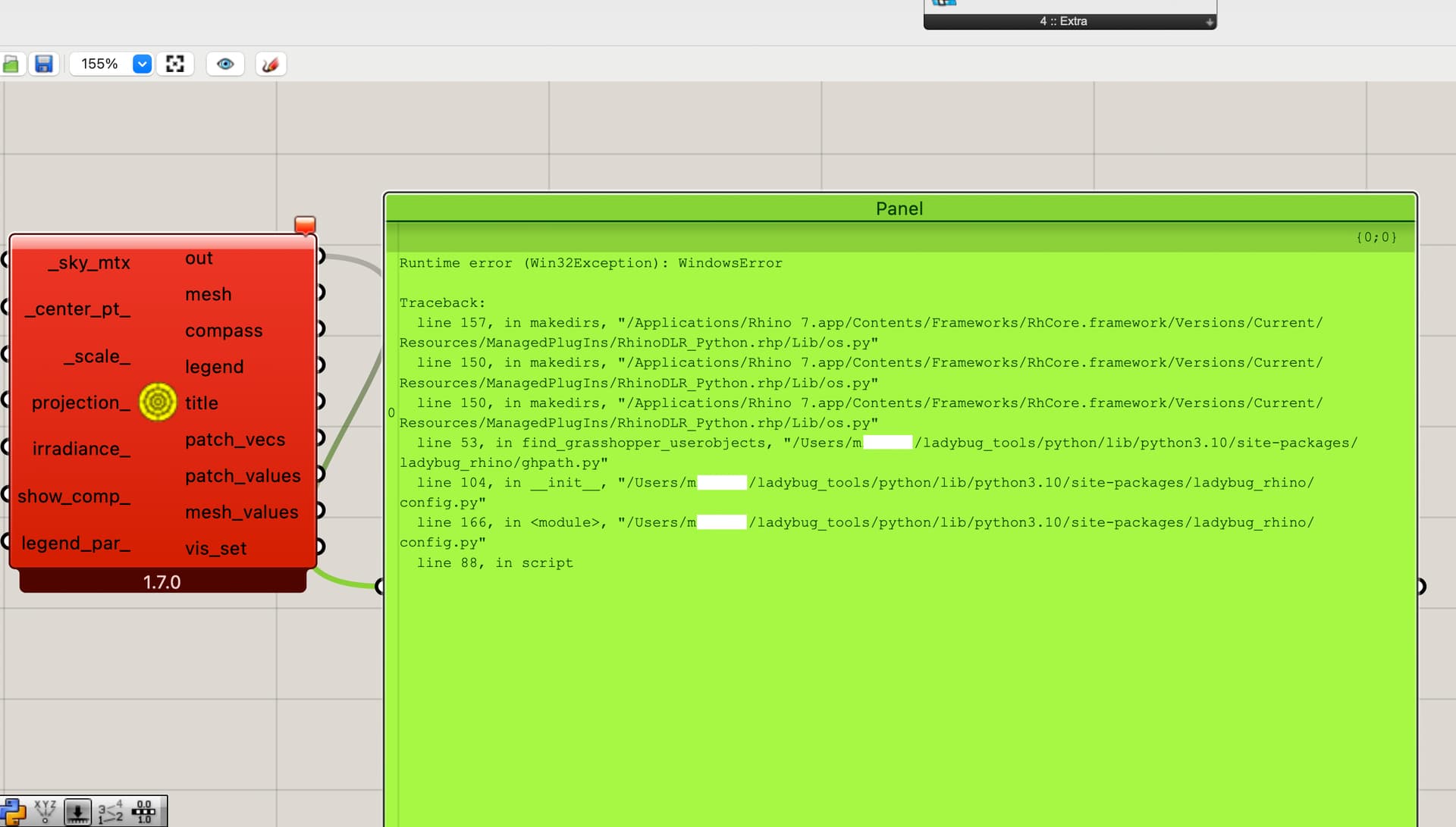
Hi @M_Ali ,
Looking at the traceback there, the issue seems to be with the IronPython that’s installed with your version of Rhino 7. Are you using the latest service release of Rhino 7 and, if not, can you update it?
FYI, the latest service release of Rhino 7 seems to be version 7.37.
I checked it is updated to 7.37
Please use LB tools update component. It should resolve the issue.
This issue I noticed in users when LB tools are installed from Food4Rhino.
Where can I download them?
I’m not sure that I understand @Naga 's response perfectly but I can see in your screenshots that you have installed LBT 1.7. So you can download the LBT 1.8 installer from Food4Rhino and see if that fixes it:

If it does not fix the issue, then you can try updating to the latest development version of the LBT plugin by running the LB Versioner component. But I recommend checking first if the LBT 1.8 installer fixes it.
Hi @chris and everyone,
Sorry for delayed response.
Several students in my institute experienced similar error.
There are two solutions that worked for us.
First one is to install LB tools using installer from Pollination site. But I am not sure if there is installer for Mac.
Second method is to unblock the installation folder (downloaded from Food4Rhino) in properties section before unzipping and installing it.