I’m trying to create a monthly wind rose analysis from external data (not EPW). When attempting to construct data, it needs header which in turns need analysis period.
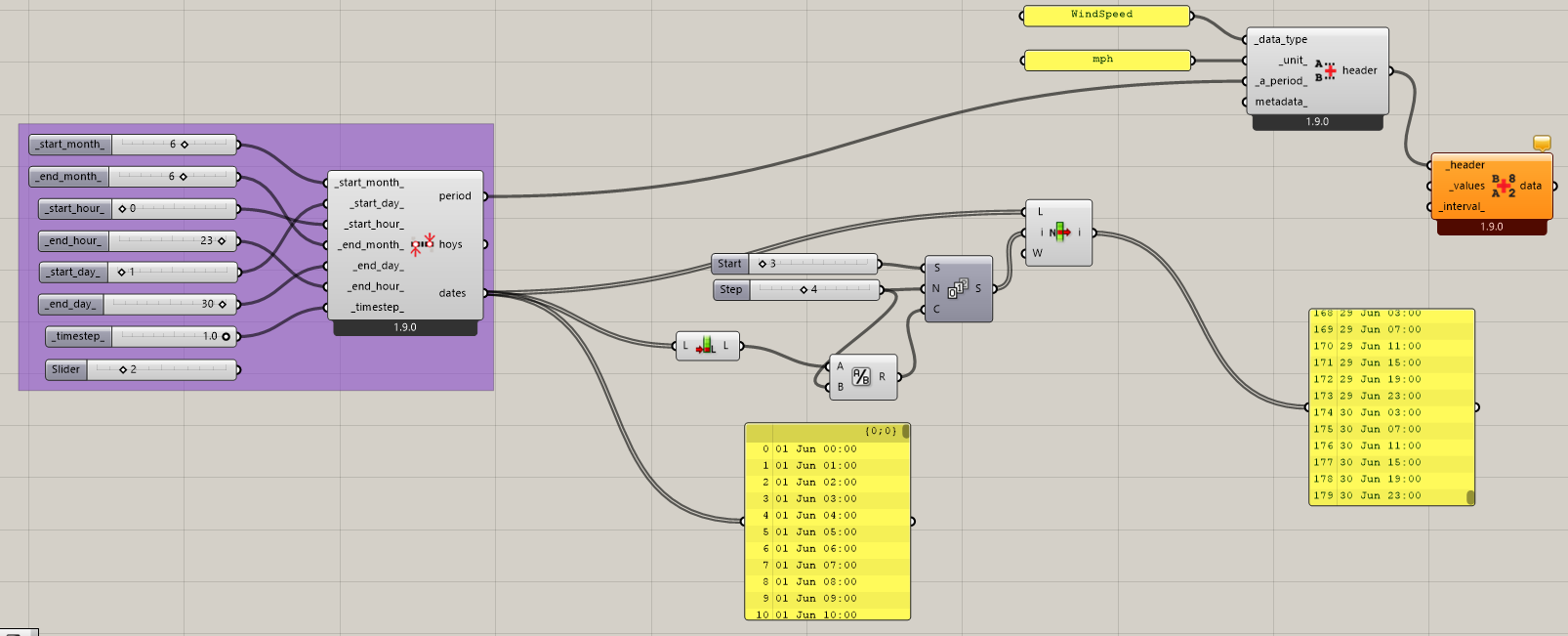
The problem is, my weather station record the data in 4 hours interval (3:00, 7:00, etc) which for example in June, the data count is 180 (6 hrs x 30 day). Meanwhile, ‘LB Analysis Period’ only allows for a hourly data interval, so when i set the analysis period from day 1-30, hour 3-23, it will return 630 count. This mismatch will then wreck havoc into the data construction.
I’ve tried getting the list to be in interval of 4 by using ‘List Item’ component, but then i realize the one plugged in to ‘LB Construct Header’ is the period output, not the hoys or dates.
Attached below is the screenshot of my attempt. Is there any way to get the analysis period output in 4 hours interval?
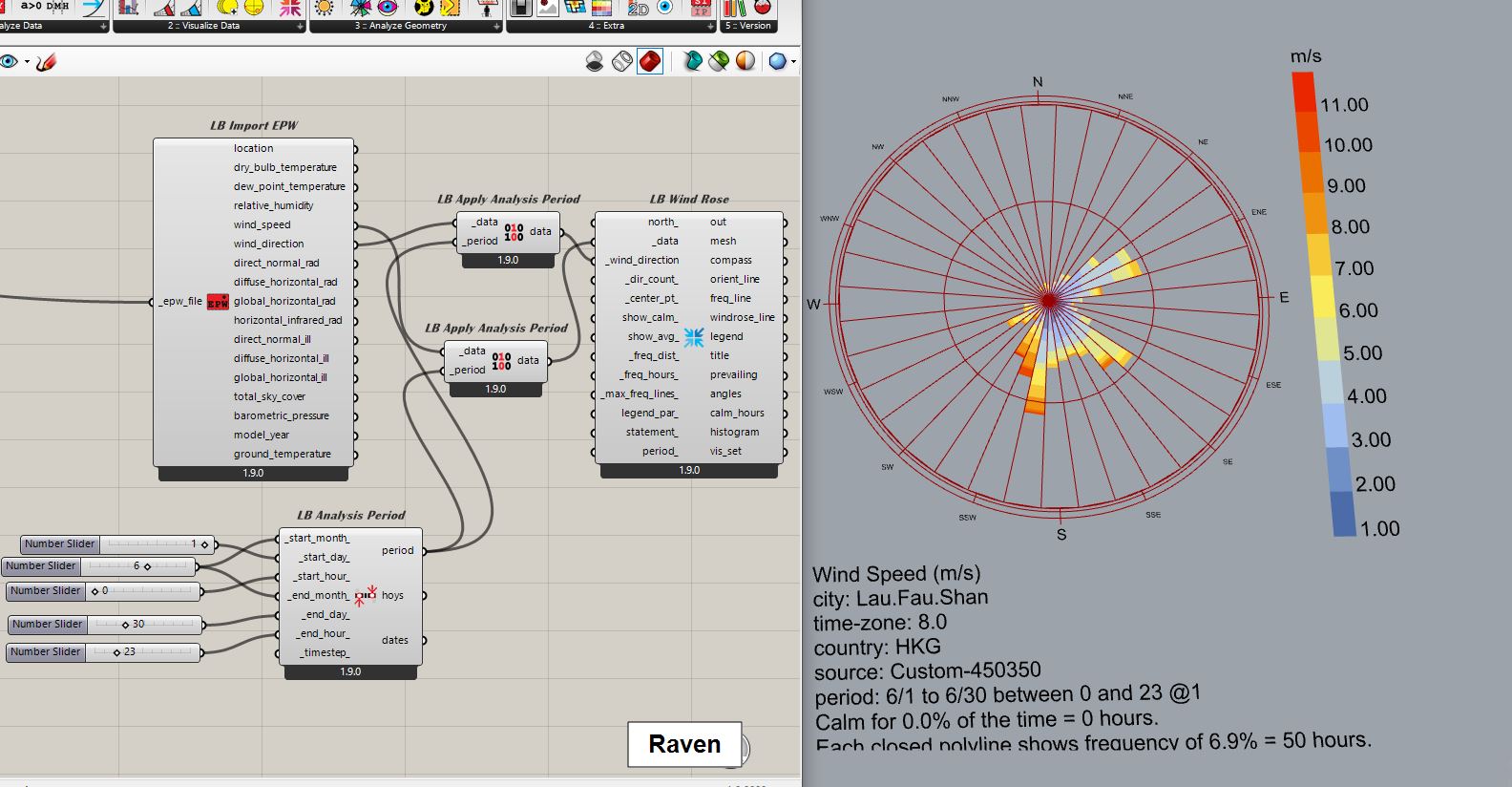
Hi @Aliarch Thank you for the reply, unfortunately it couldn’t work because my data source is external weather station, not in form of EPW. Therefore i need to construct the data using ‘LB Construct Data’.
Your solution for the analysis period is also hourly (6/1 to 6/30 from hour 0-23) meanwhile i was looking for a solution to make the analysis period every 4 hour (6/1 to 6/30; hour 3, 7, 11, 15, 19, 23).
Sorry for the late reply, unfortunately i can’t share the data
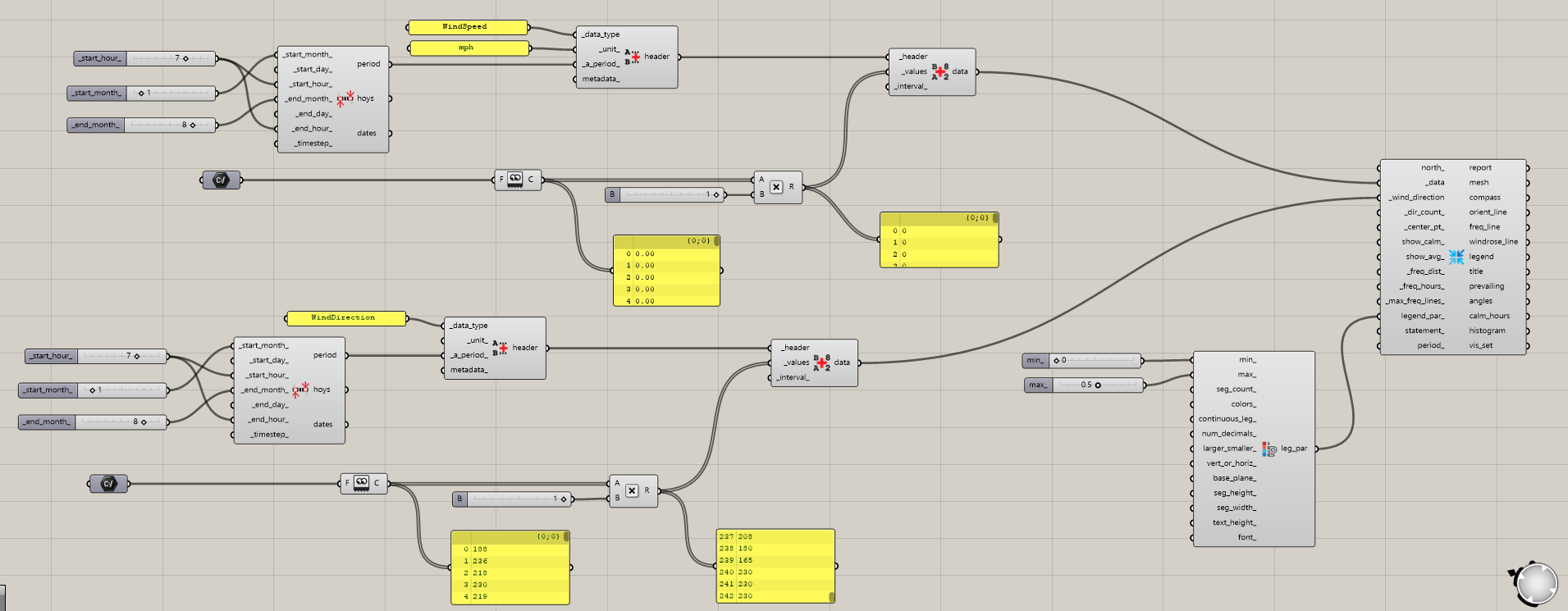
I use csv to construct data in grasshopper and have previously succeed in doing wind rose analysis for monthly data (1 entry per day), and full data (24 hours entry). But it cant work when using interval data. Below attached is the previous script i used for the external data.
@MayaAurel so according to the documentation: a 4 hour timestep is not possible with energyplus/openstudio.
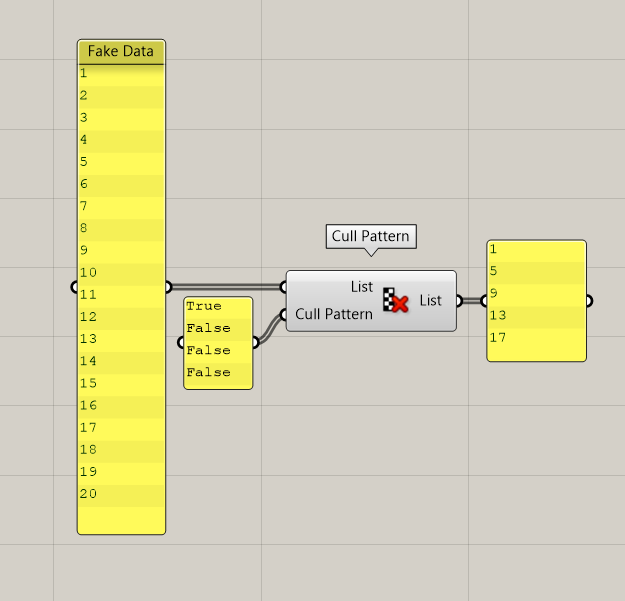
however, you can run the simulation with 1 hour time step and cull every three datapoints out so you only have data for every 4 hours
Here is one example of a possible means to take standard timestep data and convert it to every 4 hours data.
The way to work with data like this in Ladybug is not really exposed on official LBT components but it is quite straightforward when using the ladybug python SDK inside of a custom ghython component.
Just create an HourlyDiscontinuousCollection with your values and datetimes occurring every 4 hours. Then, use a component like “LB Convert to Timestep” to turn the discontinuous data collection into a continuous one by interpolating between your data points. After this, you will have a data collection that can be used with the other ladybug components.