Hi I’m new and i wanted to use an template but it says “1. You should let the Ladybug fly first…” I don’t know what does it mean but I cannot run the visualization. I think I should see a heat-map or something like that but its not working. Please help me
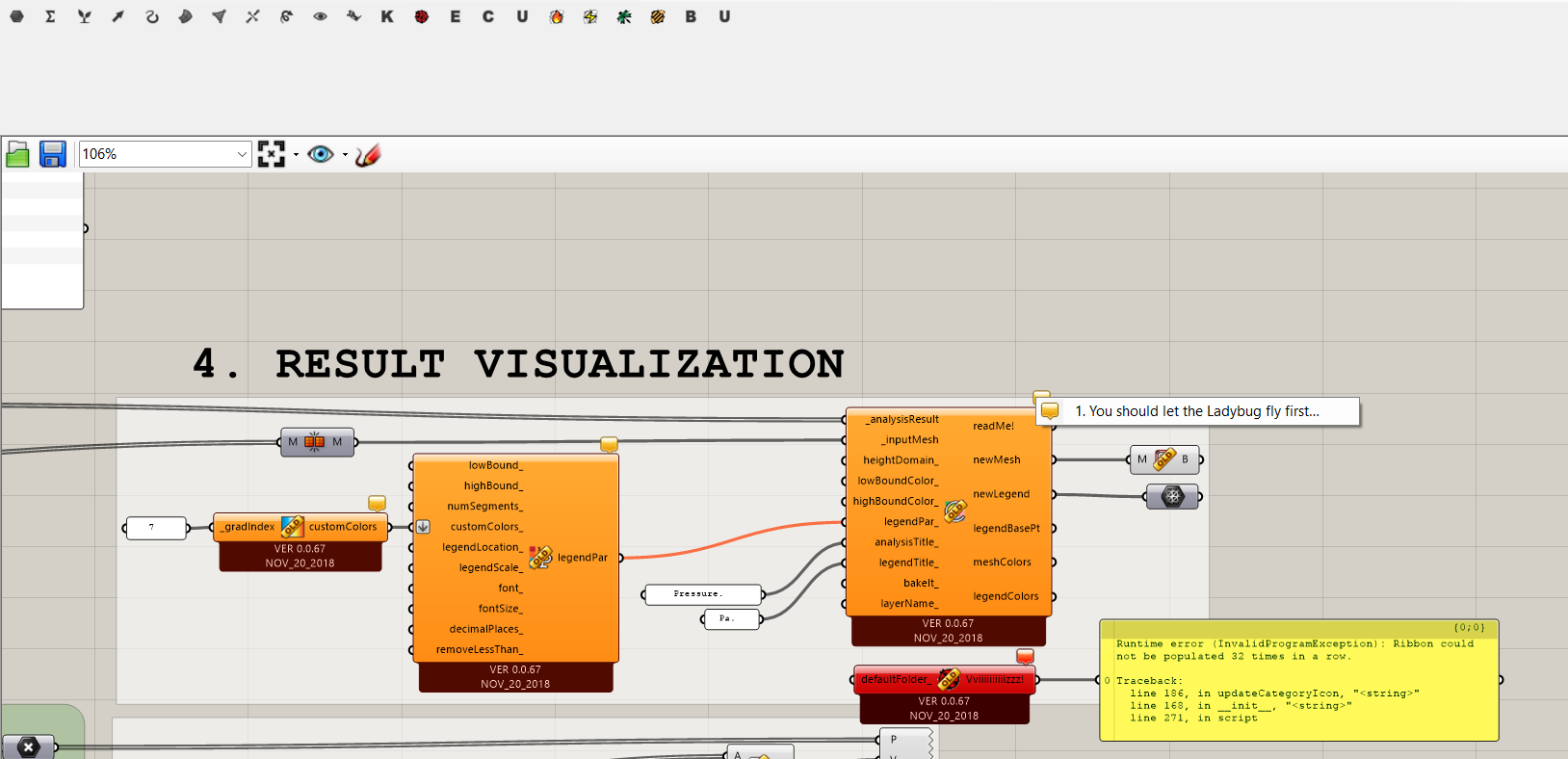
Seems like you are using legacy version of Ladybug. In this case, please drag the component “Ladybug_Ladybug” (the component in first section of LB tools panel) into the canvas before dragging in any other component to generate workflow.
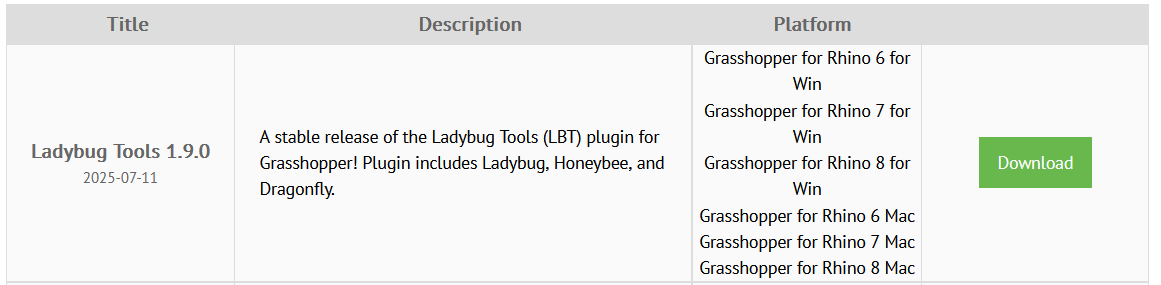

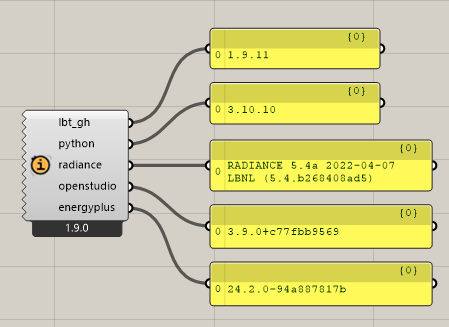
I don’t know if this helps you to see what is the problem. Sorry if its really simple and I’m not looking at it. 
Hi Diego, welcome!
Older templates with those ‘old’ components are not compatible with the ‘new’ Honeybee unfortunately.
sorry!
The picture in this post shows version 0.0.67 not Ladybug 1.9, whose components you are showing in later posts.
Ohh ok i get it thank u
So the template is from legacy and my version is 1.9? Thats what u mean? So I cannot use those components or I need to download something?
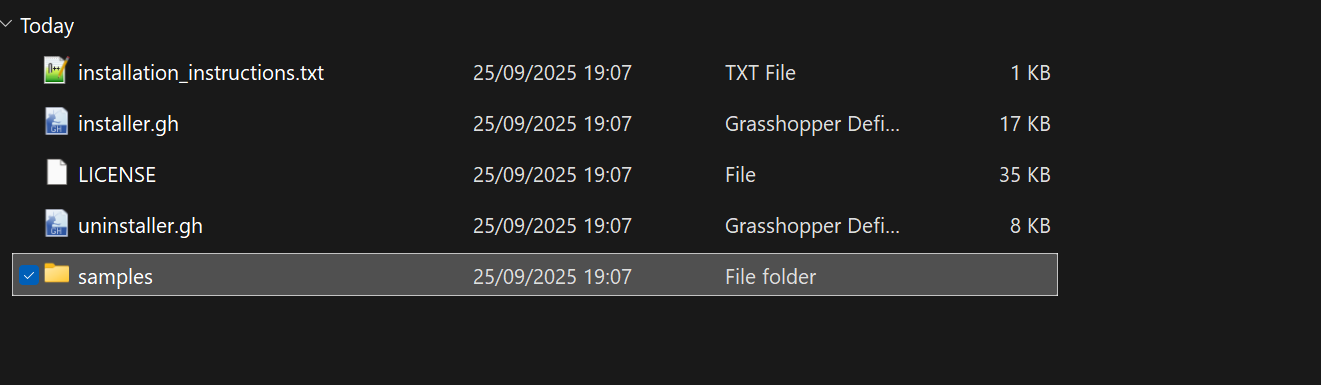
Yes, it seems like that. The template uses legacy version components while you have installed recent version of LB tools. You can go through the tutorials in the LB tools to create your own workflow. Samples are available in installation folder which you can use as template if they suffice your requirement.
Ohh ok thank you very much  , and sorry for writing much hehe
  I’m going to see those tutorials