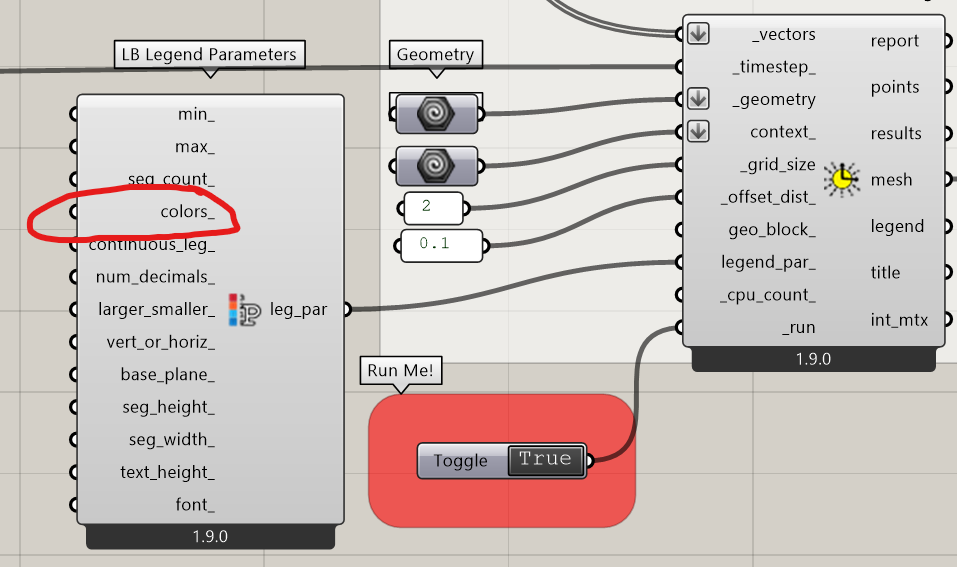
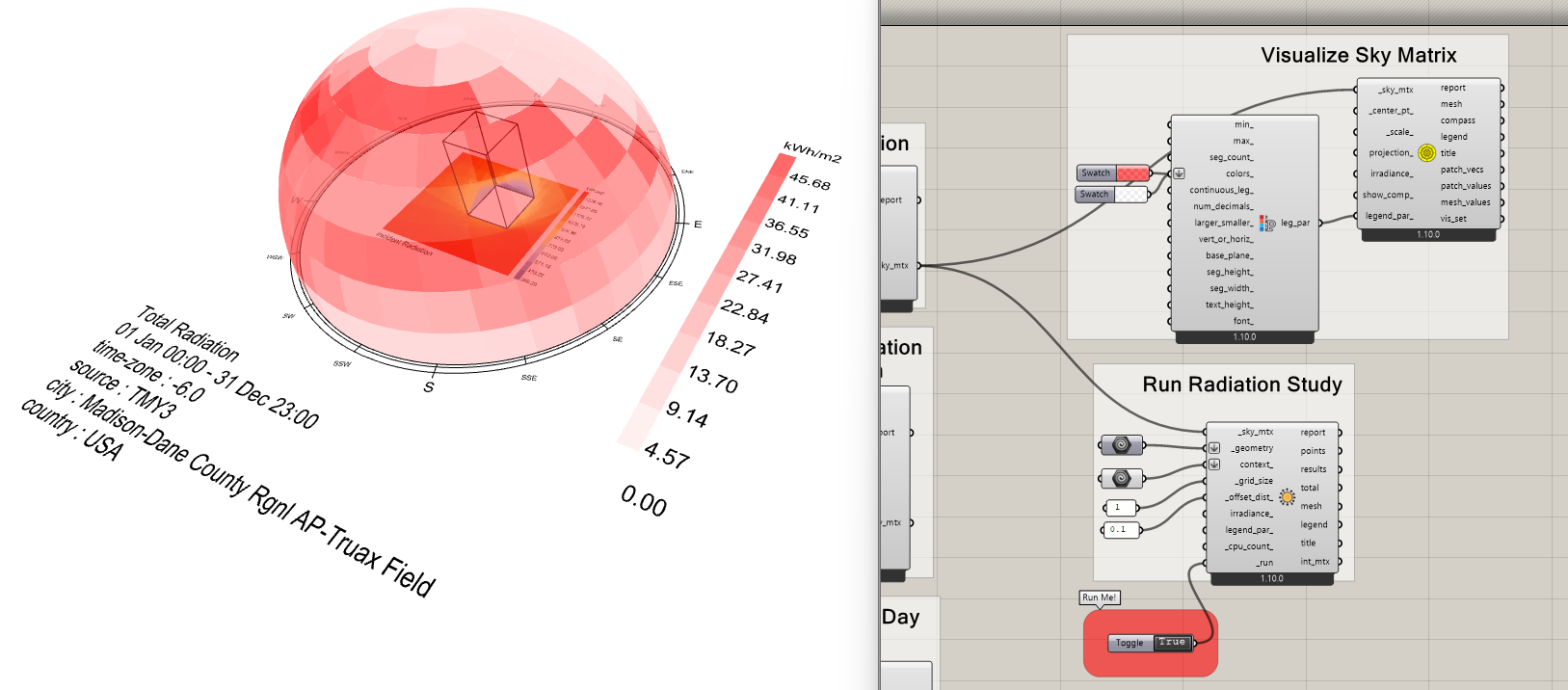
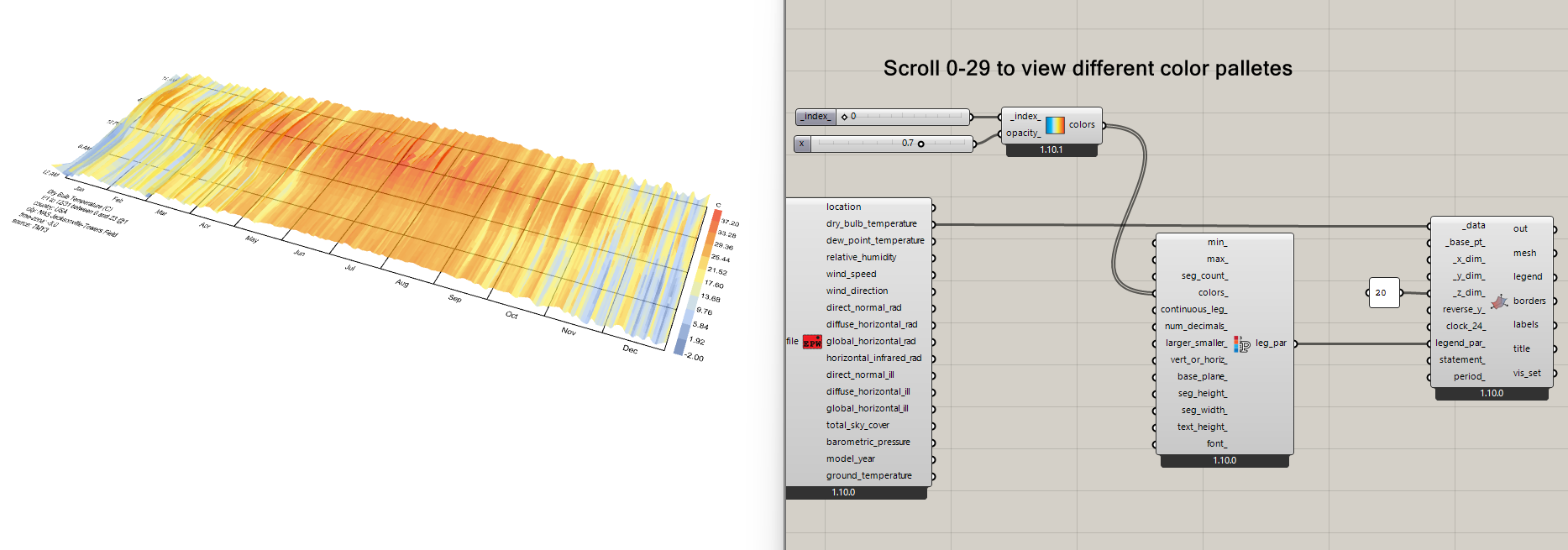
I am currently testing some direct sun analysis and want to customize the result output. While I want to change the title of the analysis, I really want to make change in how the meshes are colorized since the output mesh is not showing the topology.
Is there any dedicated component to make customization to what I try to achieve?
Thank you very much.
Hello @TrevorFedyna,
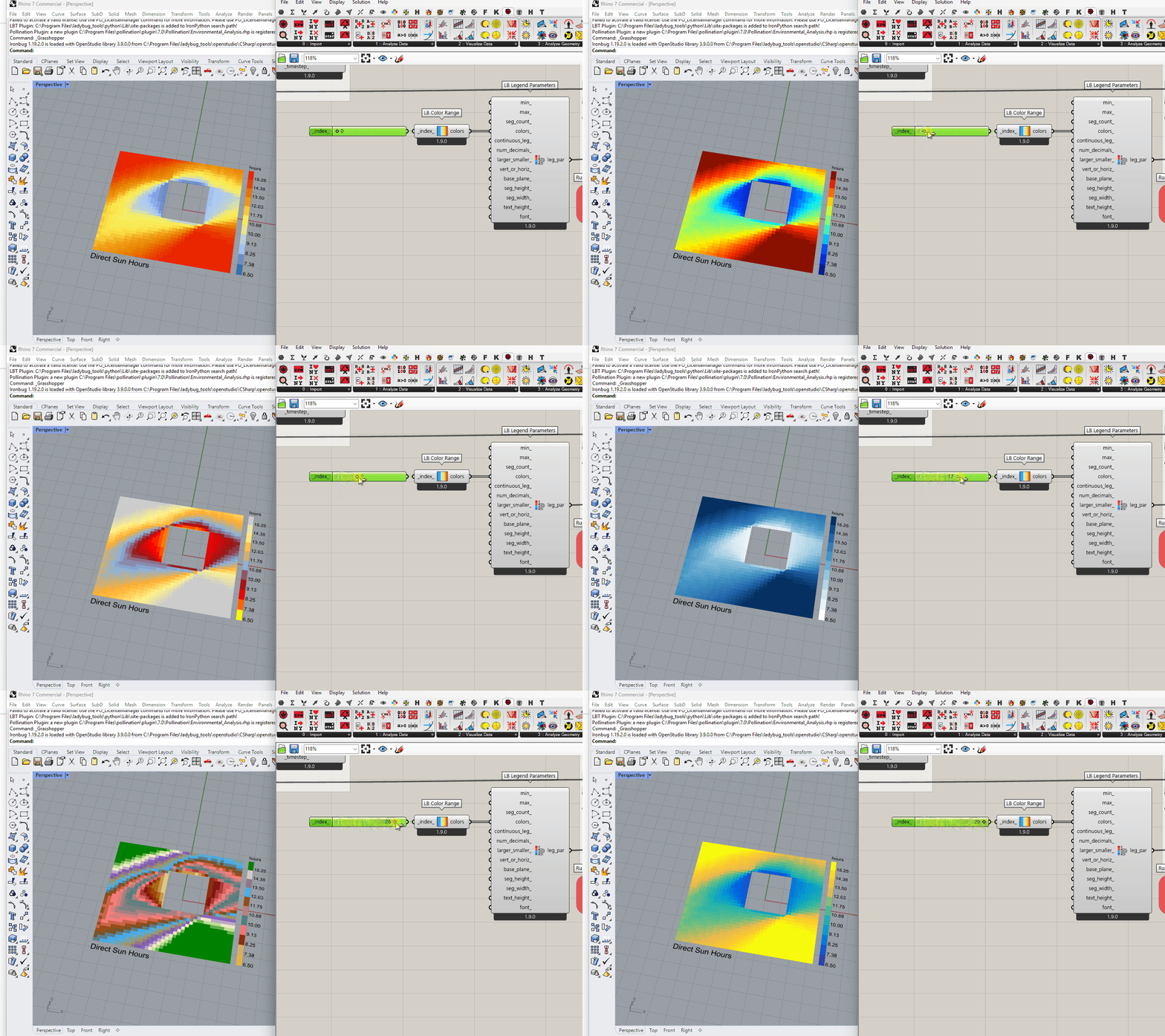
I have actually used custom colors and fed to the colors_ input of the Legend Parameter as you described.
I liked the original color of the Mesh output thus I was wondering if it’s possible to add transparency into it. Thus I’ll probably test making new custom color with the exact same color code plus some transparency.
Btw, do you know if its possible to change the name of the Result on the canvas? I want to change Direct Sun Hours into something else/translate into different language.
Rhinocommon SDK does not support assigning transparent colors to mesh faces unless the mesh is all one Monotone color. So there’s ne easy way to make meshes transparent with the Rhino methods that Ladybug Tools uses.
The only workaround that I know of is that you can do texture mapping onto a Rhino mesh and, with this, you can make the image that is texture-mapped transparent. It has been almost a decade since I played around with this but I think I got it to work for one case by using the texture mapping components in the Human Grasshopper plugin:
That’s a nice workaround, I’m going to install Human plugin to test it out.
Also, do you happen to know to change the name of the result (change into specific words, and in different language)?
Right now I am showing the result mesh only and put a text tag right below.
I didn’t succeed with the Human. I believe thay discontinued the transparency component … or I don’t get how to do it there.
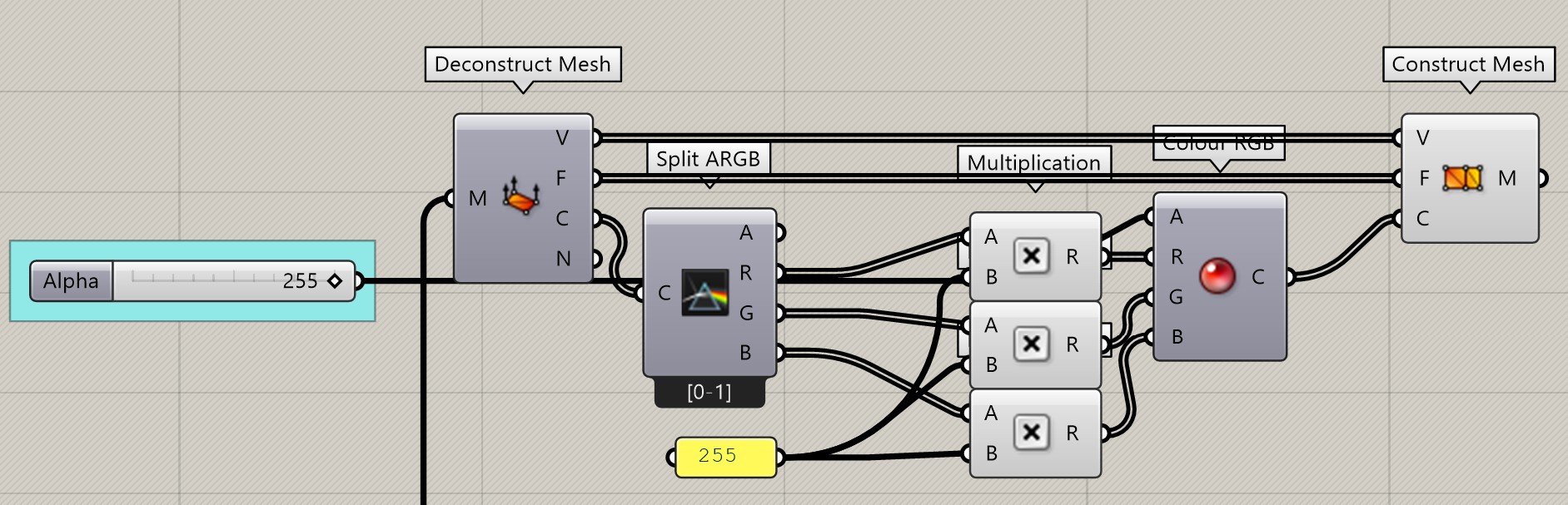
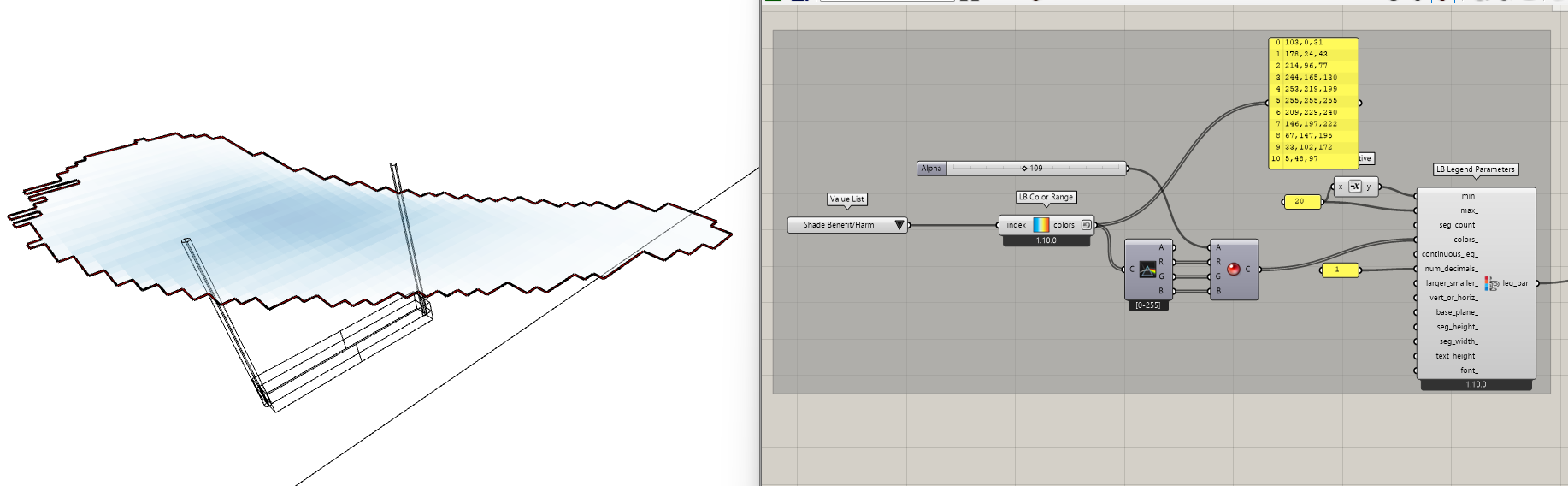
Here it is an option with native GH components:
Oh wow! I don’t know when they added this to Rhino.
I know that McNeel made several big changes to the display capabilities with Rhino 8. I guess one of them must have been adding support for transparent mesh vertex colors in Rhinocommon SDK.
In, any event, my old suggestion is now completely obsolete. I verified that your solution works as intended, @AbrahamYezioro .
FYI, I realized my knowledge here was REALLY old. It seems McNeel opened the issue to add support for this 7 years ago:
… and they must have added it with Rhino 7.
Also FYI, according to this McNeel issue here:
… the mesh used for transparency might need to be planar. This should cover almost all cases that people encounter with Ladybug Tools but, if someone finds this not working for a certain case, we know what the likely culprit is and you should try triangulating the mesh before assigning transparency.
All is now available via the LB Versioner. Note that you may need to do some reordering of components on your Grasshopper canvas (with CTRL + F and CTRL + B) to ensure that meshes behind transparent meshes are rendered in the correct order by Rhino’s display pipeline.
Once I get over my embarrassment about how long ago I should have made this change, I’ll make an announcement in the next LBT release notes. This way others will be aware that the limitation has been lifted.
This is great @chris !!
I want to challenge this a bit more …
I’ve noticed, after the update with the Versioner, that the ColRange doesn’t provide the alpha component to the list of colors. They are still RGB instead of RGBa [or aRGB].
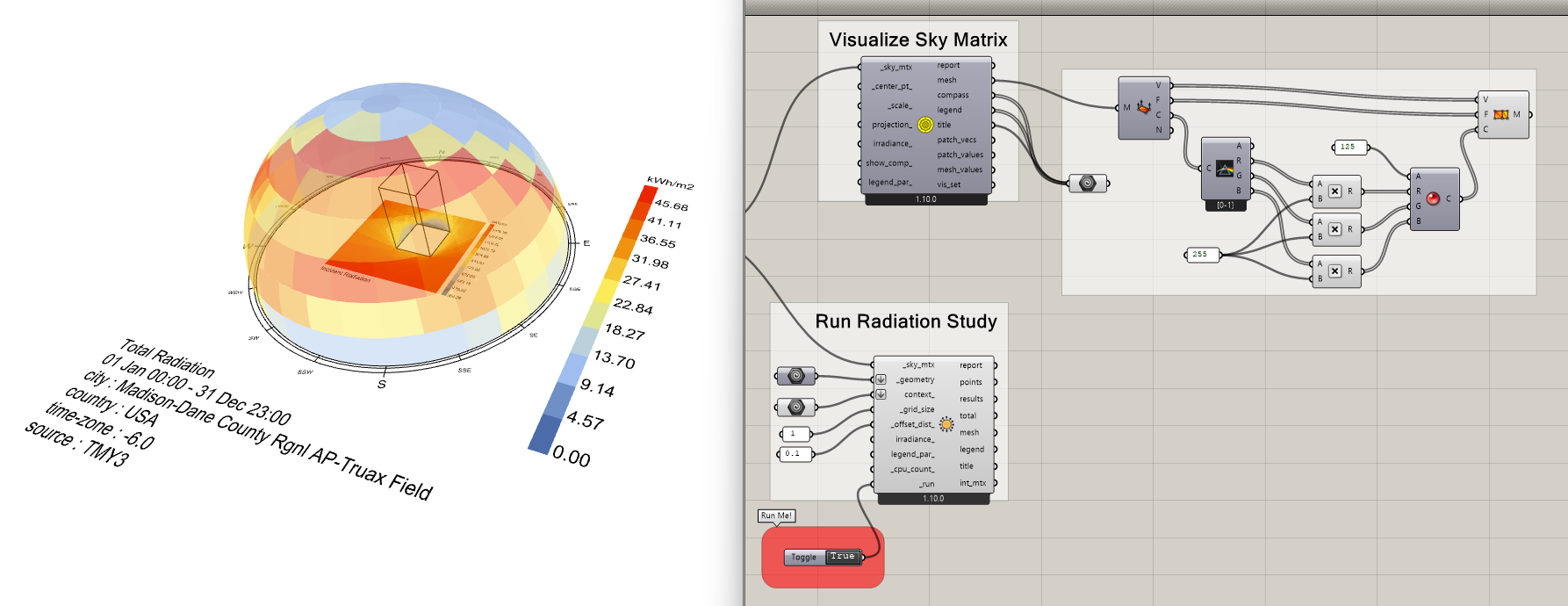
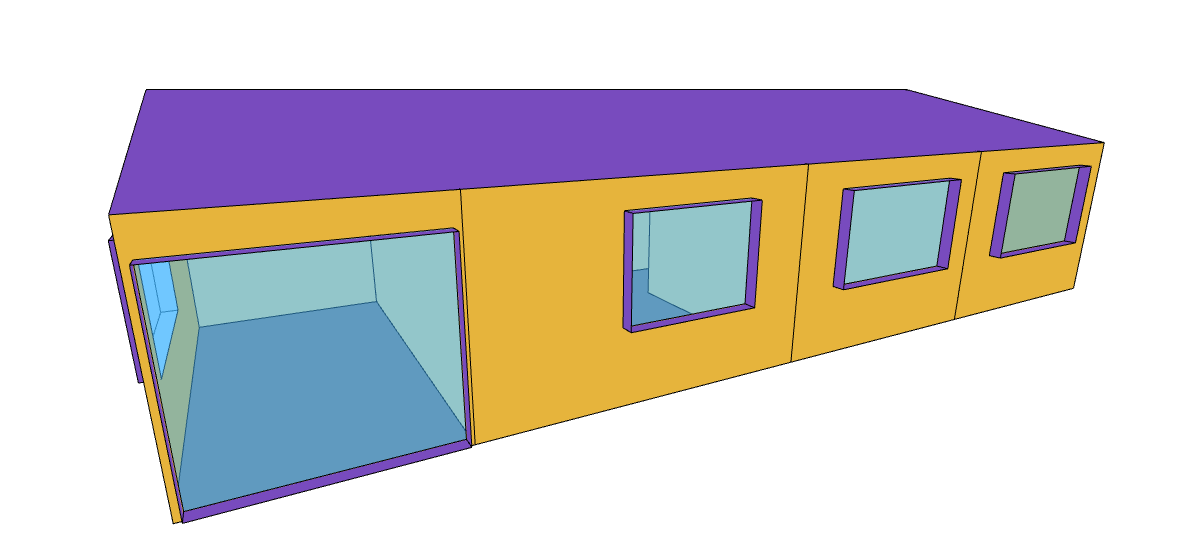
Also noticed that for the windows you hardcoded the transparency. For the Sky Matrix above you defined couple of swatch colors to create the transparency.
The question/request is if [or how] the list of colors in the ColRange can also include transparency, or better, the will be able to define the transparency [I know that I need this feature]. Maybe a new input besides the index? Maybe this input can be defined as list so you can control which colors be transparent and how much transparent?
In short, how do you suggest to give users control of the transparency?
I see this as a proof of concept which can be largely improved. So,for those who want to use it: Enjoy.
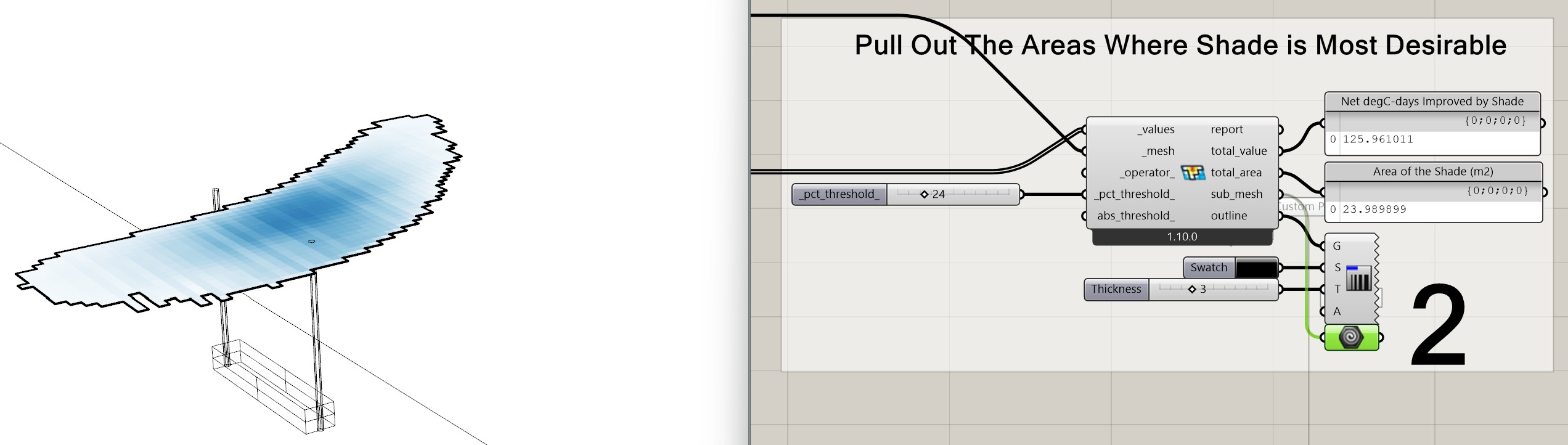
But … checking the consistency of the results, i’ve found an issue with the MeshSelector component.
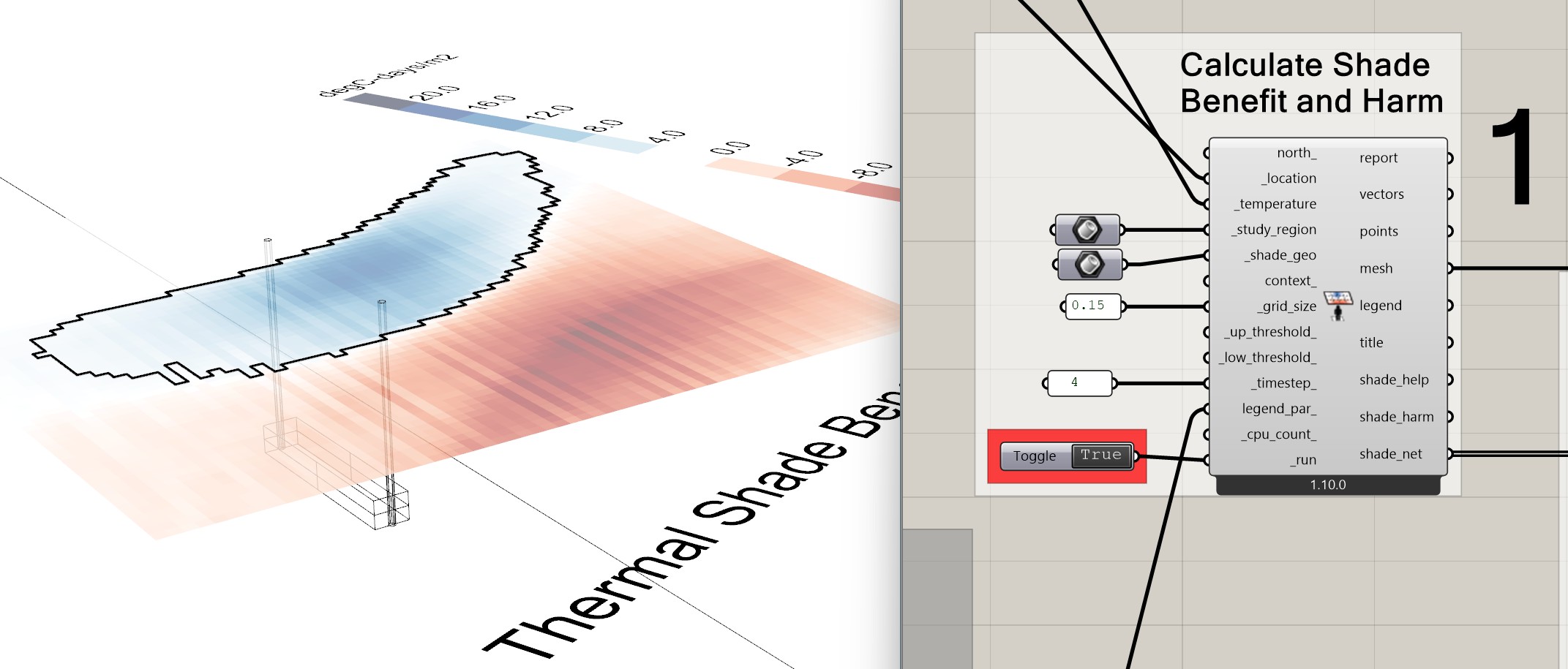
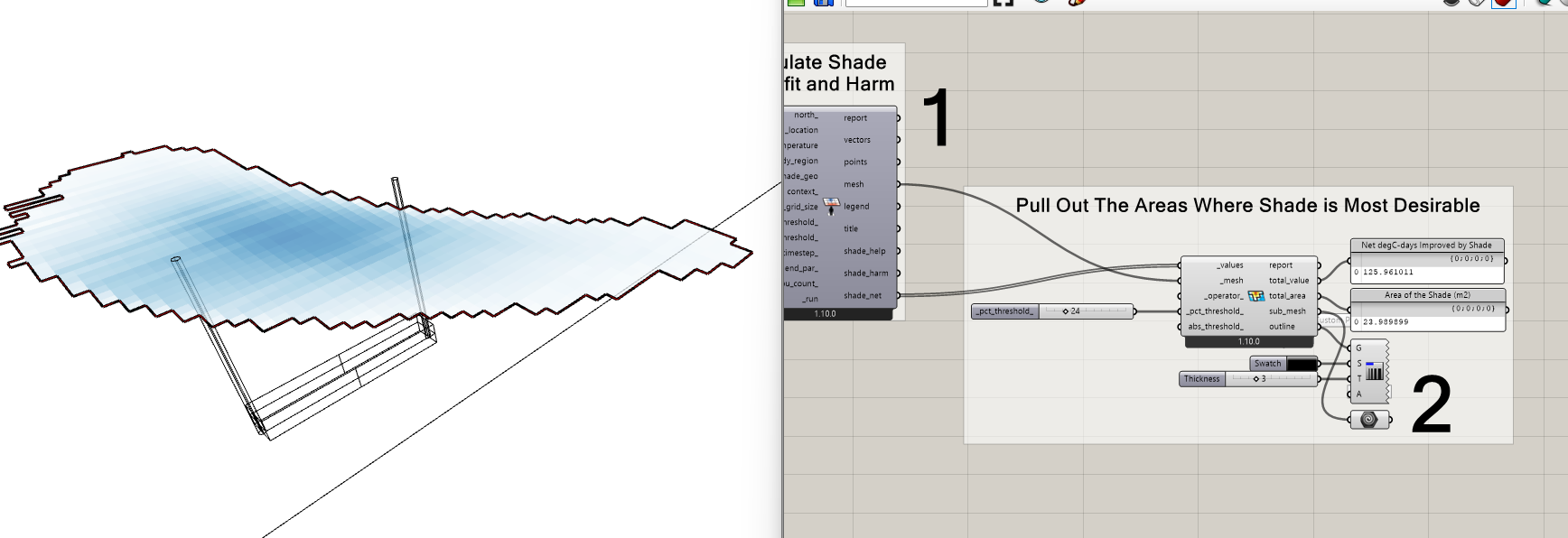
I’m testing the example Comfort Shade Benefit. You can see that it works OK:
Thanks, as always, @AbrahamYezioro , for being the first one to find the bug.
It seems one more tweak was needed in ladybug-rhino to fix things:
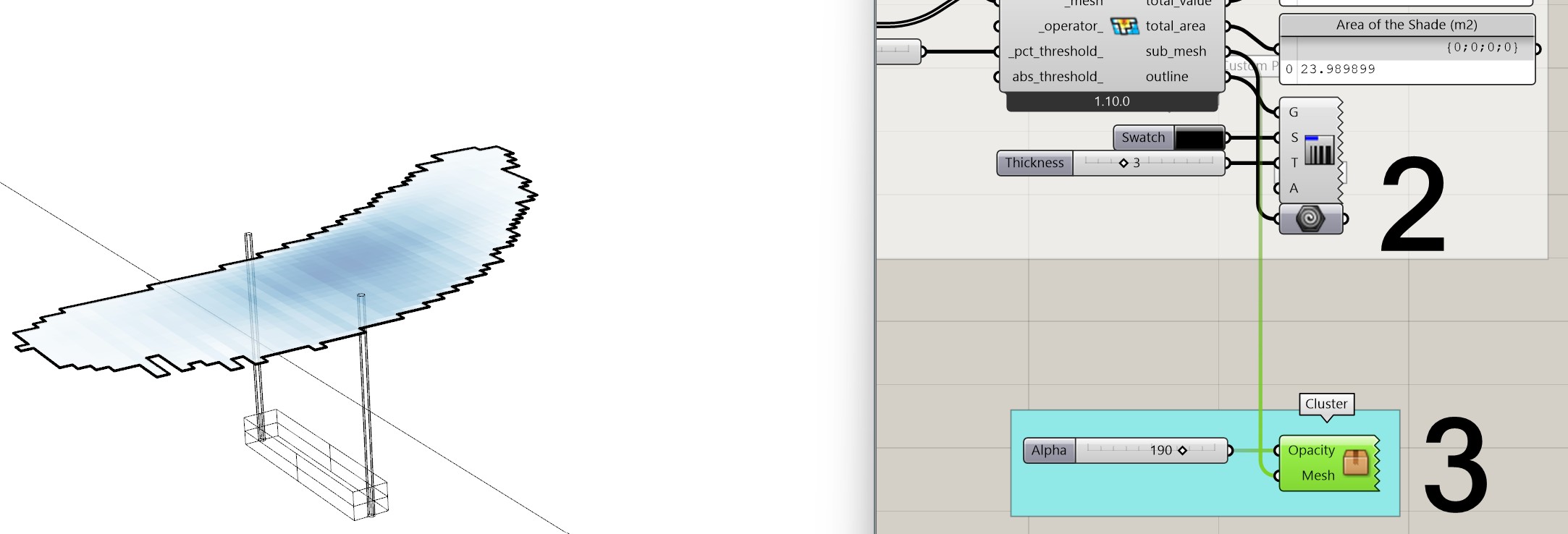
GitHub is experiencing some problems at the moment so I am going to wait for things to become stable before merging it and making it available via the LB Versioner. But, once I merge it, you’ll get the transparent mesh for this case:
And we can definitely add a transparency_ input to the LB Color Range component. I’ll try to do it later today but note that you can also use the native Grasshopper components to achieve what you want (you just have to use integer channels on the “Split ARGB” component):