Hi @KR22,
I have done 3 tiny parallel simulations with a model like this:
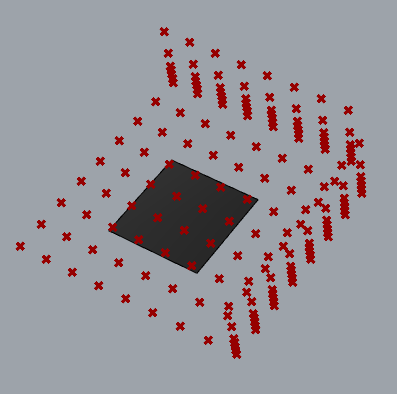
to understand the workflow you can make. My variable is the material of the small square in the center with this small example.
Because the simulations of envimet are slow, you can:
- prepare your GH file to create all models within a folder using an iteration also with Colibrì but without “Phenome” output. One SIMX-INX for each scenario within the same project
- run 1 simulation at time or a couple of them (keep in mind the limit of your PC). It is important that you set accurate names for tracking the scenario type. E.g.
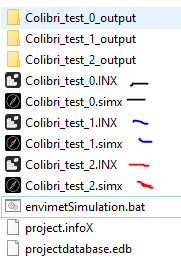
I suggest you run them using Envimet UI. You only need to select the SIMX file you want to run. You will have one output folder for each SIMX at the end. - Read the results with Grasshopper DF-Legacy and add the “Phenome” with Colibrì to set the complete CSV.
I think you have three options about the images of envimet on DesignExplorer:
- change them manually later but keeping in mind the order of the outputs. You can also import envimet native images and replace the relative path in the CSV
- export the Rhino geometry using Colibrì iterator
- export the Envimet grid heatmap using DF-Legacy and Colibrì iterator
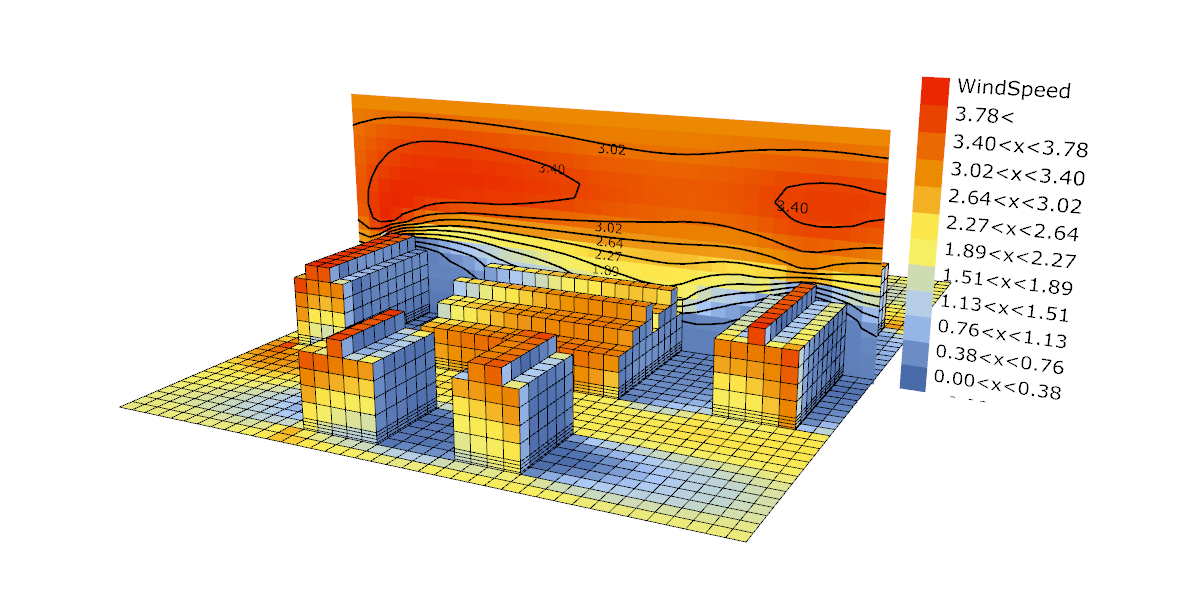
This is the option with heatmap, but you need to have good labels in this case. And there is the problem of the fixed variable you visualize.
E.g of nice heatmap:

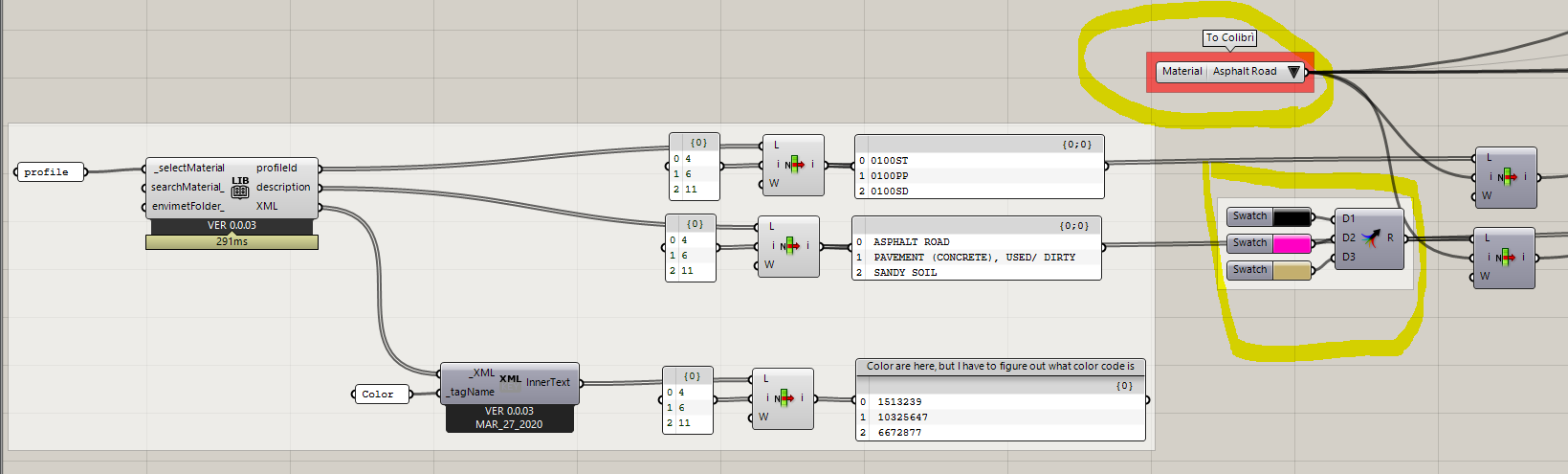
A workaround for the option “export the Rhino geometry…”: Value list + color swatch + other native component of grasshopper to visualize GH preview.
Here is the small csv that I got using the workflow that I have examplaned you. You can use this application to read it: http://www.ladybug.tools/design_explorer_lite/
example.zip (62.2 KB)
Best,
Antonello