I’ve been trying to analyze the illuminance received in a room as seen in the attached picture. Four rectangles and a skylight was supposed to be the apertures. I have tried PIT Grid Sensor and PIT View Based. I have also set the appropriate radiance parameter. However, the apertures are not considered in the analysis and the result always shown zero (0) illuminance. Any solution to this problem?
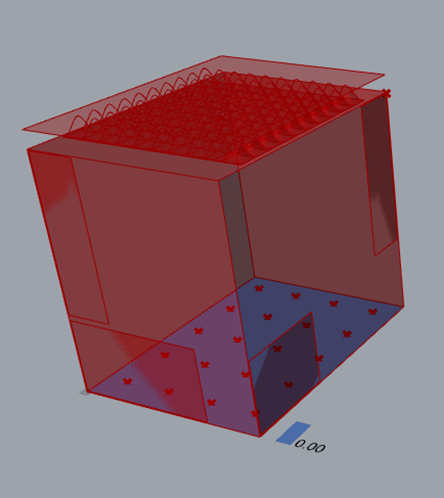
@Aliarch thank you for pointing that out. I have checked the Cplane in rhino and it is normal. I checked the model in the Grasshopper and somehow it is flipped (the X and Y axis are changed). I have re-adjusted it and retried the simulation, but the result remains 0.
I read somewhere that the sensors might be facing down, but in the GridRooms component there’s not any sensor direction variable.
If the normal is OK, try to set the grid offset to something higher than the floor. It might be that the floor and the grid overlap so the floor is “hiding” the grid to get light.
The best is to upload the model.
-A.
1 Like
To All,
I’ve been trying with several models and I found that the problem are invalid apertures. The invalid apertures were when the window geometry intersecting the wall boundary line, or even crossing the boundary, or when some apertures are not exactly planar on the wall plane.
My solution is to create the apertures directly in the Grasshopper, using the wall geometry as the parent (by offsetting it or scaling and moving).
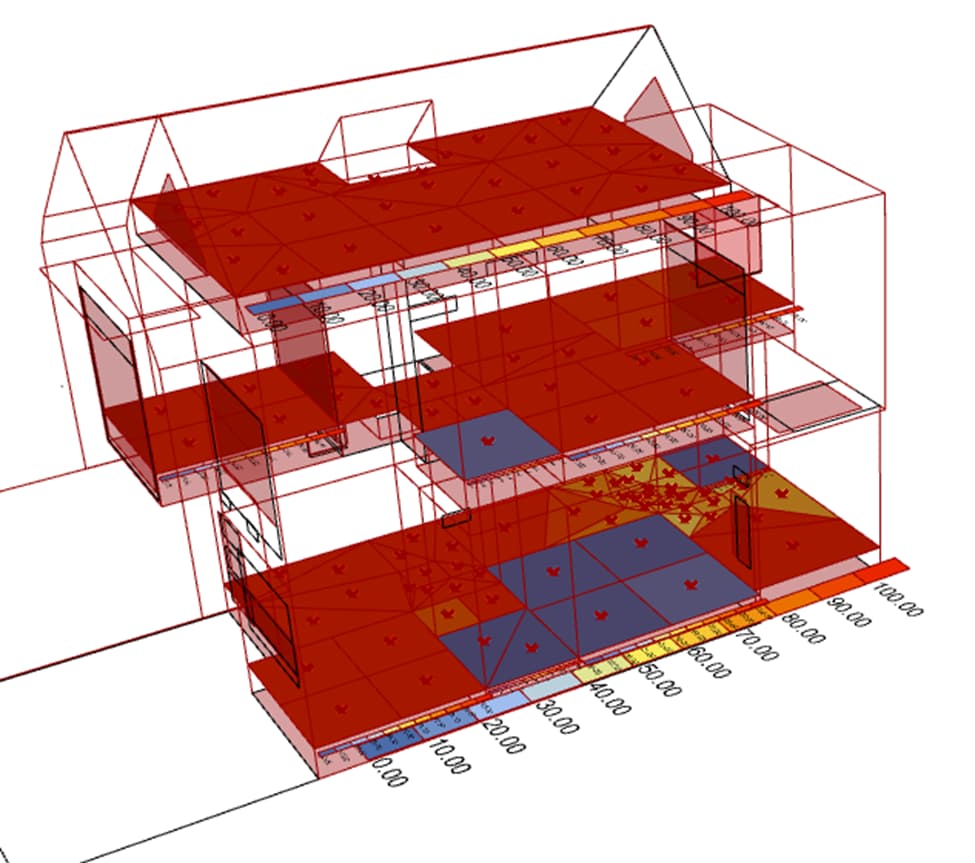
For troubleshooting I tried:
- Run as administrator
- Changed the model unit to meters (unfortunately this added another problem because after that my model was not recognized as closed breps by Honeybee (the breps are closed, proven by Pufferfish, but not according to HB)). Then I changed back to millimeter scale unit.
- Testing the aperture using HB Aperture by Ratio. The Aperture by Ratio gave the model some light. I realized that my aperture surfaces which were imported from Rhino might be the problem.
- Create new apertures in the Grasshopper.