When we import gbxml from an original Design Builder export we obtain this error message on checking Model validity:
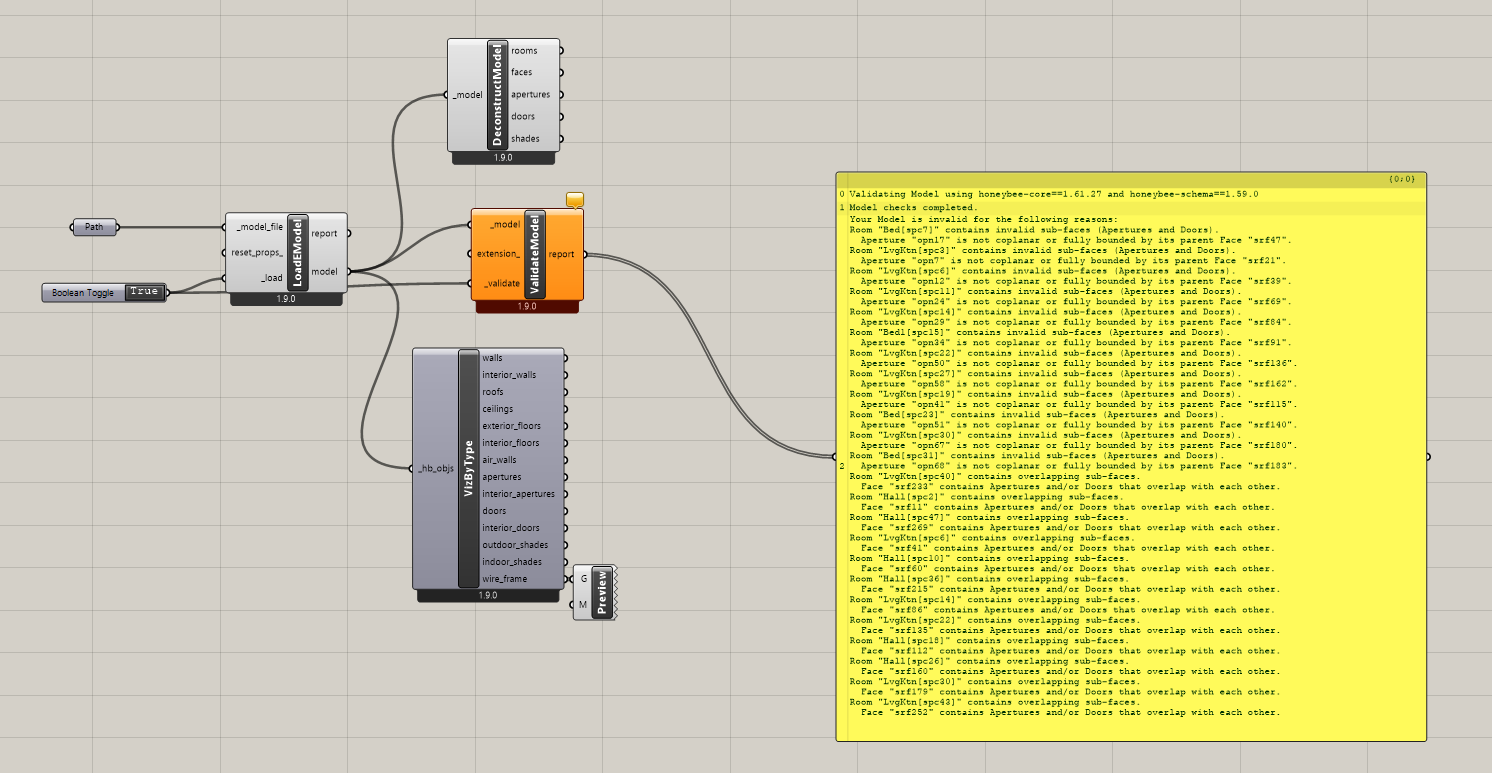
Errors that read like this:
Validating Model using honeybee-core==1.61.27 and honeybee-schema==1.59.0
Model checks completed.
Your Model is invalid for the following reasons:
Room “Bed[spc7]” contains invalid sub-faces (Apertures and Doors).
Aperture “opn17” is not coplanar or fully bounded by its parent Face “srf47”.
Room “LvgKtn[spc3]” contains invalid sub-faces (Apertures and Doors).
Aperture “opn7” is not coplanar or fully bounded by its parent Face “srf21”.
etc etc
SOLUTION?
Deconstruct Model into faces:
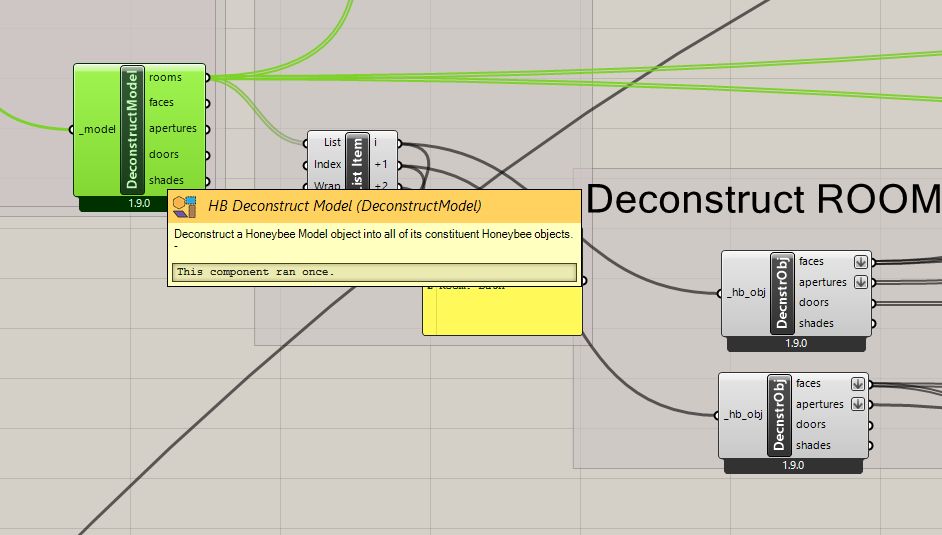
So far so good:
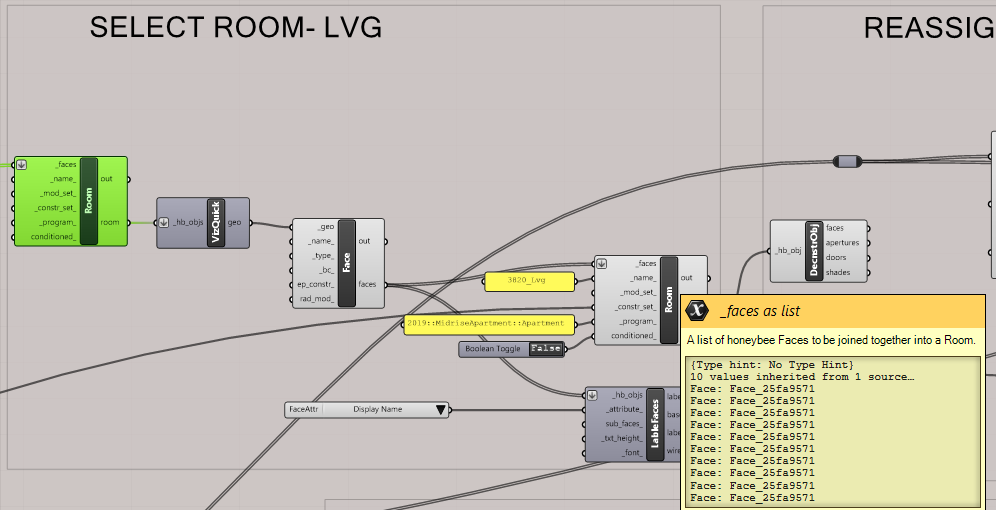
Each room can be run through deconstruct into faces
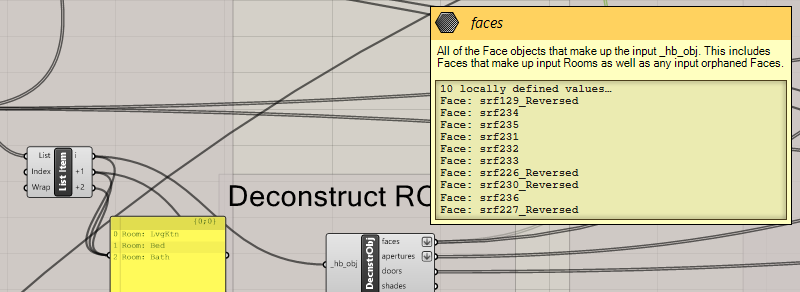
And then reconstruct into rooms:
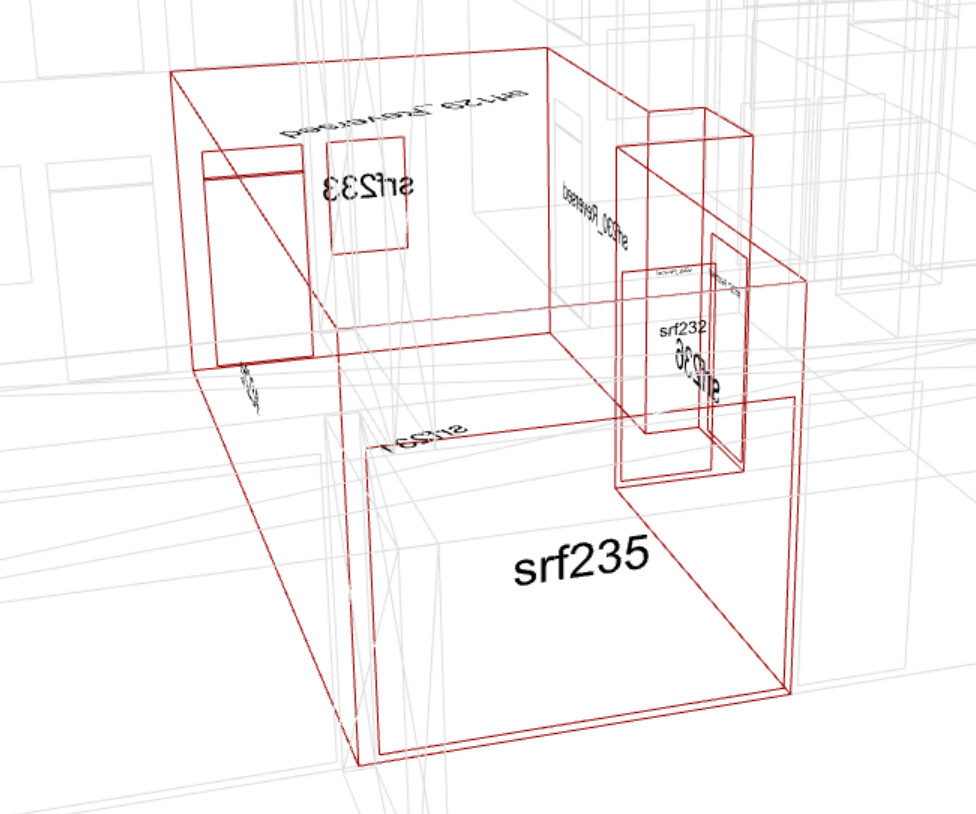
First disturbing detail: the wireframe visualisation shows doors and windows when the room is ONLY constructed from the roof wall and floor surfaces.
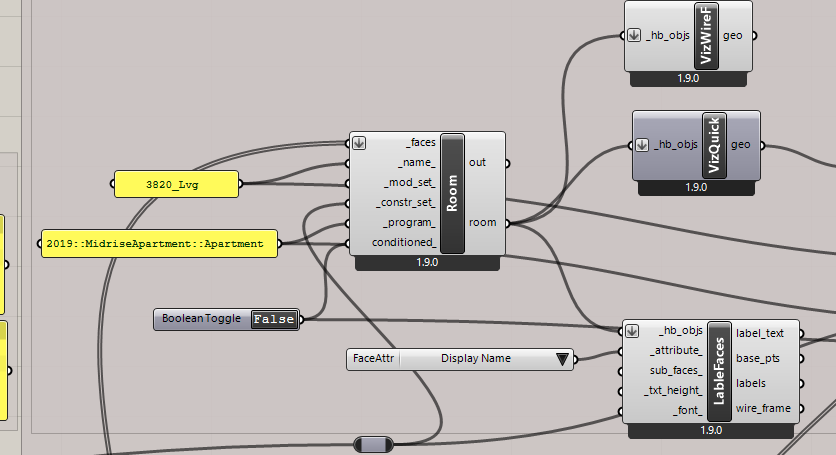
Different information drawn from the same Room definition.
Our goal was to separate out the geometry from our colleague’s model into walls/roofs/floor/apertures/doors, and to add the apertures and doors via separate subface addition.
The ten surfaces defining this room (and the seven for the bedroom) seem to carry extra information.
Model validation of this one room produces this:
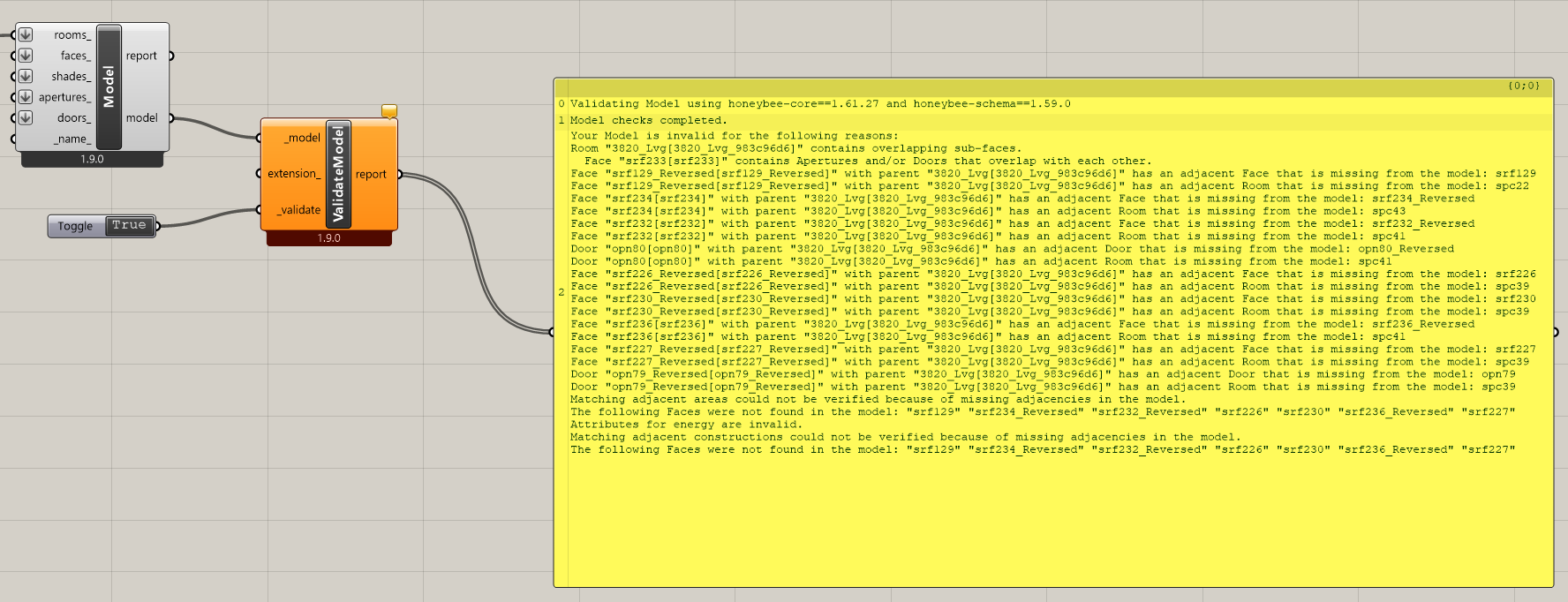
Despite carefully extracting the faces to geometry and then making a room from only the 10 faces defining the geometry of the room we have all these old “ghost”? errors?
This has been a very frustrating process of not quite understanding what could possibly have been inherited all sorts of other material for just these 10 surfaces

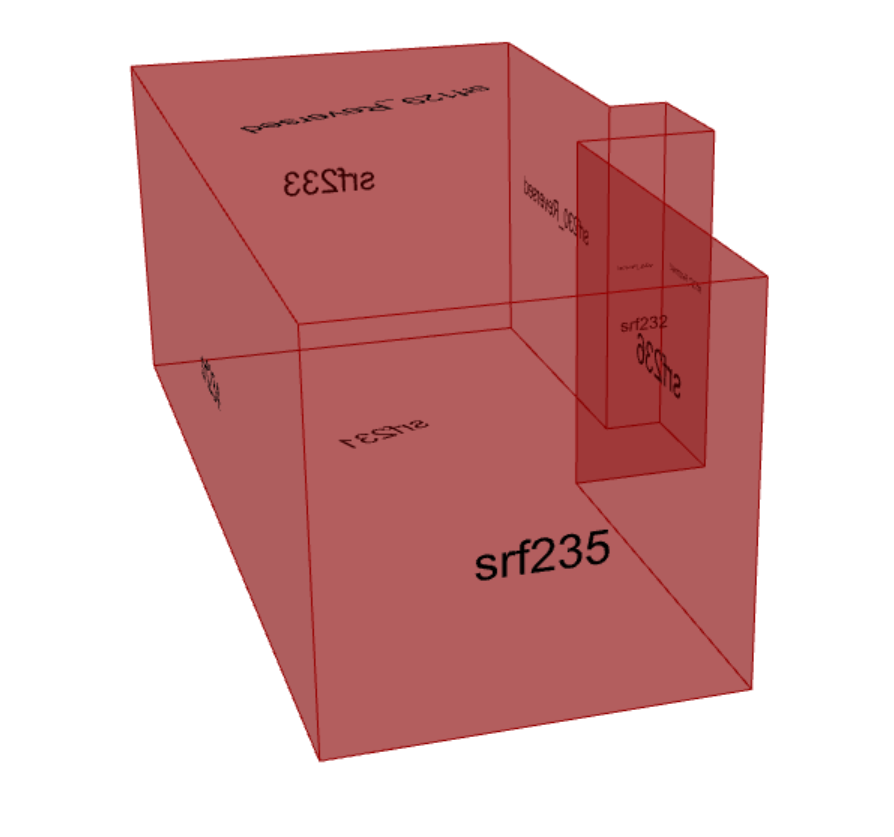
There is probably something we are missing, but it has been months of checking our logic checking to no avail.
The solution seems to require a next level over-write of object names. We split each Face up and rename it individually
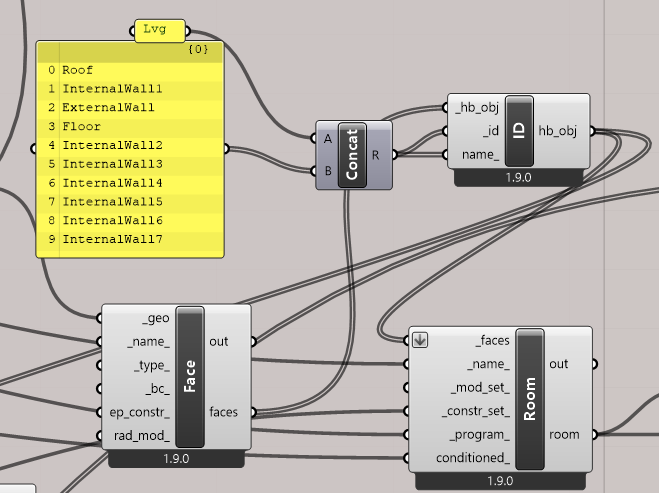
To me, unless there is something else I am missing, there is something being retained in memory from the original faces that I do not wish to keep. If there is a simpler solution, we would welcome it.
In order to control the Boundary conditions as we want them, we resort to this:
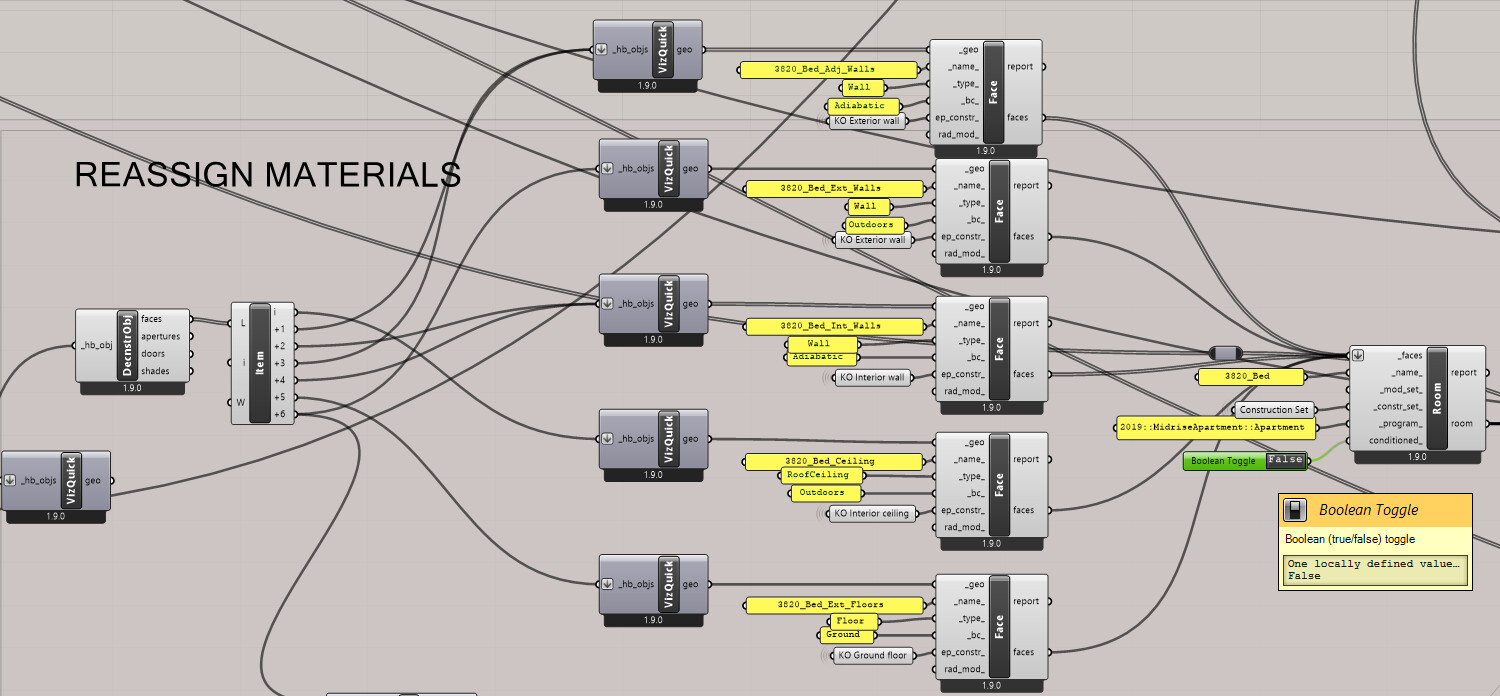
Individually specifying each face by type and Boundary Condition
Any and all suggestions welcome as this has become a major barrier to progress on what we really want to do.