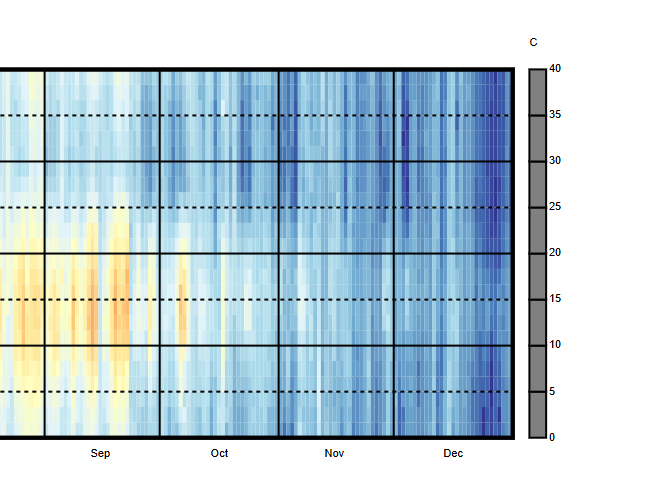
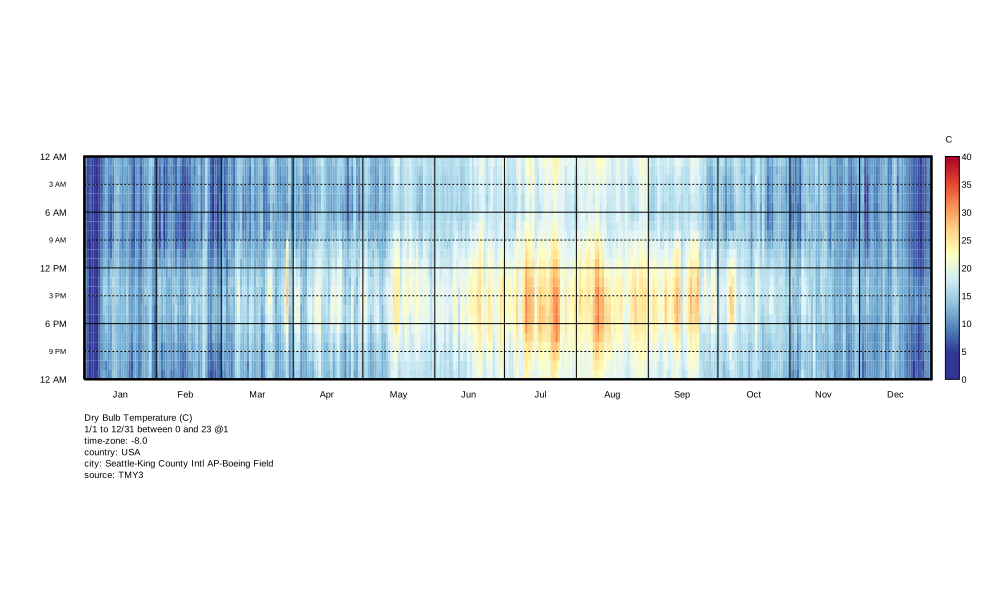
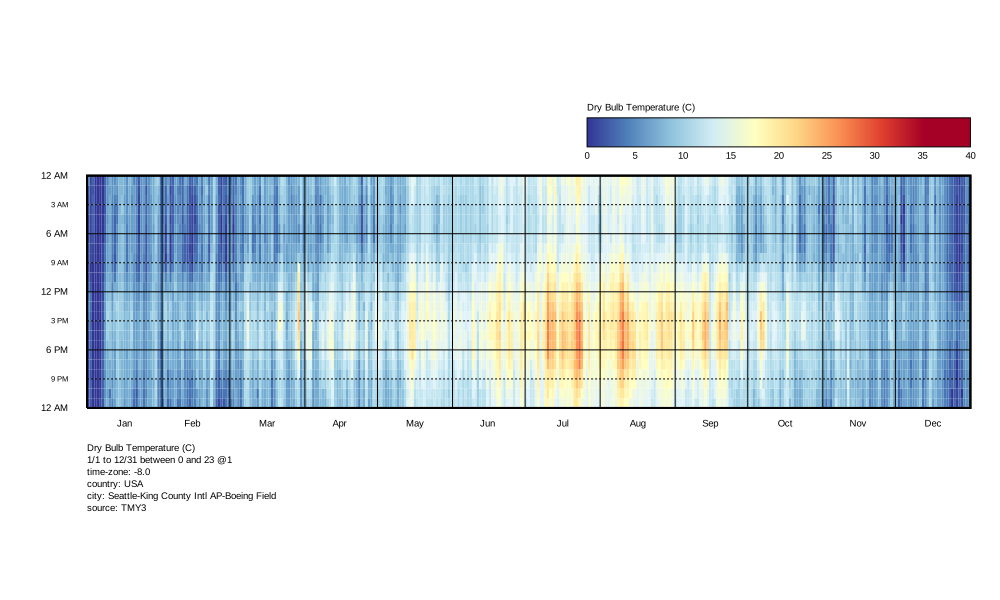
I am exporting an hourly plot to SVG, but when using a continuous-color legend, the exported figure just has a solid gray legend, as shown below. The discrete-color legend works fine. Is this a bug or still a work-in-progress? This is with LBT 1.10.23 using the Pollination-Grasshopper installer version 1.67.0.
Just be wary that our support for translating legends in the 3D scene to the 2D space of the SVG is not currently the greatest. And, for any cases where you find the legend looking different than you expect, you can always set legend_2d_ to True on the “LB Dump VisualizationSet” component. I can confirm that 2D legends always respect all of the legend parameters, though the result might not always be the nicest out of the box given that 2D legends can display on top of the 3D geometry in the SVG. So you might need to adjust the SVG dimensions or the 2D Legend Parameters to get the SVG to look good in this case.