To create EPW from .csv with Dragonfly

Hi, I am trying to create an epw with data of my weather station. When i get to DF Create EPW, generates an error when i try to assign unit to the header in LB Consctruct Data Type.

This is the farest I can get in the process…if I just use LB Construct Data without header, the error is that the list is a string. I also tried to convert string (lists) to number (with number and expression) but still indicates me an error.

Can you help me?

createEPW.gh (70.1 KB)

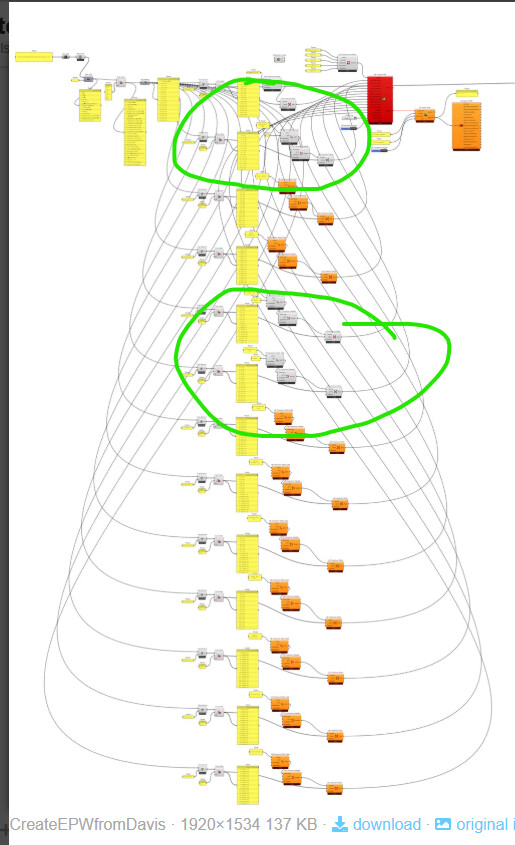
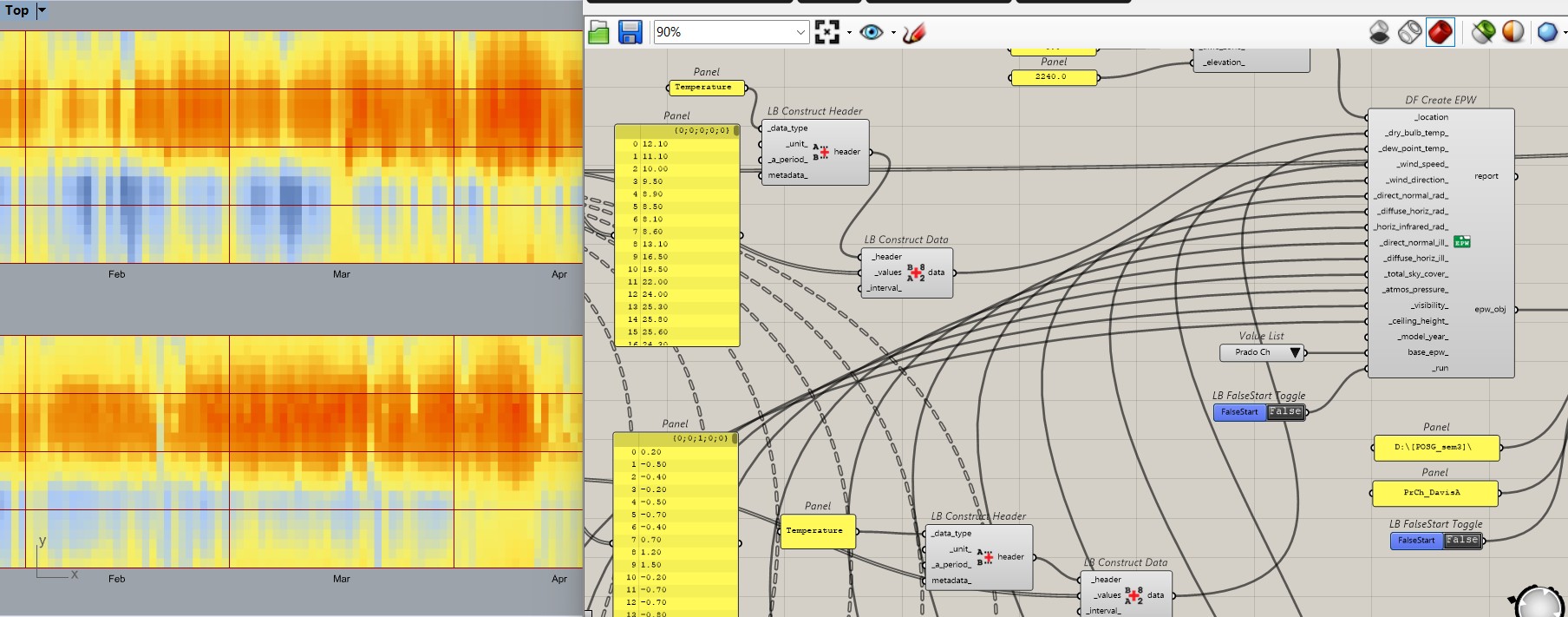
I @gil would start with, since no file was shared: Why these clusters are 0 error but the others bring up error:

Hi Trevor, I finally achieve to create a functional epw.

The error in the clusters consisted in not writing the correct variable corresponding to each list to the DF Create EPW. When an error is created in the LB Construct Header, it displays a list with all the possible correct words (variables) to input in the Data Type node, for example: Temperature corresponds to Dry Bulb Temperature and Dew Point Node; to Wind Direction corresponds the variable Angle.

I still don´t know the correct variable for the last 4 conectors to DF Create EPW component, but even with this lack of info, it creates succesfully an epw file. I already tried it in an Open Studio component for temperature simulations.

I share an image and files (i tried to share the csv file but this app didn´t allowed me)
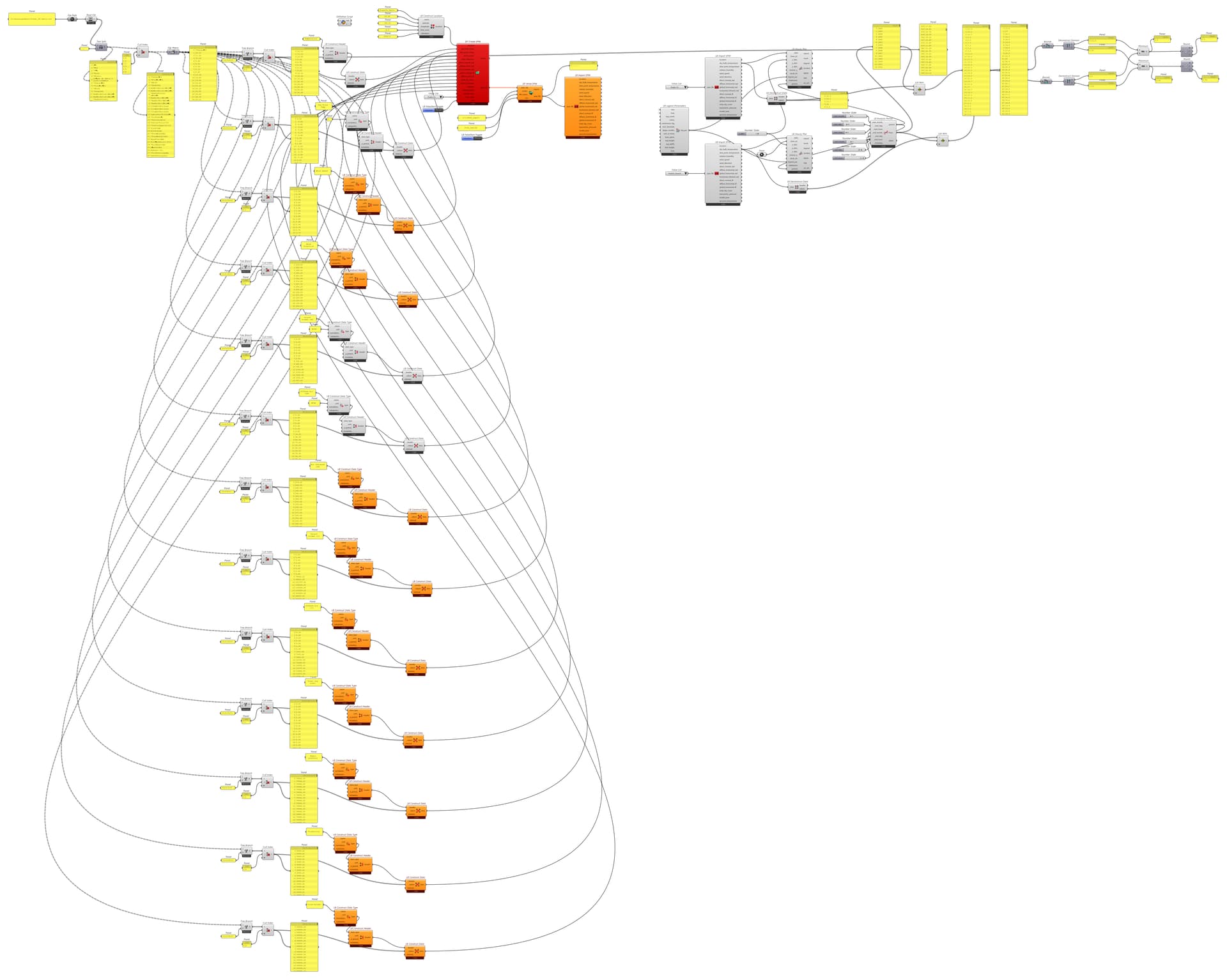

createEPW.gh (66.5 KB)

Hi @chris @TrevorFedyna ,

I am currently trying to create an EPW file using Dragonfly based on hourly measured data in Excel.

I am noticing significant discrepancies between the measured global radiation and the global radiation in the generated EPW
Also, the EPW results show diffuse radiation accounting for 90–95% of global radiation, which seems unrealistic for this site based on my experience. Since I do not have measured direct and diffuse radiation, I cannot directly compare with the EPW created.

Possible cause (my assumption):

Currently, I am:

  • Using HB Wea from Zhang-Huang with cloud cover obtained from the nearest city EPW
  • Then deconstructing it to obtain direct, diffuse, and global radiation

So I suspect that:

  • The cloud cover values may not represent the actual site conditions (mountainous, higher elevation, upcountry), and/or
  • The Zhang-Huang model may not be appropriate in this context

Questions:

  1. Is there a recommended method to directly obtain DNI and DHI from measured GHI within Ladybug/Dragonfly?
  2. What would be the best approach to estimate cloud cover when no site measurements are available?

Additional issue:
I am also encountering an error with the DF Luminous Efficacy component when trying to obtain illuminance values:

  1. Solution exception: Error in sky luminous efficacy calculation
    eps: -11.416757 altitude: 32.907765

I have attached:
gh_epw from excel data.zip (826.1 KB)

  • The Grasshopper script
  • The Excel weather data

Any guidance would be greatly appreciated. Thanks in advance!

Hi Francis¡

I had the same problem months ago. I recommend you to read ASHRAE Fundamentals 2021(chapter 14), there is a model that you can implement in Excel. This model is reference in the document of Energy Plus Engineering Reference (i think the model is also described in this document). If you want to get deep in that, you can also read Collares-Pereira radiaton model, Erbs radiation model, FAO-56 model, Richard Perez model (all of them are in Google Scholar).

If you will modify DNI and DHI and will perform illuminance analysis (lux) in Radiance, remember to change also illuminance data (in Perez model)

Good luck with your epw file¡

Thanks the hint. I created a component based on Erbs sky model to obtain DHI and DNI from GHI and another component based on Perez Luminous Efficacy Model to obtain diffuse and direct illuminance from DHI and DNI. The results look sensible to me.