Unable to Convert Curved Closed Polysurface to HB Room

Hi everyone,

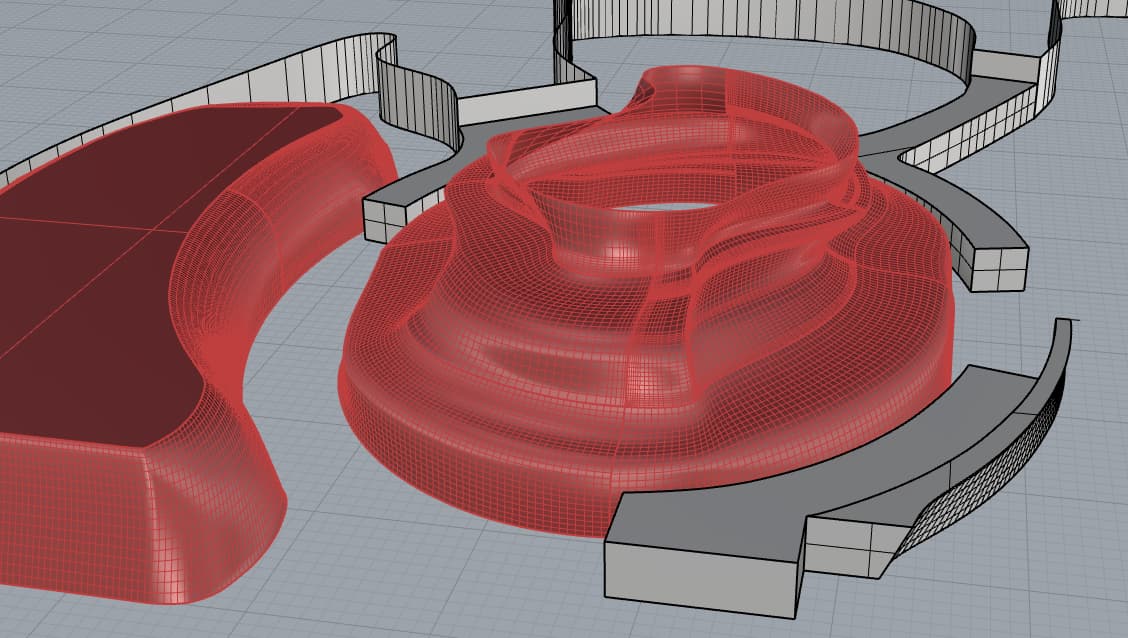
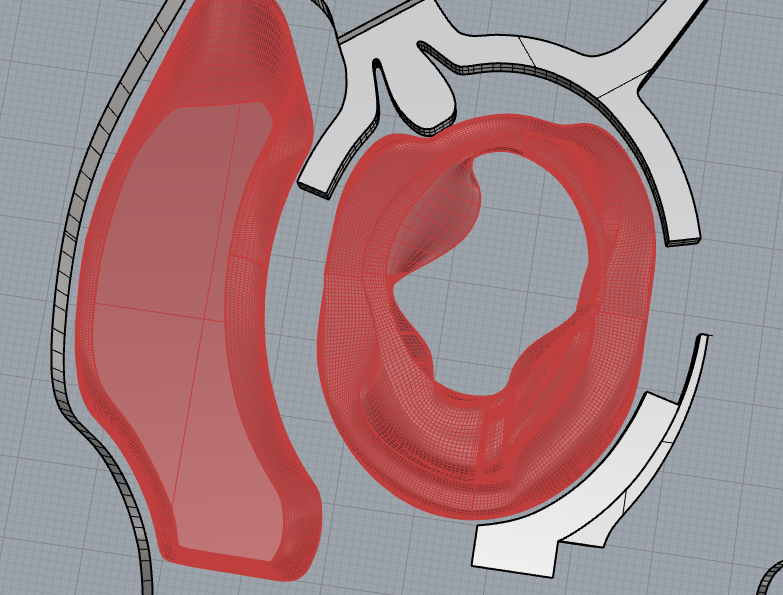
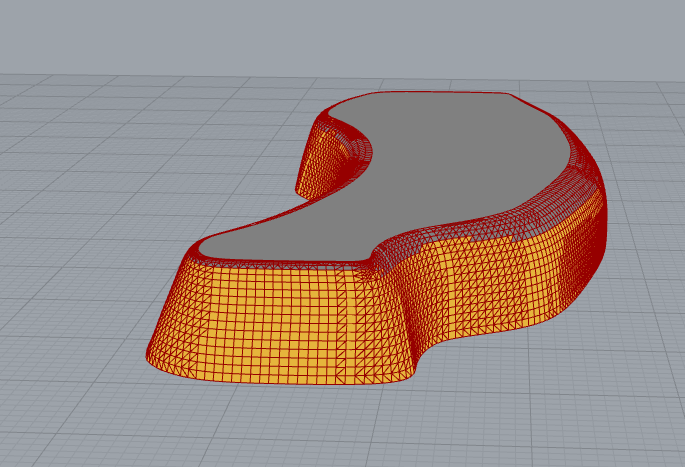
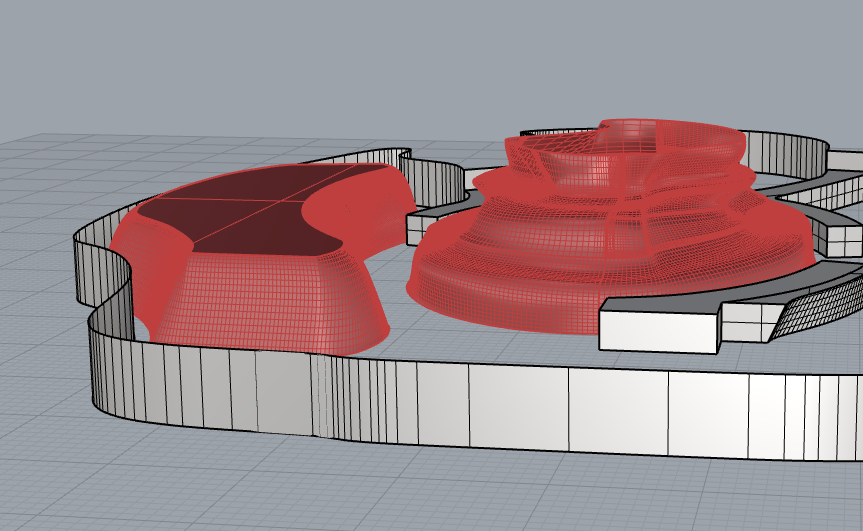
I’m having trouble converting a curved surface into a Honeybee room, even though it’s a valid closed polysurface in Rhino.

What I’ve tried
Room from Solids component - not working
Room from HB Faces component - not working
Adjusting tolerance values in Rhino - still failing
Converting the geometry to mesh in Rhino - no success

The geometry appears to be closed in Rhino, but Honeybee won’t recognize it as a valid room.

I’ve attached the reference geometry file. Could someone help me understand if this type of curved geometry can be converted into an HB room, or if there are specific requirements I’m missing?
Screenshot 2026-02-11 155708


Any guidance would be greatly appreciated!

Thanks in advance.

hi,@Dhanushkodi

It should be noted that all objects in Honeybee should be planar geometry. You should avoid using these smooth curves or surfaces to generate anything related to your modeling.

best.

2 Likes

Thank you for clarifying!

I understand that Honeybee requires planar geometry. Could you please guide me on the best approach to convert my curved surfaces into planar geometry for HB room creation?

I want to ensure the converted geometry maintains reasonable energy modeling accuracy while being compatible with Honeybee’s requirements.

Any guidance or examples would be really helpful!

Thanks again.

@Dhanushkodi in the honeybee tab there is a planarize geometry component.

Best
-trevor