I’m working on a Dragonfly + URBANopt workflow to simulate a 300m × 300m residential block using district heating. I noticed that the URBANopt simulation runs successfully when no HVAC system is assigned (i.e., exporting a geometry-only model without HVAC).
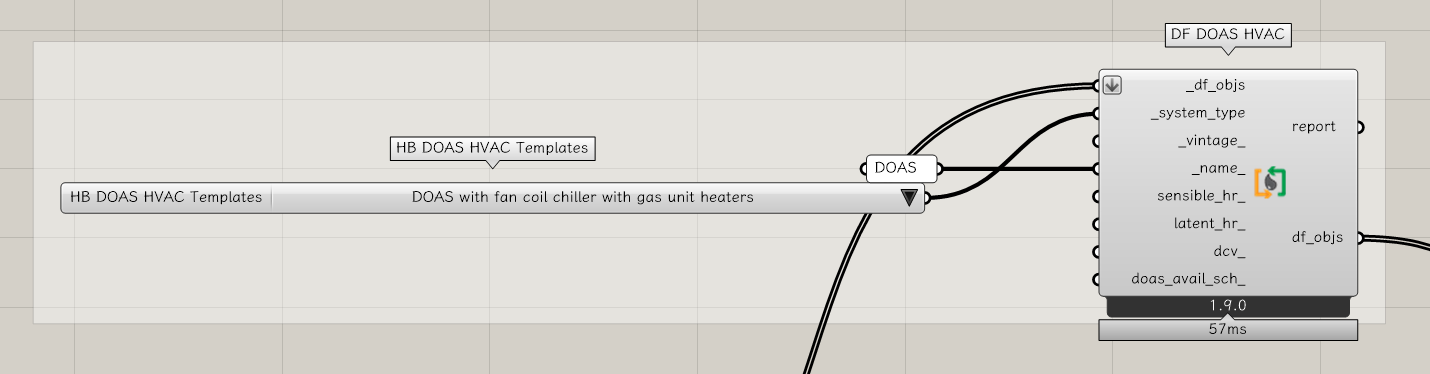
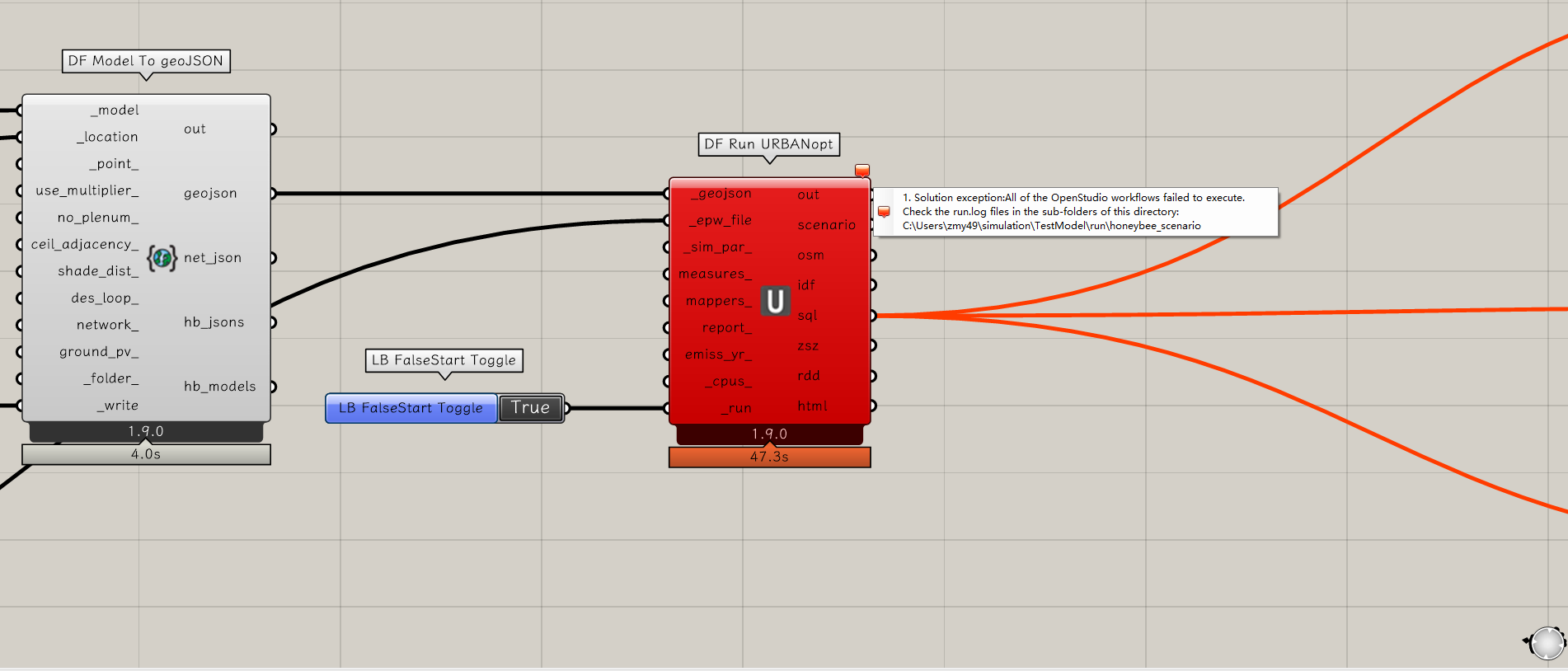
However, when I assign certain HVAC templates, the simulation fails during the OpenStudio model conversion step, even though the same model runs normally when other HVAC templates are selected.
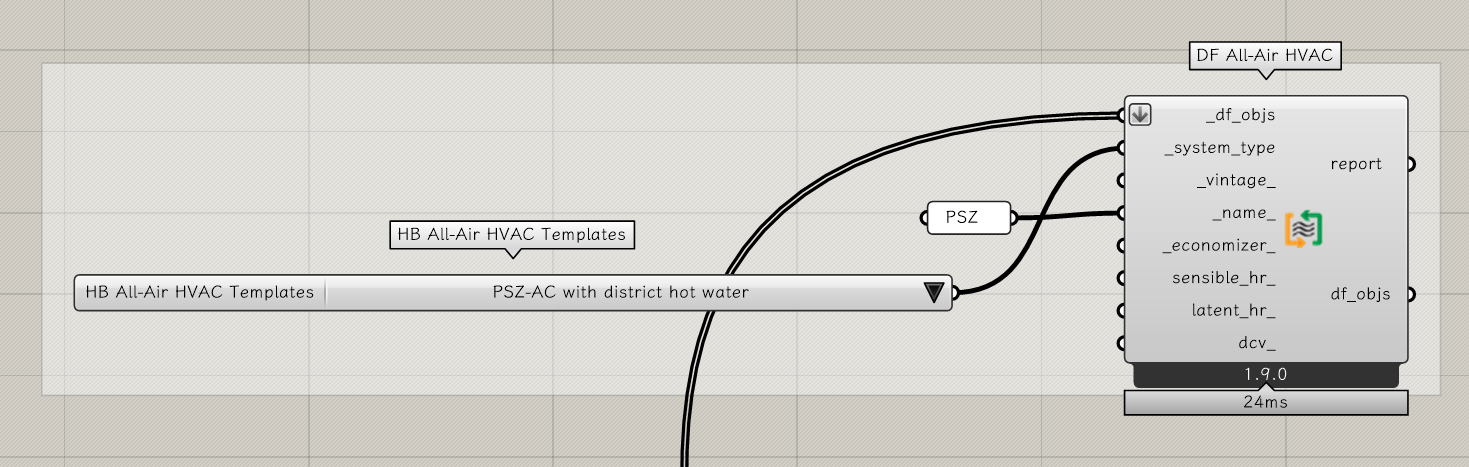
However, when I switch to other HVAC types (such as PSZ-AC with baseboard district hot water), DF Run URBANopt returns an error indicating that uo cannot execute or the workflow stops during OSM-to-IDF conversion. The same building geometry, schedule, and scenario settings are used—only the HVAC template is different.
This seems like a bug related to the fact that the URBANopt component is still using the old Ruby translator for the creation of OSMs while components like the “Model To OSM” component uses a new Python translator.
I’ll investigate shortly and I should be able to push a fix to unblock you. But, once this is done, I probably need to just bite the bullet and convert the URBANopt component over to using the new Python translator.
Thanks a lot, Chris! Really appreciate the quick clarification.
I will wait for your fix and I’m happy to test any pre-release version if needed.
Looking forward to the updated URBANopt workflow with the new Python translator — it will definitely improve stability for district thermal and block-scale simulation workflows.
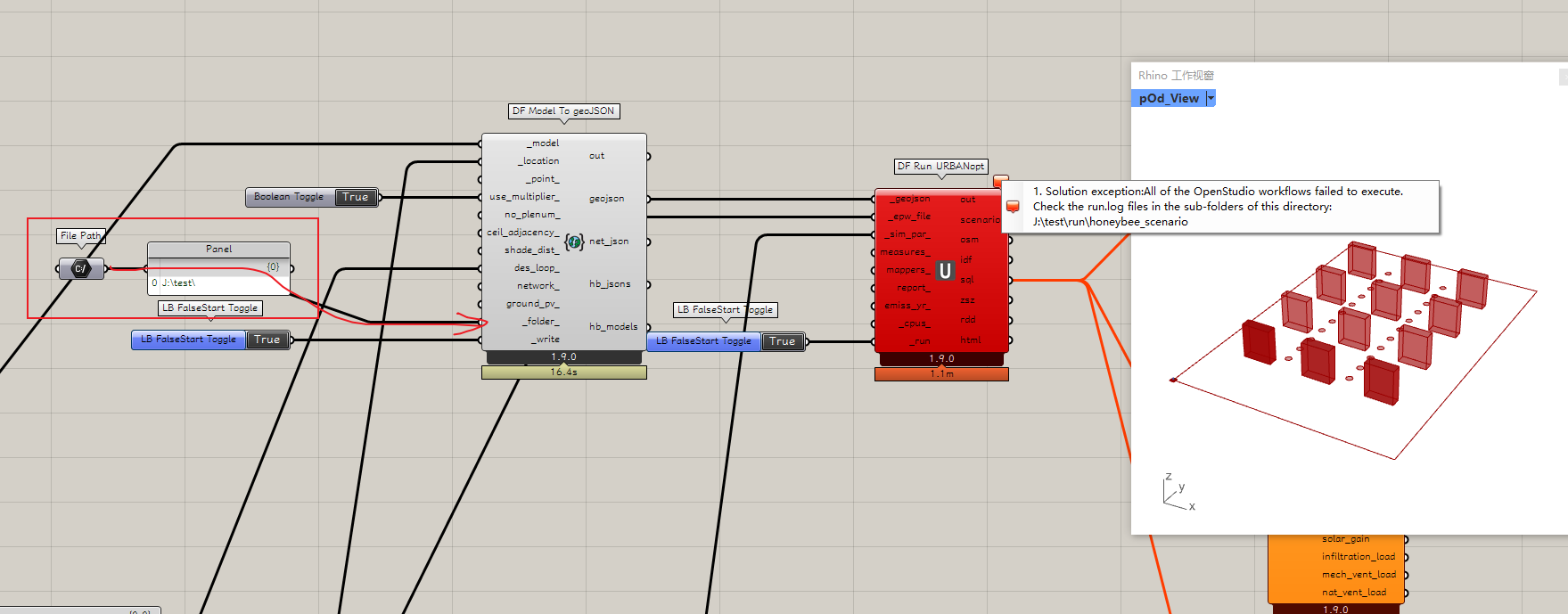
I encountered a new issue with the same error information when running URBANopt through Dragonfly, and I’d really appreciate some guidance.
1. Solution exception: All of the OpenStudio workflows failed to execute.
Check the run.log files in the sub-folders of this directory:
J:\test\run\honeybee_scenario
When I run the exact same files from my local disk (C:), everything works perfectly.
But when I run the exact same files from an external drive (J:), all workflows fail with the error above.
When I check the run.log file according to the error information, I can’t find it. The only log file that exists is in.osw.log.
The content of the file shows:
[openstudio.WorkflowJSON] <2> Path 'J:/test/run/honeybee_scenario/TestBuilding_1/in.osw' is not a WorkflowJSON file
D:\OSN\Openstudio\src\utilities\filetypes\WorkflowJSON.cpp@78 :
Path 'J:/test/run/honeybee_scenario/TestBuilding_1/in.osw' is not a WorkflowJSON file
It seems like OpenStudio fails to read or parse the in.osw file only when the workflow is on the external drive.
Sorry that it took me so long to get back to this. I just pushed a fix, which addresses the problem with the “PSZ-AC with baseboard district hot water” template HVAC and the other templates:
You can get the fixes on your end now by using the LB Versioner component.
Thank you again for reporting.
The issue with trying to run simulations on an external drive is a very different issue and, if you have not solved it yet, we can open up a separate discussion topic for it. I imagine that it has something to do with the privileges that you have for executing scripts in this external drive. That is, you might have read and write privileges on the drive but, without execution privileges, you won’t be able to run simulations over there.
Thank you so much for the update! I just pulled the latest changes using the LB Versioner component, and the HVAC issue with the “PSZ-AC with baseboard district hot water” template is now fixed on my end. Really appreciate your quick work on this.
Regarding the external drive issue — I still haven’t fully resolved it, but the same workflow runs successfully on my local D: and E: drives, so I’ve temporarily set it aside. If needed, I’m happy to open a new discussion thread specifically for this issue.