View Capture Bulk Export

Hey people!

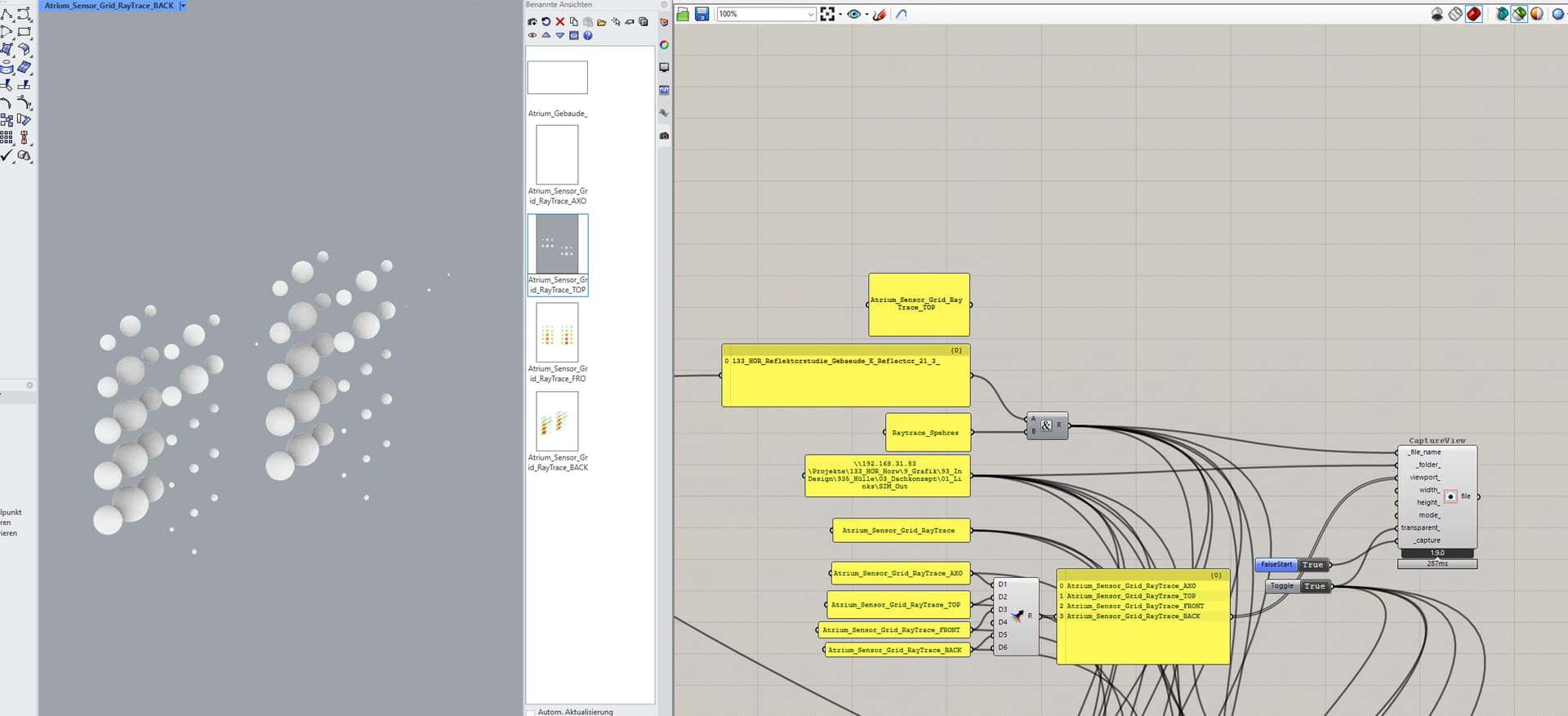
Currently trying to export alot of view port angles of a model to be able to annimate these in post processing.

I set up a pipeline and it seems working to the point that everytime i export, all the generated PNGs just contain the last fed in snapshot.

under the roof it feels like the component is scrolling through all views and then dump the last view ontop of all.

tried to modify the code but im not able to fix it.

maybe someone can recommend me what im doing wrong or refer to a plugin being capable of doing so ?

From the image it is hard to say, but … Can it be that you are assigning the same name for all images so the new one is overriding the previous one? Seems to be this is the case.
-A.

hey @AbrahamYezioro thanks for the reply!

this is how the structure is being generated. so the component realizeses multiple viewports, captures them but then export only the last capture in the report and overrides all of them.

if i take out one then all are the second to last viewport.

so technically its working but in the export and save stage there is something missing or miscalculating.

-T

okay i just fed everything in single components to be able to fix it.
not the most convenient option but yeah it works :slight_smile:

Without the script is hard to say but I suggest, if still relevant, to add another item to the file name: An index that will add up the value after each iteration, so you’ll guarantee each option is unique in it’s name.
-A.

@AbrahamYezioro thanks for the recommendation!
i will look into it but for now im happy i got it to work :smiley:

What would be interesting to see is how to scale it up in terms of quality. the image quite low res.

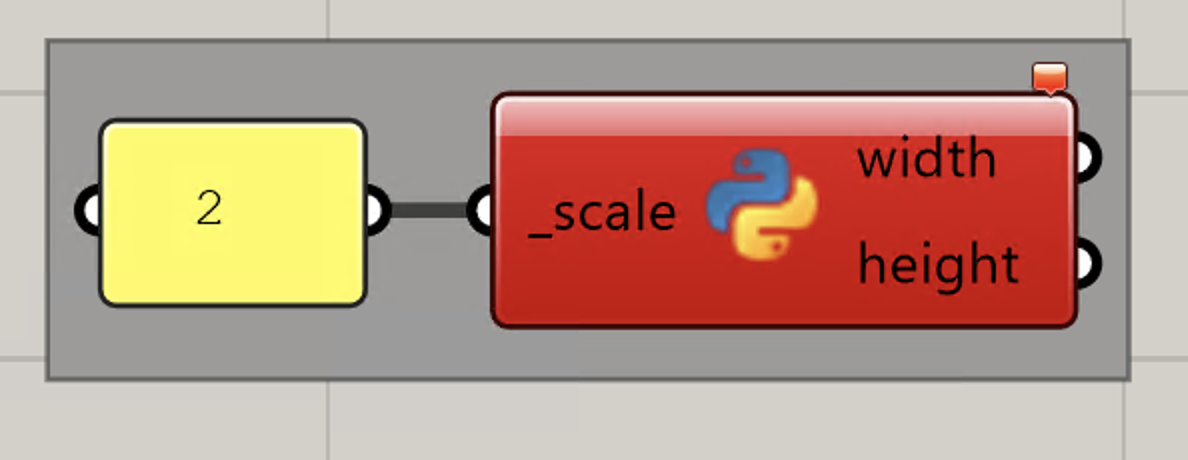
i found a script online that can be used to scale it up but the scaling seems not to work.

from ladybug_rhino.viewport import viewport_by_name

scale = _scale if _scale else 1
vp = viewport_by_name()
width = int(vp.Size.Width * scale)
height = int(vp.Size.Height * scale)

the error is:

  1. Error running script: Failed to import Rhino.
    No module named ‘Rhino.ApplicationSettings.AppearanceSettings’ [1:1]

after looking into it and the code documentation i still dont understand why.

the viewport_by_name selector is the same as inside the viewport capture component. So i thought is has to work like this.

I believe you are using the “new” p;ython component to code. LBT doesn’t support this python version. You should use the “legacy” one. You can call it in GH by double click on canvas and type #GH. Should see GH python script [Legacy]. You can also tell when seeing the “old” banner on the component.
The script works for me, FYI.
-A,