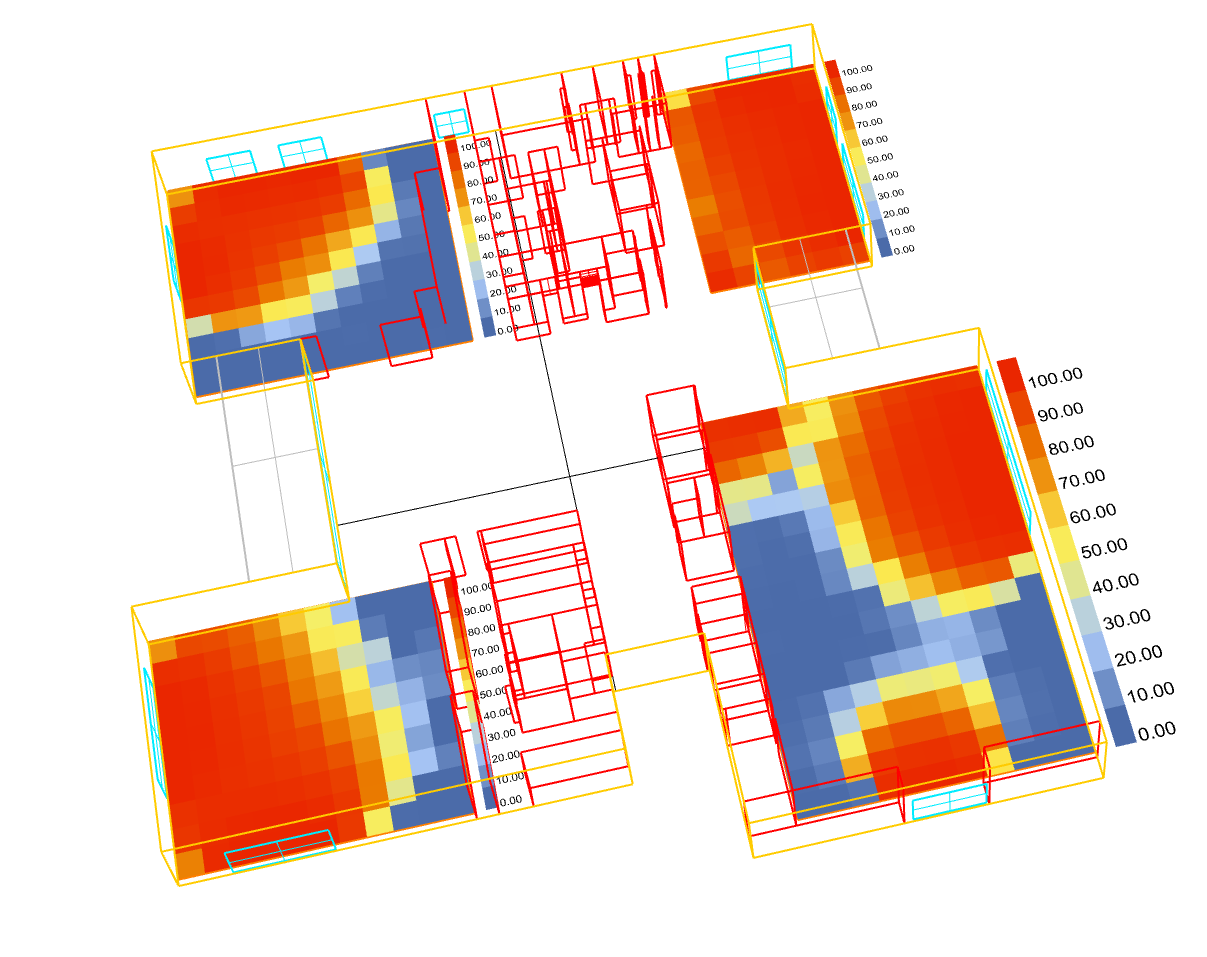
Weird Annual Daylighting simulation result by LadyBug Tool 1.20

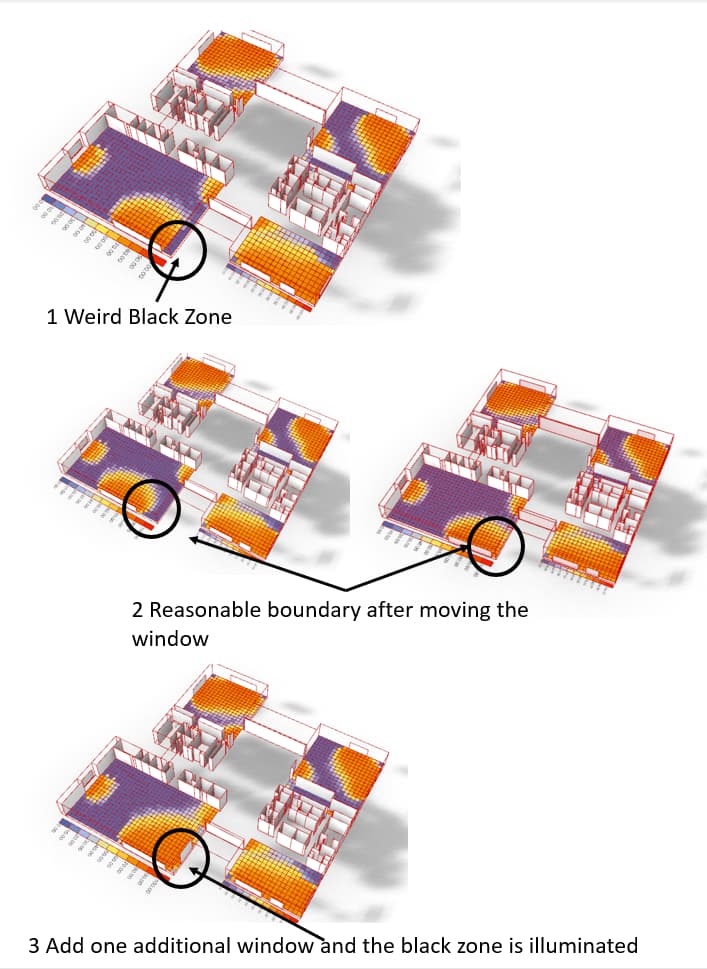
I got one weird daylighting simulation result after I build this simple test model. I have shown the result below. My query is how the weird black zone appear and disappear in different condition. Is it a BUG of the new version? Or did I make some mistakes?

Any advice/help on this would be much appreciated!

It doesn’t look like a bug and it just looks like a modeling error. We could tell for sure if you uploaded a sample file.

Hi Chris. Thank you for your reply.

I can not upload attachments since I am a new user. It would be appreciated if you can download the model on the link below.

Grasshopper Script
https://drive.google.com/file/d/186Rg2f5ntEu9fHuXzXfq-9No1EcQ1NCC/view?usp=sharing
Model
https://drive.google.com/file/d/1iOXFZK0MI81R9qEyHsv-0i0cscsTuKdn/view?usp=sharing

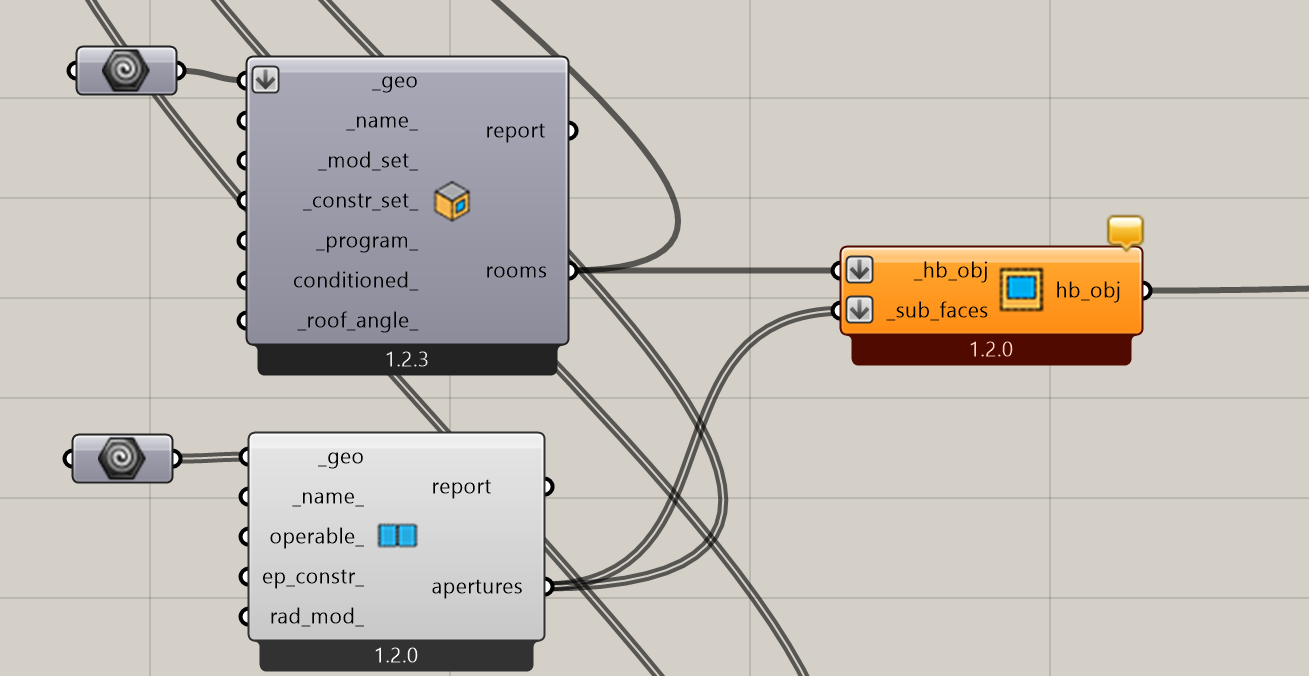
The model that you sent was not set up correctly. You have to assign the apertures to the Faces if you want them to let light into the room:


Daylighting Test.gh (152.5 KB)

I couldn’t recreate anything resembling the screenshot that you posted.

Hi Chris,

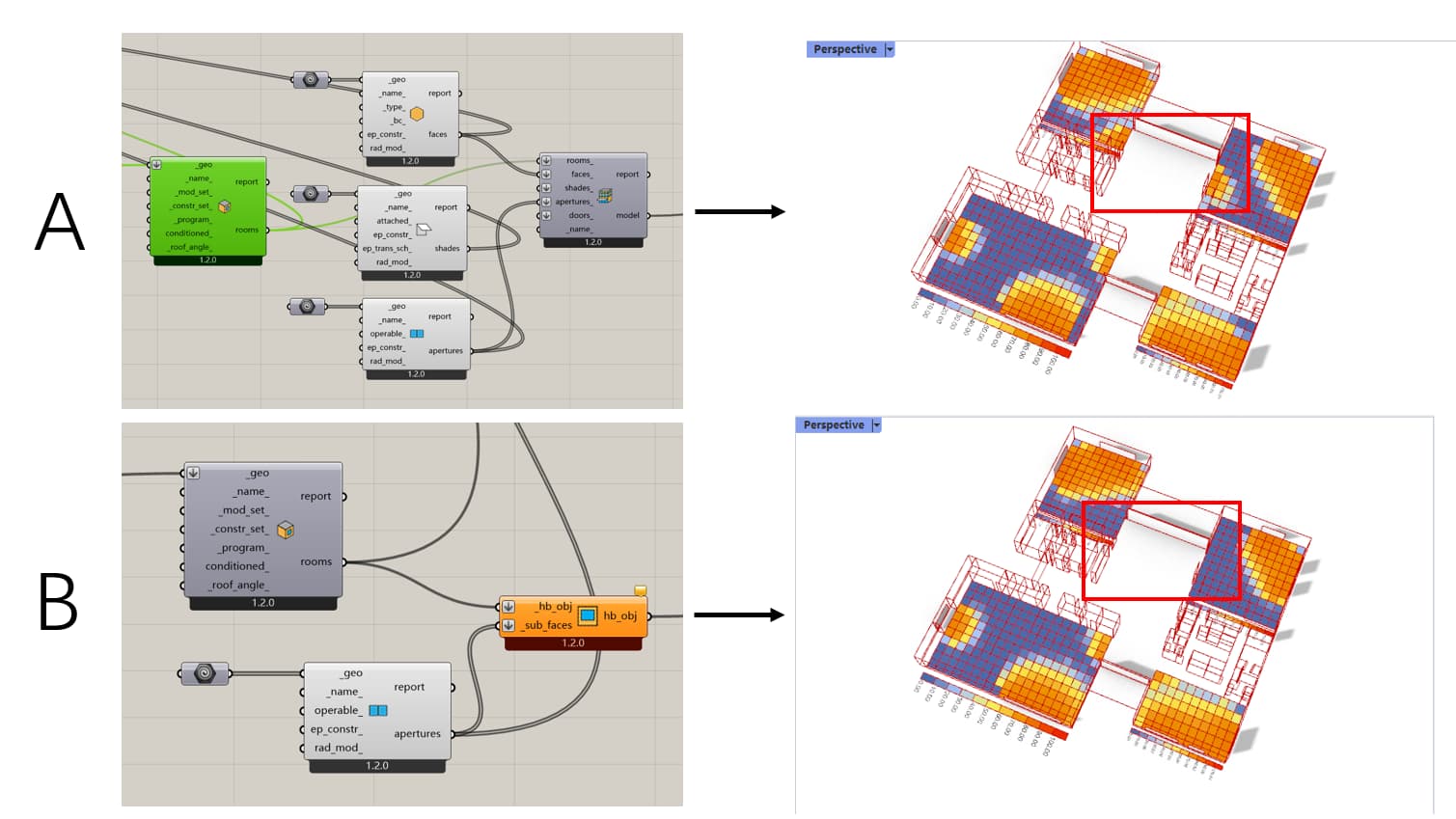
I appreciate your kindly help. I changed the apertures setting and the simulation result is updated as below.

However, it would be appreciated if you can provide more advice about the queries below.

  1. Please see the red zone, it seems that there is no daylight in scenario B.(The same as the result you provide)

  2. I found that there is a message in scenario B. “The following sub-faces were not matched with any parent face: Aperture f890de60”.What does that mean? Will this warning have an effect on the simulation result?

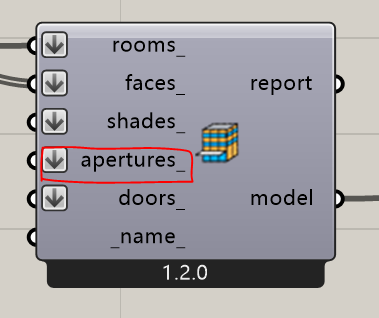
  3. Since there is a “apertures” on HB Model, in which situation I can use it or connect something to it?
    image

Best wishes