Is there a way to run an EnergyPlus simulation with dynamic shade groups controlled with states and a schedule similar to how Radiance daylight simulations work now?
In practice, I would like to run an EnergyPlus simulation with shading louvers with different angles controlled by a state schedule. This could be something like:
State 0 = Off (fully open)
State 1 = 0° (horizontal)
State 2 = 45° (partially closed)
State 3 = 85° (closed)
I want to use the same schedule and states to run a daylight simulation, to find a balance between daylight and thermal comfort.
The HB Window Construction Shade component come close, but does more replicate dynamic blinds with only on/off settings.
The HB Louver Shades can create the louvers I want, but I don’t know how to control different states with the EnergyPlus simulation.
Working the other way around, by controlling to different states with a setpoint for the EnergyPlus simulation and generate a state schedule from that for the daylight analysis, would also work for me, if that’s any easier.
Hi @ChrsitianDegn,
Did you figure this out? I am trying to do something very similar, i basically have a series of dynamic louvers that rotate depending on the incident radiation. But not sure what is the right why to model this in HB E+.
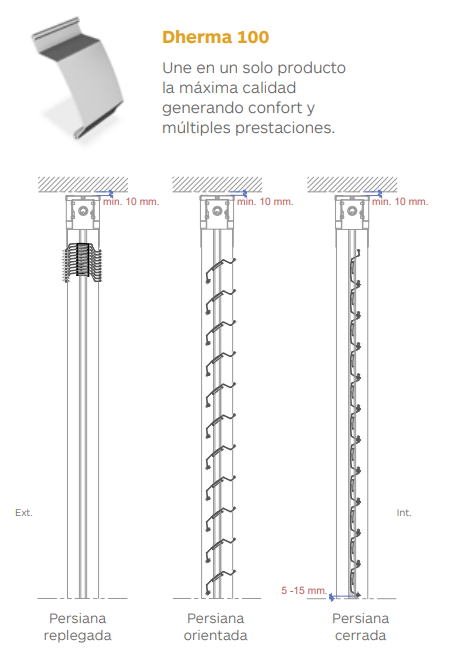
I see. The orientable louvers i am trying to model have several states. First they are fully retractable and secondly once deployed they can rotate from 0 to 120 degrees.
I belive there are several ways to do this but the overall operation could be something like this:
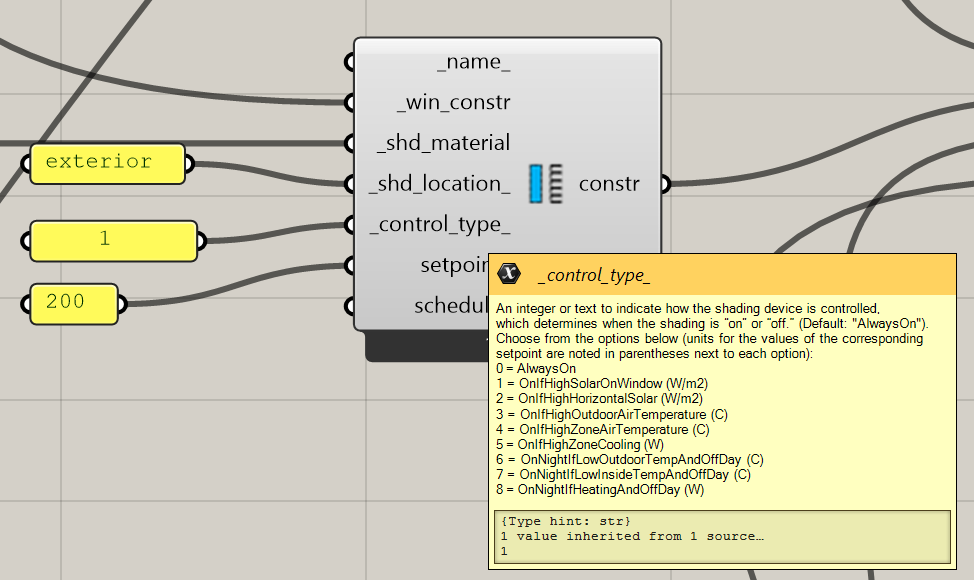
First set the control type to a condition to depoy, so if for example lets say incident radiation <200 W/m2 slats remain stacked. Secondly, if incident radiation >200 W/m2 then slats deploy and orient to protect from the direct sun beam.
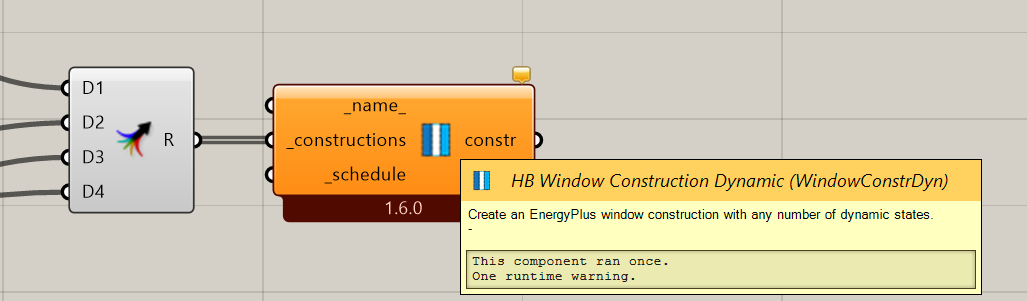
1- This could be done by generating a custom schedule from an independent incident radiation analysis at one point (middle of a window). From this analysis i can estimate the deploy or staked state. And with a second calculation estimate the angle of incidence and the equivalent slat angle state (simplify to 5 or 6 different states). I think this can be done with the HB window construction dynamic component.
This option will be something similar to what was discussed here, a bit crafty but u think it could work.
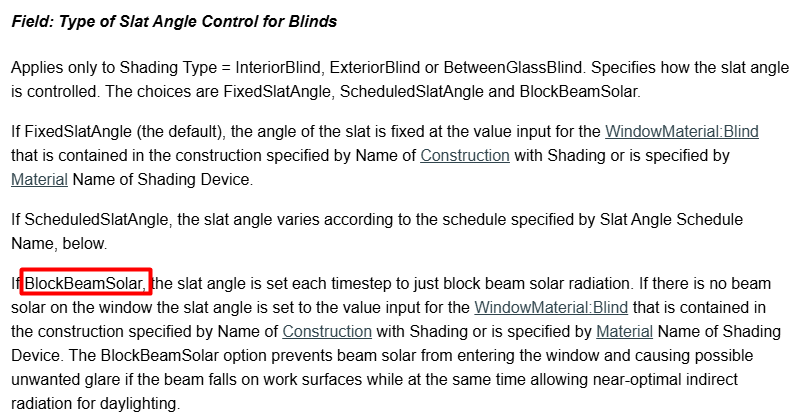
2- In E+ there is an option called Block Beam Solar. I belive this funcionality is also in HB since it also uses E+ i just need to figure out how to activate it. This shade control option will automatically set an angle for me in order to block the incident solar radiation.
3- This option is probably the most reliable for HB. Setting up a EMS control for the slats states. I found this information in E+ and i guess i could add as an additional string to my simulation.
Also discussed here.
Still not sure which option could be more convinient in my case. The option 1 (crafty) seems a workaround and very time consuming. I will see if option 2 could be included in HB, if not, i will go to option 3.
I’ve figured out the measure to include the blocksunbeam feature, just in case anyone’s interested, here’s my small contribution. Before using it, make sure you’ve already generated a slat using the WindowConstructionShade component. I’ve also included settings for the maximum and minimum slat angles. Unzip and paste it in the measures folder here C:\Users\Username\ladybug_tools\resources\measures set_blind_slat_angle_control.zip (8.9 KB)
Thank you for your effort [Julioamodia89].
can you please share the example of script for blinds or louvers control strategy to do E+ simulation and daylighting performance.