I am currently stuck at a strange problem with Honeybee Energy simulation. If i run my simuation and do not close my grasshopper file and rerun it 10 time i get same results. But if i close my grasshopper and rerun my script then the results are different and they are not showing small difference the variation is like heatin load jumping from 38 to 63. I have used HB validate model and the check showed my model is valid. I have checked the report and there is no sever warning. I am using modified epw files. So i am importing epw from the folder not the URL download. Even the same script ran on different computer throws different result.
Hello,
Any follow up on this ? Could you manage to find the reason ?
We are using HB with students in architecture and getting through the same problem with several files.
Best
This is almost certainly an issue with how you set up your script. While I don’t know exactly what you have on your machine, I imagine that your script looks a little like spaghetti and you don’t realize that certain parts of your script are not running the way you expect.
The Validate component is only going to tell you about problems that would make your model un-simulate-able and isn’t meant to QA/QC the attributes you assigned to the model with your script.
For QA/QC, you can use the HB Color Room Attributes and HB Color Face Attributes to check that your model has the attributes that you think it has. Any you’ll find dropdown list components in HB-Energy Basic Properties for Room and Face attributes you may want to check.
Hi @chris, thanks for your answer.
We did use already the different [HB Color Room Attributes] and [HB Color Face Attributes] to check that the model has indeed the right attributes with the students.
We didn’t have any variations on results at the beggining, this started happening when the model became more detailed. Without changing anything to the model (.3dm and .gh), results vary (sometimes a little bit, sometimes a lot…). I’m starting to think it is a problem with the way we are defining our [HB Ventillation Control] in [HB Window Opening] and making it clash with our setpoints for heating and cooling systems.
Do you have any hints on what might be the issue here ?
Please find the files attached. Best !
THB651_RHINO3D_.3dm (4.4 MB)
THB651_HB_P.I_MODELE_.gh (542.6 KB)
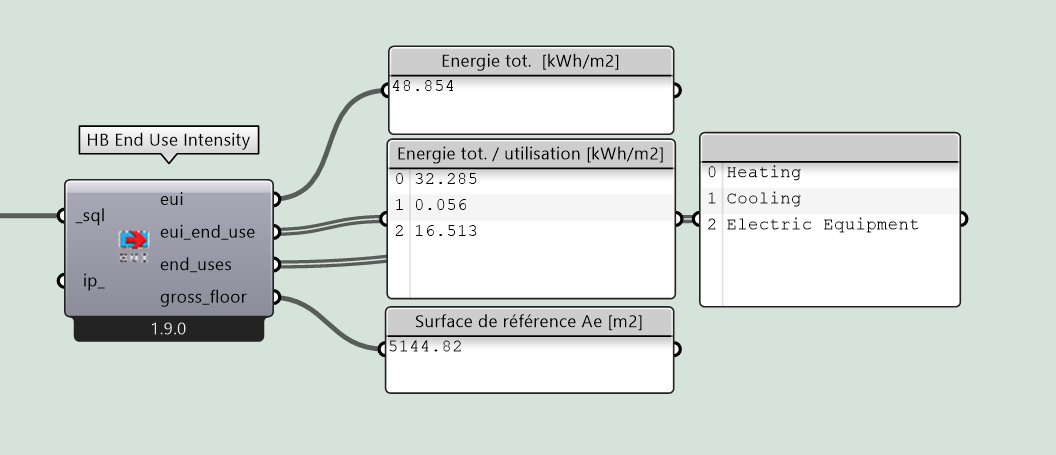
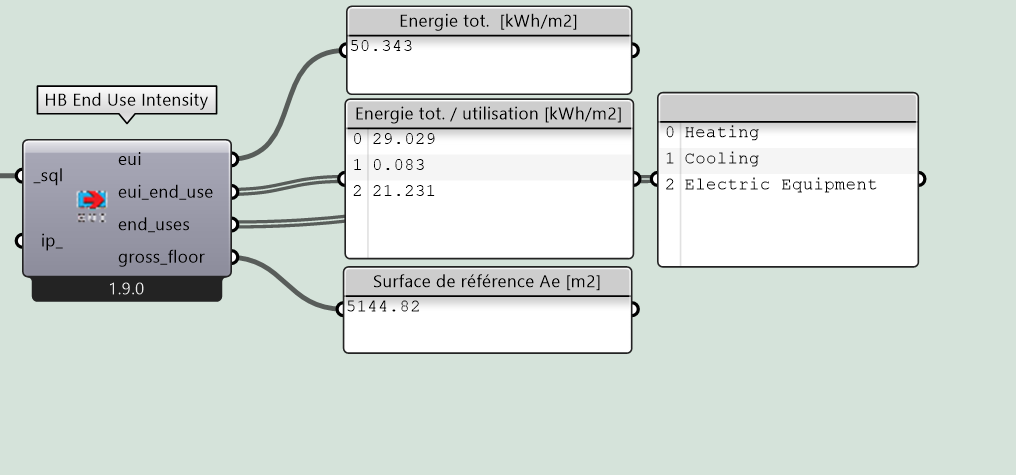
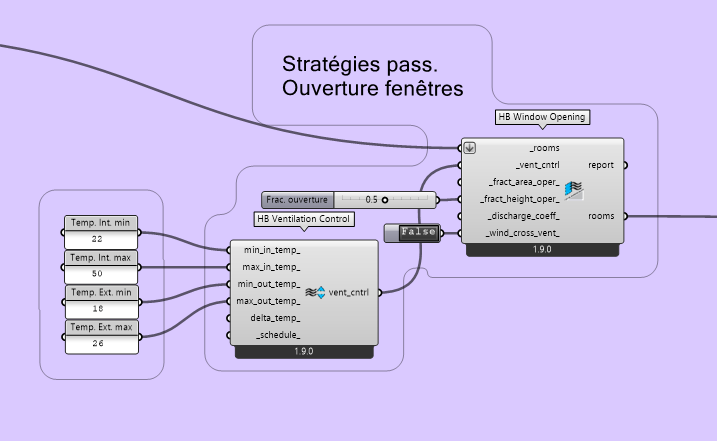
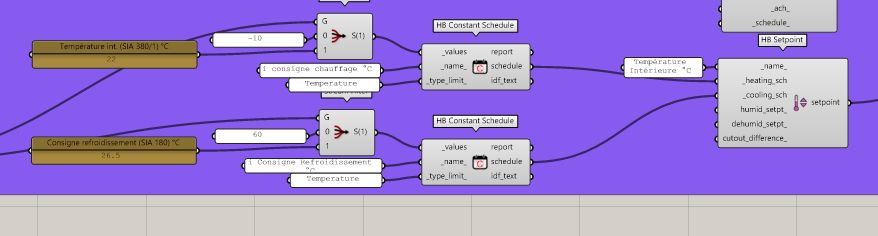
Hi @Azul
There was an interesting discussion about comparing models here:
which might help illustrate some techniques. One method I would try nowadays is simply save out the ‘before’ and ‘after’ IDF or OSM files, and just hand them off to an LLM and ask it to spot the difference(s). I’d bet you it’ll find the difference(s) in a few seconds. Once you know what the difference is in the IDF/OSM file, you can then trace down the issue in the Grasshopper file that is causing it.
best of luck with it,
@edpmay