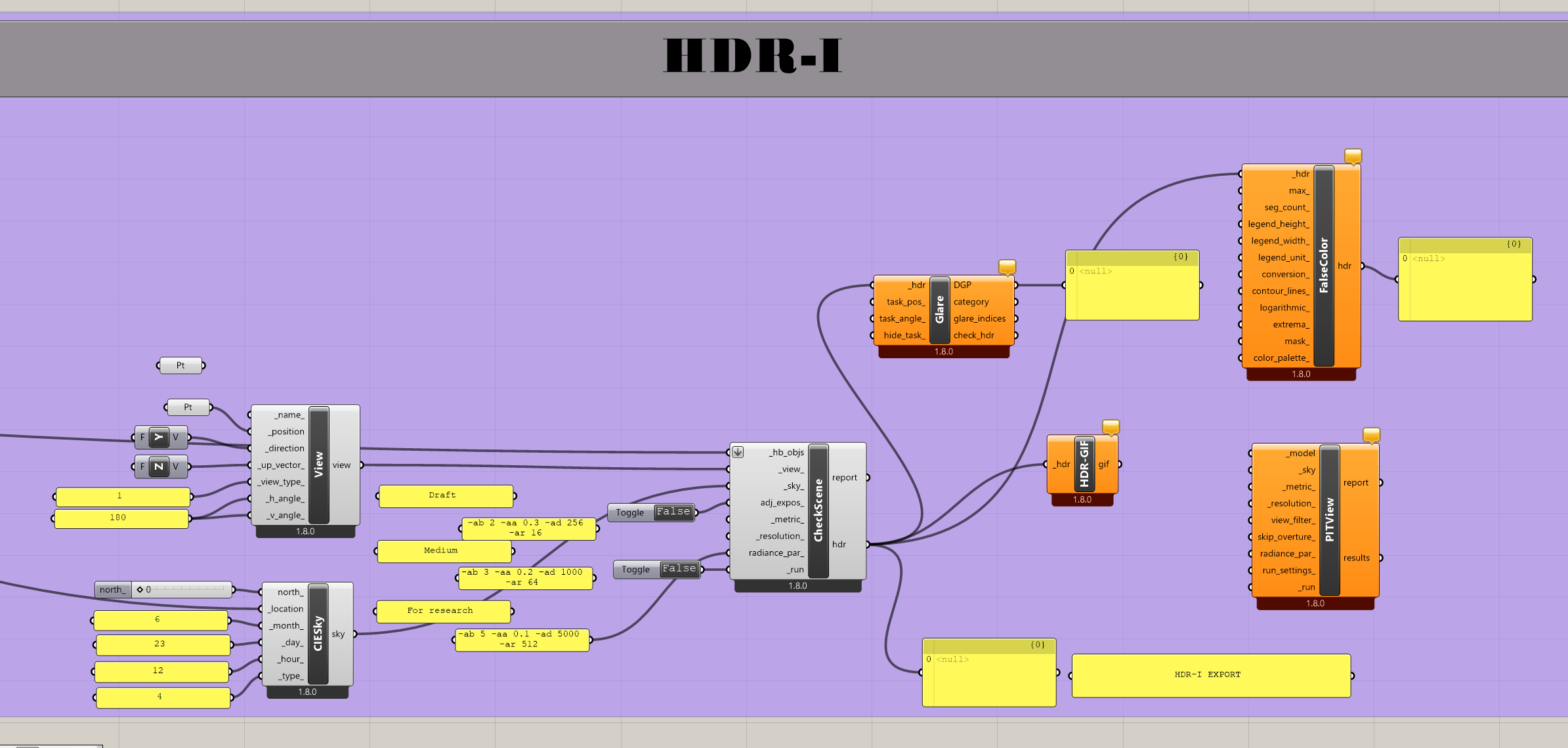
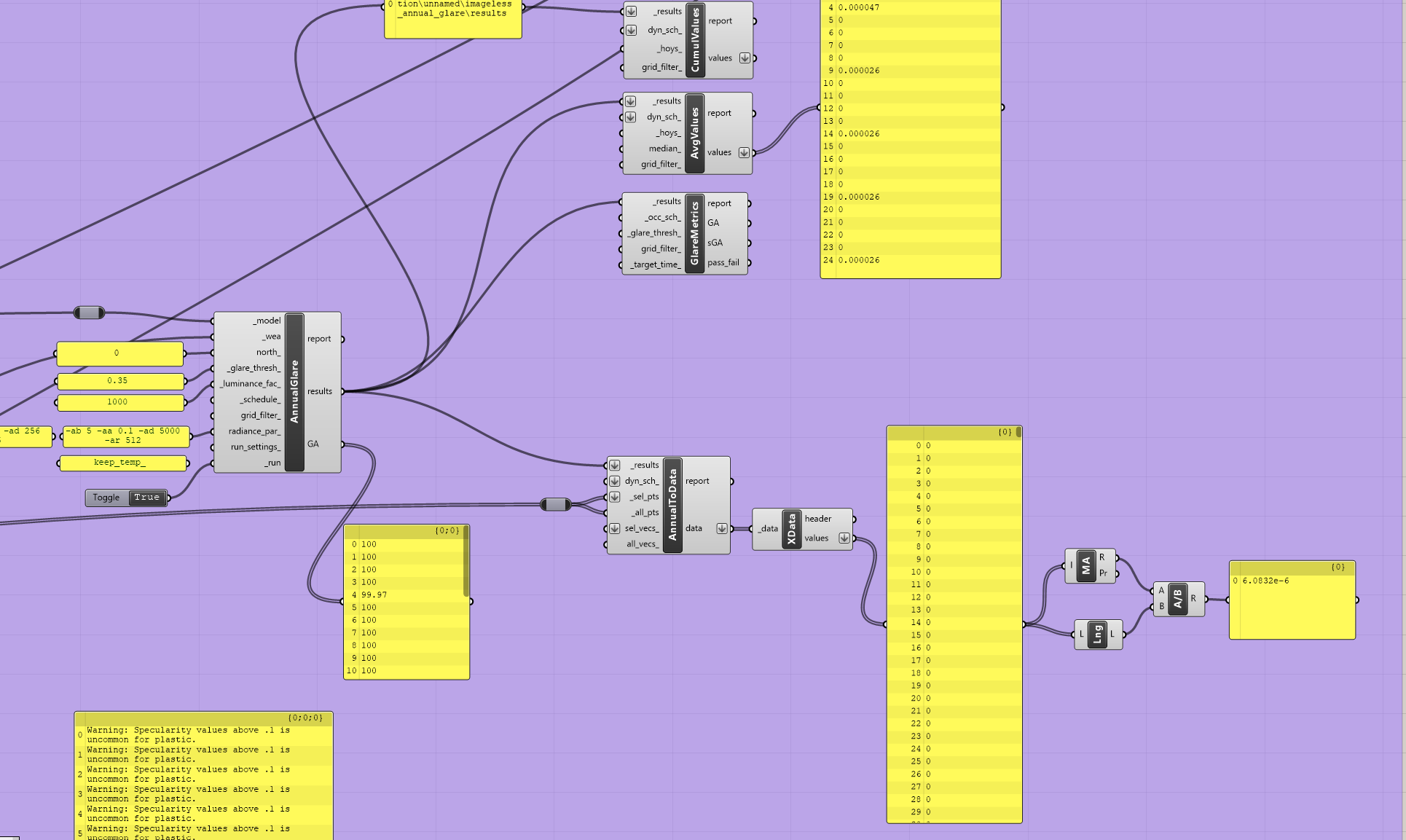
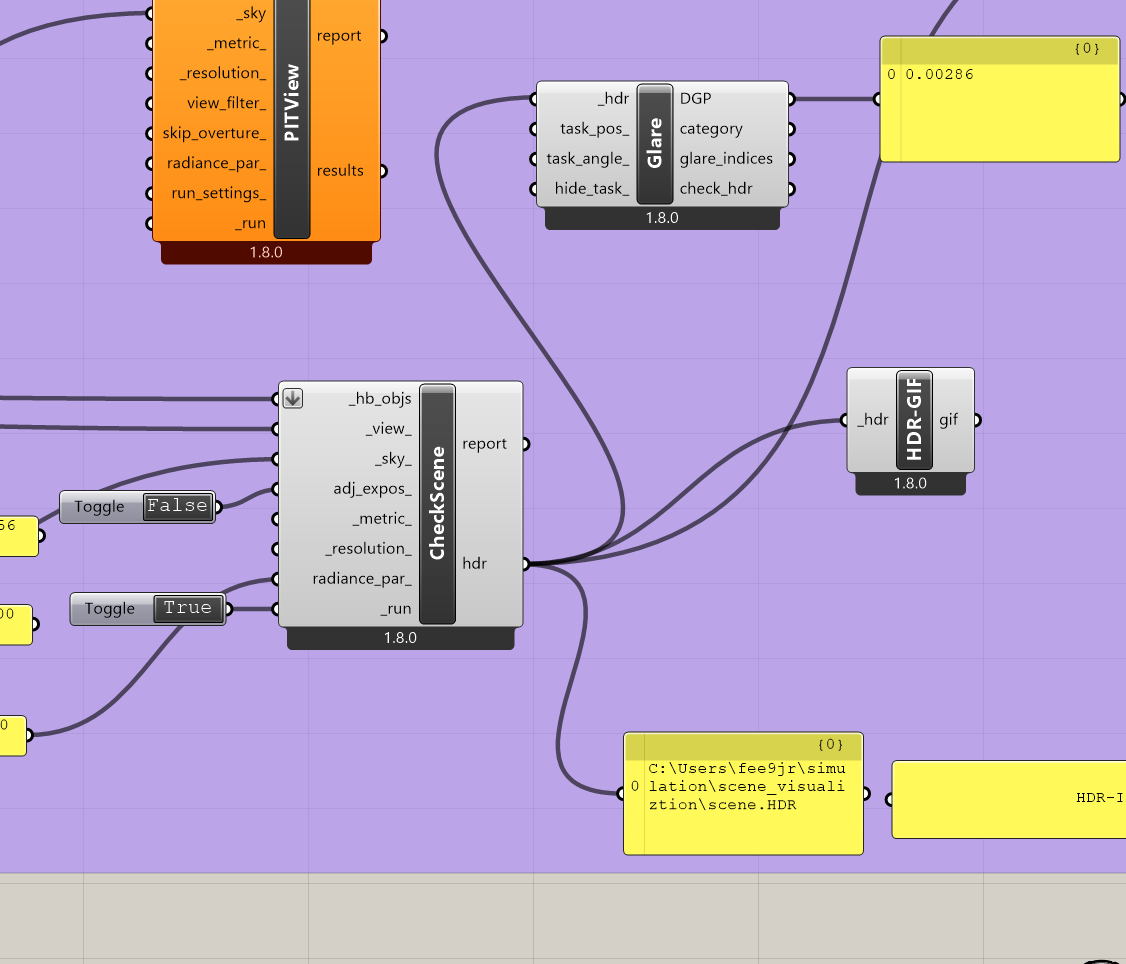
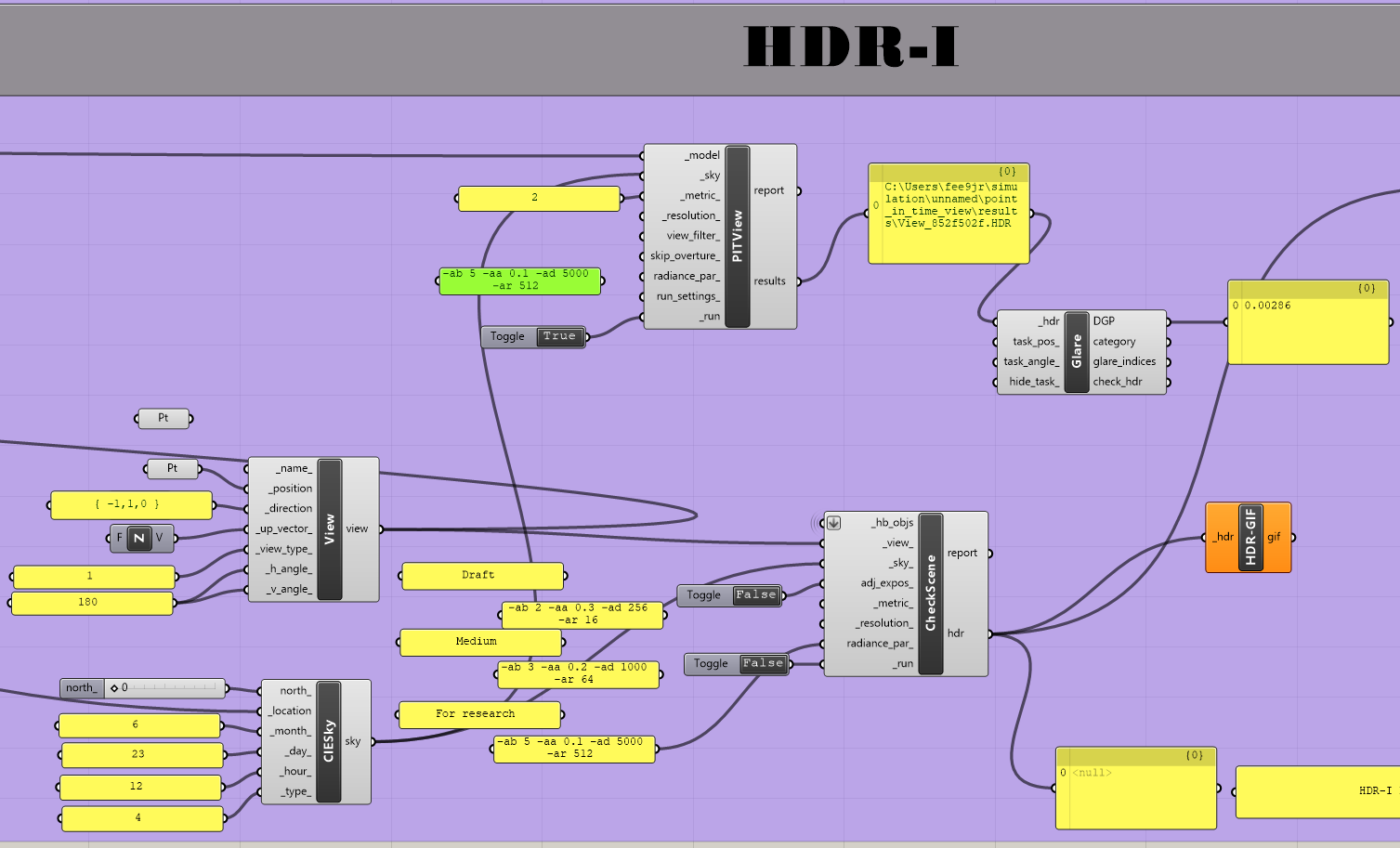
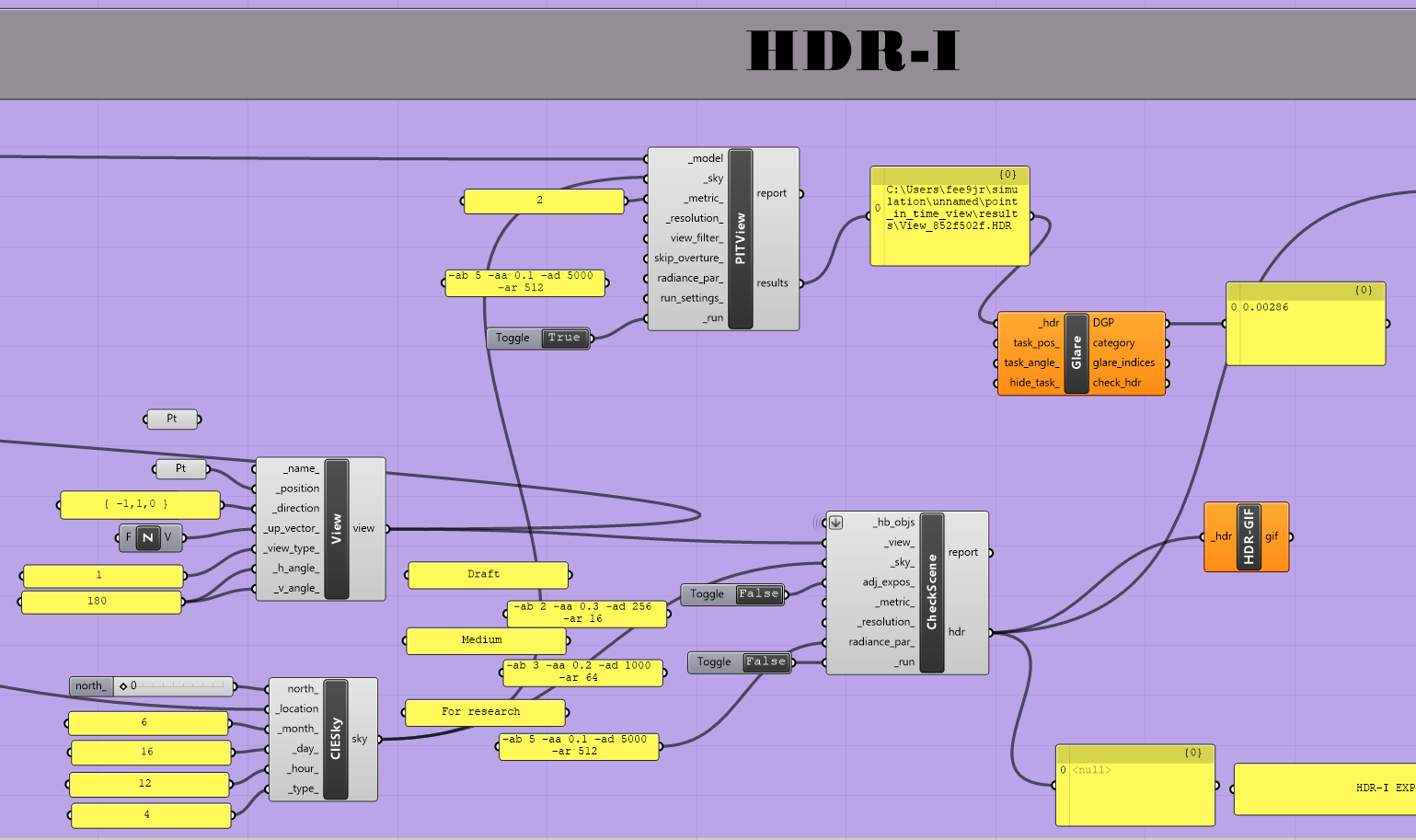
I am currently working on glare analysis using Honeybee, and I am facing difficulties when trying to run a single-hour glare simulation.
My goal is to obtain Daylight Glare Probability (DGP) values for one specific hour in the year.
I tested both the HB Annual Glare (imageless glare analysis) and HB Glare from HDR workflows. In both cases, the results are either zero or unrealistic.
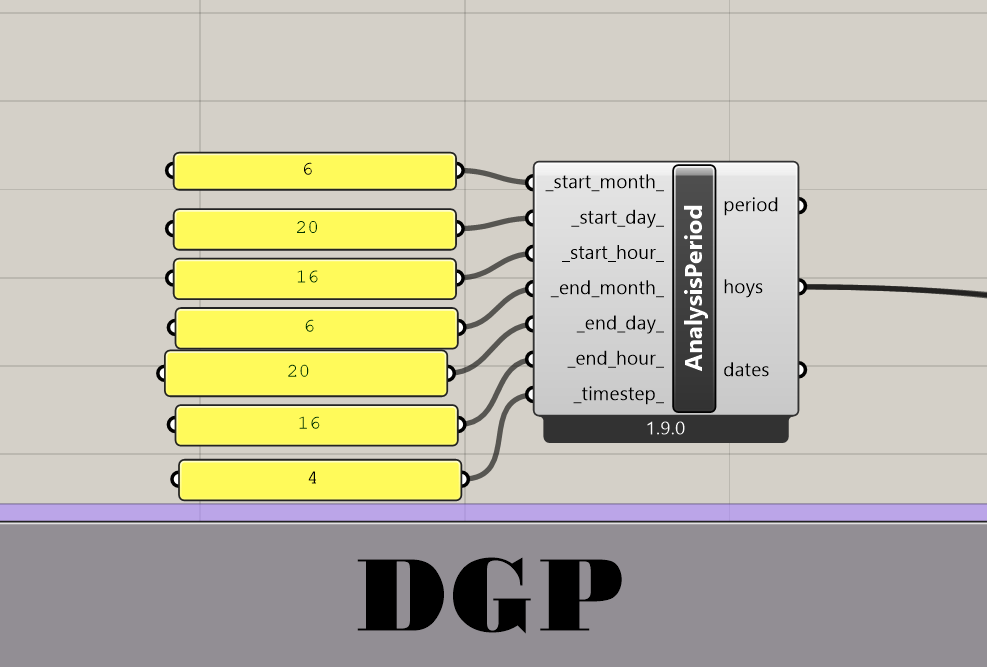
To control the period, I used the Analysis Period component for one hour. I also tested with a Clear Sky component to define specific day/hour conditions. However, the outputs remain strange (either 0 or not matching expectations).
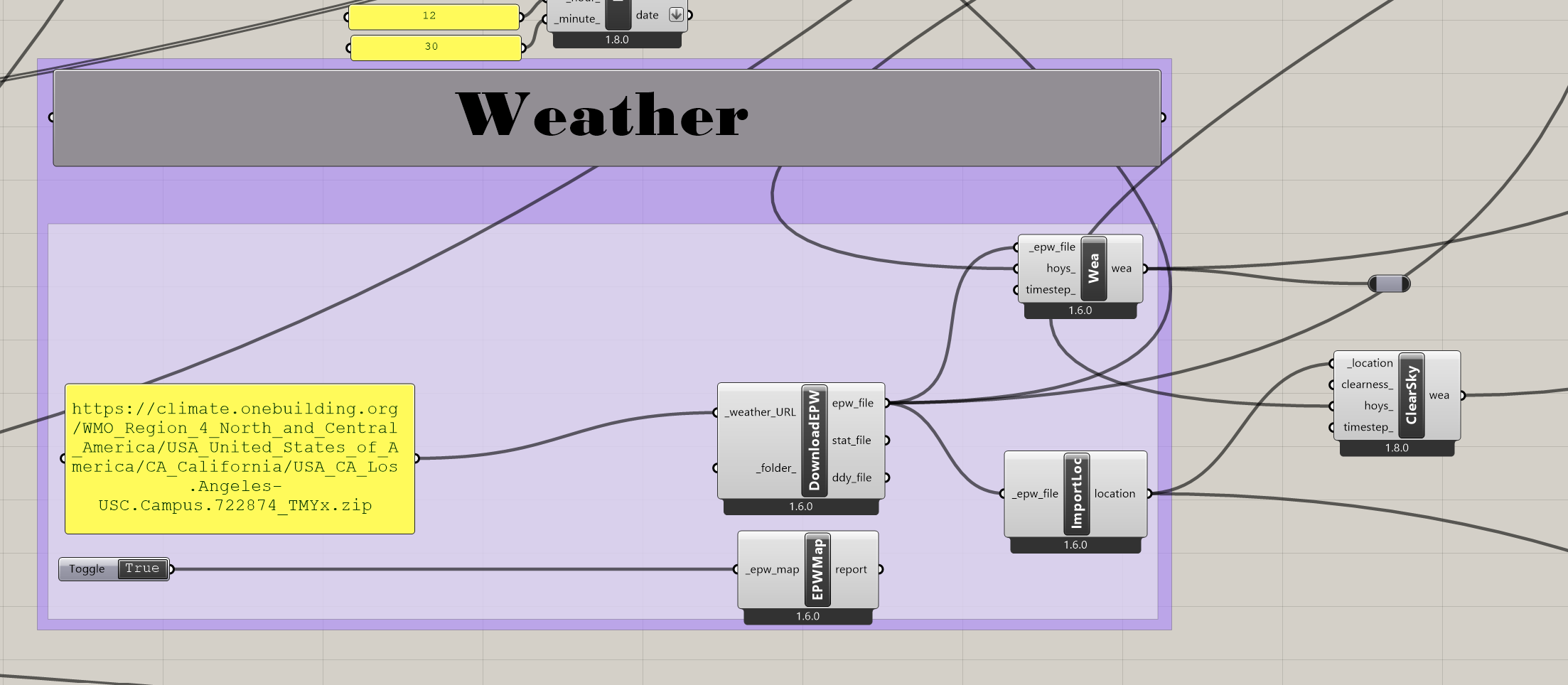
I also tried multiple weather files (Charlottesville airport, Richmond, Los Angeles, DC), but the issue persisted.
I have attached my Grasshopper file and screenshots showing the setup (annual glare, analysis period, and sky components connected).
Could anyone advise on:
The correct way to extract DGP for a single hour in Honeybee?
Whether this workflow requires a different approach (e.g., point-in-time glare analysis instead of annual glare)?
If you are only looking at a single hour, then I would not use the imageless glare analysis. In any case you should be aware of the limitations of the imageless method; you can read more about this under Recommendations (page 7 of 8) in Nathaniel’s paper.
Thank you both
can I use the HDR-I result from HB analysis in evalglare ? because when i try to check the HDR-I in its location it’s always just a white image with nothing but white color.
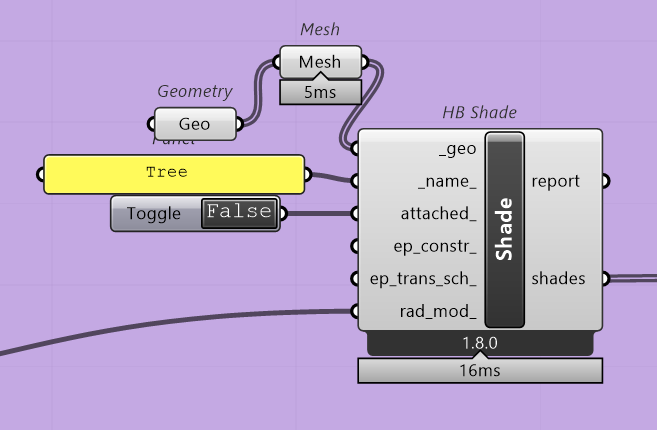
For the tree geometry I suggest that you convert it to a mesh. This will significantly reduce the number of polygons in your case. You can read more about the ShadeMesh object here.
The first two are mainly optimizations. The next one is required.
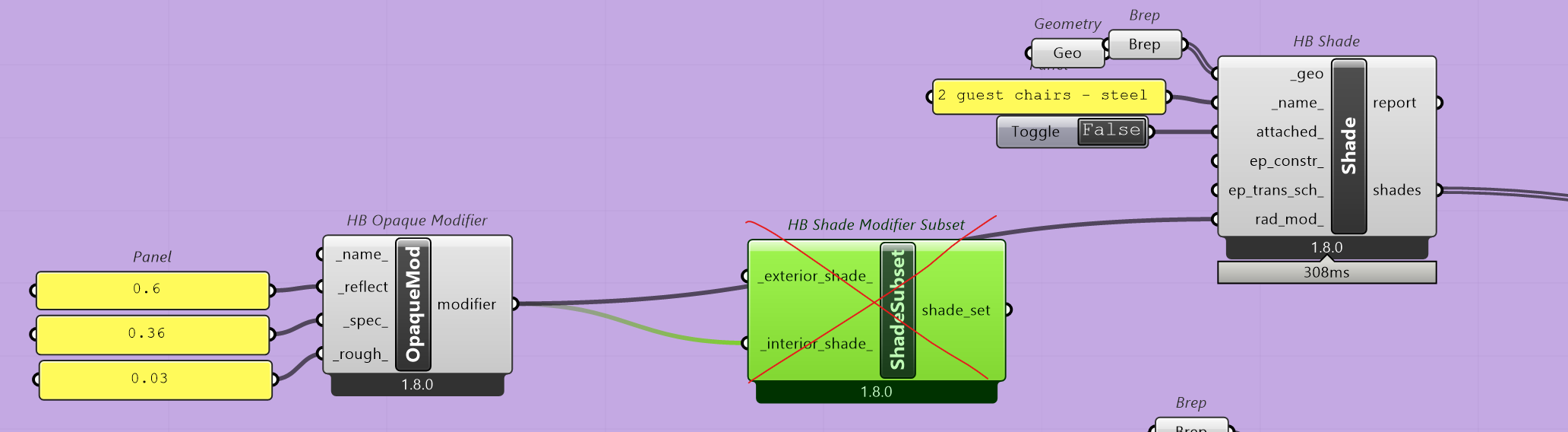
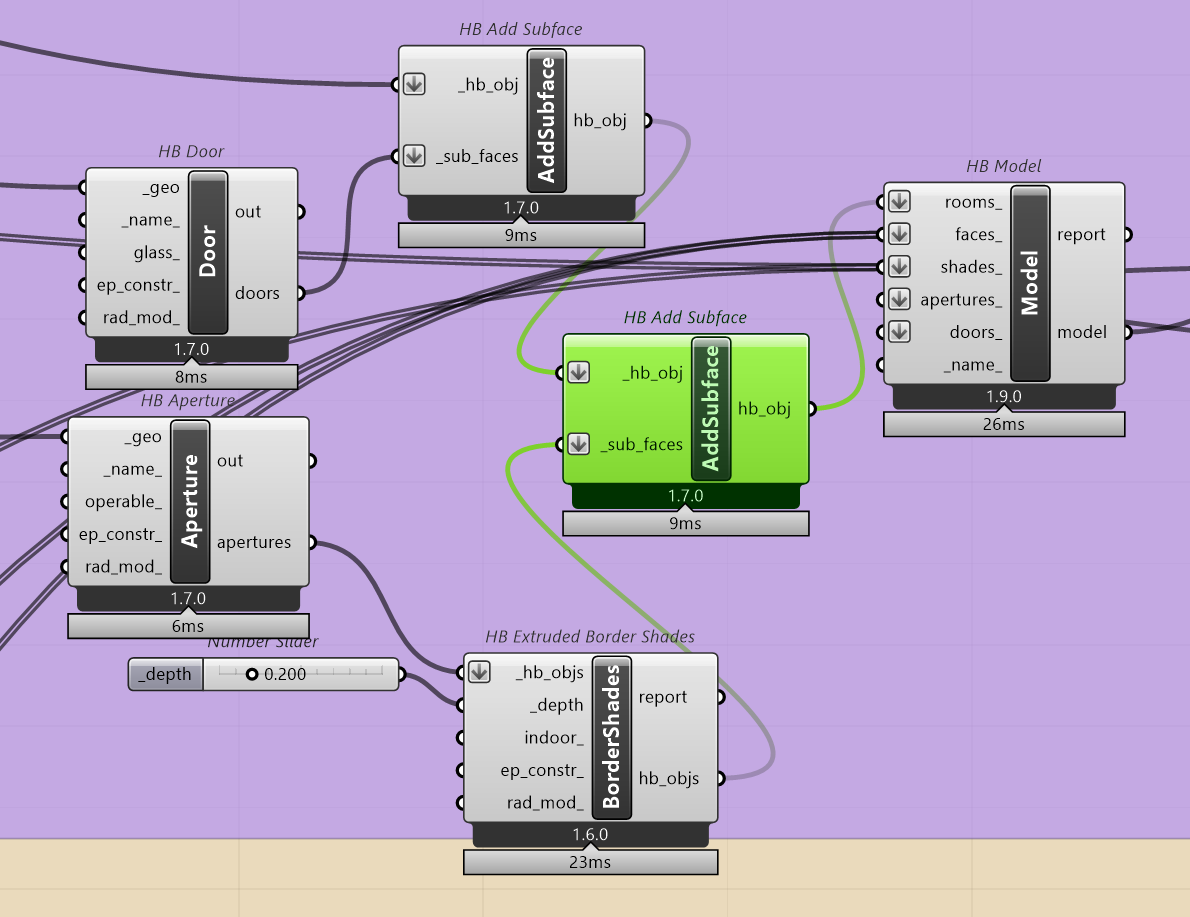
The aperture was added to the model several times. Below is the correct way to add the aperture as a subface. Basically, because the aperture is added to the room, you do not need to add it to the HB Model component as well.