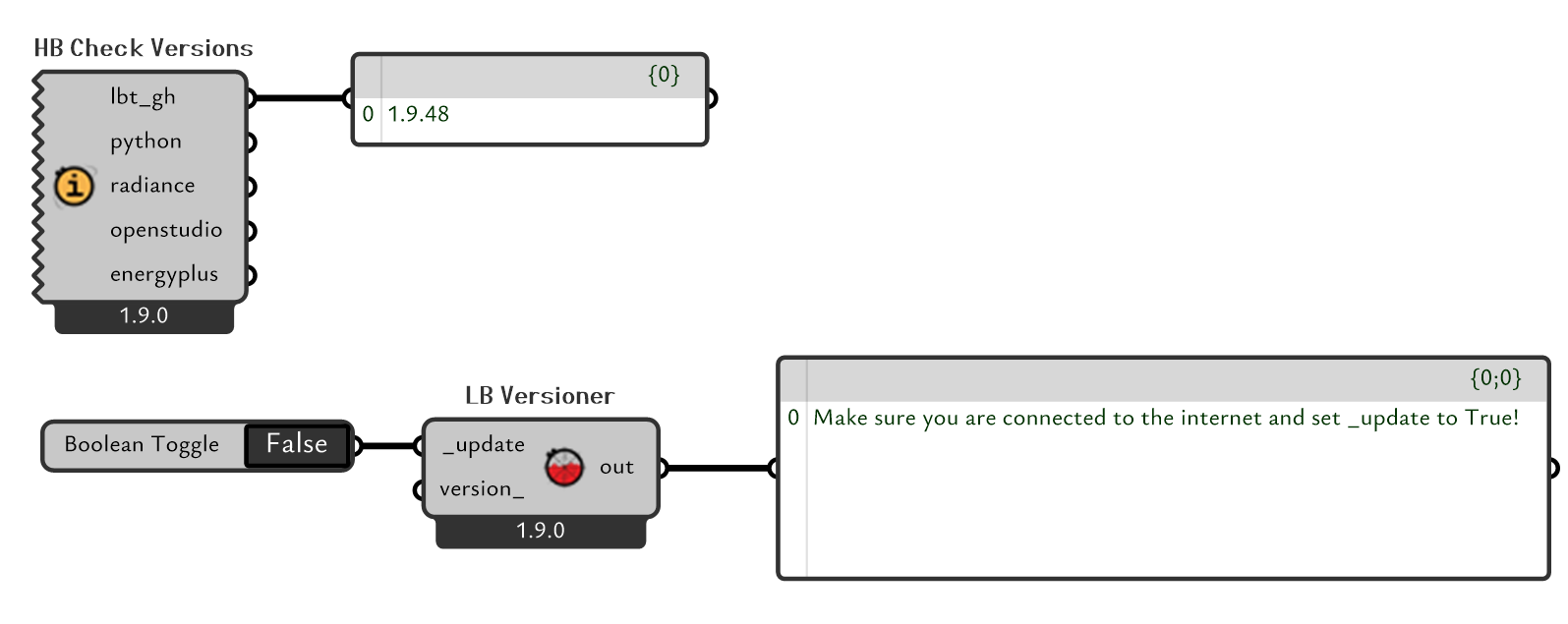
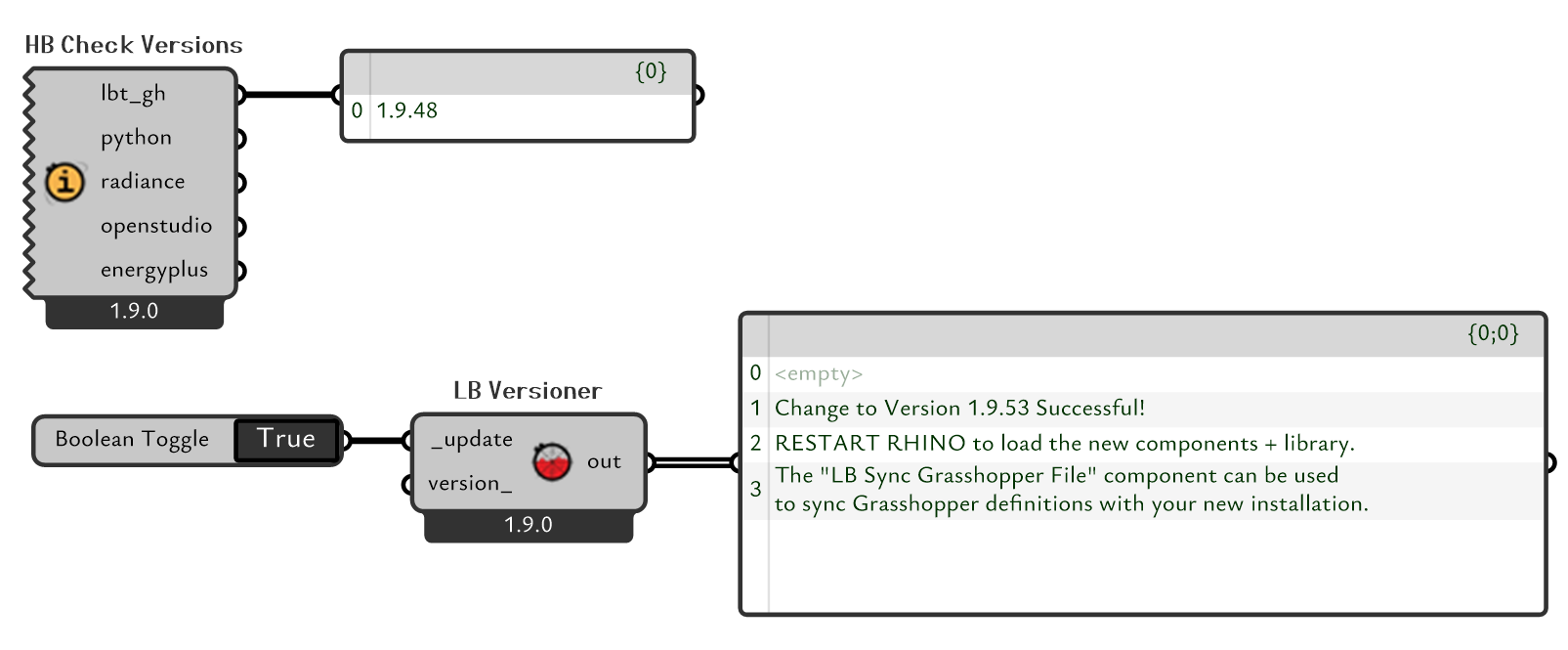
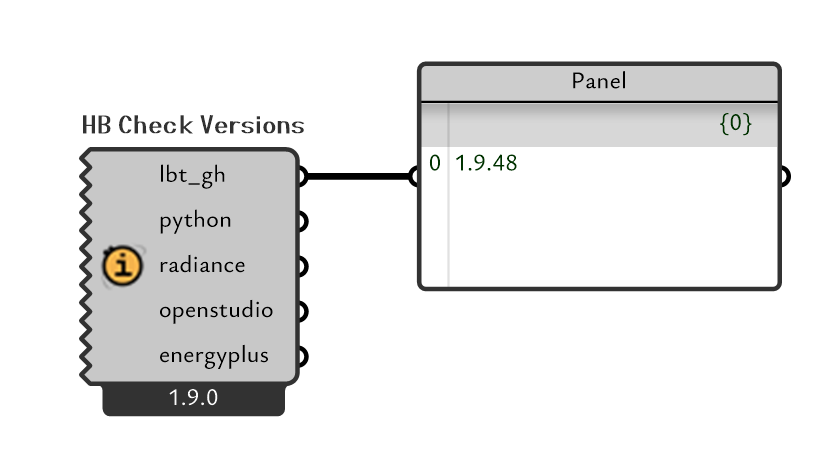
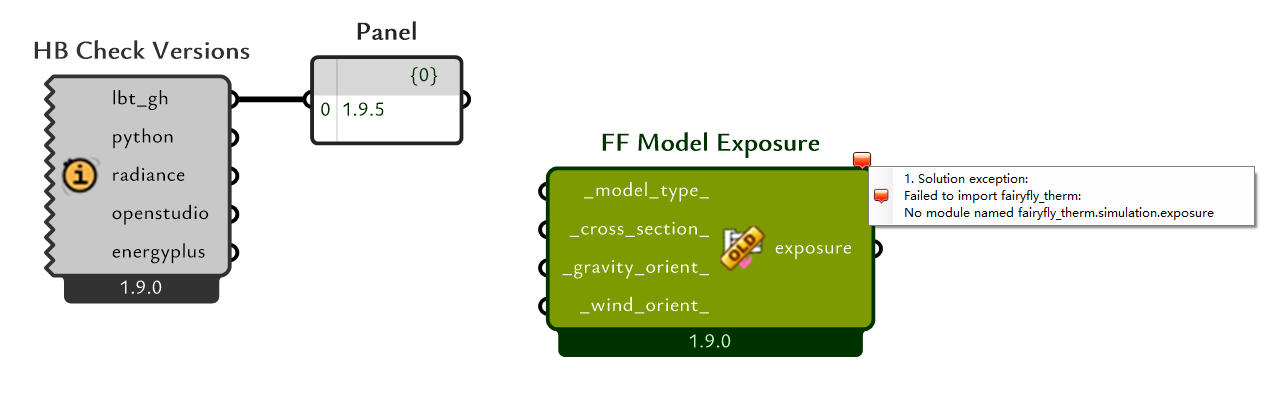
But after I restarted my Rhino, when I checked the LBT version using the HB Check Versions component, it still showed the previous version that had been updated.
And I observed for a while, and I found that not every update failed. For instance, before and after fairyfay officially joined, I was able to use this update program to correctly incorporate the relevant components into Grasshopper.
At present, I can offer these references. If you need me to provide more information, please feel free to contact me at any time.
It’s tough to pinpoint exactly what is going on with your system, particularly if this behavior is not consistent. The only thing I can say for sure is that the requirements.txt file in the following location:
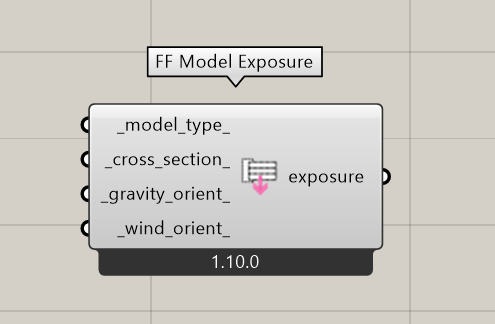
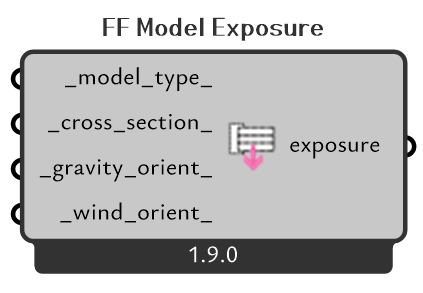
Do you find that you are also missing new components after you run the versioner? For example, on your machine above, do you have the new “FF Model Exposure” component that I just added this past Friday?
I’m just trying to figure out if t’s only an issue with the requirements.txt file or the whole plugin is not being updated by the Versioner.
Is there any chance that you were running the LB Versioner on a Mac?
If so, I have just found and fixed the issue here:
If not, then I still suspect that this is the cause of the problem but I may need to know what type of machine you are running LBT Grasshopper on. Is it still an intel-based machine? Does it have a GPU or is it all on-board CPU Graphics?
I had a similar issue recently - running on Windows - to solve it I ran the LBT updater in a separate command window (and made sure that command window was in administrator mode)
I just used the same command as the versioner pops up when running (C:\Program Files\ladybug_tools\python\python.exe -m ladybug_rhino change-installed-version)
It is very likely that this file was not updated, which resulted in me not being able to pull down the version 1.9.53.
In the process provided in this post, I can see that the FF Model Exposure component is loaded into Ladybug Tools.
I tried to use the update program again, but it still pointed to version 1.9.48.
When I was observing the program’s operation, the modification dates of all the dependencies of Ladybug Tools were updated to the current time. So the update process should have been running normally, but it was unable to read the latest version from the current Github.
Furthermore, I attempted to manually execute the command "C:\Program Files\ladybug_tools\python\python.exe" -m ladybug_rhino change-installed-version to trigger the installation program locally, but it also failed. However, I still want to point out that when I specify the current latest version in version_, it is still possible to receive it.
In order not to interfere with the release of your new version, I am currently actively conducting local debugging.
I attempted to configure the environment within the virtual machine. The version used in this environment was lbt1.9.5, which is a relatively earlier version.
When I attempted to update using the LB Versioner component, it still informed me that I had successfully updated to version 1.9.53. However, after restarting, when using the HB Check Versions component to check the version, it remained at 1.9.5.
However, in this update, I found that the component library could be updated to version 1.9.53, including the complete Fairyfly components. However, the display of other dependencies was not able to load properly.
I have narrowed down the cause to the problem, which is unfortunately a major bug for anyone trying to use a version of the LBT plugin older than 2 weeks ago.
I do not yet know how I’m going to solve it for everyone using an older plugin except to say “update to the latest version.” I was planning to release LBT 1.10 today so this will be the solution for a lot of people. But it is looking like I will probably need to go through all of the Food4Rhino installers before LBT 1.10 and change them if I want them to work. And using the LB Versioner to go back to any release before last Friday February the 13th (LBT v1.9.48) will give you a broken plugin that must be fixed via CLI command, either using the one that you used, @grahamjlinn , or by force installing a specific version of Pydantic and queenbee like @amanjayedi did here:
The primary reason for the bug is that we updated to Pydantic 2.0 two weeks ago. I had though that we set everything up to make the transition smooth but it seems one of the links between packages in our dependency tree used an >= operator instead of ==. Long story short, this means that people can end up with an installation of Pydantic 2.0 but with older versions of LBT Python libraries, which are incompatible with Pydantic 2.0. This causes exceptions to be raised for anything using the Ladybug Tools libraries via CLI. This includes the LB Versioner but also includes all of the recipes.
Needless to say, I just fixed the >= operator now such that future updates of Pydantic will never cause this issue again. At this point, I think I am going to plow ahead with the LBT 1.10 release in order to give everyone a solid solution. Then, I’ll probably go back and fix all of the old Food4Rhino installers so that people still get a working version of the plugin with these installers (as long as they do not run the LB Versioner).
SOLUTION LBT 1.10 has been released and anyone using the LB Versioner from LBT 1.10 onward into the future will not experience this problem. So the recommendation for anyone who has this issue is just to install LBT 1.10 via the Food4Rhino installer or Pollination single-click installer. Then, you’ll never need to worry about the problem as long as…
A NOTE OF CAUTION
If you use the LB Versioner to go back to a version of LBT before LBT 1.10 (or, more specifically, LBT 1.9.48), you will have some broken functionality. This includes the LB Versioner, itself, not working well along with a dozen or so mildly broken Honeybee components.
IF YOU NEED TO GO BACK TO AN OLD LBT VERSION
To help those people who may need to go back to old versions of Ladybug Tools, I have updated all of the installers on Food4Rhino for LBT versions 1.6 through 1.9 such that these will all yield fully working versions of the plugin. Versions of LBT before 1.6 are unaffected by this bug. So sticking to the stable releases installed via Food4Rhino installers should allow people to use old versions of the plugin if they need it.
If people really, really need to walk between versions 1.6 - 1.9.48 of LBT via the LB Versioner, there is a way to fix things via command line after running the Versioner but I would rather not get too deep into it here since just reinstalling to a stable release is going to be much cleaner and less error-prone.
 I can’t wait to use and share everything about Ladybug Tools 1.10.