Magnificent Ladybug Tools Community,
After just passing the 13-year anniversary of Ladybug, we are happy to announce another stable release of Ladybug Tools (LBT) for Grasshopper (version 1.10.0)!
This new release is fully functional in Rhino 6 through 8 on both Mac and Windows. If you’re installing on Windows, you can get the new release by downloading and running the free Pollination single click installer. You just have to create an account on the Pollination platform and you can download the free Pollination Grasshopper installer, which comes with a copy of the latest version of Ladybug Tools and compatible simulation engines. For those with a Mac, you will still need to install by downloading the LBT 1.10 installer.gh file from Food4Rhino and following the same instructions as previous releases.
If there is a theme to the 1.10 stable release, it would be “adding the last of the missing legacy features.” At this point, any question that you could ask us about “how do we do [INSERT LEGACY FEATURE HERE] with LBT-Grasshopper 1.10?” will have an answer. Granted, the answer for some of the simpler cases might be “use these native Grasshopper components” and the answer for some of the complex cases might be “use these Ironbug components.” But we can promise you that there is an answer for your question as long as the legacy component that you are asking about was not in the WIP section of the legacy plugin. Hopefully, it also goes without saying that all the legacy features that we have ported over to LBT-Grasshopper have major improvements associated with them and they have all been designed to work with larger, more complex model geometry.
Altogether, this puts a “keystone in the arch” between the open source LBT Grasshopper plugins and the paid Pollination plugins that we have been co-developing over the last 7 years. Now that the major infrastructural rewrite of the legacy plugin source code that began in 2018 has been completed, the resulting LBT grasshopper plugins and their core Python libraries can handle a scale and complexity of models that simply was not manageable with the legacy plugin. But all of this would have limited value if the only way to construct models for Ladybug Tools still involved copy/pasting components or doing heavy data tree management in the visual scripting interface of Grasshopper.
For this reason, we designed the Pollination RHINO PLUGIN, to offer the fastest way of building and editing large complex models for LBT Grasshopper and we developed the Pollination REVIT PLUGIN, to have the most streamlined workflow for extracting and cleaning Honeybee models from Revit. Together, the Pollination plugins support the use of LBT-Grasshopper not just at the scale of shoe boxes and individual dwelling units but at that of full professional projects. Moreover, with exporters to a myriad of BEM platforms (including IESVE, eQuest, DesignBuilder, Trane TRACE, HAP 6, TAS and IDA-ICE), the Pollination plugins are made to integrate with the wide variety of tools that different team members use for BEM modeling in practice.
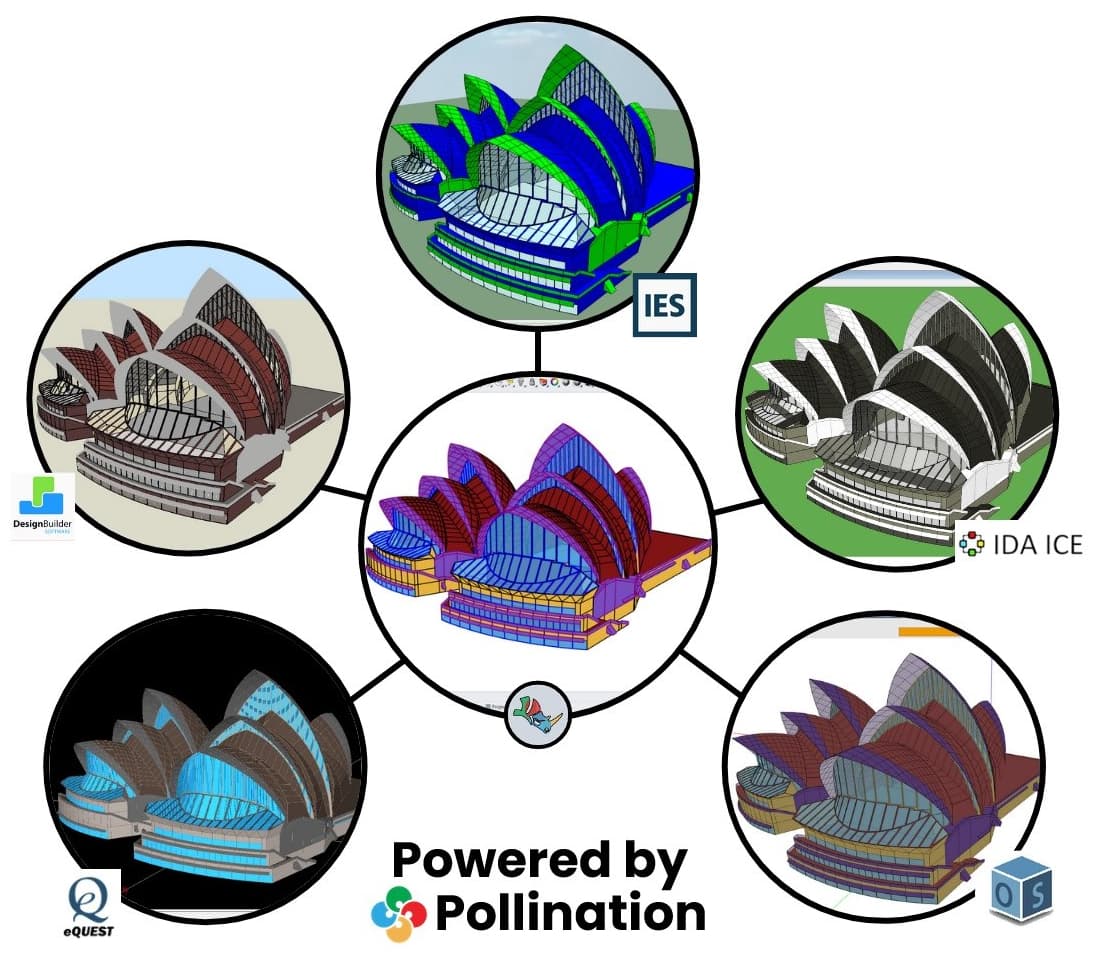
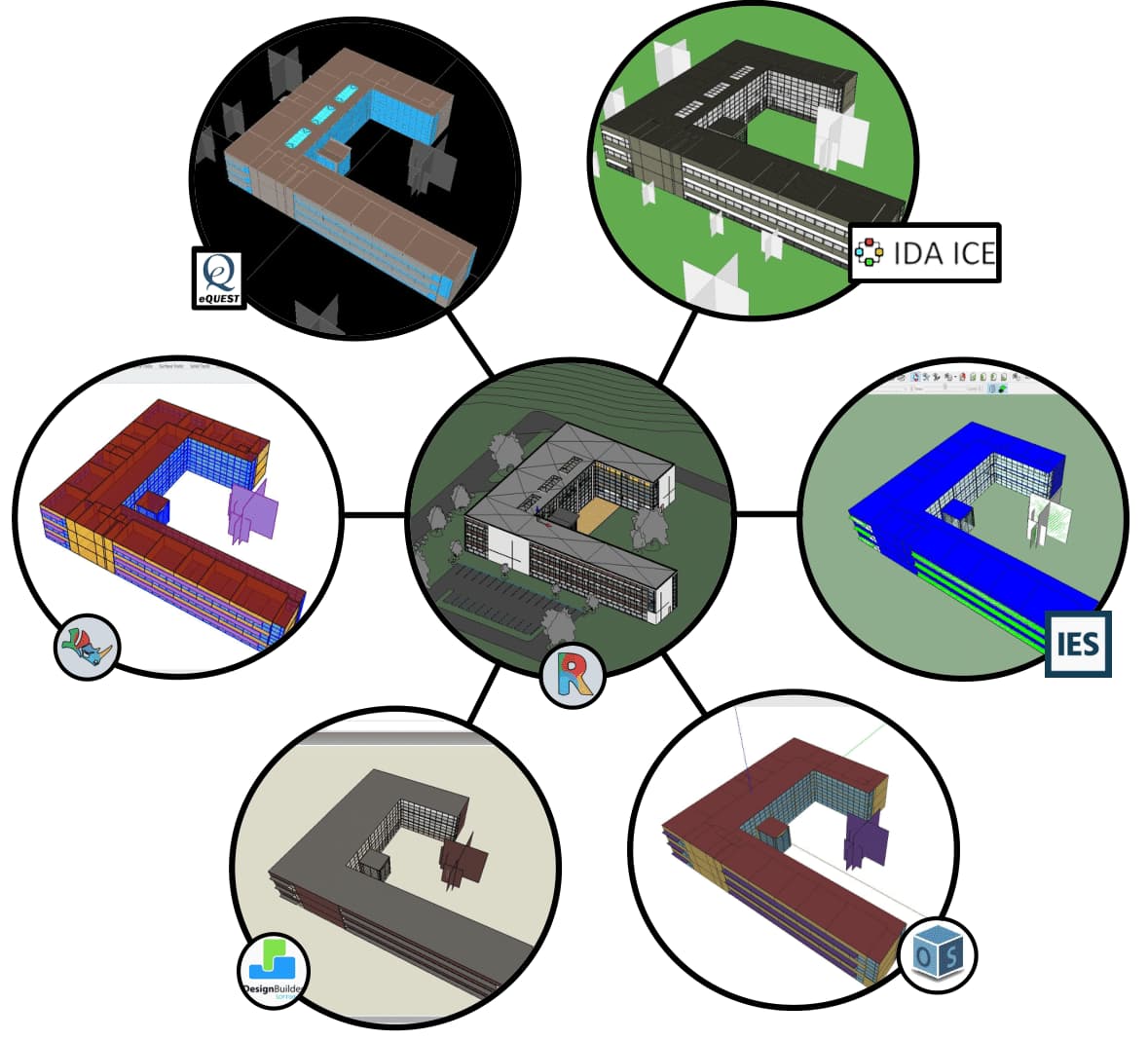
It has been a long road to get to this point of an open source LBT plugin that can fully replace the legacy plugin, supported by a set of paid plugins that make it easier to integrate the value of Ladybug Tools to professional projects. There have been many ups and downs over the last few years and those of you who are curious about the big ones we went through will appreciate this podcast that @mostapha and I recently recorded with @ChristianKongsgaard.

As you’ll hear us say at the end of the video, we owe a lot of thanks to you community members for sticking with us through all of the challenges. We simply could not have done it without your continued testing, bug reporting, triaging of issues, and all of the support and feedback that you have given across this forum these past years. We hope that you are as proud as we are of the scientific community we have built together and you realize that, because of all our efforts, people beginning an education in building simulation today have a far stronger foundation to build off of than what we had when we started.
Now. With the sentimental part of the notes out of the way, let’s dig into the new LBT 1.10 features!
Ladybug Improvements
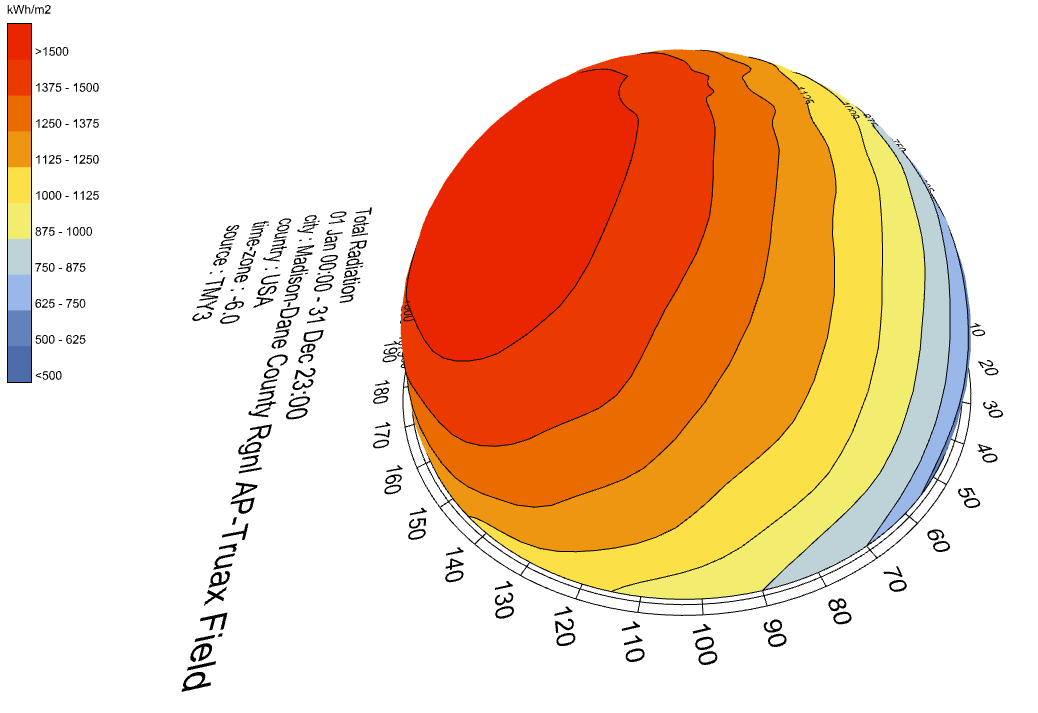
Contour Mesh Component - LBT 1.10 includes a new LB Contour Mesh component, which is designed to produce contour visualizations using the “standard currency” of most Ladybug Tools analyses - meshes coordinated with data:
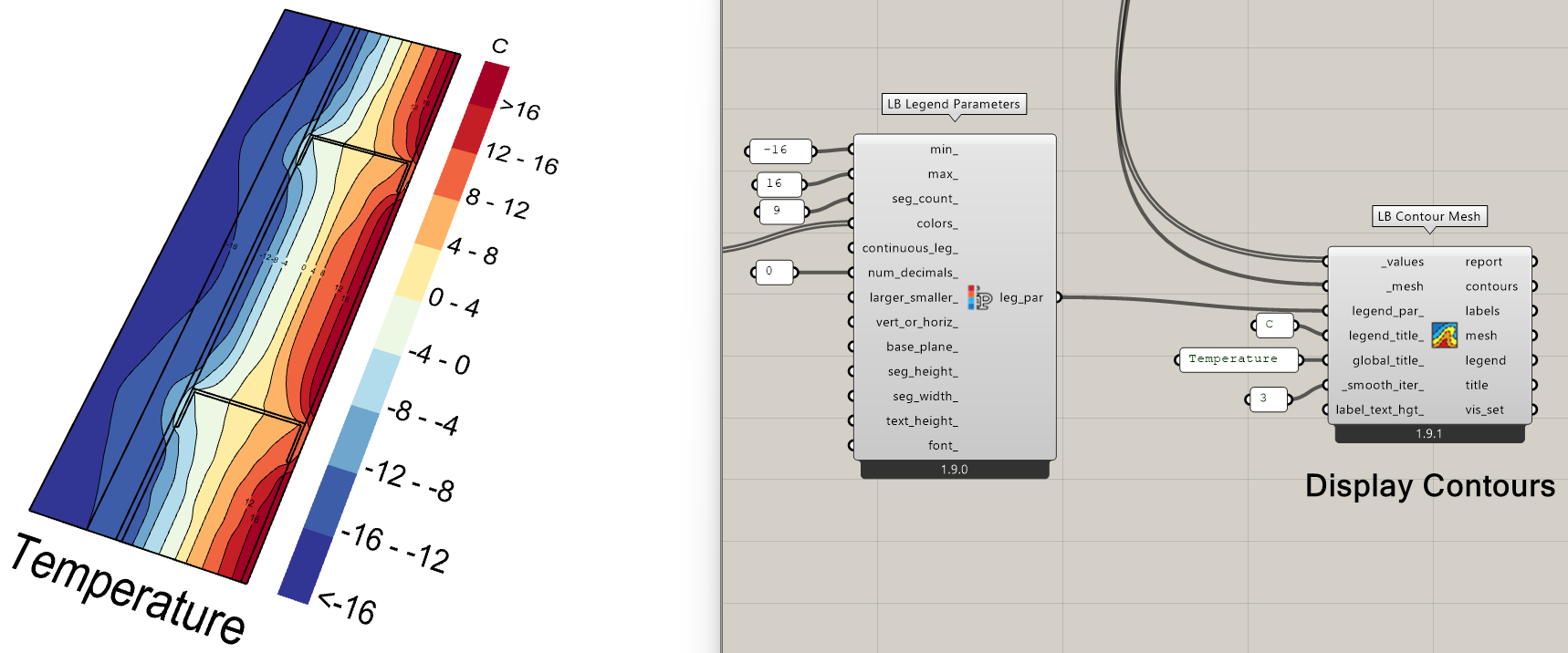
Years ago, some of you may have experimented with the Legacy version of this component, which never made it out of WIP thanks in large part to its unreliability but also for its inability to work with non-planar meshes. However, thanks to some experimental ideas that @Gspahr recently shared, this component has been reborn in LBT 1.10 with a host of improvements. Not only does it do a reliable job of contouring, labeling, and coloring regular old planar meshes:
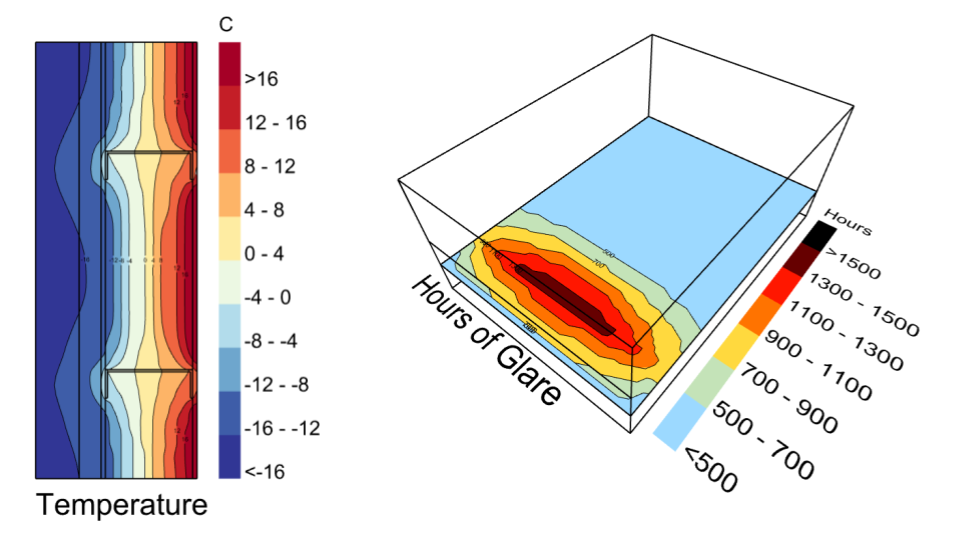
… but the new method also works well for 3D meshes:
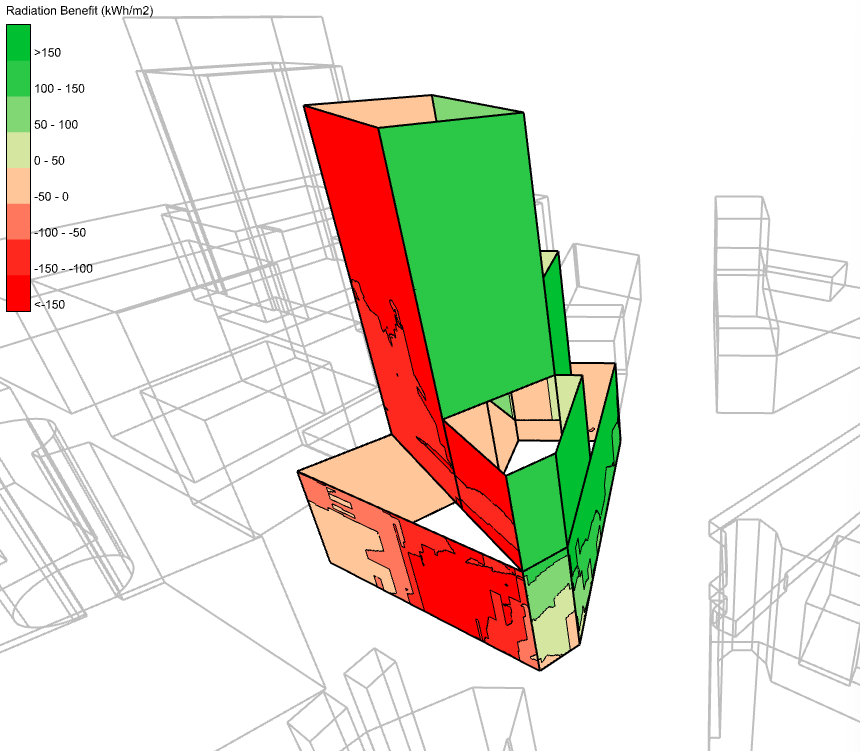
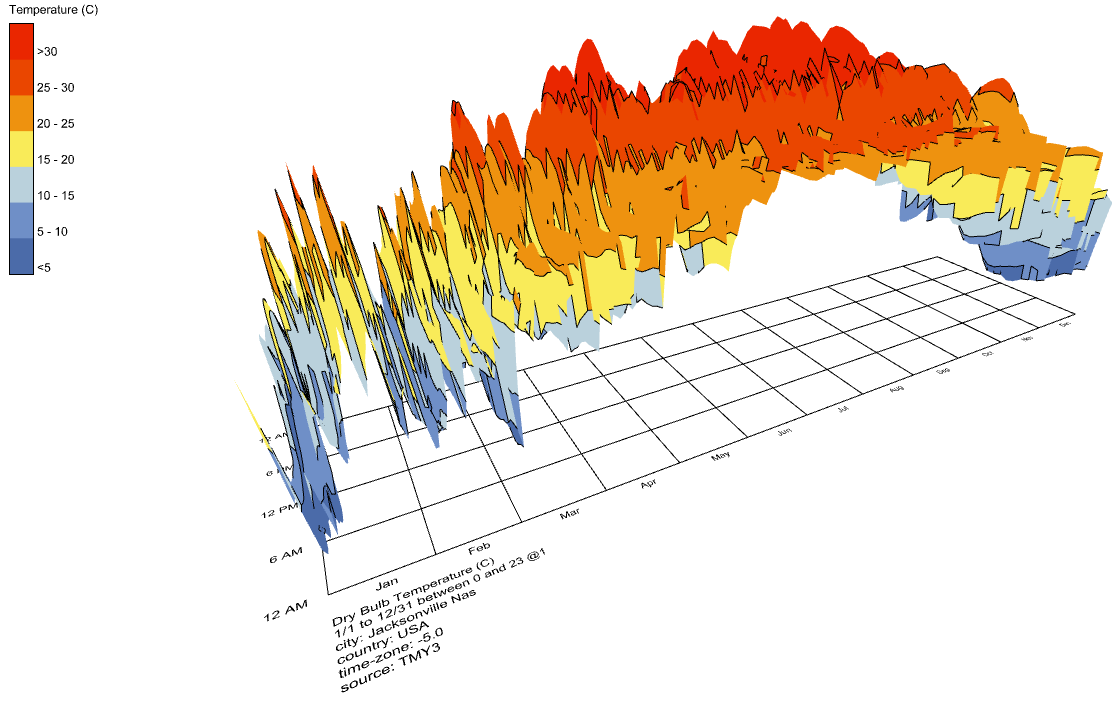
It can even work with standard Ladybug climate graphics like hourly plots.
Honeybee Improvements
Electric Lighting in HB-Radiance - After years of hearing your requests, we’re excited to say that LBT 1.10 finally includes workflows for modeling electric lights in Radiance simulations via IES-based luminaires. The new workflow is built around two key components: HB Luminaire and HB LuminaireZone, which together separate photometric definition from physical placement and orientation in the scene. The resulting instances of luminaries can be assigned to Honeybee models using the HB Assign Luminares component and they will automatically be included in any point-in-time simulations. This includes both the HB Point-In-Time Grid-Based recipe:
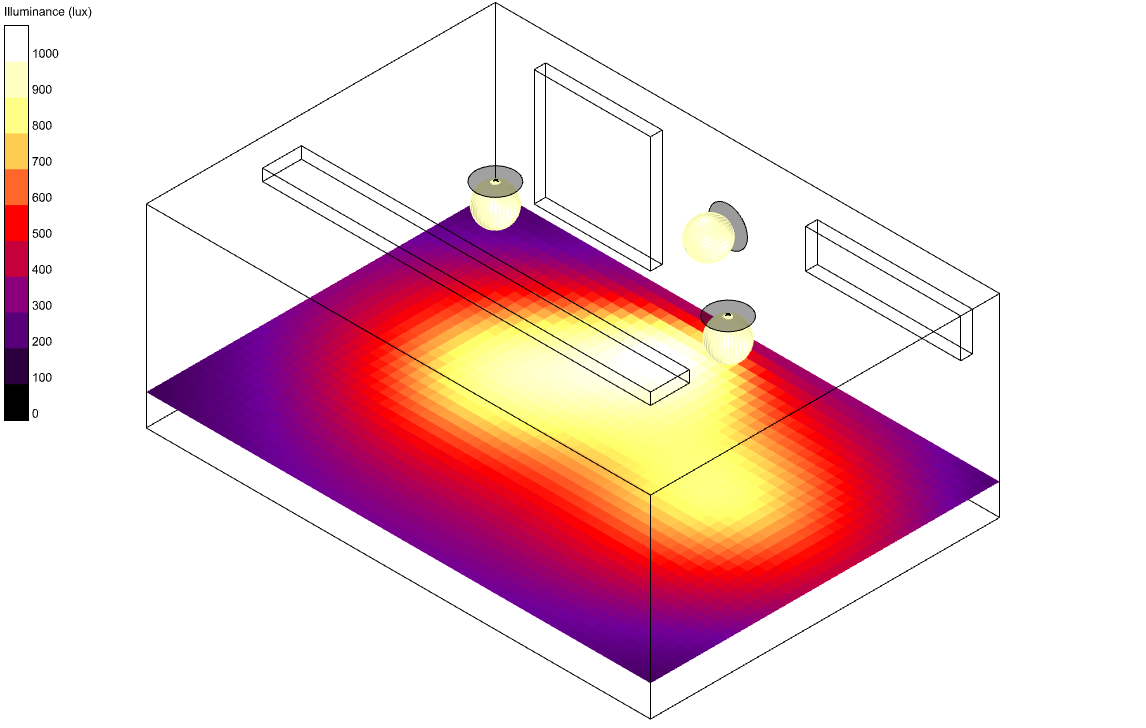
… as well as the HB Point-In-Time View-Based recipe:
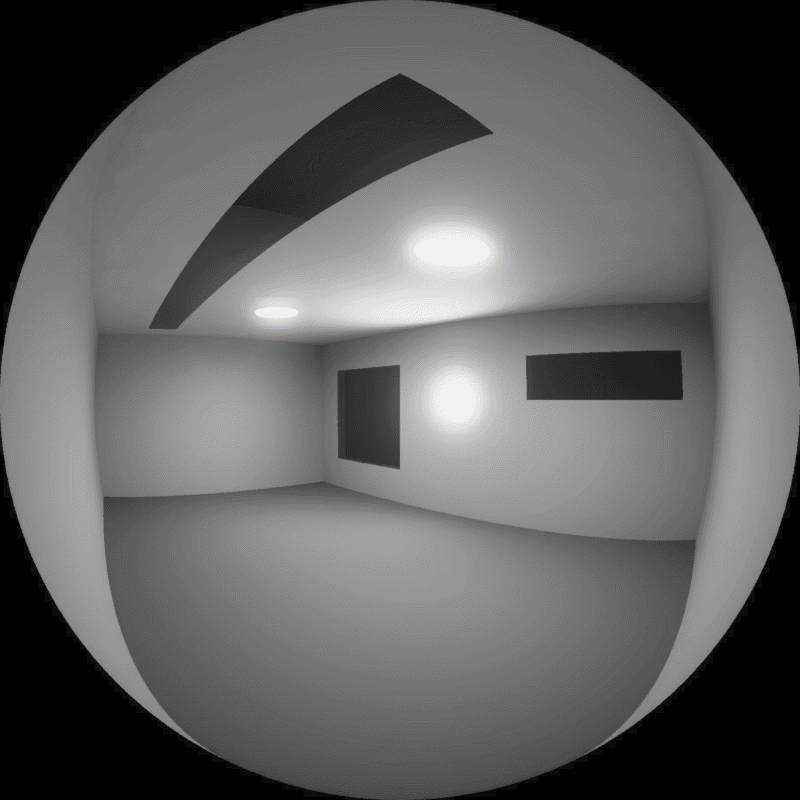
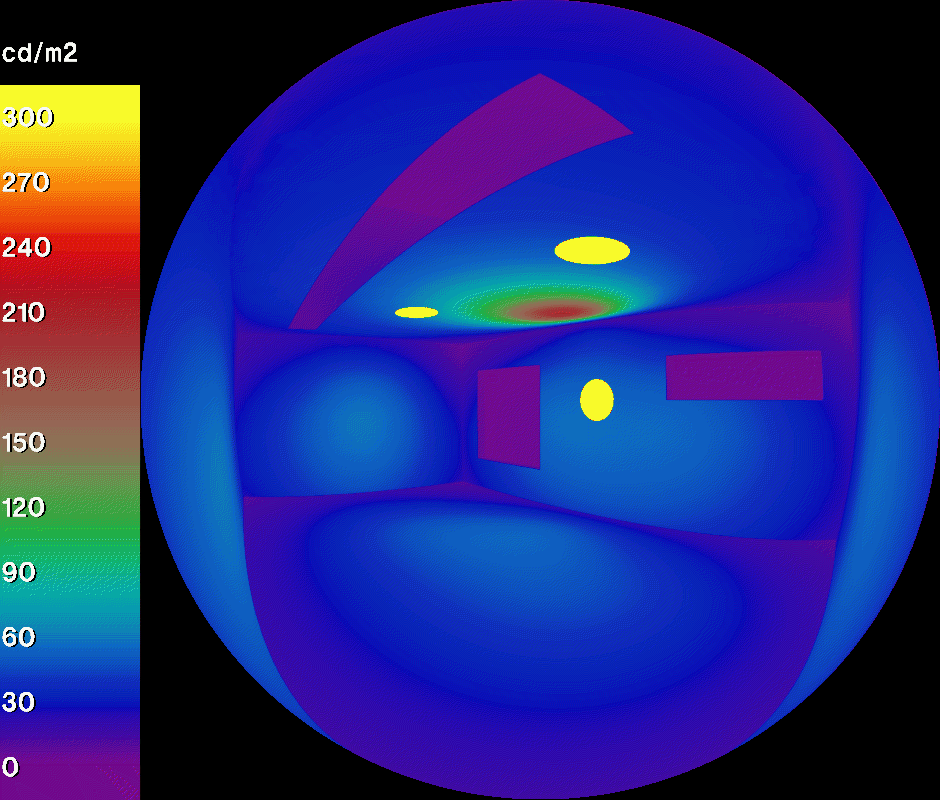
More information can be found on @mikkel ‘s announcement post
GPU Acceleration for Radiance Postprocessing - Another one of @mikkel ‘s additions to HB-Radiance is the automatic use of the GPU for post-processing annual matrices through CuPy.
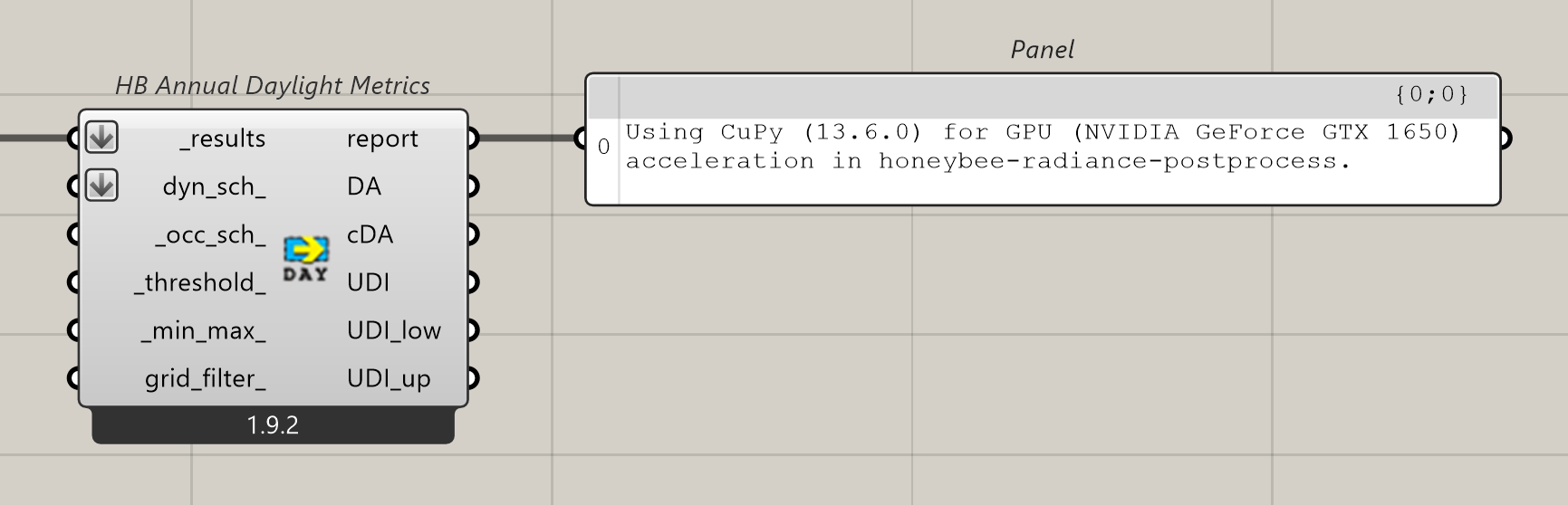
For those of you running large Radiance models with a compatible GPU, you should notice the annual result processing components under the 4 :: Results section run significantly faster. Furthermore, because matrix multiplication accounts for a big part of the HB Annual Daylight, and HB Annual Irradiance recipes, you should also find these recipes run a bit faster.
More information can be found on @mikkel ‘s announcement post
HB-Radiance Annual Statistics Component - Complementing the technical performance improvements added via GPU, @mikkel has also added a new HB Annual Statistics component, which is aimed at improving workflow performance by providing alternatives to the (rather slow) HB Annual Results to Data component. The new component performs all of the math to compute averages, sums, mins, and maxes using high performance numpy (orCuPy) libraries, making these statistics much faster and easier to obtain when you don’t truly need all of the underlying sensor data at each timestep.
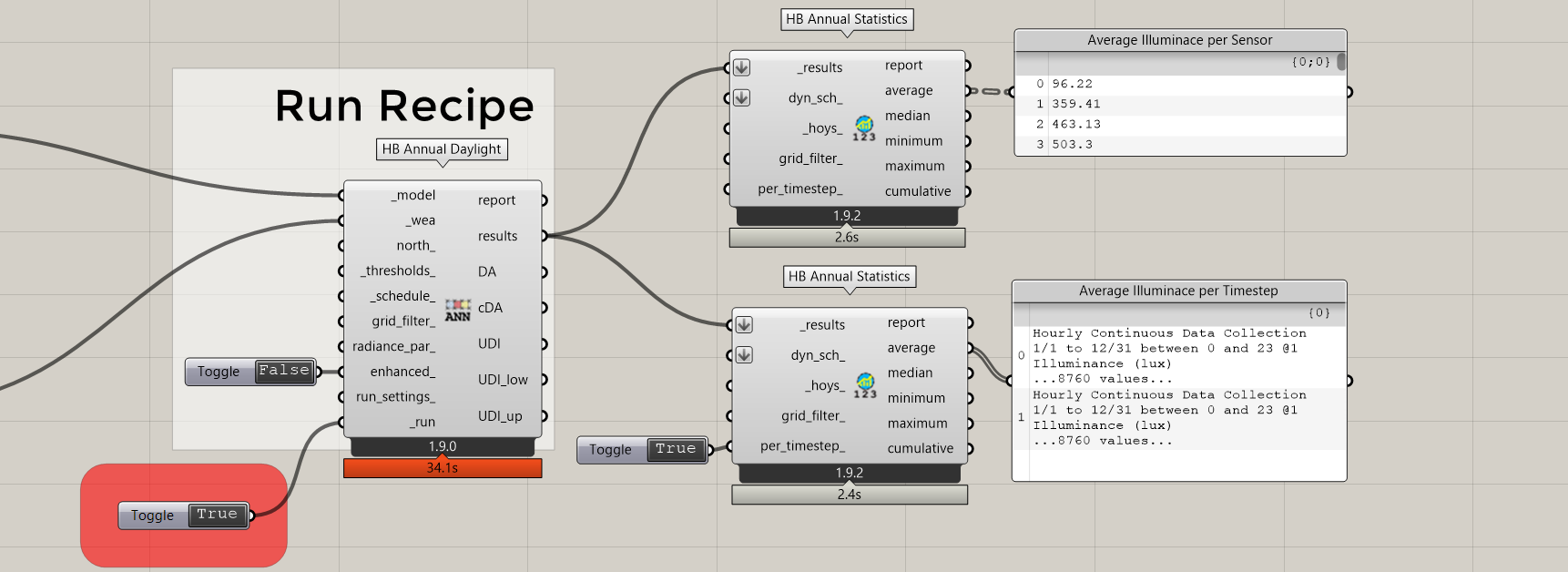
More information can be found on this topic
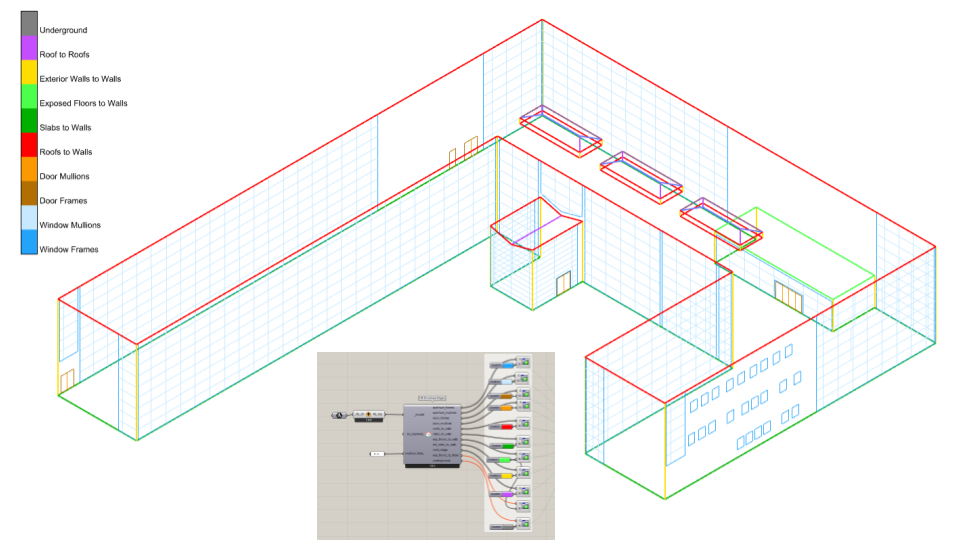
Envelope Edges Component - Complementing the release of a whole new insect for modeling the performance of thermal bridges (see below), we have added a new HB Envelope Edges component, which extracts line segments for the locations of typical thermal bridges from your Honeybee Models.
Introducing Fairyfly
After years of asking about the future of the Legacy Honeybee THERM capabilities, we are happy to announce that we have finally added a connection to THERM in the latest LBT-Grasshopper plugin! These THERM capabilities have been exposed through a new bug called Fairyfly, named for the smallest known insect, and Fairyfly exclusively uses the THERM 8 simulation engine to perform its meshing and finite element analysis.
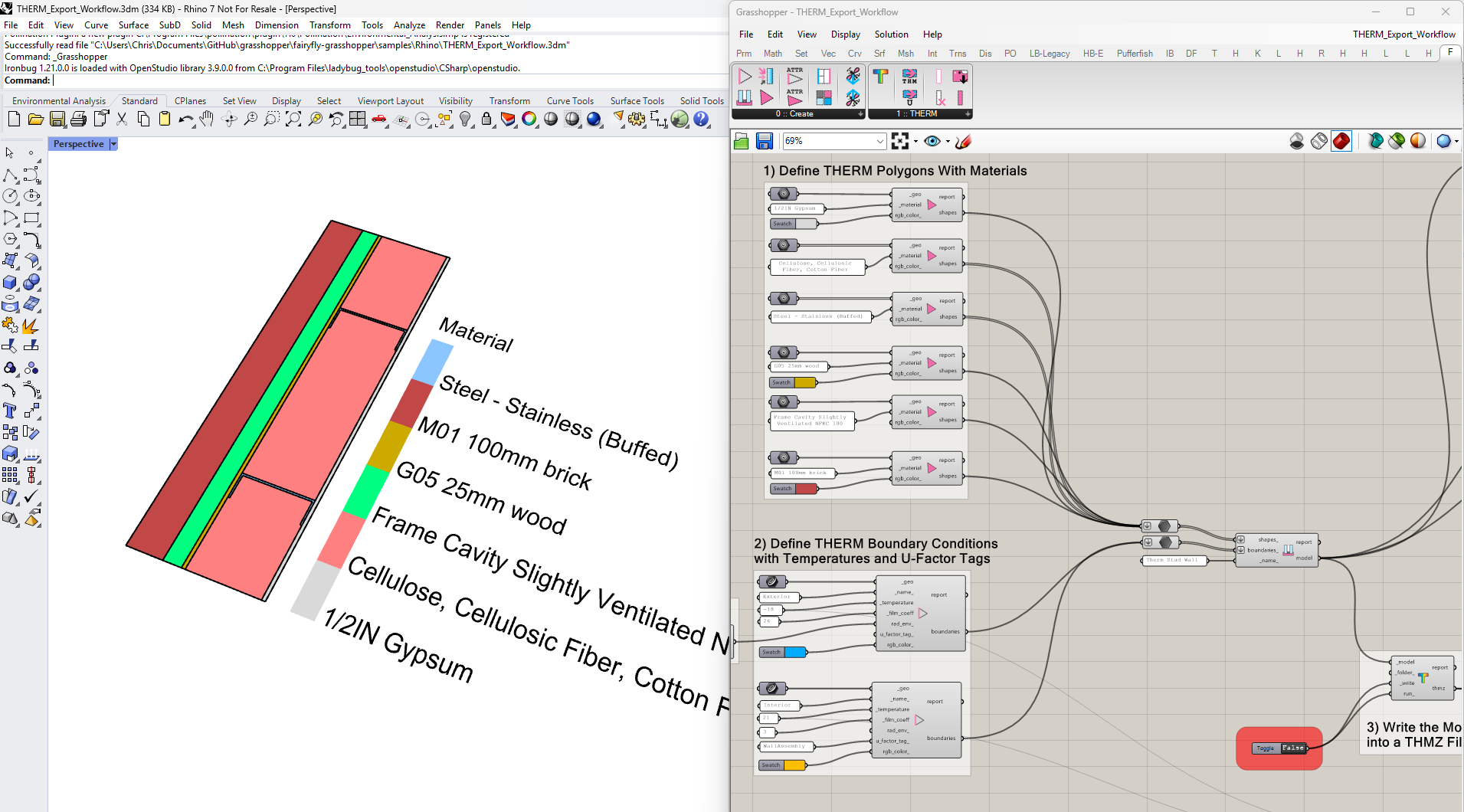
For those of you who used the Legacy Honeybee plugin, the workflow should feel fairly similar. You build your model using with components that assign THERM properties to shapes and boundaries:
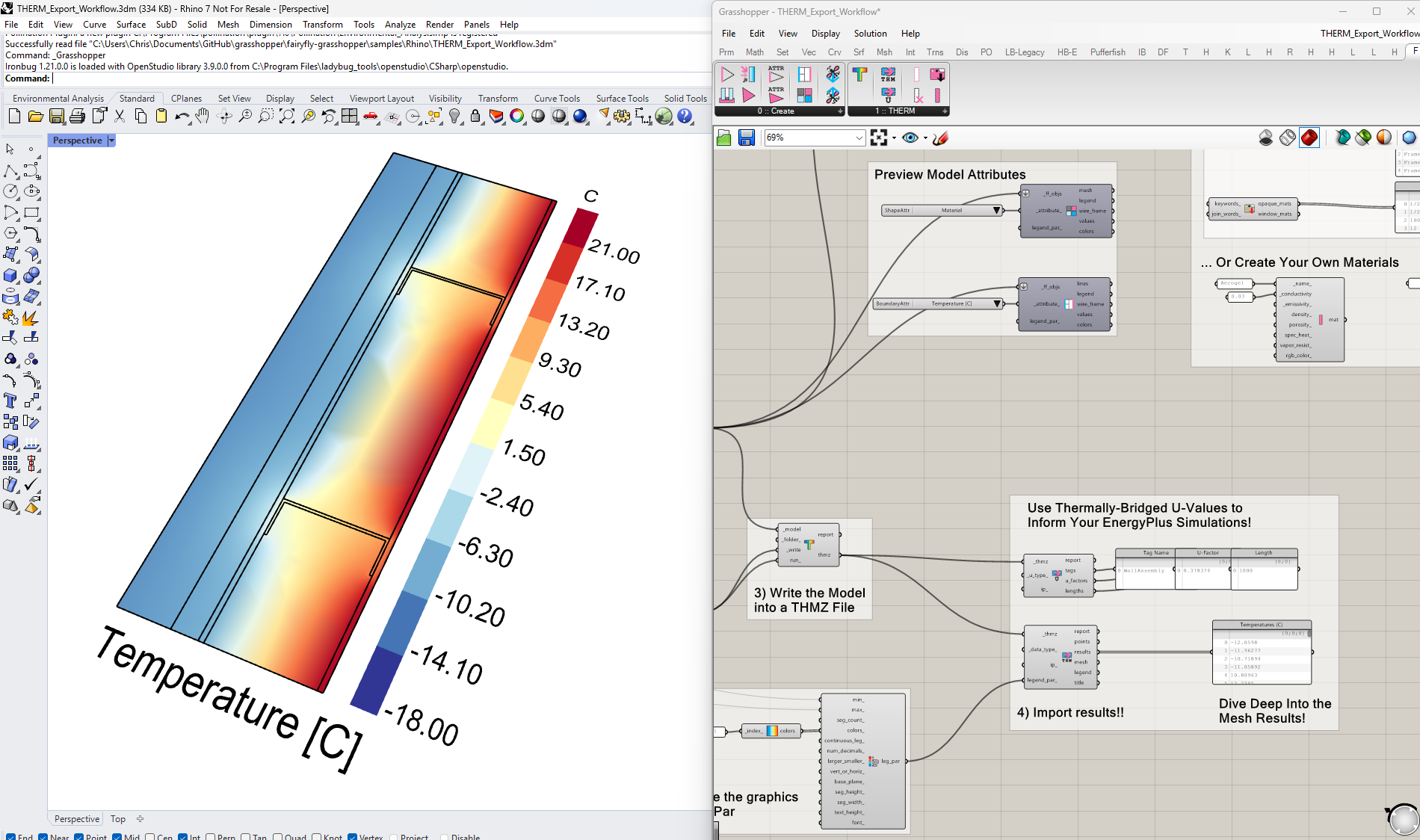
… and there are components to parse the results of the THERM simulation, including U-values and a colored mesh of temperatures (or heat flux):
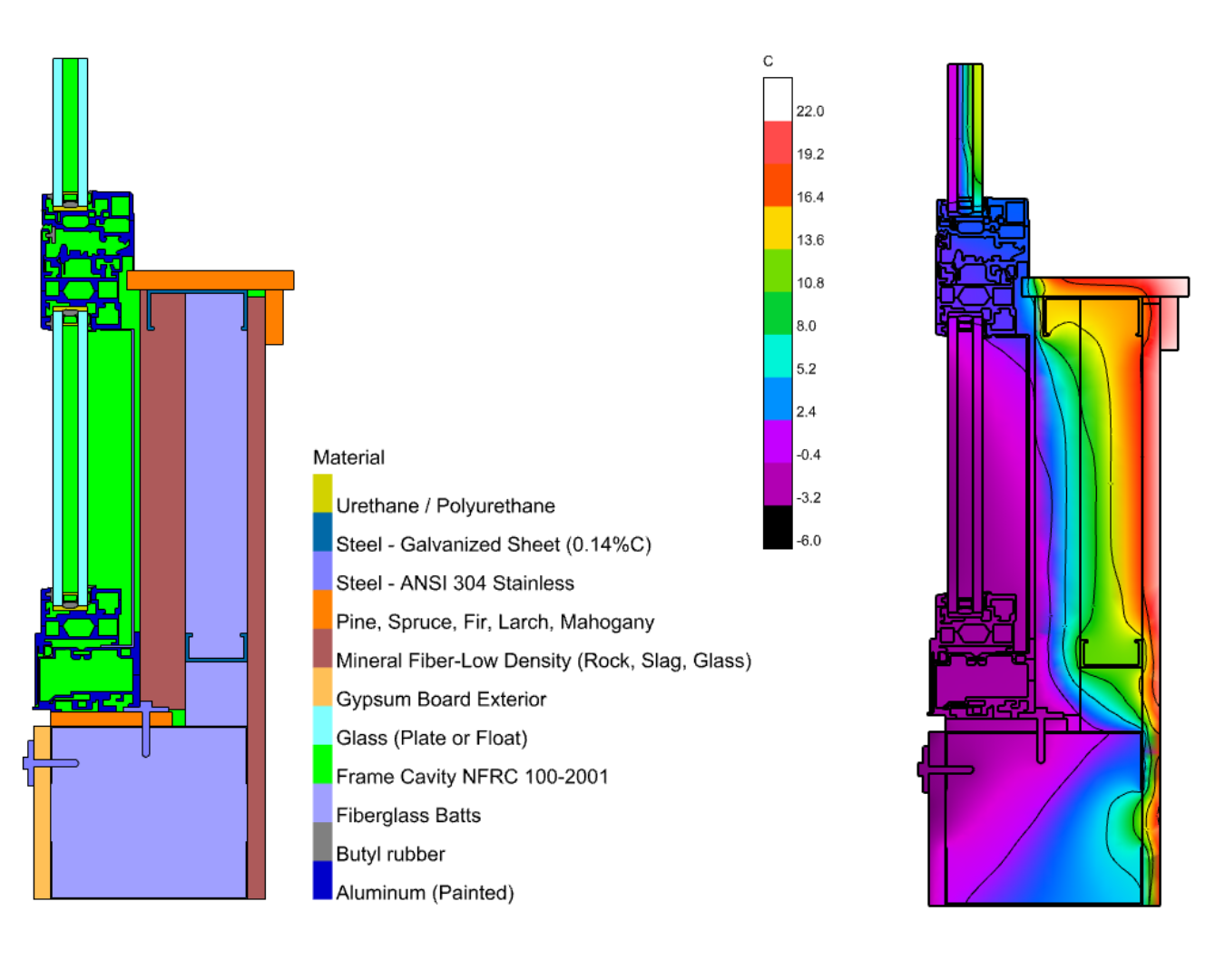
Using the newly-released THERM 8 engine offers a range of enhancements over the legacy workflows, perhaps most notably support for more complex geometry. Some of you have already started pushing your THERM modeling far past what would have been possible with the Legacy plugin. @remyweather produced this beautiful model of a spandrel panel with a range of detail that simply could not be meshed in THERM 7.
More information can be found on the announcement post here.
Features Targeted for the Next Stable Releases
With the burden of porting legacy features over to LBT now behind us, our future sights are now set on adding features beyond which we ever dreamed we would be doing years ago:
More THERM 8 Capabilities in Fairyfly - As you see at the end of the Fairyfly release announcement, THERM 8 has several new features that we hope to expose in the near future. The most exciting are probably hygrothermal modeling and transient simulation but we’ll be starting by adding support for window systems as this gives a solid foundation on which to build the other features.
Standards Compliance Recipes - With our goal of further integrating the LBT Grasshopper plugin with the needs of large professional projects, you should see us starting to expose new recipes for compliance with standards like LEED, ASHRAE 90.1 and others. Stay tuned!
